Subscribe to AI newsletter
Your data is completely secure with us. We don't share it with anyone.
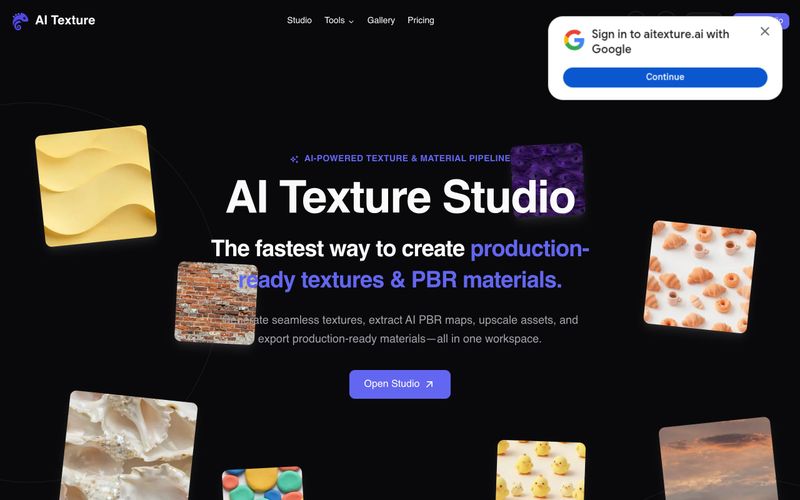
To use AI Texture Studio: (1) Start by describing your surface in a text prompt, uploading a reference photo, or selecting an existing texture. (2) Generate a seamless tile—the tool creates an X/Y tileable result in about 10 seconds. (3) Build complete PBR maps: Base Color, Normal, Roughness, Metalness, and Height are generated as a coordinated set. (4) Preview the surface on a 3D viewport to check how maps respond together; optionally apply 2x or 4x upscale up to 8K. (5) Export using engine presets for Unreal (ORM), Unity (Mask Map), Blender (nodes), or Godot (standard). The export package includes WEBP files in a ZIP. Free users get 10 starter credits with public assets; paid plans offer private assets and more credits.
Describe or upload a surface, generate a seamless tile, build PBR maps, preview in 3D, and export with engine presets.



This comprehensive guide explores the best AI image generators available in 2026, highlighting their unique features, strengths, and ideal use cases. We'll dive deep into each tool's capabilities to help you identify which AI image generator best suits your creative needs.

Google has just launched a powerful AI IDE code editor — now you can really vibe while coding

The best AI Model And AI Tools in 2026,The Most Popular Free AI Model And AI Tools.