Subscribe to AI newsletter
Your data is completely secure with us. We don't share it with anyone.
AI Texture Studio turns prompts or images into seamless textures and complete PBR material maps with 2x/4x upscaling and engine-ready exports.
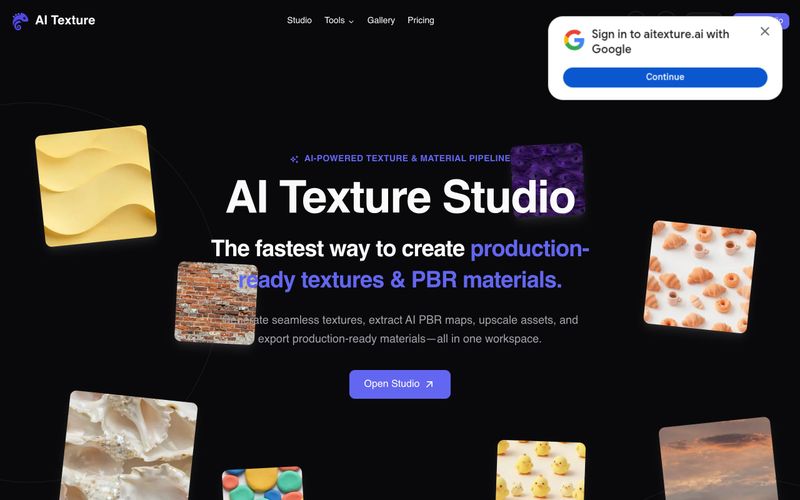
AI Texture Studio is a web-based material workspace for 3D artists, game teams, and archviz professionals. It converts text prompts, reference photos, or existing textures into seamless, tileable surfaces and complete PBR material sets. The workflow is built around five steps: describe or upload, generate a seamless tile (X/Y tileable in about 10 seconds), build complete PBR maps (Base Color, Normal, Roughness, Metalness, Height), preview the material on a 3D surface, and export to engine.
Key advantages include eliminating manual seam cleanup and map baking, generating coordinated PBR channels as one set, optional 2x/4x AI upscaling up to 8K, and engine presets for Unreal ORM, Unity Mask Map, Blender nodes, and Godot standard. Outputs are packaged as ZIP files with WEBP textures. The platform offers a free tier with 10 starter credits and public assets, plus paid plans (Plus at $19.99/month billed annually, Pro at $49.99/month billed annually) and one-time credit packs. Typical generation starts in about 10 seconds, and users can preview tiling with a 2x2 repeat checker.
To use AI Texture Studio: (1) Start by describing your surface in a text prompt, uploading a reference photo, or selecting an existing texture. (2) Generate a seamless tile—the tool creates an X/Y tileable result in about 10 seconds. (3) Build complete PBR maps: Base Color, Normal, Roughness, Metalness, and Height are generated as a coordinated set. (4) Preview the surface on a 3D viewport to check how maps respond together; optionally apply 2x or 4x upscale up to 8K. (5) Export using engine presets for Unreal (ORM), Unity (Mask Map), Blender (nodes), or Godot (standard). The export package includes WEBP files in a ZIP. Free users get 10 starter credits with public assets; paid plans offer private assets and more credits.
Can I change my plan later? The FAQ section lists this question, but the provided evidence does not include the answer text.
What payment methods do you accept? This question appears in the FAQ, but the answer is not included in the provided evidence.
Can I try AI Texture for free? Yes, the Free plan offers 10 starter credits, basic generation, public assets, and a personal workspace with public-by-default assets. No private assets are included.
What is your refund policy? This question is listed in the FAQ, but the answer text is not available in the provided evidence.
How do I get support? The FAQ includes this question, but the provided evidence does not contain the answer.
Support options are referenced via the FAQ question "How do I get support?" but the specific support channels (email, chat, etc.) are not detailed in the provided evidence. The website footer includes links to About, Contact, and other resources. The Twitter handle listed is hi@aitexture.ai, which may serve as a contact point.
Share practical notes and help others evaluate this tool.
No comments yet. Start the conversation.


Explore curated Codex skins, save favorites, and customize Codex Desktop on macOS or Windows with native UI preserved.

NanoBananaAI is a free AI image generator powered by Nano Banana Pro, Google's advanced image model. Create, edit, and transform stunning visuals with natural language prompts. No design skills needed.

Create faceless reels from an idea or script. Review the hook, voiceover, visuals, captions, and scene plan before generation.
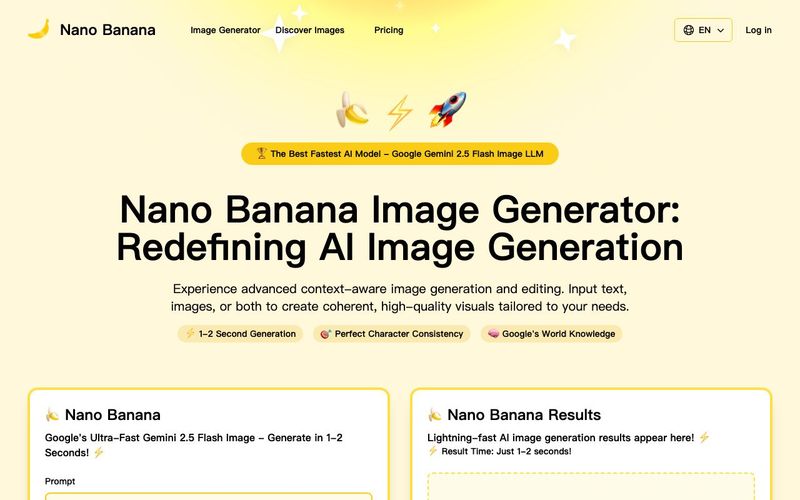
Discover Nano Banana, the next-generation multimodal model for context-aware image generation and editing. Combine text and image prompts to create, edit, and refine visuals with unmatched consistency and style.



This comprehensive guide explores the best AI image generators available in 2026, highlighting their unique features, strengths, and ideal use cases. We'll dive deep into each tool's capabilities to help you identify which AI image generator best suits your creative needs.

Google has just launched a powerful AI IDE code editor — now you can really vibe while coding

The best AI Model And AI Tools in 2026,The Most Popular Free AI Model And AI Tools.