訂閱 AI 電子報
您的資料完全安全。我們不會與任何人分享。
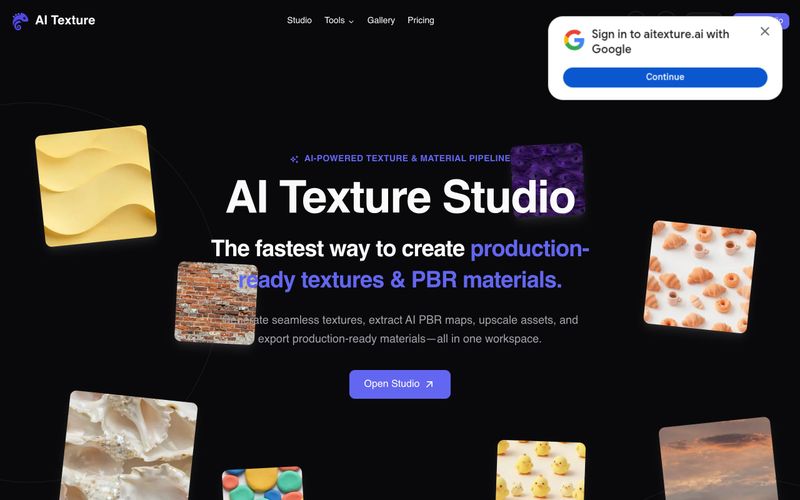
使用 AI Texture Studio:(1) 先以文字提示描述表面、上傳參考照片,或選擇現有紋理。(2) 生成無縫磚塊——工具會在約 10 秒內建立 X/Y 可平鋪的結果。(3) 建立完整的 PBR 貼圖:Base Color、Normal、Roughness、Metalness 與 Height 會作為協調的一組生成。(4) 在 3D 視埠中預覽表面,檢查各貼圖如何共同呈現;可選擇套用 2x 或 4x 放大,最高可達 8K。(5) 使用引擎預設匯出:Unreal (ORM)、Unity (Mask Map)、Blender (nodes) 或 Godot (standard)。匯出包包含 ZIP 中的 WEBP 檔案。免費使用者可獲得 10 個起始點數與公開素材;付費方案提供私人素材與更多點數。
描述或上傳表面、生成無縫磚塊、建立 PBR 貼圖、在 3D 中預覽,並使用引擎預設匯出。



This comprehensive guide explores the best AI image generators available in 2026, highlighting their unique features, strengths, and ideal use cases. We'll dive deep into each tool's capabilities to help you identify which AI image generator best suits your creative needs.

Google has just launched a powerful AI IDE code editor — now you can really vibe while coding

The best AI Model And AI Tools in 2026,The Most Popular Free AI Model And AI Tools.