AIニュースレターを購読
あなたのデータは私たちと完全に安全です。誰とも共有しません。
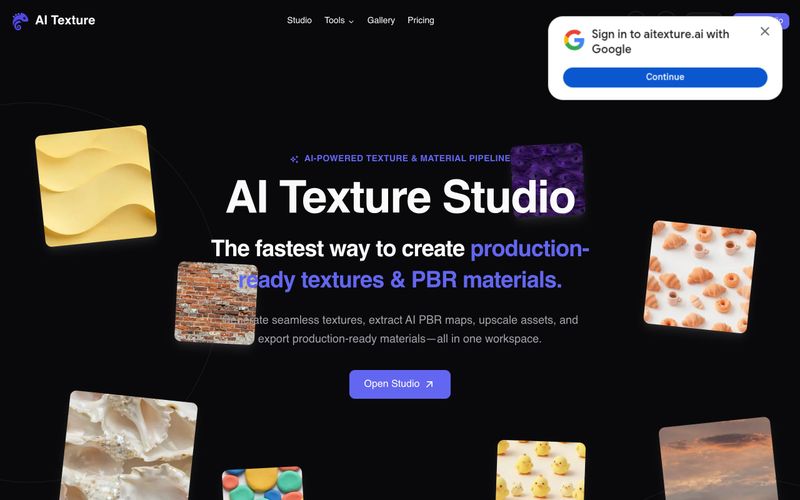
AI Texture Studioの使い方:(1) テキストプロンプトで表面を説明するか、参照写真をアップロードするか、既存のテクスチャを選択して開始します。(2) シームレスタイルを生成します。ツールは約10秒でX/Yタイル可能な結果を作成します。(3) 完全なPBRマップを構築します。Base Color、Normal、Roughness、Metalness、Heightが連携したセットとして生成されます。(4) 3Dビューポートで表面をプレビューし、マップ同士の連動を確認します。必要に応じて2倍または4倍のアップスケールを最大8Kまで適用できます。(5) Unreal(ORM)、Unity(Mask Map)、Blender(nodes)、Godot(standard)のエンジンプリセットを使用してエクスポートします。エクスポートパッケージにはZIP内のWEBPファイルが含まれます。無料ユーザーは10スタータークレジットと公開アセットを利用でき、有料プランでは非公開アセットとより多くのクレジットが提供されます。
表面を説明またはアップロードし、シームレスタイルを生成し、PBRマップを構築し、3Dでプレビューし、エンジンプリセットでエクスポートします。



This comprehensive guide explores the best AI image generators available in 2026, highlighting their unique features, strengths, and ideal use cases. We'll dive deep into each tool's capabilities to help you identify which AI image generator best suits your creative needs.

Google has just launched a powerful AI IDE code editor — now you can really vibe while coding

The best AI Model And AI Tools in 2026,The Most Popular Free AI Model And AI Tools.