Assine a newsletter de IA
Seus dados estão completamente seguros conosco. Não os compartilhamos com ninguém.
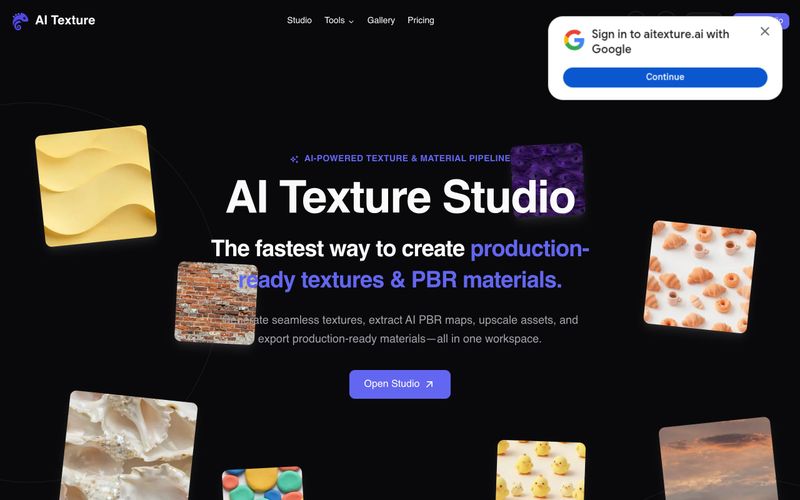
Para usar o AI Texture Studio: (1) Comece descrevendo a superfície em um prompt de texto, enviando uma foto de referência ou selecionando uma textura existente. (2) Gere um tile sem emendas — a ferramenta cria um resultado tileável em X/Y em cerca de 10 segundos. (3) Construa mapas PBR completos: Base Color, Normal, Roughness, Metalness e Height são gerados como um conjunto coordenado. (4) Pré-visualize a superfície em um viewport 3D para verificar como os mapas interagem entre si; opcionalmente, aplique upscale 2x ou 4x até 8K. (5) Exporte usando presets de engine para Unreal (ORM), Unity (Mask Map), Blender (nós) ou Godot (padrão). O pacote de exportação inclui arquivos WEBP em um ZIP. Usuários gratuitos recebem 10 créditos iniciais com assets públicos; planos pagos oferecem assets privados e mais créditos.
Descreva ou envie uma superfície, gere um tile sem emendas, construa mapas PBR, pré-visualize em 3D e exporte com presets de engine.



This comprehensive guide explores the best AI image generators available in 2026, highlighting their unique features, strengths, and ideal use cases. We'll dive deep into each tool's capabilities to help you identify which AI image generator best suits your creative needs.

Google has just launched a powerful AI IDE code editor — now you can really vibe while coding

The best AI Model And AI Tools in 2026,The Most Popular Free AI Model And AI Tools.