AI 뉴스레터 구독
귀하의 데이터는 완전히 안전하게 보호됩니다. 어떤 누구와도 공유하지 않습니다.
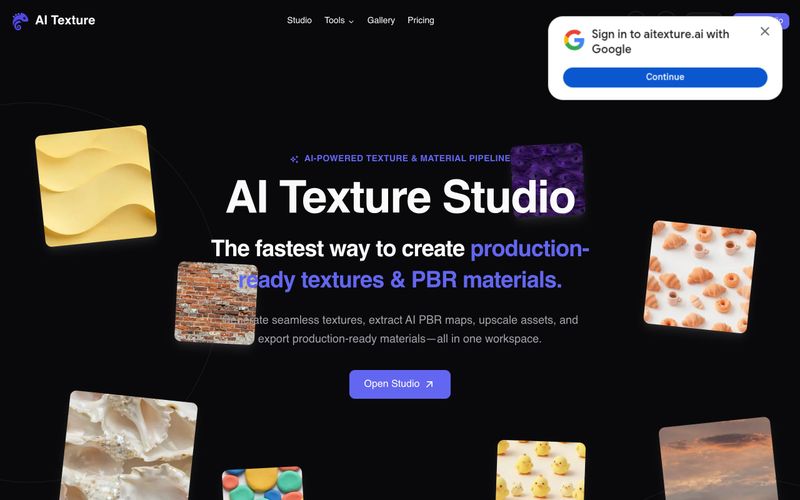
AI Texture Studio를 사용하려면: (1) 텍스트 프롬프트로 표면을 설명하거나, 참조 사진을 업로드하거나, 기존 텍스처를 선택하여 시작합니다. (2) 이음새 없는 타일을 생성합니다. 이 도구는 약 10초 만에 X/Y 타일링 가능한 결과를 만듭니다. (3) 완전한 PBR 맵을 구성합니다. Base Color, Normal, Roughness, Metalness, Height가 조화로운 세트로 생성됩니다. (4) 3D 뷰포트에서 표면을 미리 보고 맵들이 함께 어떻게 반응하는지 확인합니다. 선택적으로 최대 8K까지 2x 또는 4x 업스케일을 적용할 수 있습니다. (5) Unreal(ORM), Unity(Mask Map), Blender(nodes), Godot(standard)용 엔진 프리셋을 사용하여 내보냅니다. 내보내기 패키지에는 ZIP 파일의 WEBP 파일이 포함됩니다. 무료 사용자는 공개 에셋과 함께 스타터 크레딧 10개를 받으며, 유료 플랜은 비공개 에셋과 더 많은 크레딧을 제공합니다.
표면을 설명하거나 업로드하고, 이음새 없는 타일을 생성하고, PBR 맵을 구성하고, 3D에서 미리 보고, 엔진 프리셋으로 내보냅니다.



This comprehensive guide explores the best AI image generators available in 2026, highlighting their unique features, strengths, and ideal use cases. We'll dive deep into each tool's capabilities to help you identify which AI image generator best suits your creative needs.

Google has just launched a powerful AI IDE code editor — now you can really vibe while coding

The best AI Model And AI Tools in 2026,The Most Popular Free AI Model And AI Tools.