Subscribe to AI newsletter
Your data is completely secure with us. We don't share it with anyone.
Transcribe video and audio to text with AI, supporting 99 languages including English, Spanish, Portuguese and more, featuring speaker diarization and timestamps.
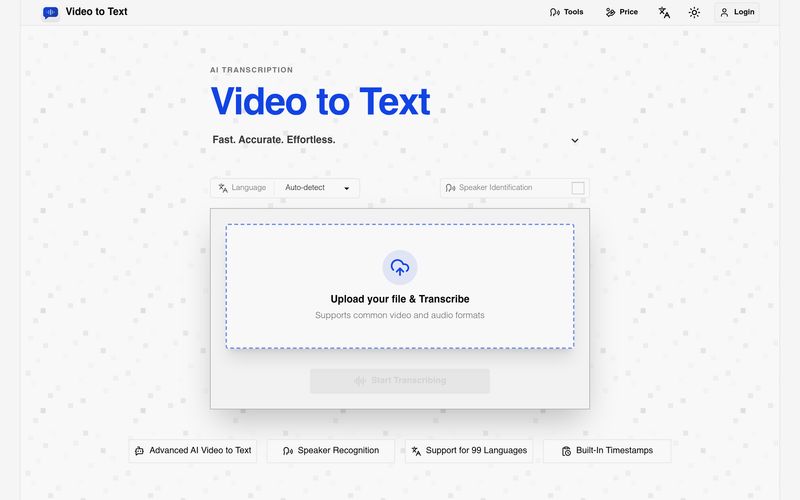
In a world increasingly driven by video and audio content, converting spoken information into searchable, editable text has become essential. Video to Text stands out as a highly efficient AI tool designed to simplify transcription for creators, students, professionals, journalists, and educators. By transforming video and audio files into accurate text transcripts with timestamps, speaker labels, and multilingual support, Video to Text makes content organization and Text writing significantly faster and easier.
Video to Text is an advanced AI tool that converts video and audio into highly accurate text transcripts, subtitles, and structured written content. Instead of manually transcribing interviews, lectures, podcasts, meetings, or online videos, users can upload a file and let the AI automatically process spoken language into readable, editable text.
Supporting 99 languages, including English, Spanish, Portuguese, French, and Chinese, Video to Text is built for multilingual workflows. Its automatic language detection and mixed-language recognition make it especially valuable for global teams, international creators, and multilingual content production.
Video to Text supports a wide range of workflows:
Unlike traditional transcription services, Video to Text combines speed, multilingual intelligence, and usability into one streamlined AI tool. New users receive 30 free transcription minutes, there are no subscriptions required, and pricing follows a flexible pay-as-you-go model.
Overall, Video to Text is a powerful AI tool for anyone focused on Text writing and content productivity. By turning spoken conversations into structured, editable text in minutes, Video to Text helps users save time, improve accessibility, and unlock new ways to repurpose video and audio content efficiently.
Upload a video or audio file.
Let the AI transcribe your content.
Export your transcript in your preferred format.
What is Video to Text?
Video to Text is an AI transcription tool that converts video and audio files into text, subtitles, and timestamped transcripts.
Can I use Video to Text for free?
Yes. New users receive 30 free minutes after sign-up.
How fast is Video to Text transcription?
Transcription is usually very fast. A one-hour audio file can often be processed in well under a minute, although final speed depends on file size, upload time, and network conditions.
What file formats do you support?
You can upload common video and audio formats such as MP4, MOV, MKV, WEBM, M4V, MP3, WAV, M4A, FLAC, OGG, AAC, and OPUS.
If an error occurs during file upload or transcription, will my balance be deducted?
No. The system only charges you after it confirms that transcription has been completed.
How large can my file be?
Each file can be up to 5 GB, with a maximum media length of 10 hours.
Which export formats are available?
You can export your results as TXT, SRT, VTT, or CSV.
Does it support multiple speakers and languages?
Yes. Video to Text supports speaker labels, automatic language detection, multi-language recognition, and transcription in 99 languages.
What happens after I upload my file?
Uploaded files are stored temporarily. To keep your transcript, please export the result after processing.
Share practical notes and help others evaluate this tool.
No comments yet. Start the conversation.

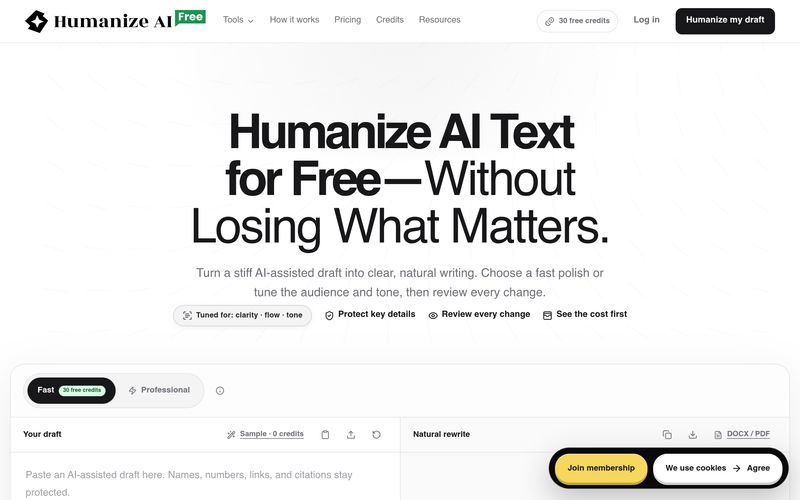
FreeHumanizeAI humanizes AI-generated text to improve clarity, flow, and tone while preserving meaning. It offers a free plan with 30 credits, professional tools, and a transparent credit system. Users can review all changes and export their work.
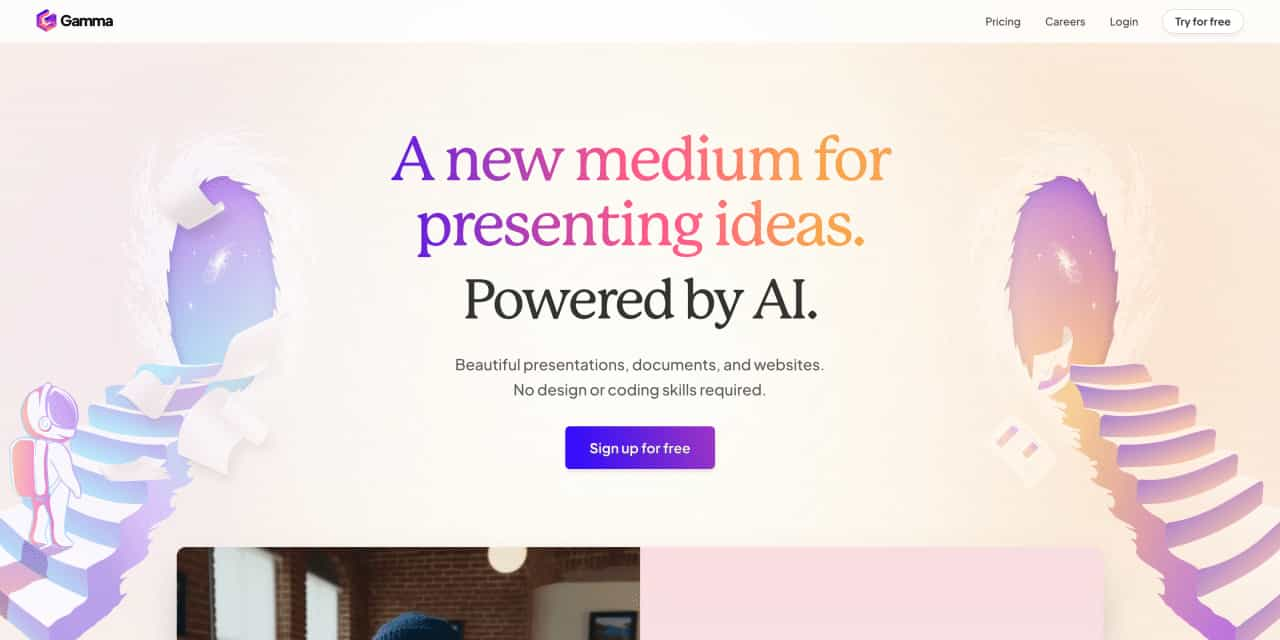
Beautiful presentations, documents, and websites. No design or coding skills required.
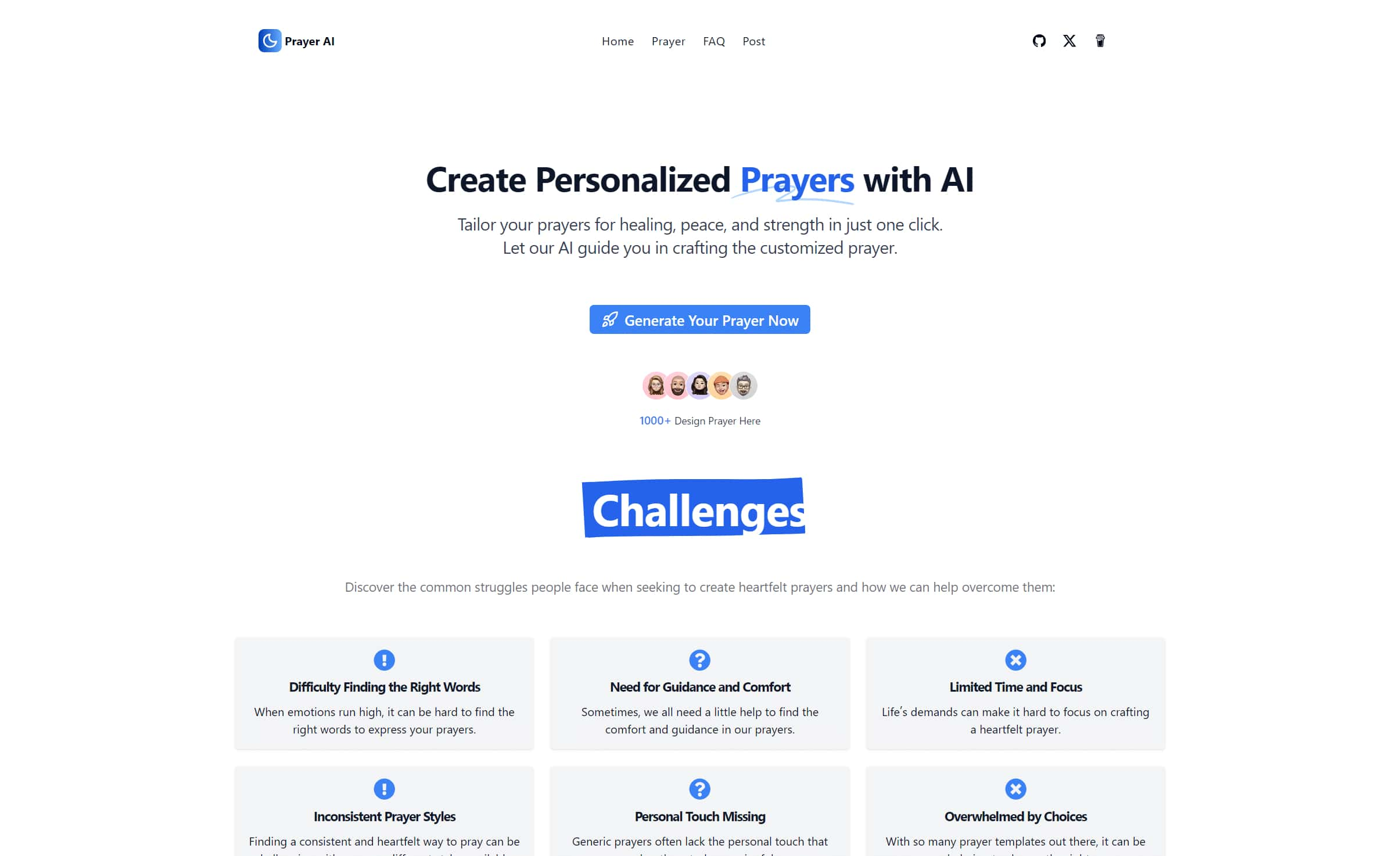
Create personalized prayers tailored to your specific needs. Explore our extensive prayer library and generate custom prayers for healing, peace, strength, and more. Learn how to write your own prayers with our helpful guides.
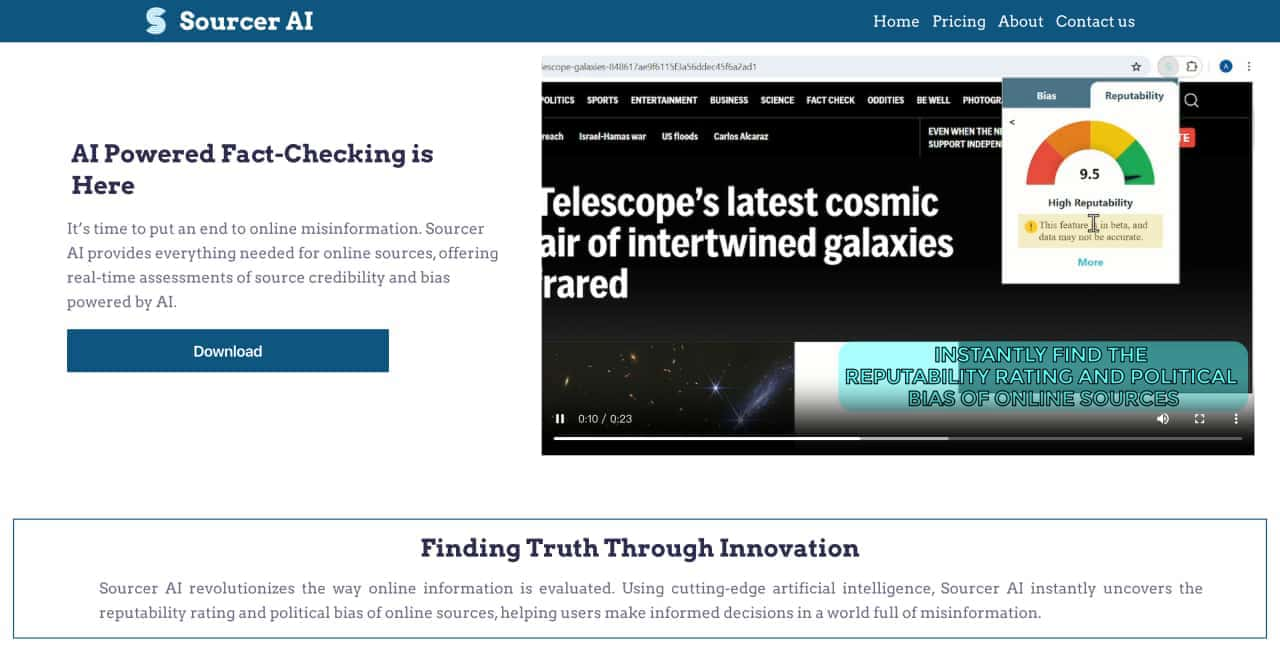
Real-Time Assessment of Source Credibility and Bas



This comprehensive guide explores the best AI image generators available in 2026, highlighting their unique features, strengths, and ideal use cases. We'll dive deep into each tool's capabilities to help you identify which AI image generator best suits your creative needs.

Google has just launched a powerful AI IDE code editor — now you can really vibe while coding

The best AI Model And AI Tools in 2026,The Most Popular Free AI Model And AI Tools.