订阅AI通讯
您的数据完全安全。我们不会与任何人共享。
Transcribe video and audio to text with AI, supporting 99 languages including English, Spanish, Portuguese and more, featuring speaker diarization and timestamps.
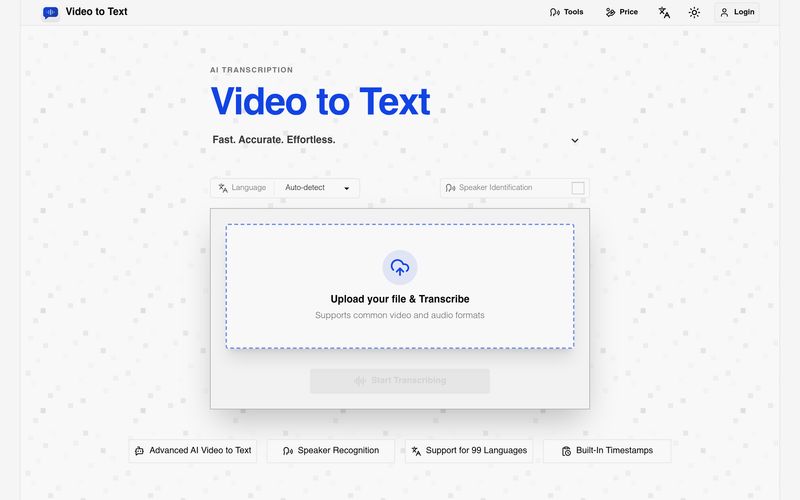
In a world increasingly driven by video and audio content, converting spoken information into searchable, editable text has become essential. Video to Text stands out as a highly efficient AI tool designed to simplify transcription for creators, students, professionals, journalists, and educators. By transforming video and audio files into accurate text transcripts with timestamps, speaker labels, and multilingual support, Video to Text makes content organization and Text writing significantly faster and easier.
Video to Text is an advanced AI tool that converts video and audio into highly accurate text transcripts, subtitles, and structured written content. Instead of manually transcribing interviews, lectures, podcasts, meetings, or online videos, users can upload a file and let the AI automatically process spoken language into readable, editable text.
Supporting 99 languages, including English, Spanish, Portuguese, French, and Chinese, Video to Text is built for multilingual workflows. Its automatic language detection and mixed-language recognition make it especially valuable for global teams, international creators, and multilingual content production.
Video to Text supports a wide range of workflows:
Unlike traditional transcription services, Video to Text combines speed, multilingual intelligence, and usability into one streamlined AI tool. New users receive 30 free transcription minutes, there are no subscriptions required, and pricing follows a flexible pay-as-you-go model.
Overall, Video to Text is a powerful AI tool for anyone focused on Text writing and content productivity. By turning spoken conversations into structured, editable text in minutes, Video to Text helps users save time, improve accessibility, and unlock new ways to repurpose video and audio content efficiently.
Upload a video or audio file.
Let the AI transcribe your content.
Export your transcript in your preferred format.
What is Video to Text?
Video to Text is an AI transcription tool that converts video and audio files into text, subtitles, and timestamped transcripts.
Can I use Video to Text for free?
Yes. New users receive 30 free minutes after sign-up.
How fast is Video to Text transcription?
Transcription is usually very fast. A one-hour audio file can often be processed in well under a minute, although final speed depends on file size, upload time, and network conditions.
What file formats do you support?
You can upload common video and audio formats such as MP4, MOV, MKV, WEBM, M4V, MP3, WAV, M4A, FLAC, OGG, AAC, and OPUS.
If an error occurs during file upload or transcription, will my balance be deducted?
No. The system only charges you after it confirms that transcription has been completed.
How large can my file be?
Each file can be up to 5 GB, with a maximum media length of 10 hours.
Which export formats are available?
You can export your results as TXT, SRT, VTT, or CSV.
Does it support multiple speakers and languages?
Yes. Video to Text supports speaker labels, automatic language detection, multi-language recognition, and transcription in 99 languages.
What happens after I upload my file?
Uploaded files are stored temporarily. To keep your transcript, please export the result after processing.
分享实用笔记,帮助他人评估此工具。
暂无评论。开始对话吧。

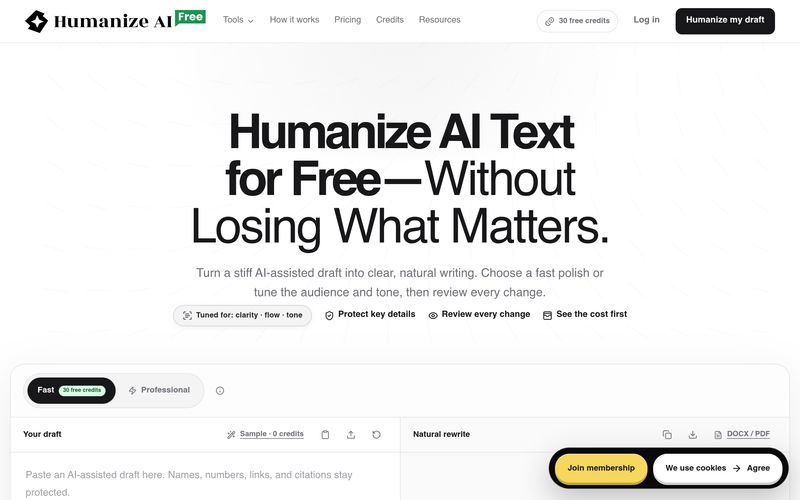
FreeHumanizeAI将AI生成的文本人性化,改善清晰度、流畅度和语气,同时保留原意。它提供免费计划(30积分)、专业工具和透明的积分系统。用户可以审查所有更改并导出作品。
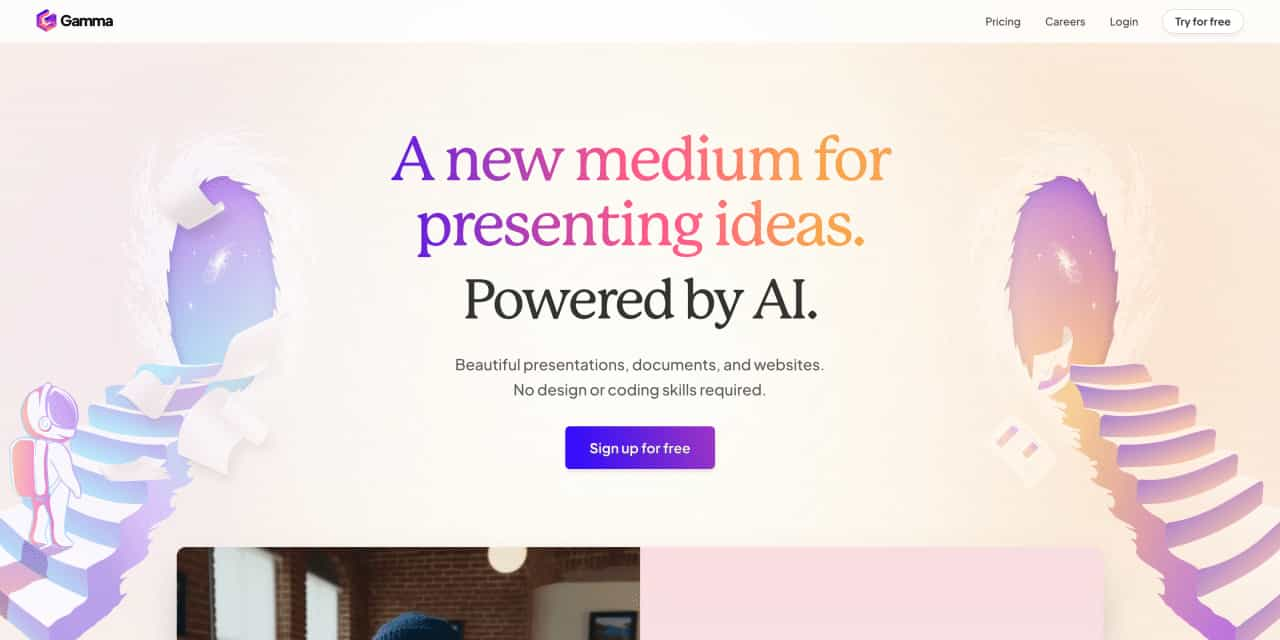
Beautiful presentations, documents, and websites. No design or coding skills required.
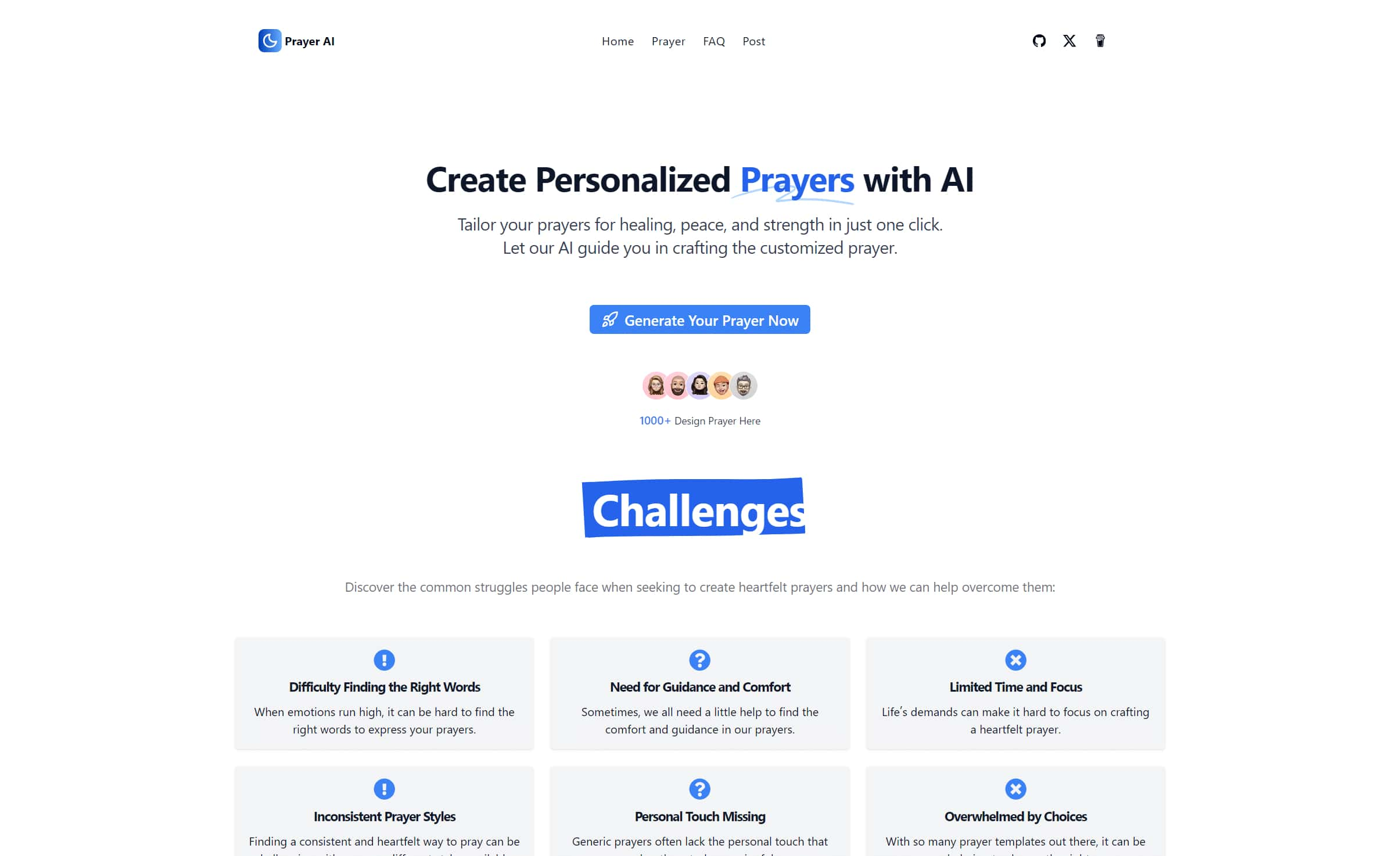
Create personalized prayers tailored to your specific needs. Explore our extensive prayer library and generate custom prayers for healing, peace, strength, and more. Learn how to write your own prayers with our helpful guides.
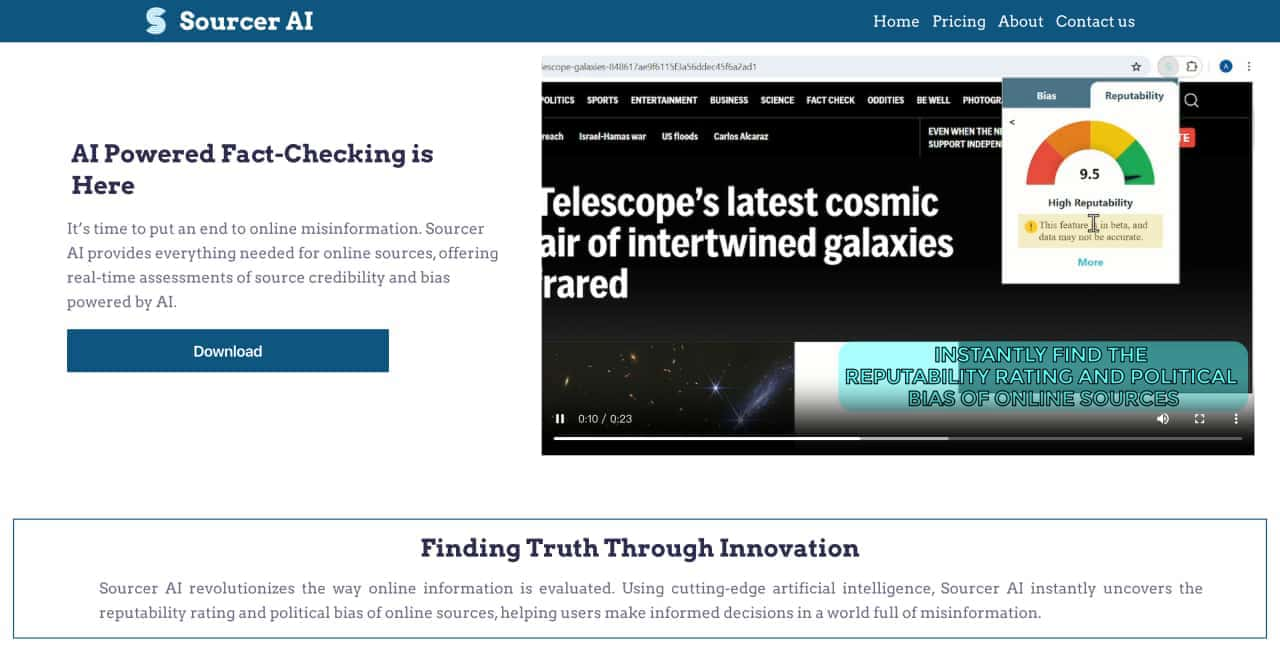
Real-Time Assessment of Source Credibility and Bas


Flux 2 Max 是 Flux 2 系列中最先进的版本,专为追求高精度、真实感和生产级视觉输出的创作者而设计。作为一款高端的 AI 图像生成器(AI Image Generator) 与强大的 AI 图像编辑器(AI Image Editor) 的结合体,Flux 2 Max 将图像质量与一致性提升到了全新高度,非常适合专业级创作流程。
随着人工智能的飞速发展,11月成为了全年最具突破性的月份之一。从新一代图像模型和令人惊叹的视频工具,到能够编写代码、构建应用程序、清理杂乱数据,甚至从零开始创建完整学习中心的 AI 助手,应有尽有。无论你是创作者、营销人员、学生、开发者,还是仅仅是一位人工智能爱好者,本月的种种新发现都会让你重新思考人工智能的无限可能。

2025年最佳AI大模型与AI工具,最受欢迎的免费AI大模型与AI工具。

With the launch of the iOS 18.1 Beta version, registered developers can now experience some of the features of Apple AI, a cutting-edge addition to AI tools.