Subscribe to AI newsletter
Your data is completely secure with us. We don't share it with anyone.
Stop spending on photographers. Turn raw phone photos into high-converting marketing posters in seconds. The first AI Product Photography tool with auto-copywriting and no prompts needed. Perfect for Amazon, Shopify & TikTok.
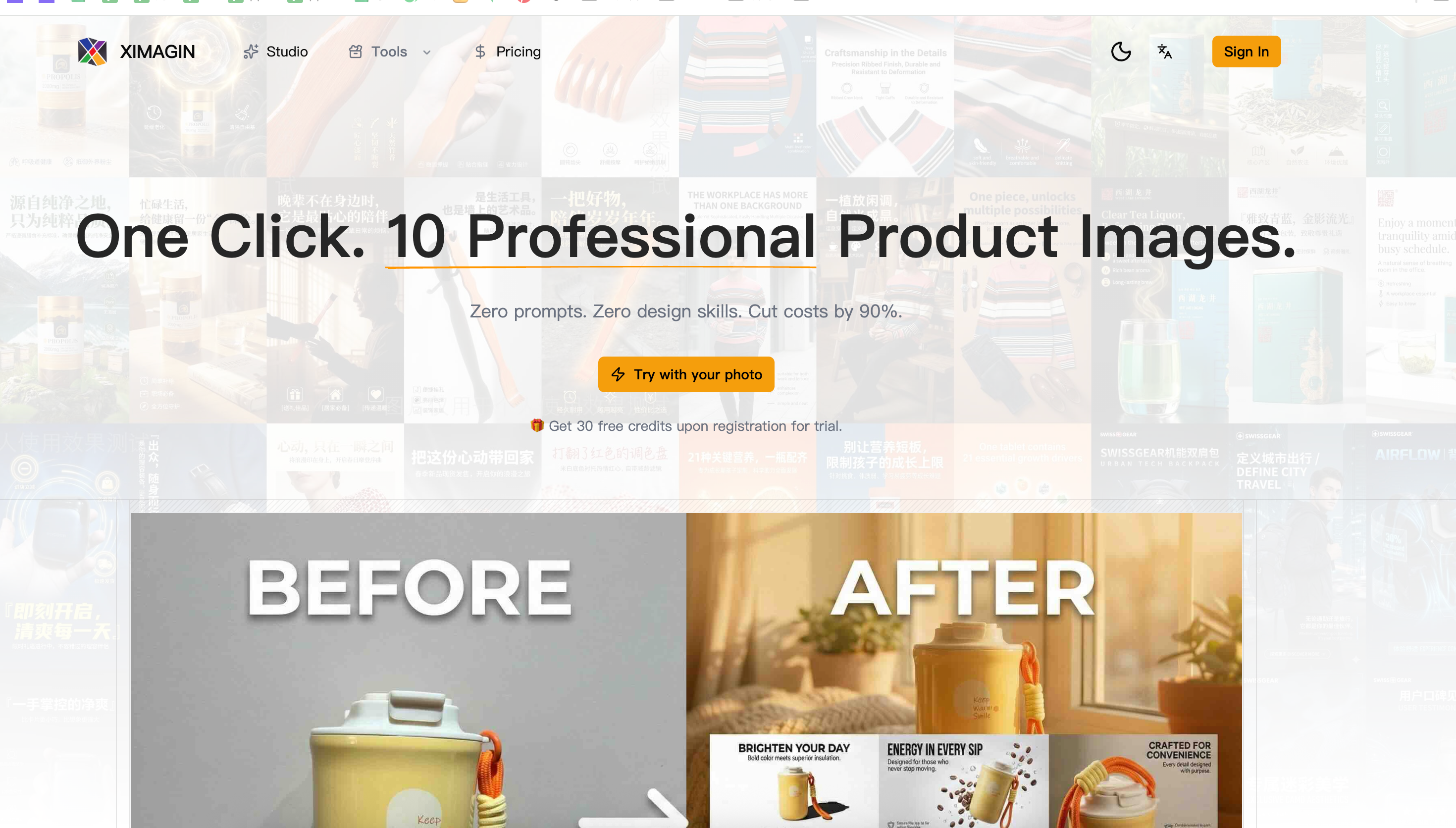
In today’s fast-paced e-commerce landscape, visual content plays a role in driving conversions, and XIMAGIN emerges as a powerful AI tool built specifically to streamline this process through intelligent Design Assistance. By combining automation, product understanding, and marketing-focused design, XIMAGIN enables businesses to generate high-quality product photoshoots with minimal effort and cost.
One of the most impressive aspects of XIMAGIN is its simplicity. The platform reduces what is traditionally a complex and expensive workflow—product photography, editing, and layout design—into just four intuitive steps: upload, customize, generate, and batch produce. Users can start with a simple product image, even one taken on a smartphone, and transform it into multiple professional-grade visuals. This eliminates the need for studio setups, professional photographers, or advanced tools like Photoshop, making it highly accessible to small businesses and independent sellers.
At the core of this AI tool is its advanced Design Assistance capability. XIMAGIN doesn’t just generate images—it understands products. Through AI-driven analysis, it identifies key attributes such as color, material, and selling points, and then uses this information to create optimized visual compositions. Its built-in copywriting system, based on the AIDA marketing model, automatically generates compelling headlines, body text, and calls to action, ensuring that each design is not only visually appealing but also conversion-focused.
The platform also offers a wide range of visual styles, from minimalist and natural to magazine-style and 3D compositions, all switchable with a single click. Combined with batch generation, users can produce dozens of high-resolution (up to 4K) images in minutes, dramatically improving efficiency. Features like realistic lighting, shadow rendering, and native support for social media formats (such as 9:16 vertical images) further enhance its practicality for modern marketing channels like TikTok and Instagram.
Importantly, XIMAGIN provides full commercial rights to all generated content, making it a reliable solution for professional use across e-commerce platforms, advertising campaigns, and branding materials.
In conclusion, XIMAGIN is a next-generation AI tool that redefines Design Assistance by automating the entire product visualization process. It empowers users to create stunning, market-ready visuals quickly and cost-effectively, making it an essential solution for anyone looking to scale their e-commerce presence with high-quality design.
Upload product photos. No professional gear needed, phone shots work fine.
Change photoshoots copy and language to fit different marketing scenarios.
AI automatically generates design plans, or you can customize them yourself.
Generate dozens of photoshoots in one click. Quickly edit any you are not satisfied with.
Yes. You have full commercial rights to all images generated with XIMAGIN, suitable for e-commerce detail pages, social media ads, and other commercial uses.
Not at all. XIMAGIN is built for non-designers. Just upload a normal product image (we recommend white or transparent background), choose a style, and the AI handles all the design work.
We support generating ultra-clear images up to 2K-4K resolution, perfect for all screen displays and fully meeting offline photoshoots printing requirements.
XIMAGIN is trained on massive e-commerce data and supports most mainstream categories including makeup, skincare, electronics, home goods, shoes, bags, accessories, and food & beverages.
Share practical notes and help others evaluate this tool.
No comments yet. Start the conversation.

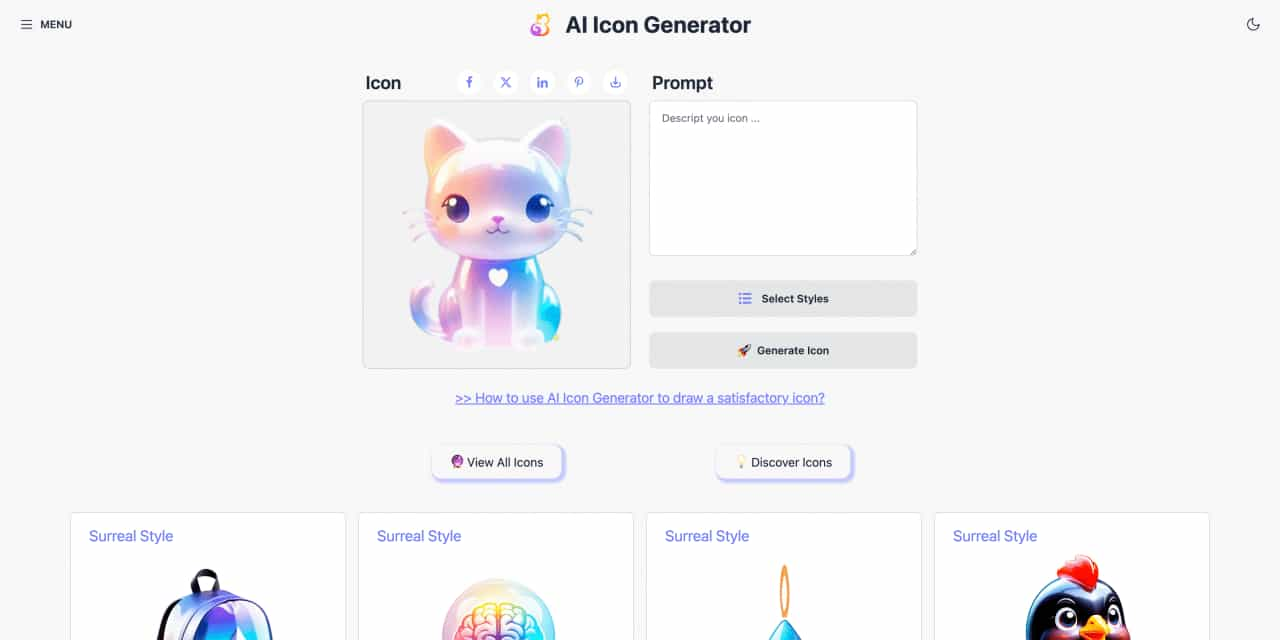
Easy to use AI icon generator. Free and effortlessly generate icon from text.
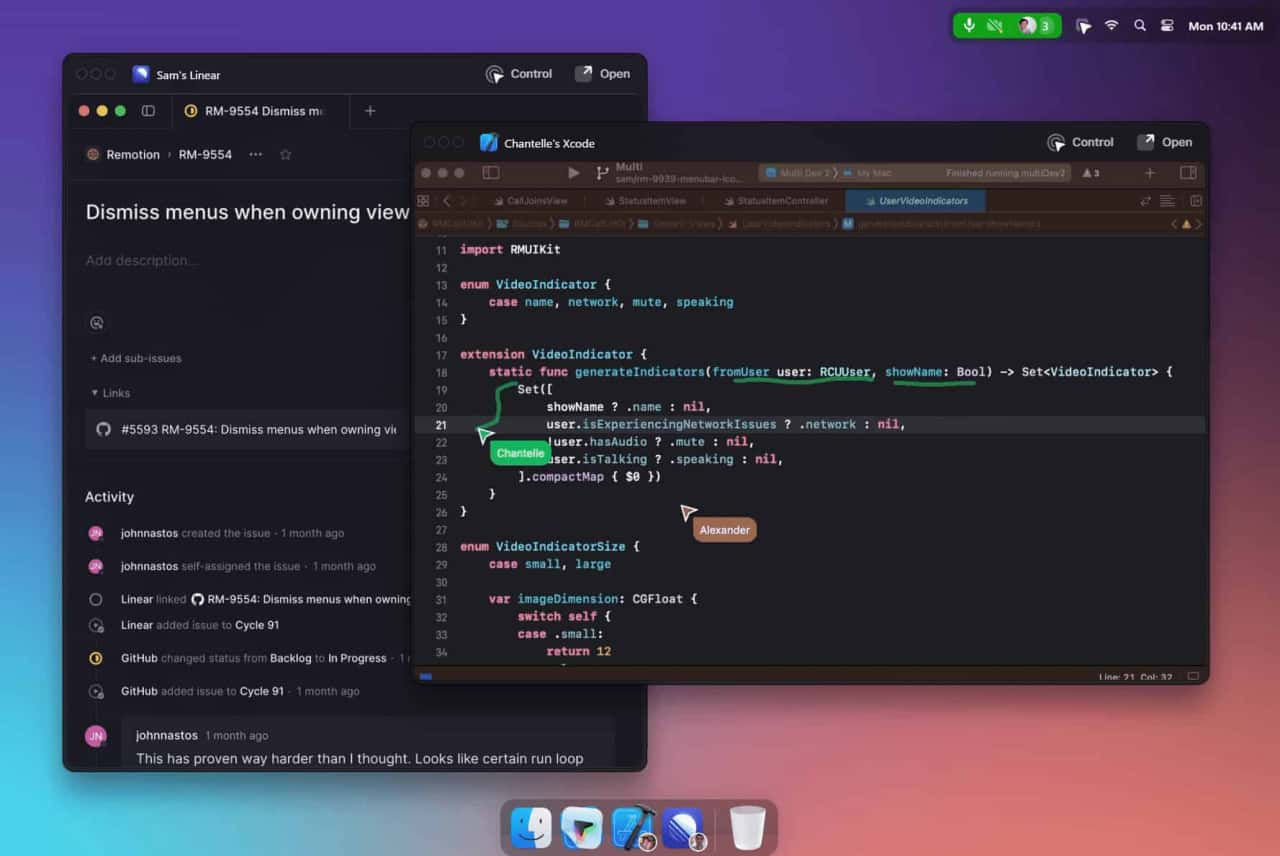
Unleash your team with multiplayer app sharing: Point, draw and edit in shared apps as if they’re on your computer. All in a beautifully crafted, native macOS app.
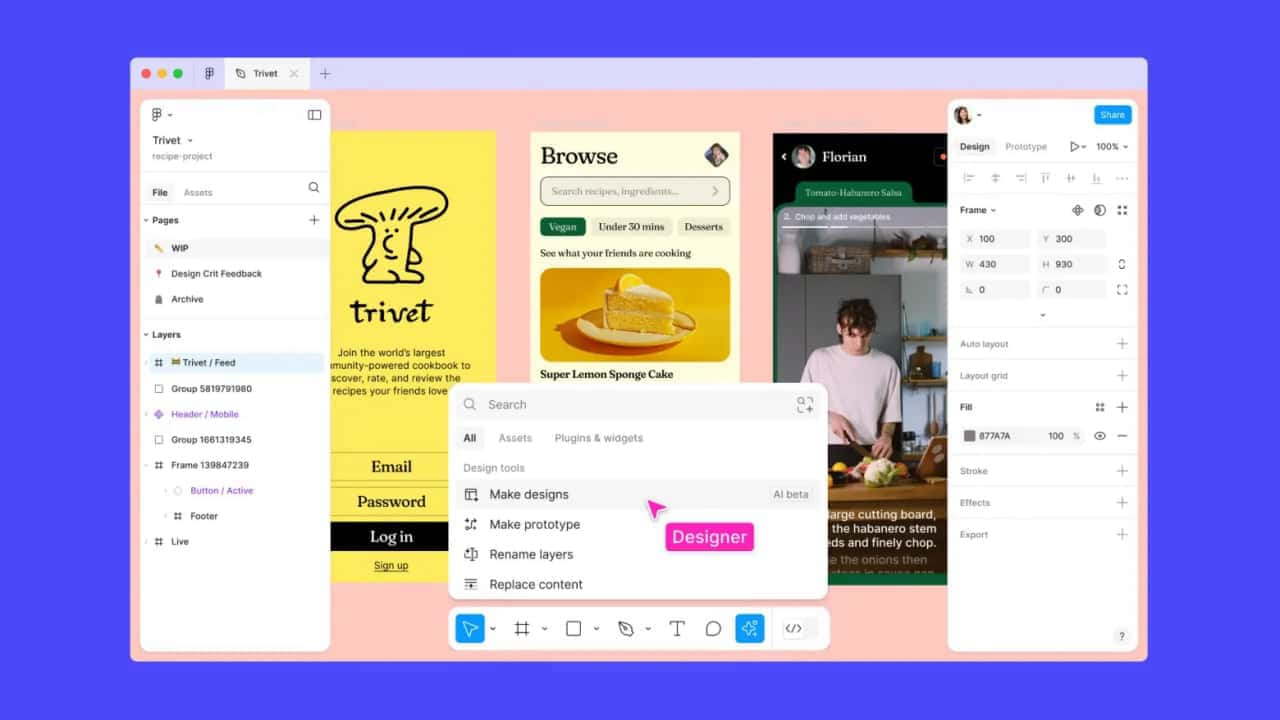
Get started faster, find what you’re looking for, and stay in the flow—with AI tools build for your workflows.
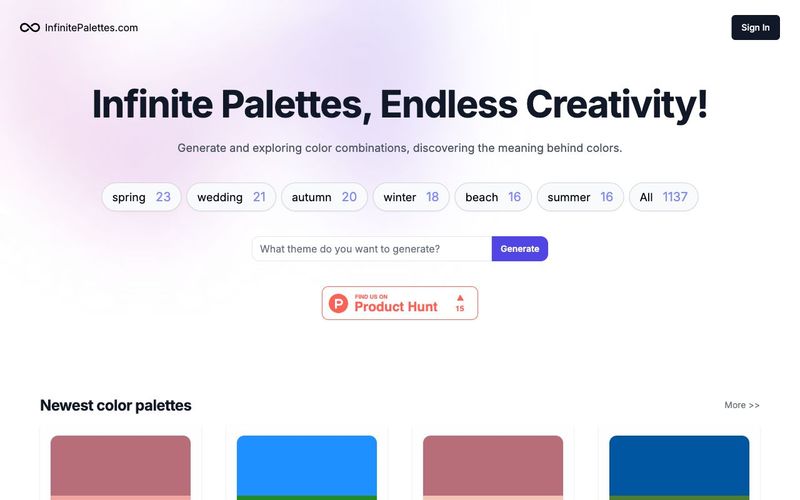
Generate and explore endless color palettes and meanings at InfinitePalettes.com. Discover perfect color combinations and their significance to inspire your creativity.



This comprehensive guide explores the best AI image generators available in 2026, highlighting their unique features, strengths, and ideal use cases. We'll dive deep into each tool's capabilities to help you identify which AI image generator best suits your creative needs.

Google has just launched a powerful AI IDE code editor — now you can really vibe while coding

The best AI Model And AI Tools in 2026,The Most Popular Free AI Model And AI Tools.