Subscribe to AI newsletter
Your data is completely secure with us. We don't share it with anyone.
ArchOne AI is an all-in-one architecture AI platform for visualizing entire projects, including exteriors, interiors, landscapes, and floor plans.
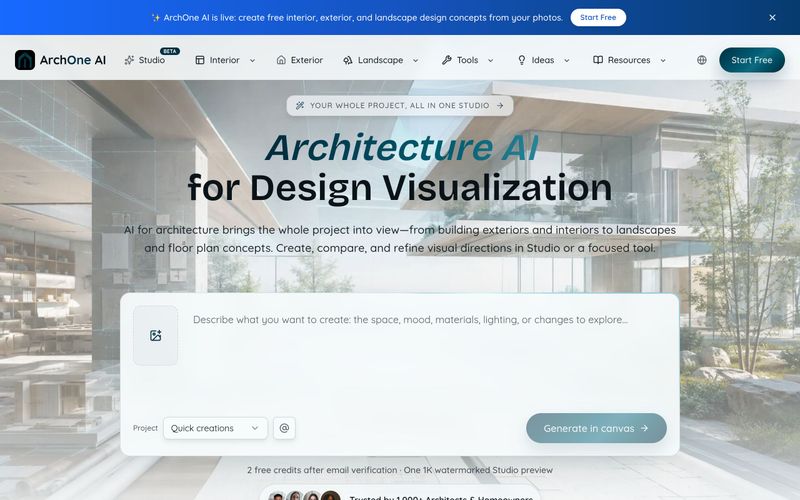
ArchOne AI is an architecture AI platform designed for design visualization across buildings, interiors, exteriors, and landscapes. It helps architects, designers, and homeowners explore, compare, and communicate visual concepts from supported project inputs.
The platform offers focused tools for AI interior design, AI exterior design, AI landscape design, AI floor plan generation, and AI perspective changing. These tools accept photos, sketches, renders, reference images, or written briefs as starting points.
For a more integrated workflow, ArchOne AI Studio provides a single canvas where users can generate, edit, compare, and refine visual directions. Studio includes 17 tools and 13 design starting points, enabling a coordinated approach to whole-project visualization.
Key advantages include:
ArchOne AI is built for architects, architectural designers, interior and landscape designers, small studios, design consultants, and homeowners exploring visual ideas for their own spaces.
Using ArchOne AI involves a simple three-step workflow:
For whole-project work, Studio allows you to bring each direction onto one canvas for comparison and refinement. For quick tasks, focused tools provide a direct path to specific outputs.
What is ArchOne AI?
ArchOne AI is an architecture AI platform for design visualization across buildings, interiors, exteriors, and landscapes. It helps users explore, compare, and communicate visual concepts from supported project inputs.
Who is ArchOne AI built for?
It is built for architects, architectural designers, interior and landscape designers, small studios, and design consultants exploring project concepts. Homeowners can also use focused interior, exterior, and landscape tools to explore visual ideas for their own spaces.
What inputs are supported?
Depending on the workflow, you can start from photos, sketches, renders, reference images, written briefs, or project details.
What tools are available?
ArchOne AI offers focused tools for AI interior design, AI exterior design, AI landscape design, AI floor plan generation, and AI perspective changing. Studio includes 17 tools for render, edit, furnish, enhance, perspective, material, lighting, and upscale tasks.
How can I use the results?
Results can support visual concept exploration, option comparison, presentations, and clearer design communication. They are not measured CAD or BIM files, construction documents, or precise 3D models. Qualified professionals should verify structure, code compliance, permitting, and implementation requirements.
Is there a free plan?
Yes, new users receive 2 credits after email verification for a first 1K watermarked preview. No credit card is required to start.
What are the key product facts?
Studio includes 17 tools and 13 design starting points. There are 5 input types. New users get 2 free credits. Studio provides 1 infinite canvas for generation, editing, comparison, and review.
How does pricing work?
ArchOne AI offers recurring plans (Starter, Plus, Pro) billed monthly or yearly, plus one-time credit packs. Credits are used per generated image or action, with rates varying by tool and resolution. See the pricing page for details.
For support, you can contact ArchOne AI via email at support@archoneai.com.
Share practical notes and help others evaluate this tool.
No comments yet. Start the conversation.

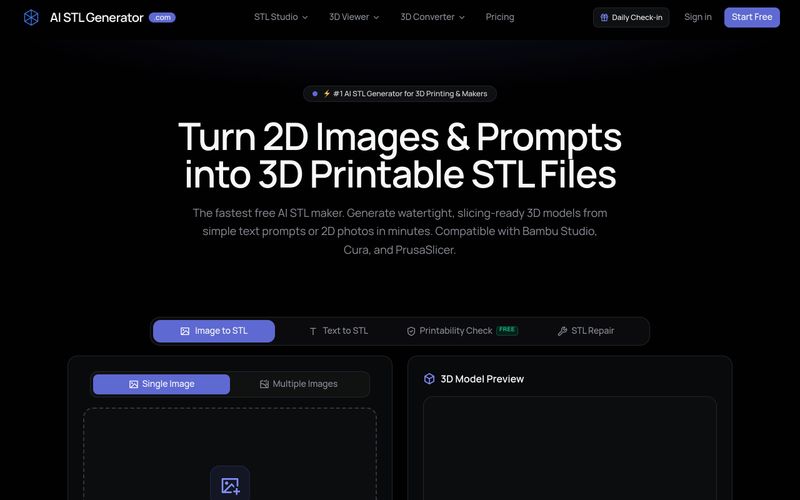
AI STL Generator is a free AI-powered tool that converts text prompts and 2D images into watertight, 3D printable STL files. It offers printability checks, STL repair, and compatibility with popular slicers like Bambu Studio, Cura, and PrusaSlicer.
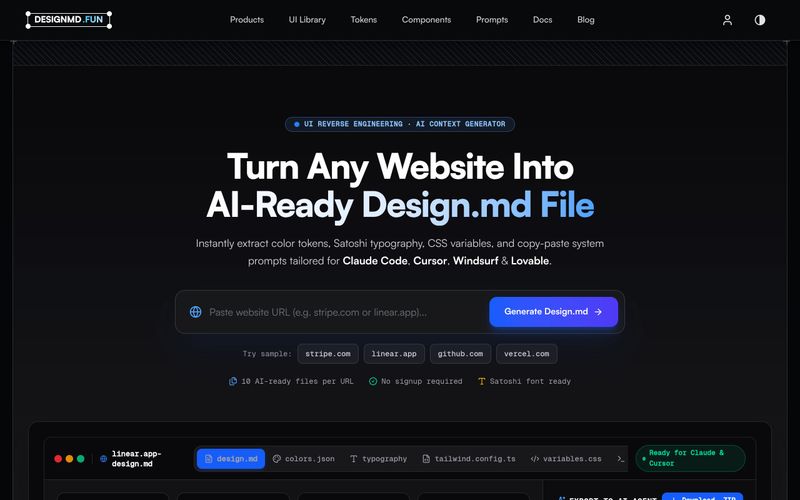
Designmd.fun extracts a live website's design system into ten machine-readable files — design.md, tokens.json, tailwind.config.ts and more — ready for Claude Code, Cursor, Windsurf and Lovable.
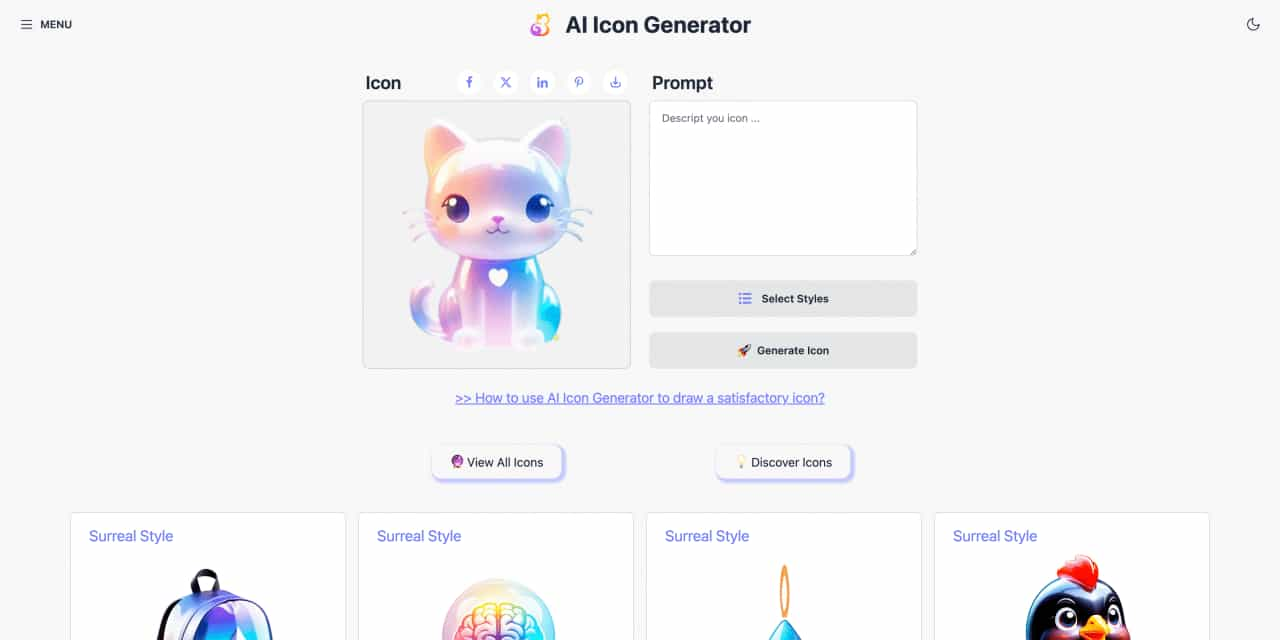
Easy to use AI icon generator. Free and effortlessly generate icon from text.
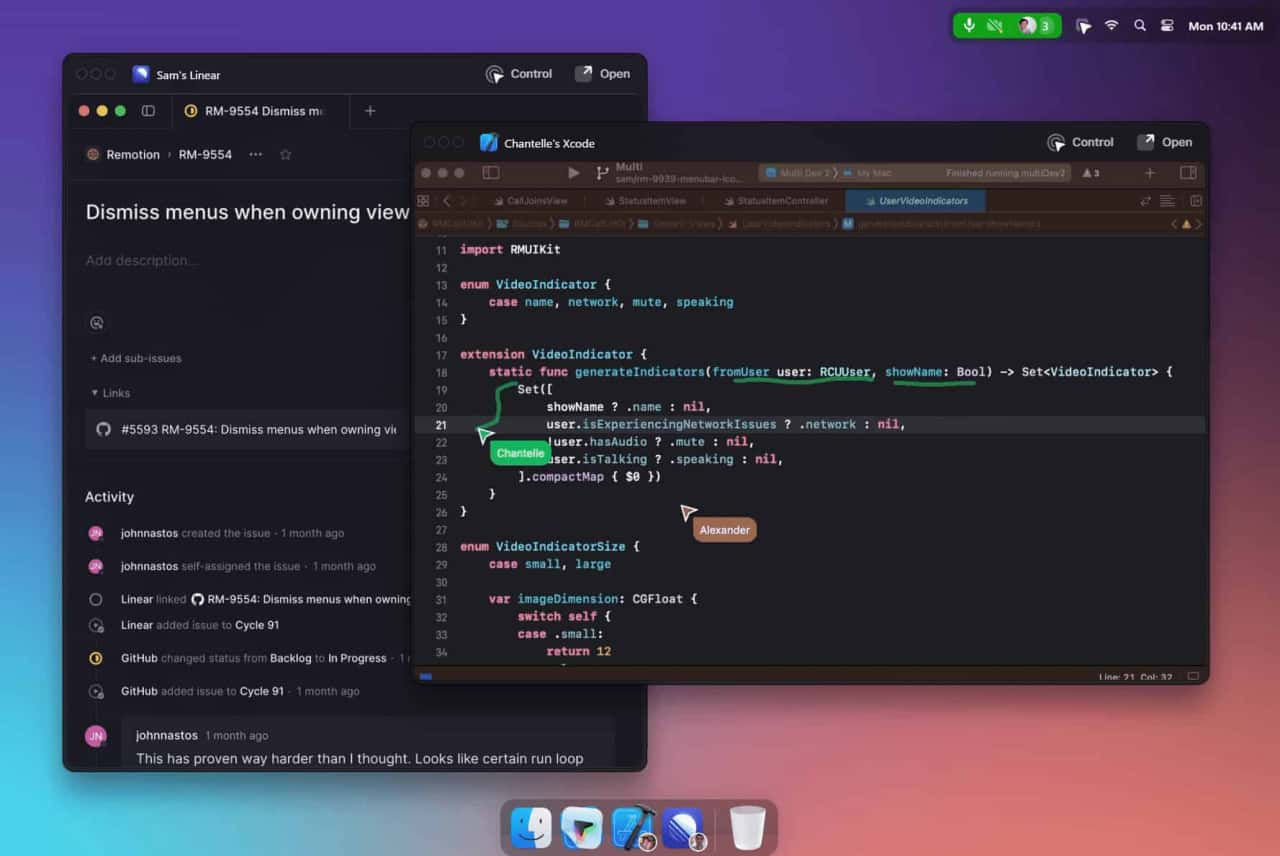
Unleash your team with multiplayer app sharing: Point, draw and edit in shared apps as if they’re on your computer. All in a beautifully crafted, native macOS app.



This comprehensive guide explores the best AI image generators available in 2026, highlighting their unique features, strengths, and ideal use cases. We'll dive deep into each tool's capabilities to help you identify which AI image generator best suits your creative needs.

Google has just launched a powerful AI IDE code editor — now you can really vibe while coding

The best AI Model And AI Tools in 2026,The Most Popular Free AI Model And AI Tools.