Subscribe to AI newsletter
Your data is completely secure with us. We don't share it with anyone.
Designmd.fun extracts a live website's design system into ten machine-readable files — design.md, tokens.json, tailwind.config.ts and more — ready for Claude Code, Cursor, Windsurf and Lovable.
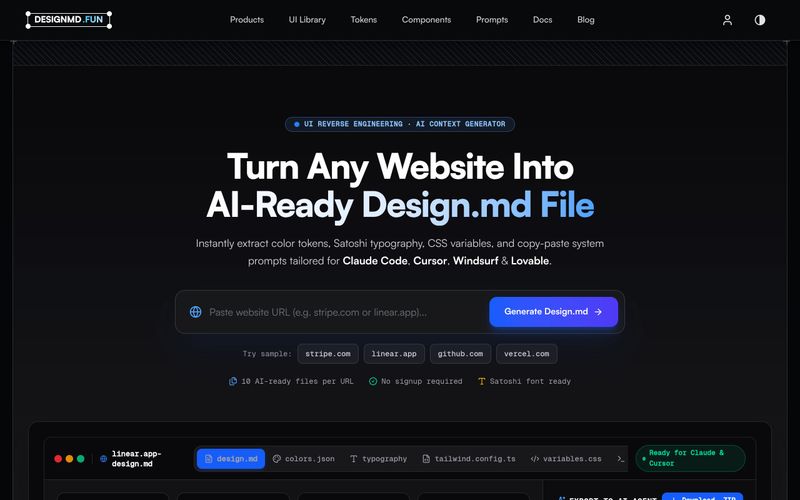
Designmd.fun is a UI reverse-engineering and AI context generator. Paste the URL of any public website and the tool renders the page as a real visitor would see it, analyses the design system behind it, and writes out a complete set of machine-readable documentation files.
According to the site, a single analysis produces ten AI-ready files per URL: a production design.md, tailwind.config.ts, tokens.json, components.md, animations.md, prompt.md, figma.json and css-vars.css, plus colour and typography JSON. Each file is generated at the same time and cross-referenced so the outputs stay consistent with one another.
The workflow is deliberately short: paste a URL, let the analyser collapse colours into roles, type into a scale and spacing into a rhythm, generate the file set, then download a ZIP you can drop into a repository or paste straight into a coding agent. The extracted palette is presented as clickable swatches for quick copying.
Everything the tool extracts is described as coming from the rendered page and covers design system, UI components, layout grid, breakpoints, animations and motion, border radius, shadows, fonts, icons, colour palette and accessibility. The output is aimed at Claude Code, Cursor, Windsurf, ChatGPT, Lovable, Bolt, v0 and GitHub Copilot, with copy-ready prompt targeting for Claude, Cursor, Windsurf, Lovable and v0.
Designmd.fun also publishes a library of pre-analysed production design systems — Stripe, Linear, Vercel, Notion, Framer, Raycast, Supabase, Airtable, Cursor, PostHog, Resend, Warp and Webflow are among the listed sites — so you can browse reference documentation without running your own analysis. The site states that no signup is required to try it.
Designmd.fun lists a support email address: support@designmd.fun. No additional support channels, documentation portal or response-time commitments are shown in the supplied evidence.
Share practical notes and help others evaluate this tool.
No comments yet. Start the conversation.

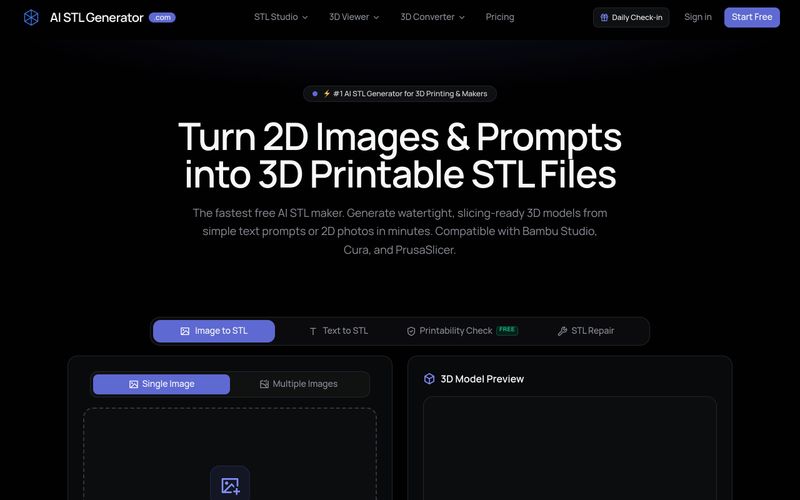
AI STL Generator is a free AI-powered tool that converts text prompts and 2D images into watertight, 3D printable STL files. It offers printability checks, STL repair, and compatibility with popular slicers like Bambu Studio, Cura, and PrusaSlicer.
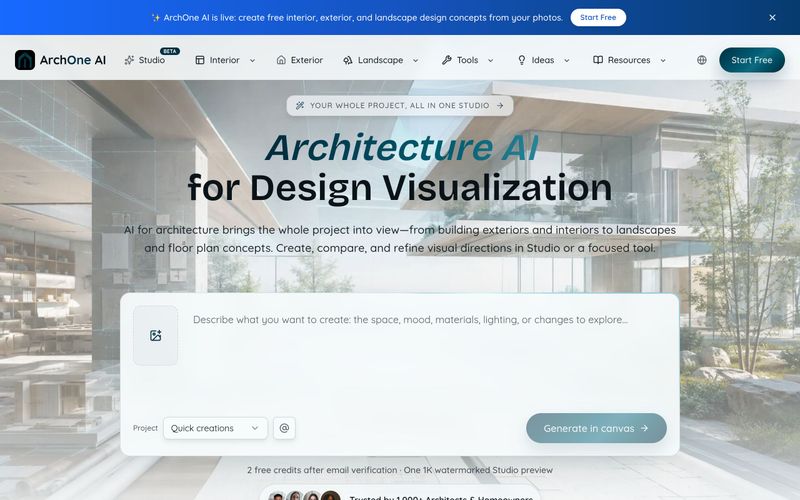
ArchOne AI is an all-in-one architecture AI platform for visualizing entire projects, including exteriors, interiors, landscapes, and floor plans.
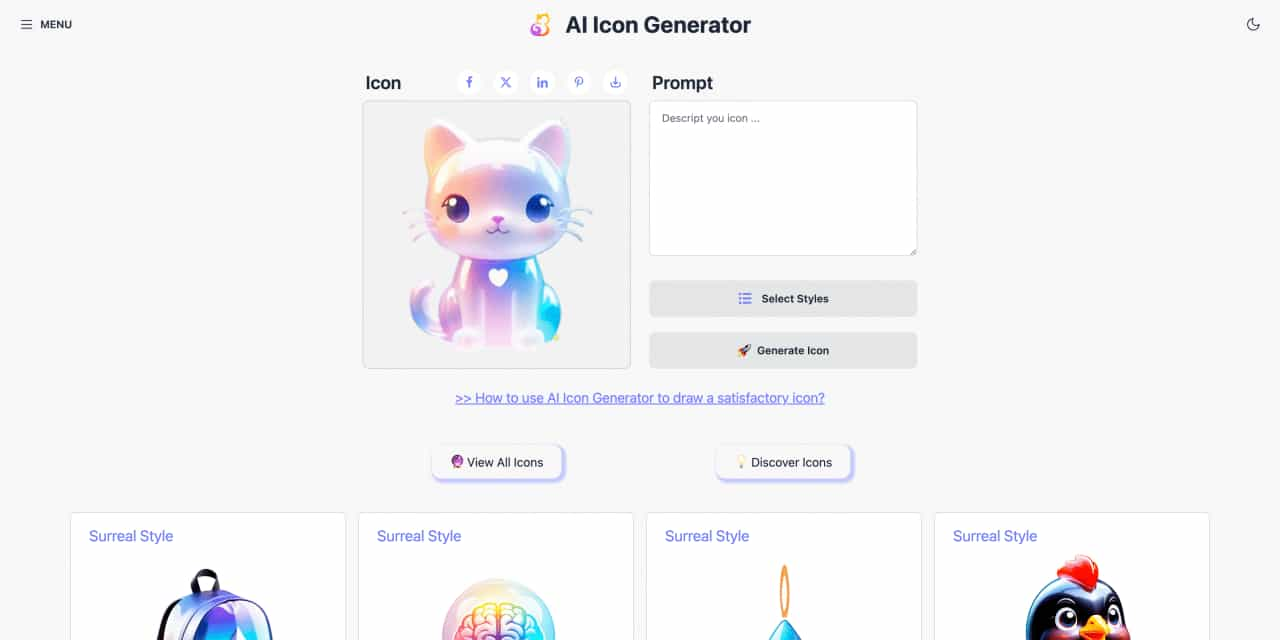
Easy to use AI icon generator. Free and effortlessly generate icon from text.
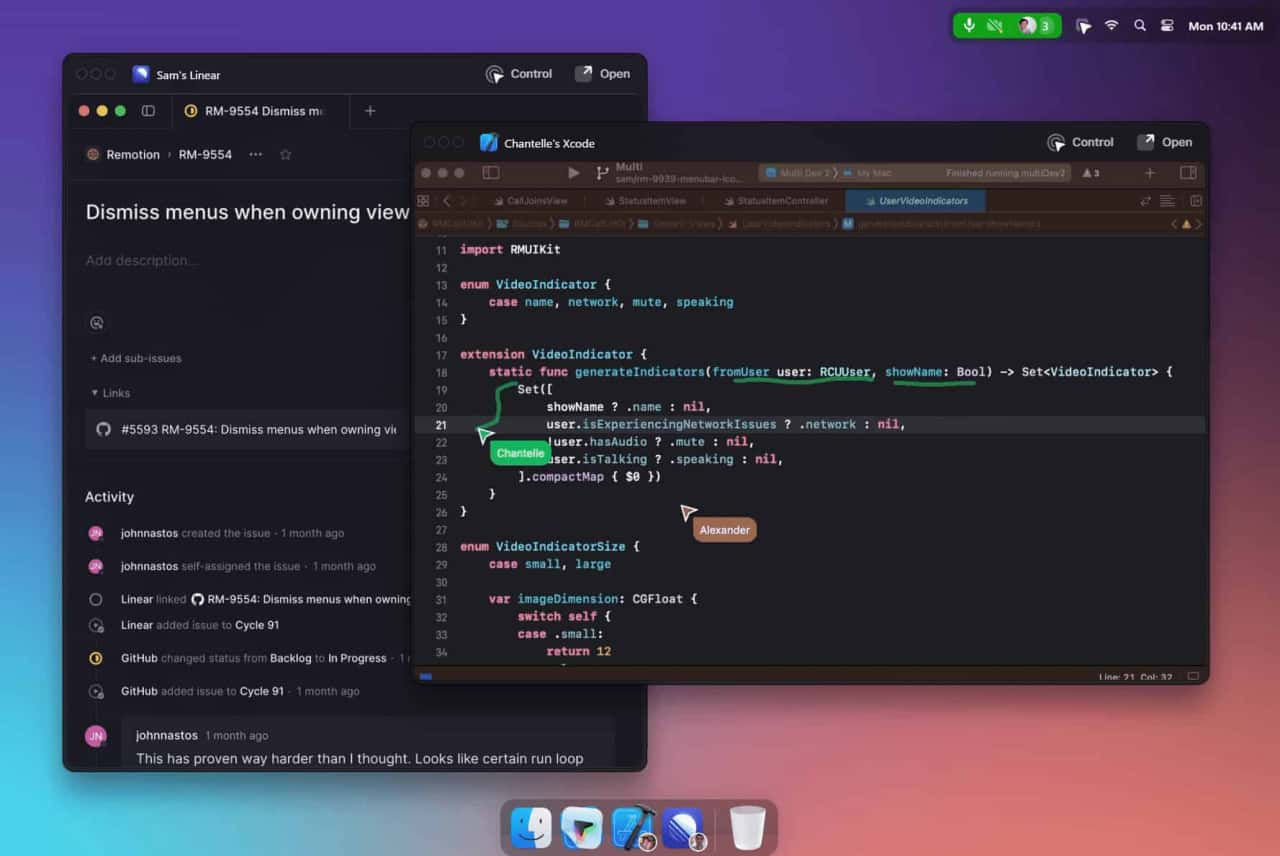
Unleash your team with multiplayer app sharing: Point, draw and edit in shared apps as if they’re on your computer. All in a beautifully crafted, native macOS app.



This comprehensive guide explores the best AI image generators available in 2026, highlighting their unique features, strengths, and ideal use cases. We'll dive deep into each tool's capabilities to help you identify which AI image generator best suits your creative needs.

Google has just launched a powerful AI IDE code editor — now you can really vibe while coding

The best AI Model And AI Tools in 2026,The Most Popular Free AI Model And AI Tools.