订阅AI通讯
您的数据完全安全。我们不会与任何人共享。
Designmd.fun extracts a live website's design system into ten machine-readable files — design.md, tokens.json, tailwind.config.ts and more — ready for Claude Code, Cursor, Windsurf and Lovable.
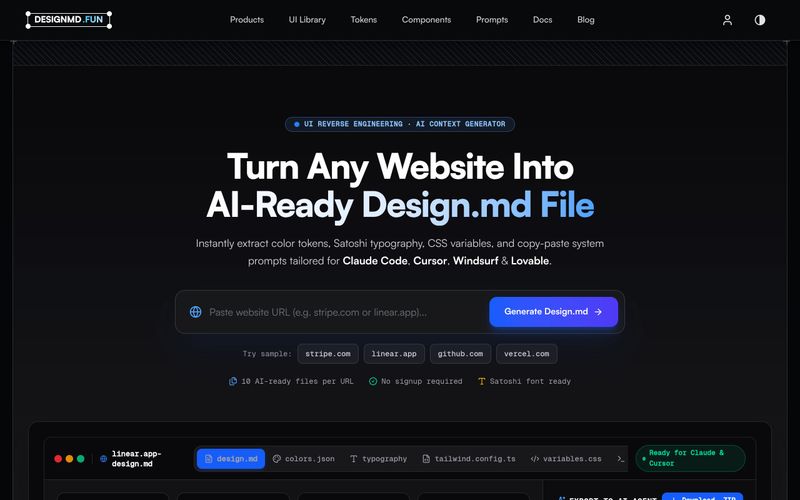
Designmd.fun is a UI reverse-engineering and AI context generator. Paste the URL of any public website and the tool renders the page as a real visitor would see it, analyses the design system behind it, and writes out a complete set of machine-readable documentation files.
According to the site, a single analysis produces ten AI-ready files per URL: a production design.md, tailwind.config.ts, tokens.json, components.md, animations.md, prompt.md, figma.json and css-vars.css, plus colour and typography JSON. Each file is generated at the same time and cross-referenced so the outputs stay consistent with one another.
The workflow is deliberately short: paste a URL, let the analyser collapse colours into roles, type into a scale and spacing into a rhythm, generate the file set, then download a ZIP you can drop into a repository or paste straight into a coding agent. The extracted palette is presented as clickable swatches for quick copying.
Everything the tool extracts is described as coming from the rendered page and covers design system, UI components, layout grid, breakpoints, animations and motion, border radius, shadows, fonts, icons, colour palette and accessibility. The output is aimed at Claude Code, Cursor, Windsurf, ChatGPT, Lovable, Bolt, v0 and GitHub Copilot, with copy-ready prompt targeting for Claude, Cursor, Windsurf, Lovable and v0.
Designmd.fun also publishes a library of pre-analysed production design systems — Stripe, Linear, Vercel, Notion, Framer, Raycast, Supabase, Airtable, Cursor, PostHog, Resend, Warp and Webflow are among the listed sites — so you can browse reference documentation without running your own analysis. The site states that no signup is required to try it.
Designmd.fun lists a support email address: support@designmd.fun. No additional support channels, documentation portal or response-time commitments are shown in the supplied evidence.
分享实用笔记,帮助他人评估此工具。
暂无评论。开始对话吧。

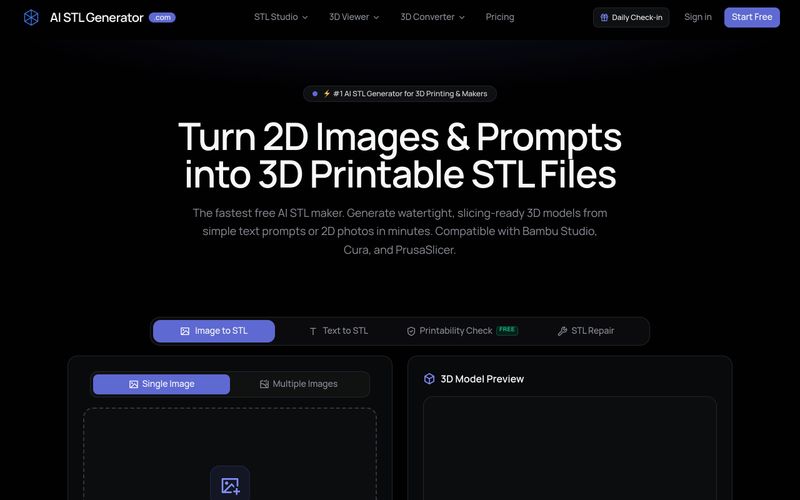
AI STL Generator is a free AI-powered tool that converts text prompts and 2D images into watertight, 3D printable STL files. It offers printability checks, STL repair, and compatibility with popular slicers like Bambu Studio, Cura, and PrusaSlicer.
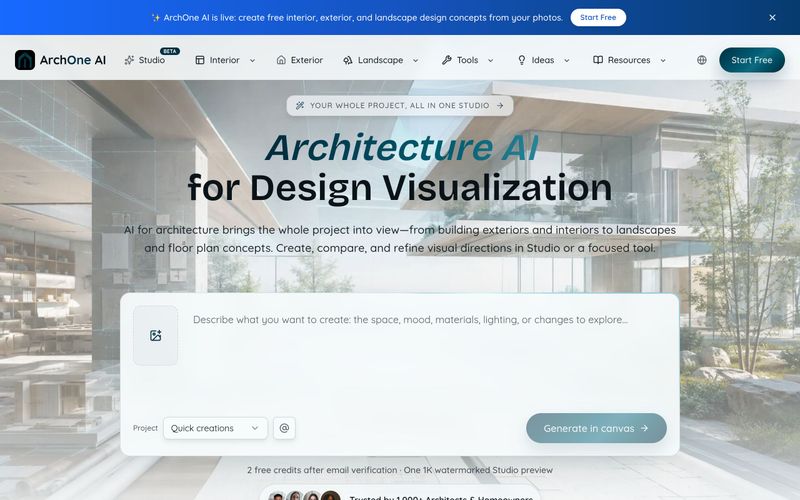
ArchOne AI is an all-in-one architecture AI platform for visualizing entire projects, including exteriors, interiors, landscapes, and floor plans.
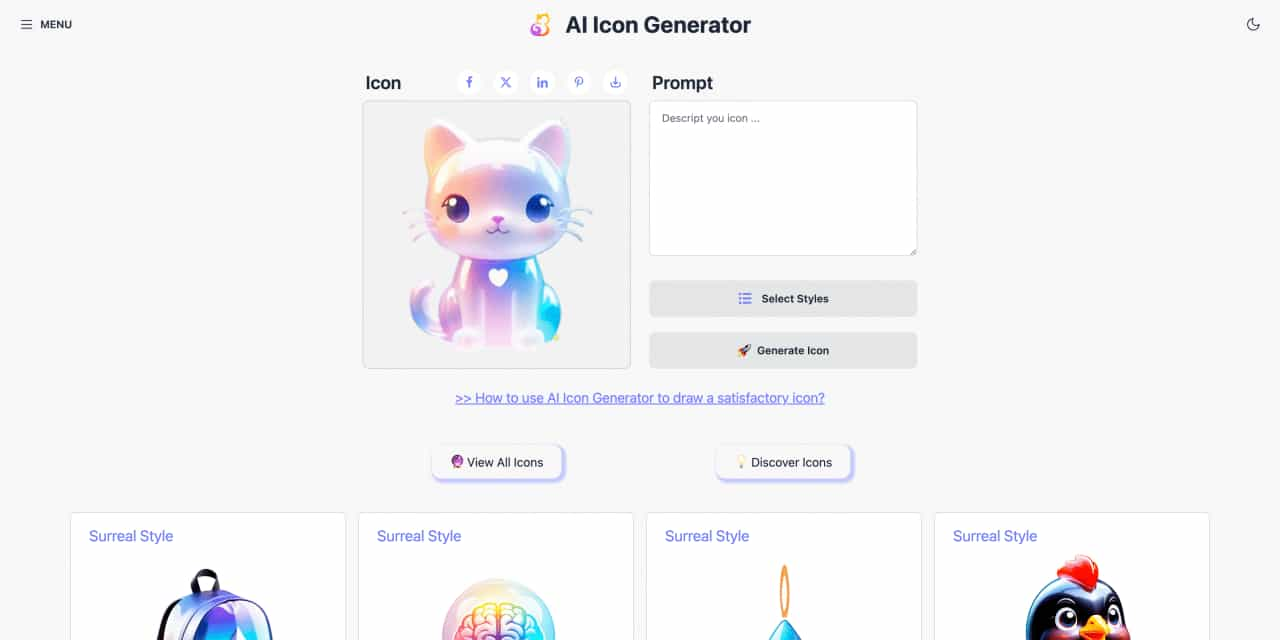
Easy to use AI icon generator. Free and effortlessly generate icon from text.
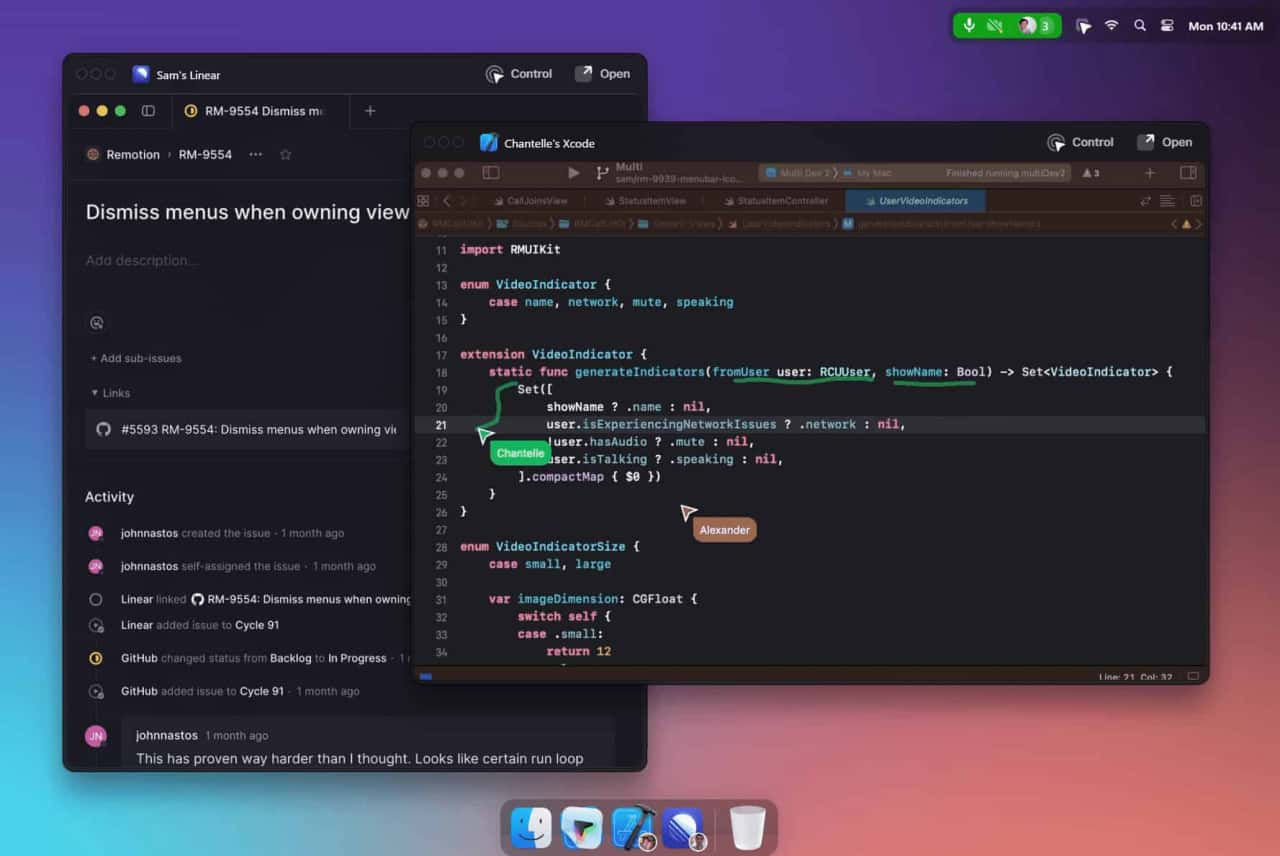
Unleash your team with multiplayer app sharing: Point, draw and edit in shared apps as if they’re on your computer. All in a beautifully crafted, native macOS app.


Flux 2 Max 是 Flux 2 系列中最先进的版本,专为追求高精度、真实感和生产级视觉输出的创作者而设计。作为一款高端的 AI 图像生成器(AI Image Generator) 与强大的 AI 图像编辑器(AI Image Editor) 的结合体,Flux 2 Max 将图像质量与一致性提升到了全新高度,非常适合专业级创作流程。
随着人工智能的飞速发展,11月成为了全年最具突破性的月份之一。从新一代图像模型和令人惊叹的视频工具,到能够编写代码、构建应用程序、清理杂乱数据,甚至从零开始创建完整学习中心的 AI 助手,应有尽有。无论你是创作者、营销人员、学生、开发者,还是仅仅是一位人工智能爱好者,本月的种种新发现都会让你重新思考人工智能的无限可能。

2025年最佳AI大模型与AI工具,最受欢迎的免费AI大模型与AI工具。

With the launch of the iOS 18.1 Beta version, registered developers can now experience some of the features of Apple AI, a cutting-edge addition to AI tools.