Subscribe to AI newsletter
Your data is completely secure with us. We don't share it with anyone.
AI STL Generator is a free AI-powered tool that converts text prompts and 2D images into watertight, 3D printable STL files. It offers printability checks, STL repair, and compatibility with popular slicers like Bambu Studio, Cura, and PrusaSlicer.
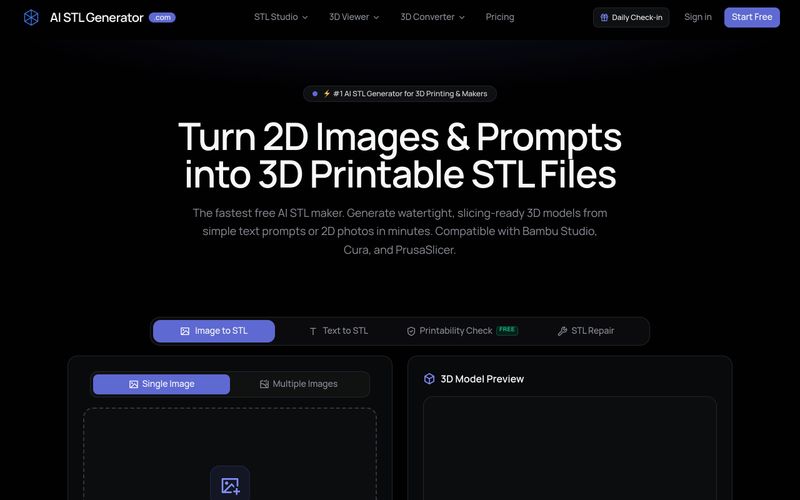
AI STL Generator is a specialized AI tool designed to convert text prompts and 2D images into 3D printable STL files. Unlike generic 3D generative AI that outputs raw GLB or OBJ files, this platform focuses on producing watertight, manifold meshes that are ready for slicing and printing without manual repair.
The tool is built for makers, hobbyists, and professionals who want to quickly turn ideas into physical objects. It supports both text-to-STL and image-to-STL workflows, with an emphasis on printability and compatibility with popular slicers such as Bambu Studio, Cura, and PrusaSlicer.
AI STL Generator offers a free tier with daily check-in credits (5 credits/day), basic AI models, standard processing, and non-commercial use. Paid plans include:
Credits are consumed per generation, typically 10–20 credits for standard conversions. Commercial use is allowed under paid plans.
AI STL Generator is ideal for 3D printing enthusiasts, tabletop gamers, Etsy sellers, STEM educators, and anyone who wants to create custom 3D models without extensive CAD knowledge. It simplifies the workflow from concept to physical print, making 3D printing more accessible.
For best results, use clear, high-contrast images and detailed prompts. The AI works best with objects that have recognizable shapes and structures.
AI STL Generator is specifically designed to create 3D printable STL files from text prompts and 2D images. Unlike generic 3D generative AI that only outputs raw GLB/OBJ game assets, our platform ensures models are watertight, manifold, and fully compatible with popular 3D slicing software like Cura and Bambu Studio.
Our AI Image to STL tool lets you upload any 2D picture—photos, concept sketches, logos, or line art—and transforms it into a solid 3D printable STL model in minutes with automatic depth estimation and mesh closure.
Upload your JPG or PNG image to our generator, let the AI calculate the geometry and topology, preview the 3D model in your browser, and click "Download STL". You can then import the file directly into your 3D printer slicer.
Yes! You can log in daily to claim 5 free check-in credits to generate STL files without paying a dime. We also provide flexible pay-as-you-go credit packs and subscription plans for regular creators.
Yes. One of the biggest challenges with AI 3D models is non-manifold geometry and hollow surfaces. AI STL Generator automatically remeshes and seals every model, delivering 100% manifold, solid meshes that require zero manual repair in Meshmixer or Blender.
Yes. Our built-in Remesh & Repair tool functions as a lightweight AI STL file editor, allowing you to adjust mesh density, simplify polygon counts, and flatten the base before exporting.
Yes. Our AI models are engineered specifically to produce watertight, solid, and manifold geometry with closed meshes. The exported STL files can be loaded directly into your slicing software (such as Bambu Studio, Cura, or PrusaSlicer) without requiring manual repair in Blender or Meshmixer.
Credits are used whenever you generate or convert an image to a 3D model. Standard image-to-STL conversions typically cost 10–20 credits depending on the chosen model complexity and mesh resolution. The exact credit cost is always transparently shown before you generate.
Yes! Every new user receives free bonus credits upon registration. Furthermore, you can log in daily to claim 5 free check-in credits, allowing you to test and create STL models without paying a dime.
Subscriptions (Monthly or Annual) provide monthly recurring credits at our highest discount (save 20% with annual plans). One-time Credit Packs are flexible pay-as-you-go bundles where credits never expire and stack on top of any plan.
Yes. All paid subscriptions (Maker, Pro) and one-time credit pack purchases include full commercial usage rights. You own the 3D models you generate and can sell the digital STL files or physical 3D prints freely. Models generated under the Free plan are strictly for non-commercial and personal use only.
The Free plan provides access to our standard Basic 3D AI models, ideal for testing, simple shapes, and personal experimentation. All paid plans (Maker, Pro, and Credit Packs) unlock our Advanced 3D AI models, featuring higher geometric precision, sharper details, cleaner manifold topology, and multi-view reconstruction.
We support standard 2D image formats including JPG, PNG, WEBP, and SVG. For the best 3D reconstruction, we recommend using images with clear lighting, sharp contours, and high contrast against the background.
Yes. You can cancel or modify your subscription at any time with a single click from your account Credits page, or by emailing support. You will retain all plan benefits until the end of your current billing period.
Because AI 3D generation consumes instantaneous cloud GPU computing power, used credits are non-refundable. However, if you encounter technical errors, generation failures, or billing issues, please contact our support team and we will promptly replace credits or issue a refund.
AI STL Generator provides customer support via email. For general inquiries, technical issues, or billing questions, you can reach the team at support@aistlgenerator.com. The website also mentions standard email support for free users and priority email support for paid subscribers.
Additionally, the platform offers a range of resources including a blog, changelog, and documentation pages to help users get started and troubleshoot common issues.
Share practical notes and help others evaluate this tool.
No comments yet. Start the conversation.

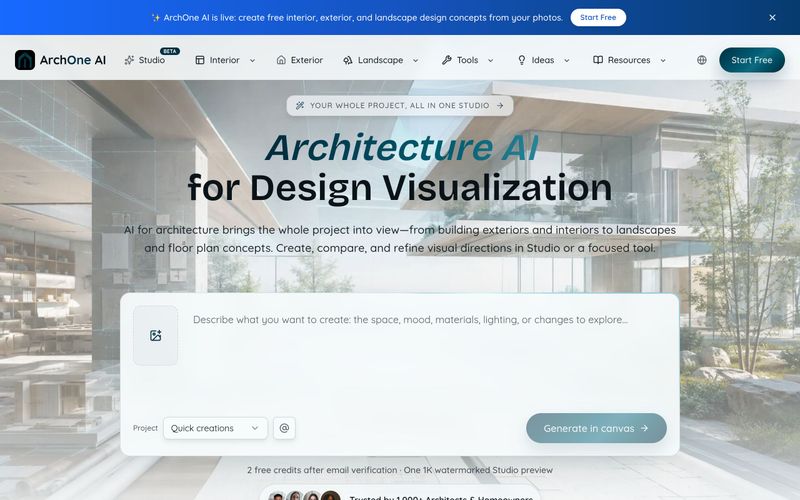
ArchOne AI is an all-in-one architecture AI platform for visualizing entire projects, including exteriors, interiors, landscapes, and floor plans.
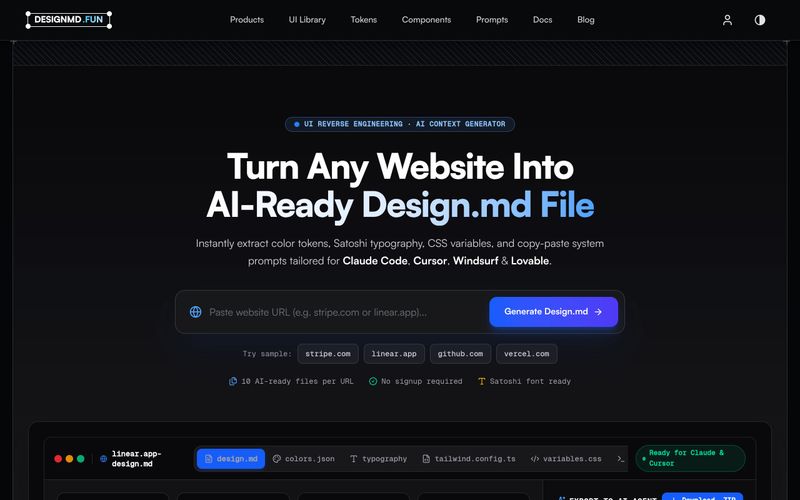
Designmd.fun extracts a live website's design system into ten machine-readable files — design.md, tokens.json, tailwind.config.ts and more — ready for Claude Code, Cursor, Windsurf and Lovable.
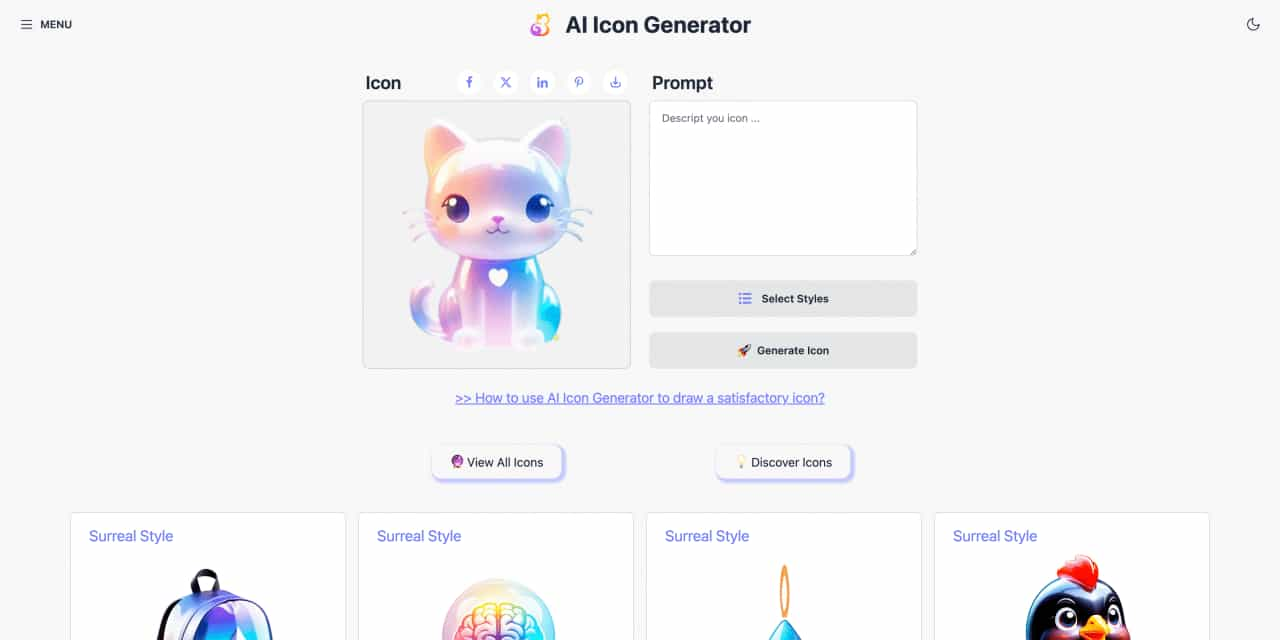
Easy to use AI icon generator. Free and effortlessly generate icon from text.
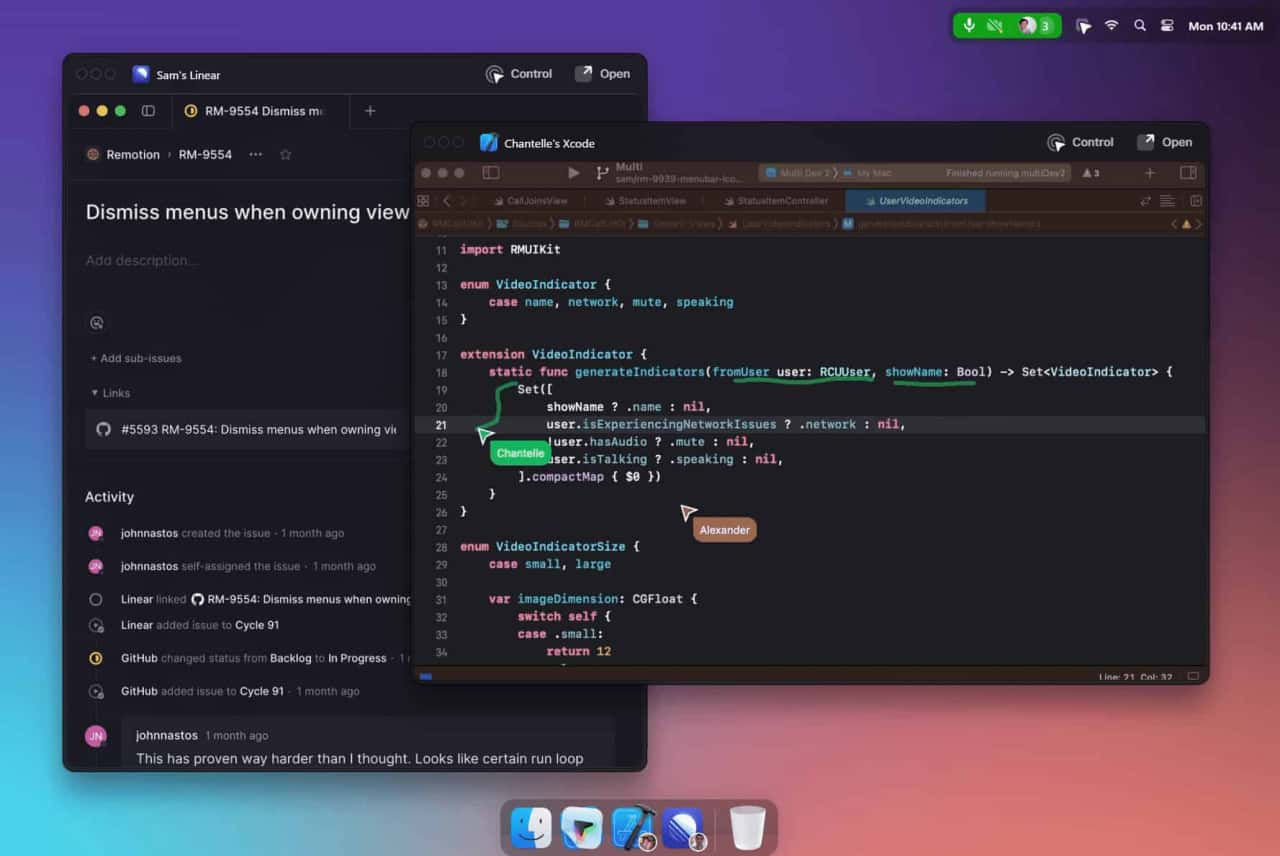
Unleash your team with multiplayer app sharing: Point, draw and edit in shared apps as if they’re on your computer. All in a beautifully crafted, native macOS app.



This comprehensive guide explores the best AI image generators available in 2026, highlighting their unique features, strengths, and ideal use cases. We'll dive deep into each tool's capabilities to help you identify which AI image generator best suits your creative needs.

Google has just launched a powerful AI IDE code editor — now you can really vibe while coding

The best AI Model And AI Tools in 2026,The Most Popular Free AI Model And AI Tools.