Subscribe to AI newsletter
Your data is completely secure with us. We don't share it with anyone.
Create and edit Mermaid diagrams instantly with our free online viewer. Collaborate in real-time, export to multiple formats, and optimize your workflow.
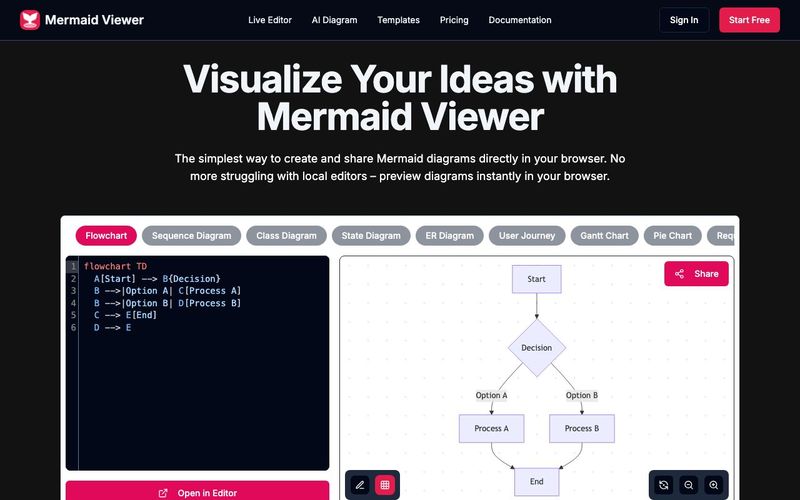
The Mermaid Viewer stands out as an essential AI tool for modern developers, educators, and students who rely on clear visual communication. As diagramming becomes a core part of educational learning, especially in fields like computer science, software engineering, and data visualization, Mermaid Viewer provides a seamless, browser-based solution that removes all friction from creating and sharing diagrams. Its ability to render Mermaid diagrams instantly makes it a powerful resource for both classroom settings and professional workflows.
One of the strongest advantages of Mermaid Viewer is its live preview, enabling users to see diagram updates the moment they type. This real-time feedback dramatically accelerates learning because students can immediately understand how code translates into visual structure. Combined with AI-assisted coding, where the built-in “Generate with GPT-4” feature converts text descriptions into accurate Mermaid syntax, the tool doubles as both a diagram generator and an educational assistant. This makes it perfect for beginners who are still learning diagram syntax as well as advanced users who want to speed up their workflow.
For collaborative educational environments, the real-time collaboration feature is invaluable. Teachers, classmates, and project teams can co-edit diagrams simply by sharing an editor link, eliminating version conflicts and allowing everyone to visualize concepts together. Meanwhile, the smart debugging system highlights syntax errors and offers auto-correction suggestions, helping learners understand and fix issues more effectively.
Mermaid Viewer also supports a full range of export options, such as SVG, PNG, and Markdown, with adjustable DPI and dark/light themes—ideal for lecture slides, academic reports, and online publications. Its privacy-first architecture ensures all data stays in the browser, making it safe for classroom use, enterprise teams, and sensitive projects. For organizations with strict security requirements, the platform even supports Docker private deployment and role-based access control.
Overall, Mermaid Viewer is more than a diagram editor—it is a powerful AI tool that enhances educational learning, fosters collaboration, simplifies complex concepts, and brings the power of instant visualization directly into the browser.
Enter Mermaid Code
Input diagram code in Mermaid viewer
Real-time Preview
Instantly see your Mermaid diagram
Export as SVG/PNG/PDF
Download diagram in multiple formats
Diagrams can be saved in multiple ways: 1) Export as SVG/PNG files 2) Copy share link 3) Save to browser local storage. Our editor automatically saves your latest changes so you never lose your work.
Click the "Share" button in the editor to generate a unique link. Your team members can view and edit the diagram through this link. We support real-time collaboration, so all changes are synced instantly.
We support all Mermaid.js diagram types including: flowcharts, sequence diagrams, class diagrams, state diagrams, entity relationship diagrams, user journey diagrams, Gantt charts, pie charts, requirement diagrams, Git graphs, C4 diagrams, mind maps, and timelines.
No! Mermaid Viewer is a completely browser-based online tool, no installation required. Just open your browser and visit our site to start creating diagrams.
We offer multiple export options: 1) SVG format for scalable diagrams 2) PNG format for direct use 3) High-resolution export options to ensure your diagrams look crisp in any context. You can also customize export settings like size and background color.
Share practical notes and help others evaluate this tool.
No comments yet. Start the conversation.

AI tools directory focused on Educational Learning that utilize advanced models like GPT-4, Khan Academy's AI, and Squirrel AI to personalize learning experiences, provide intelligent tutoring, and offer adaptive assessments. This directory offers comprehensive resources to enhance educational outcomes and increase student engagement. Through AI-powered educational learning, it delivers tailored learning paths and smart assessment solutions, making education more effective and engaging for students.
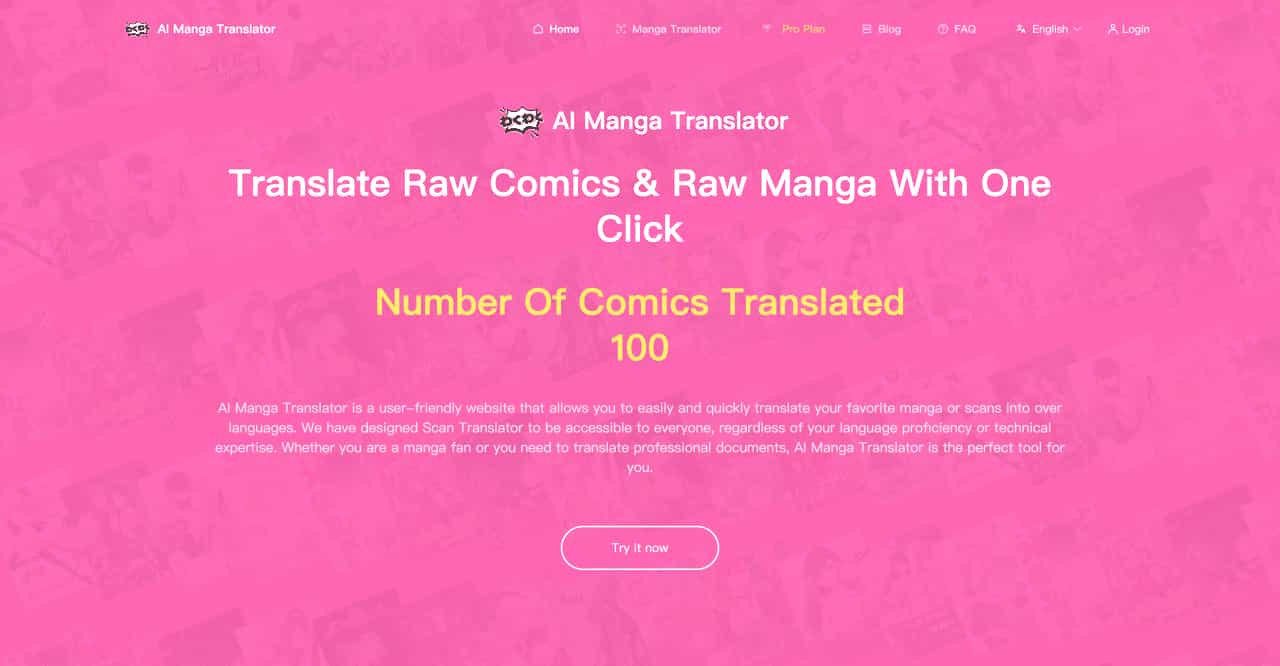
AI Manga Translator is a user-friendly website that allows you to easily and quickly translate your favorite manga or scans into over languages. We have designed Scan Translator to be accessible to everyone, regardless of your language proficiency or technical expertise. Whether you are a manga fan or you need to translate professional documents, AI Manga Translator is the perfect tool for you.
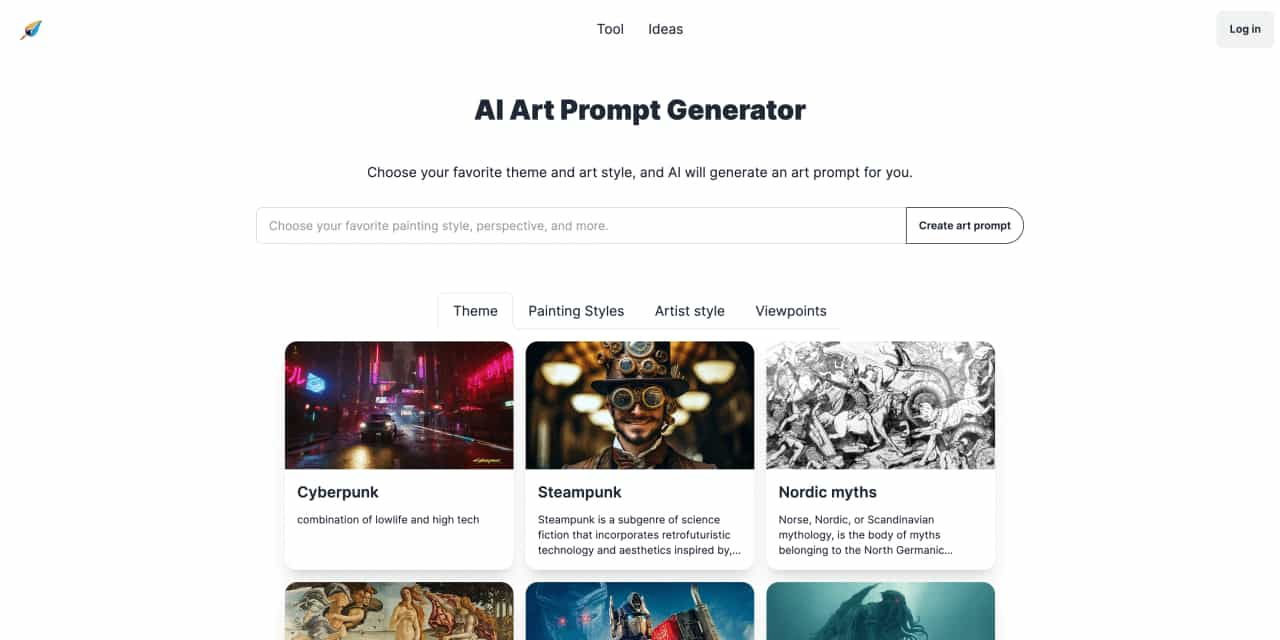
Choose your favorite theme and art style, and AI will generate an art prompt for you.
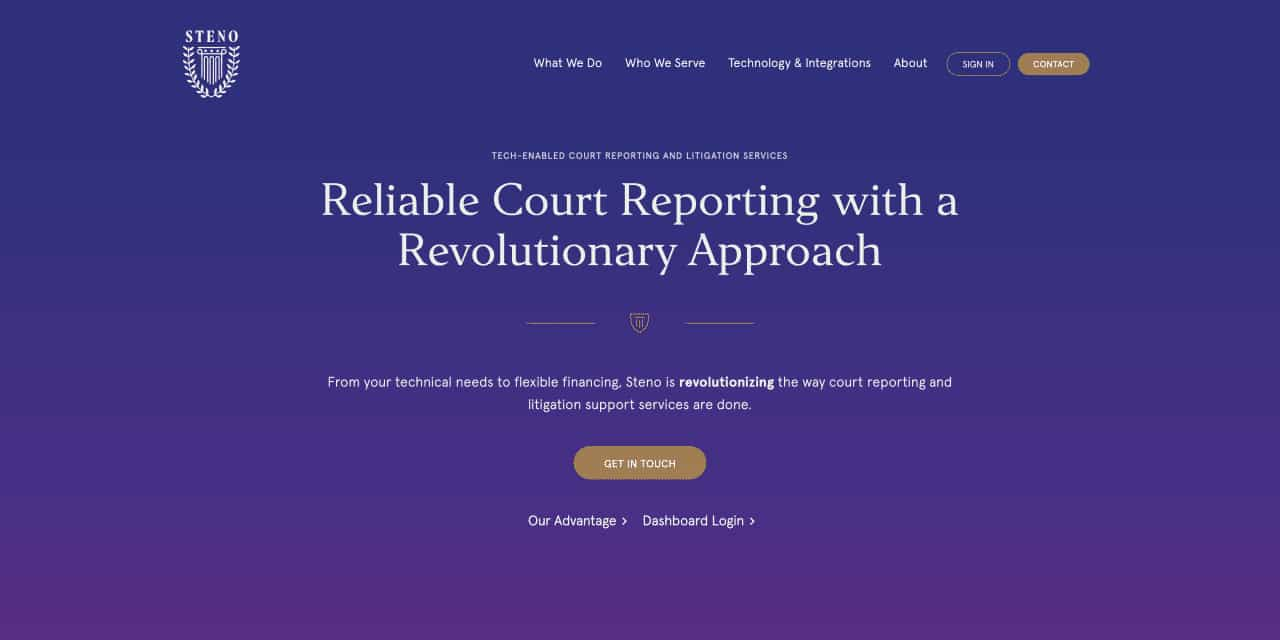
Reliable Court Reporting with a Revolutionary Approach
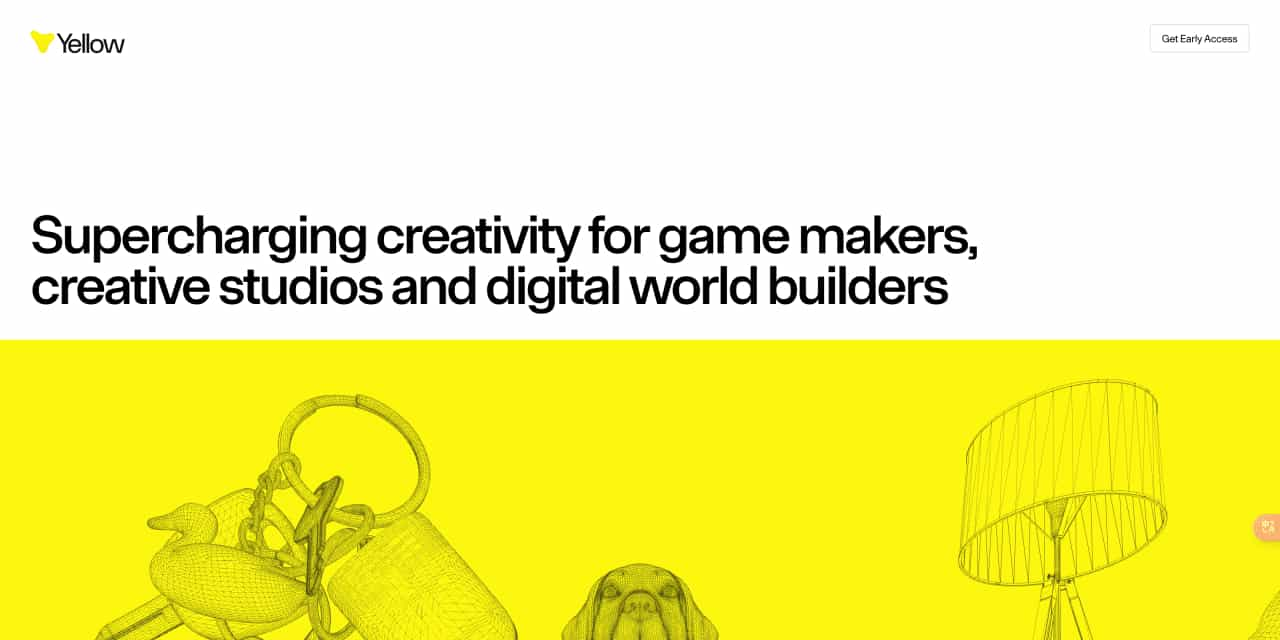
Supercharging creativity for game makers, creative studios and digital world builders



This comprehensive guide explores the best AI image generators available in 2026, highlighting their unique features, strengths, and ideal use cases. We'll dive deep into each tool's capabilities to help you identify which AI image generator best suits your creative needs.

Google has just launched a powerful AI IDE code editor — now you can really vibe while coding

The best AI Model And AI Tools in 2026,The Most Popular Free AI Model And AI Tools.