订阅AI通讯
您的数据完全安全。我们不会与任何人共享。
Create and edit Mermaid diagrams instantly with our free online viewer. Collaborate in real-time, export to multiple formats, and optimize your workflow.
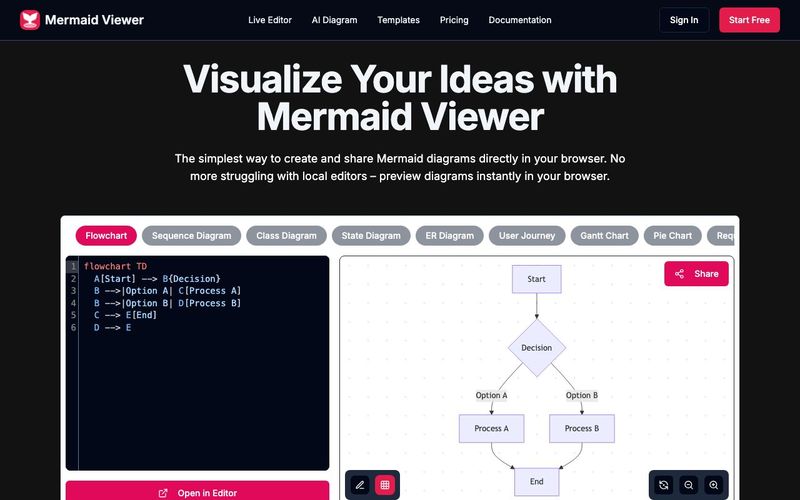
The Mermaid Viewer stands out as an essential AI tool for modern developers, educators, and students who rely on clear visual communication. As diagramming becomes a core part of educational learning, especially in fields like computer science, software engineering, and data visualization, Mermaid Viewer provides a seamless, browser-based solution that removes all friction from creating and sharing diagrams. Its ability to render Mermaid diagrams instantly makes it a powerful resource for both classroom settings and professional workflows.
One of the strongest advantages of Mermaid Viewer is its live preview, enabling users to see diagram updates the moment they type. This real-time feedback dramatically accelerates learning because students can immediately understand how code translates into visual structure. Combined with AI-assisted coding, where the built-in “Generate with GPT-4” feature converts text descriptions into accurate Mermaid syntax, the tool doubles as both a diagram generator and an educational assistant. This makes it perfect for beginners who are still learning diagram syntax as well as advanced users who want to speed up their workflow.
For collaborative educational environments, the real-time collaboration feature is invaluable. Teachers, classmates, and project teams can co-edit diagrams simply by sharing an editor link, eliminating version conflicts and allowing everyone to visualize concepts together. Meanwhile, the smart debugging system highlights syntax errors and offers auto-correction suggestions, helping learners understand and fix issues more effectively.
Mermaid Viewer also supports a full range of export options, such as SVG, PNG, and Markdown, with adjustable DPI and dark/light themes—ideal for lecture slides, academic reports, and online publications. Its privacy-first architecture ensures all data stays in the browser, making it safe for classroom use, enterprise teams, and sensitive projects. For organizations with strict security requirements, the platform even supports Docker private deployment and role-based access control.
Overall, Mermaid Viewer is more than a diagram editor—it is a powerful AI tool that enhances educational learning, fosters collaboration, simplifies complex concepts, and brings the power of instant visualization directly into the browser.
Enter Mermaid Code
Input diagram code in Mermaid viewer
Real-time Preview
Instantly see your Mermaid diagram
Export as SVG/PNG/PDF
Download diagram in multiple formats
Diagrams can be saved in multiple ways: 1) Export as SVG/PNG files 2) Copy share link 3) Save to browser local storage. Our editor automatically saves your latest changes so you never lose your work.
Click the "Share" button in the editor to generate a unique link. Your team members can view and edit the diagram through this link. We support real-time collaboration, so all changes are synced instantly.
We support all Mermaid.js diagram types including: flowcharts, sequence diagrams, class diagrams, state diagrams, entity relationship diagrams, user journey diagrams, Gantt charts, pie charts, requirement diagrams, Git graphs, C4 diagrams, mind maps, and timelines.
No! Mermaid Viewer is a completely browser-based online tool, no installation required. Just open your browser and visit our site to start creating diagrams.
We offer multiple export options: 1) SVG format for scalable diagrams 2) PNG format for direct use 3) High-resolution export options to ensure your diagrams look crisp in any context. You can also customize export settings like size and background color.
分享实用笔记,帮助他人评估此工具。
暂无评论。开始对话吧。

专注于教育学习的AI工具目录,利用GPT-4、可汗学院AI和松鼠AI等先进模型来个性化学习体验、提供智能辅导和自适应评估。该目录提供了全面的资源,以提升教育成果并提高学生参与度。通过AI驱动的教育学习,它提供量身定制的学习路径和智能评估解决方案,使教育对学生更有效、更吸引人。
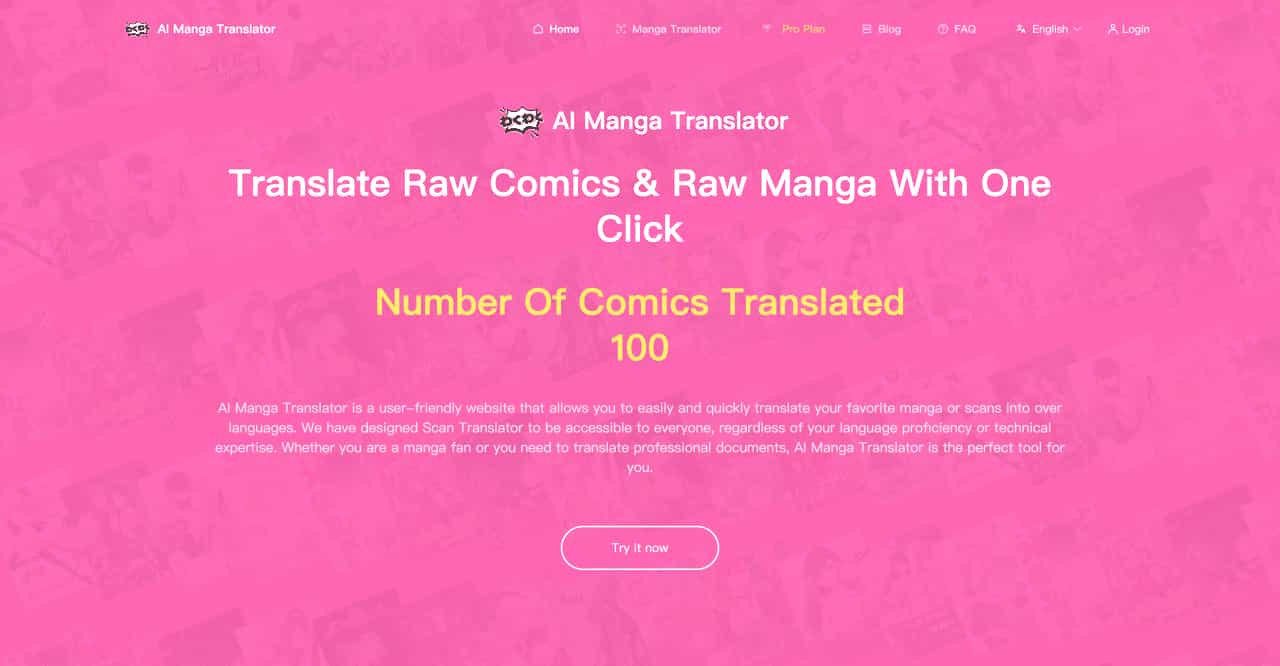
AI Manga Translator is a user-friendly website that allows you to easily and quickly translate your favorite manga or scans into over languages. We have designed Scan Translator to be accessible to everyone, regardless of your language proficiency or technical expertise. Whether you are a manga fan or you need to translate professional documents, AI Manga Translator is the perfect tool for you.
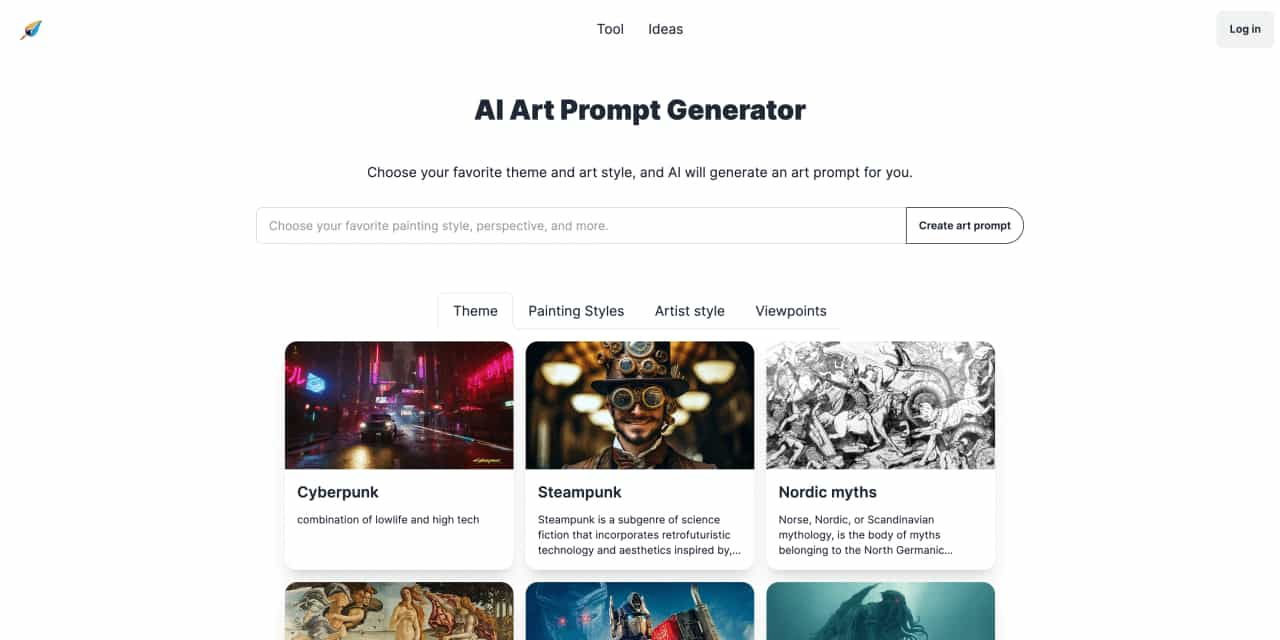
Choose your favorite theme and art style, and AI will generate an art prompt for you.
Reliable Court Reporting with a Revolutionary Approach
Supercharging creativity for game makers, creative studios and digital world builders


Flux 2 Max 是 Flux 2 系列中最先进的版本,专为追求高精度、真实感和生产级视觉输出的创作者而设计。作为一款高端的 AI 图像生成器(AI Image Generator) 与强大的 AI 图像编辑器(AI Image Editor) 的结合体,Flux 2 Max 将图像质量与一致性提升到了全新高度,非常适合专业级创作流程。
随着人工智能的飞速发展,11月成为了全年最具突破性的月份之一。从新一代图像模型和令人惊叹的视频工具,到能够编写代码、构建应用程序、清理杂乱数据,甚至从零开始创建完整学习中心的 AI 助手,应有尽有。无论你是创作者、营销人员、学生、开发者,还是仅仅是一位人工智能爱好者,本月的种种新发现都会让你重新思考人工智能的无限可能。

2025年最佳AI大模型与AI工具,最受欢迎的免费AI大模型与AI工具。

With the launch of the iOS 18.1 Beta version, registered developers can now experience some of the features of Apple AI, a cutting-edge addition to AI tools.