AI 뉴스레터 구독
귀하의 데이터는 완전히 안전하게 보호됩니다. 어떤 누구와도 공유하지 않습니다.
Create and edit Mermaid diagrams instantly with our free online viewer. Collaborate in real-time, export to multiple formats, and optimize your workflow.
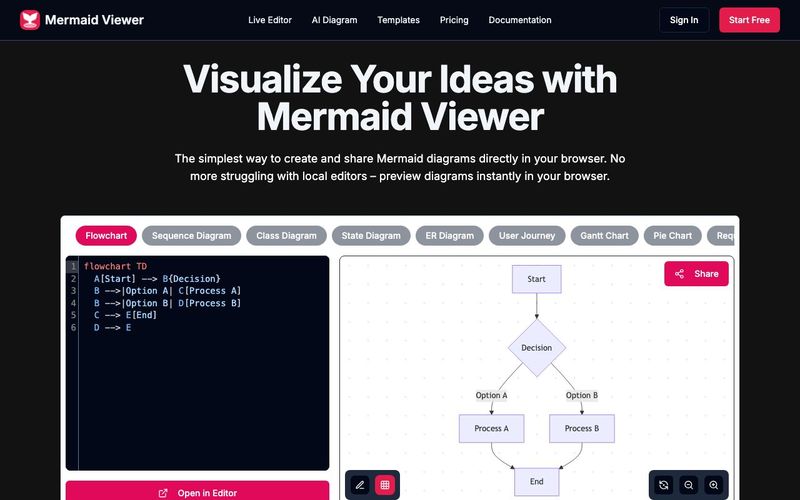
The Mermaid Viewer stands out as an essential AI tool for modern developers, educators, and students who rely on clear visual communication. As diagramming becomes a core part of educational learning, especially in fields like computer science, software engineering, and data visualization, Mermaid Viewer provides a seamless, browser-based solution that removes all friction from creating and sharing diagrams. Its ability to render Mermaid diagrams instantly makes it a powerful resource for both classroom settings and professional workflows.
One of the strongest advantages of Mermaid Viewer is its live preview, enabling users to see diagram updates the moment they type. This real-time feedback dramatically accelerates learning because students can immediately understand how code translates into visual structure. Combined with AI-assisted coding, where the built-in “Generate with GPT-4” feature converts text descriptions into accurate Mermaid syntax, the tool doubles as both a diagram generator and an educational assistant. This makes it perfect for beginners who are still learning diagram syntax as well as advanced users who want to speed up their workflow.
For collaborative educational environments, the real-time collaboration feature is invaluable. Teachers, classmates, and project teams can co-edit diagrams simply by sharing an editor link, eliminating version conflicts and allowing everyone to visualize concepts together. Meanwhile, the smart debugging system highlights syntax errors and offers auto-correction suggestions, helping learners understand and fix issues more effectively.
Mermaid Viewer also supports a full range of export options, such as SVG, PNG, and Markdown, with adjustable DPI and dark/light themes—ideal for lecture slides, academic reports, and online publications. Its privacy-first architecture ensures all data stays in the browser, making it safe for classroom use, enterprise teams, and sensitive projects. For organizations with strict security requirements, the platform even supports Docker private deployment and role-based access control.
Overall, Mermaid Viewer is more than a diagram editor—it is a powerful AI tool that enhances educational learning, fosters collaboration, simplifies complex concepts, and brings the power of instant visualization directly into the browser.
Enter Mermaid Code
Input diagram code in Mermaid viewer
Real-time Preview
Instantly see your Mermaid diagram
Export as SVG/PNG/PDF
Download diagram in multiple formats
Diagrams can be saved in multiple ways: 1) Export as SVG/PNG files 2) Copy share link 3) Save to browser local storage. Our editor automatically saves your latest changes so you never lose your work.
Click the "Share" button in the editor to generate a unique link. Your team members can view and edit the diagram through this link. We support real-time collaboration, so all changes are synced instantly.
We support all Mermaid.js diagram types including: flowcharts, sequence diagrams, class diagrams, state diagrams, entity relationship diagrams, user journey diagrams, Gantt charts, pie charts, requirement diagrams, Git graphs, C4 diagrams, mind maps, and timelines.
No! Mermaid Viewer is a completely browser-based online tool, no installation required. Just open your browser and visit our site to start creating diagrams.
We offer multiple export options: 1) SVG format for scalable diagrams 2) PNG format for direct use 3) High-resolution export options to ensure your diagrams look crisp in any context. You can also customize export settings like size and background color.
실용적인 메모를 공유하고 다른 사람들이 이 도구를 평가하는 데 도움을 주세요.
아직 댓글이 없습니다. 대화를 시작하세요.

GPT-4, Khan Academy의 AI, Squirrel AI와 같은 고급 모델을 활용하여 학습 경험을 개인화하고, 지능형 튜터링을 제공하며, 적응형 평가를 제공하는 교육 학습에 초점을 맞춘 AI 도구 디렉토리입니다. 이 디렉토리는 교육 결과를 향상시키고 학생 참여를 높이는 포괄적인 리소스를 제공합니다. AI 기반 교육 학습을 통해 맞춤형 학습 경로와 스마트 평가 솔루션을 제공하여 교육을 더 효과적이고 매력적으로 만듭니다.
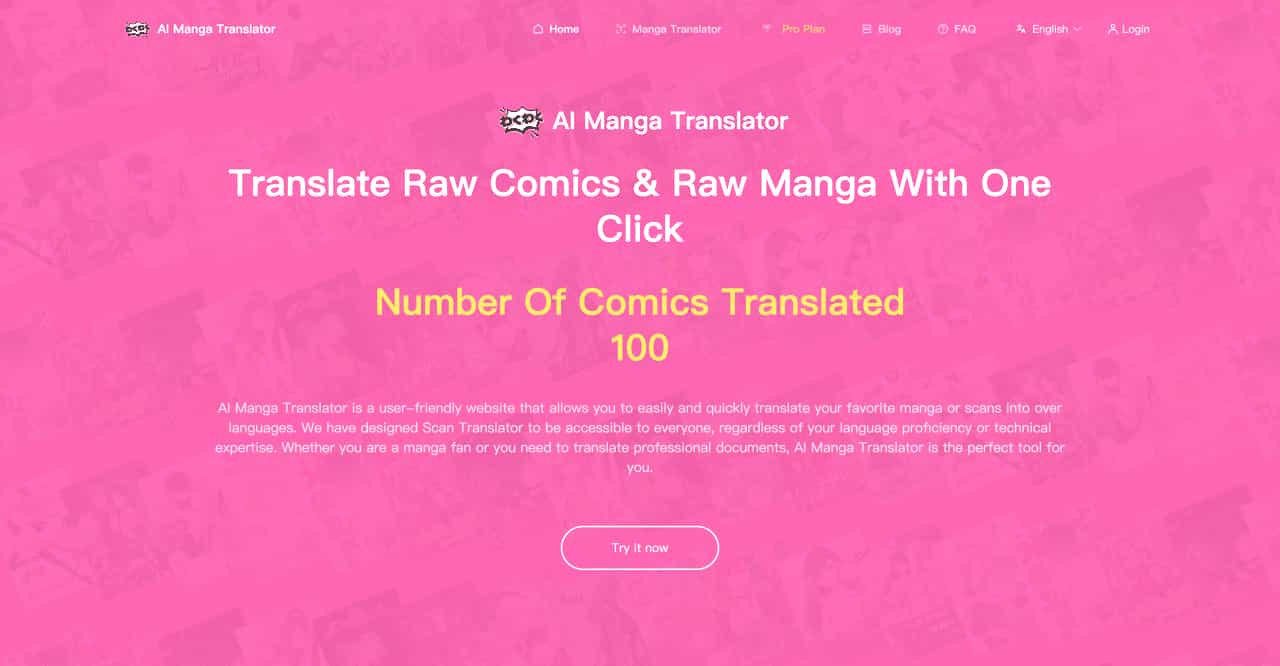
AI Manga Translator is a user-friendly website that allows you to easily and quickly translate your favorite manga or scans into over languages. We have designed Scan Translator to be accessible to everyone, regardless of your language proficiency or technical expertise. Whether you are a manga fan or you need to translate professional documents, AI Manga Translator is the perfect tool for you.
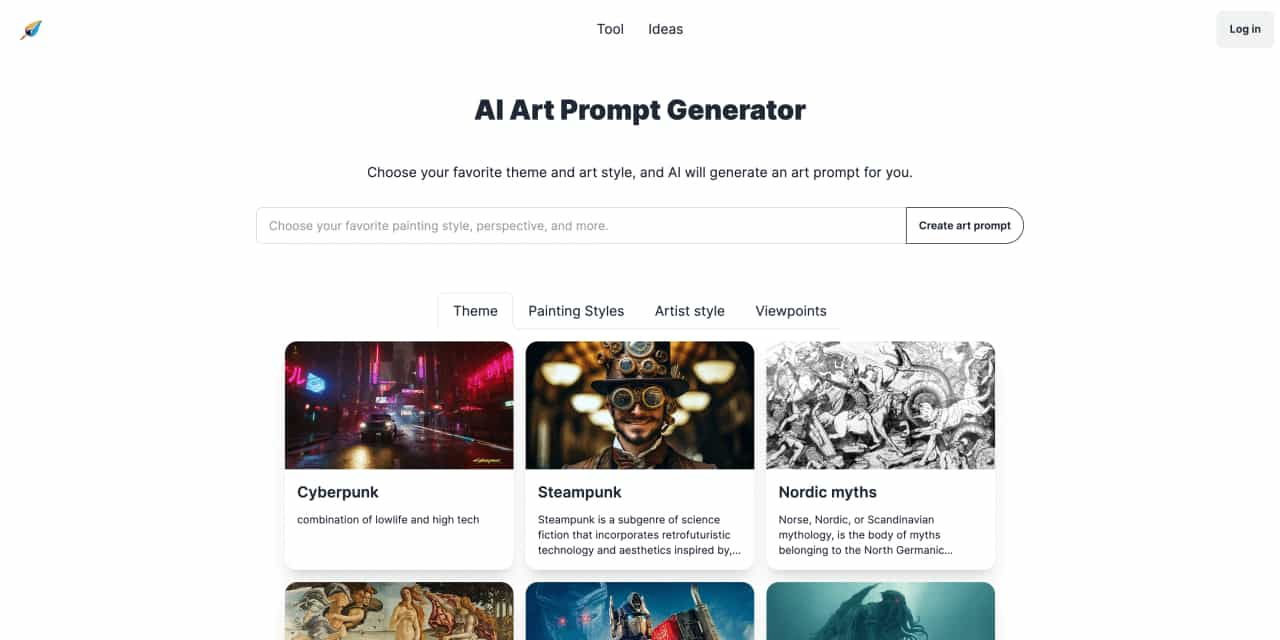
Choose your favorite theme and art style, and AI will generate an art prompt for you.
Reliable Court Reporting with a Revolutionary Approach
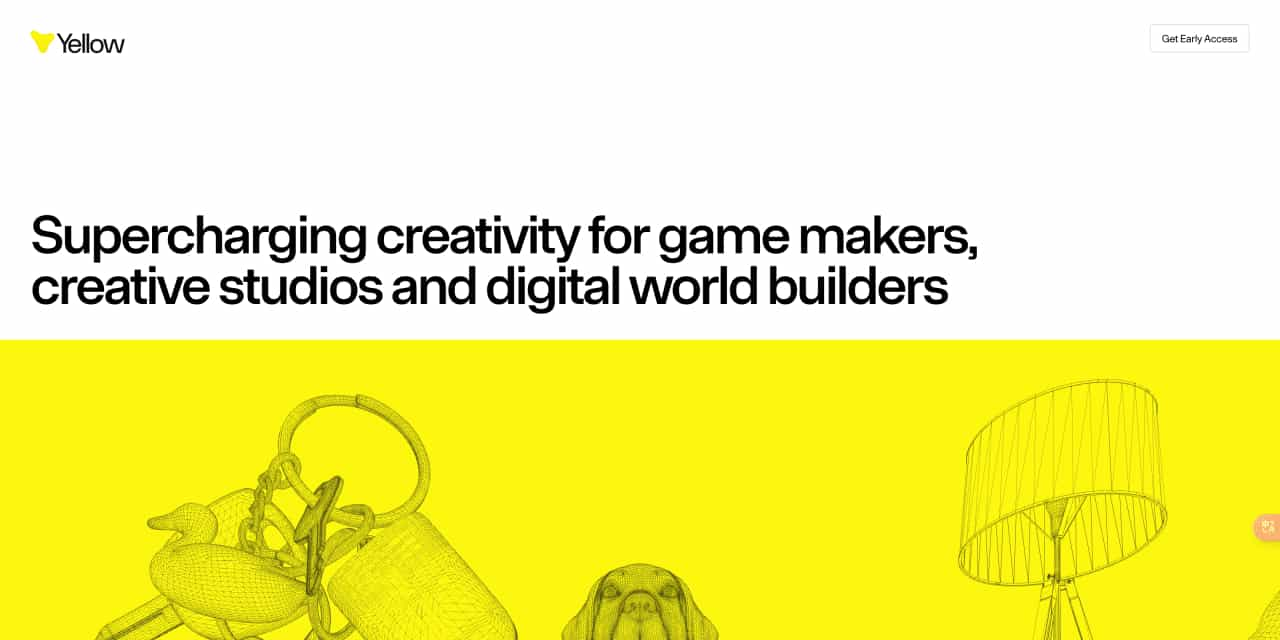
Supercharging creativity for game makers, creative studios and digital world builders



This comprehensive guide explores the best AI image generators available in 2026, highlighting their unique features, strengths, and ideal use cases. We'll dive deep into each tool's capabilities to help you identify which AI image generator best suits your creative needs.

Google has just launched a powerful AI IDE code editor — now you can really vibe while coding

The best AI Model And AI Tools in 2026,The Most Popular Free AI Model And AI Tools.