Subscribe to AI newsletter
Your data is completely secure with us. We don't share it with anyone.
Transform static logos into stunning motion graphics in seconds. Create professional logo animations for your website, videos, and social media
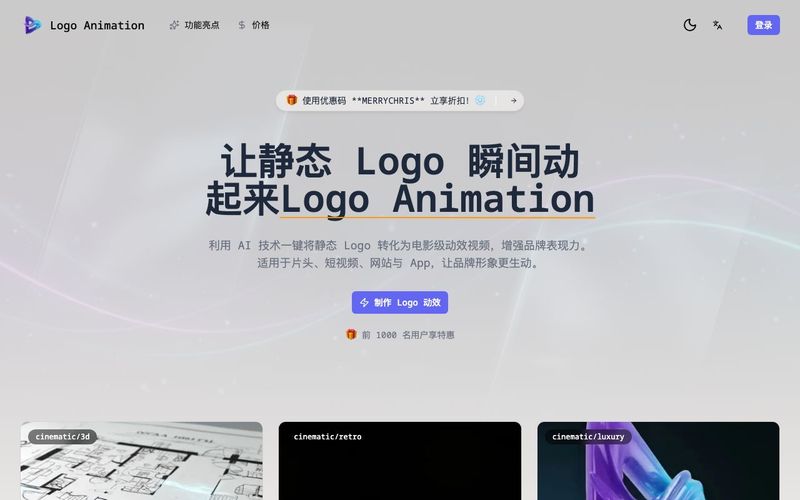
In the modern digital landscape, a static brand mark is often just the beginning. To truly capture attention in a world of scrolling feeds and short-form video, brands are turning to Design Assistance powered by artificial intelligence. Logo Animation has evolved from a high-budget luxury into an accessible, essential AI tool that transforms static visuals into professional motion graphics in a matter of seconds.
Traditional motion design once required hours of frame-by-frame adjustment in complex software. Today, the "Smart AI Engine" acts as a virtual motion designer. By analyzing your logo's unique shapes, colors, and composition, the AI understands the inherent style of your brand. It then applies "AI-Driven Motion"—generating fluid, natural sequences that feel like an organic extension of your visual identity rather than a generic template.
This AI tool is designed to eliminate the technical friction that often stalls creative projects:
The process is intentionally simple: upload your static logo, select a style, and let the AI build the frames. The output is "Cross-Platform Ready," ensuring your animation looks as sharp on a mobile app as it does on a massive trade show display. For social media managers, the "Perfect Loops" feature is a game-changer, creating hypnotic, attention-grabbing content that reinforces brand recall every time it repeats.
Upload your static logo to get started. We support common image formats with transparency.
Choose from a variety of animation styles or customize the look to match your brand.
Watch as AI brings your logo to life in seconds with smooth motion and effects.
Get your animation file with a transparent background, ready to use anywhere.
Yes! Our animations are exported with transparent backgrounds, making them perfect for website headers and overlays.
Not at all. Our AI handles all the complex animation work. You just upload your logo and choose a style.
Most animations are ready in just a minute or two, allowing you to iterate quickly.
Yes, the AI-generated sound effects are royalty-free for your commercial use.
High-quality PNGs with transparent backgrounds work best. The AI can handle both simple and complex shapes.
Yes, you can try creating a few preview animations to see the magic for yourself before subscribing.
Share practical notes and help others evaluate this tool.
No comments yet. Start the conversation.

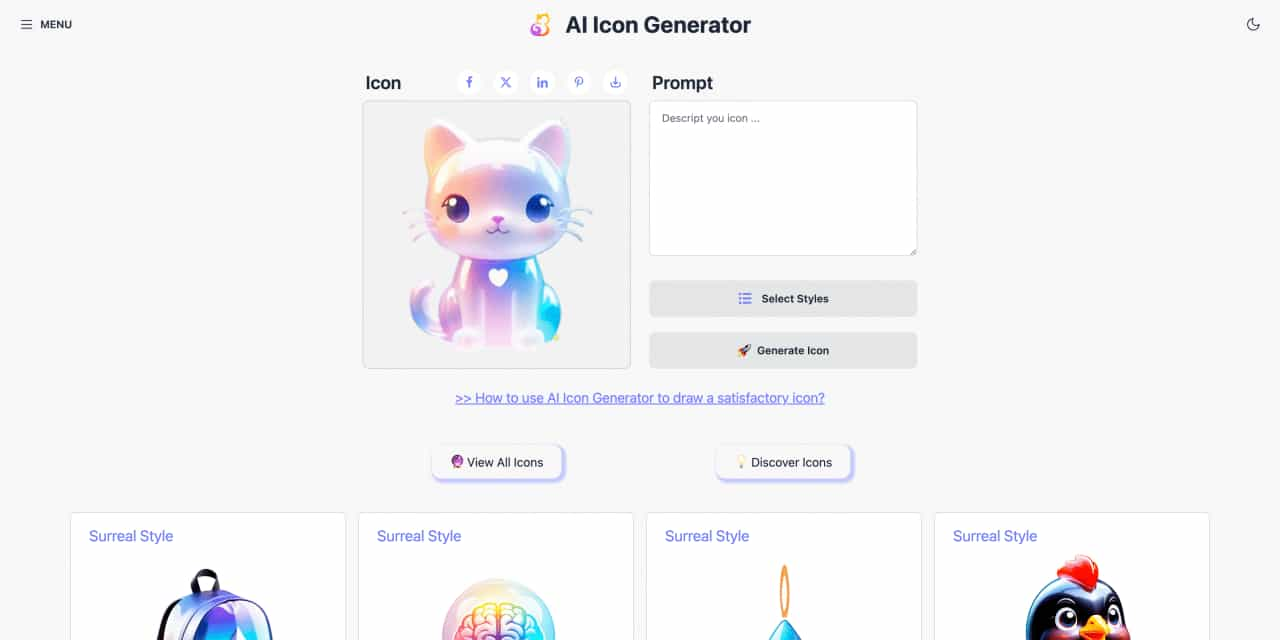
Easy to use AI icon generator. Free and effortlessly generate icon from text.
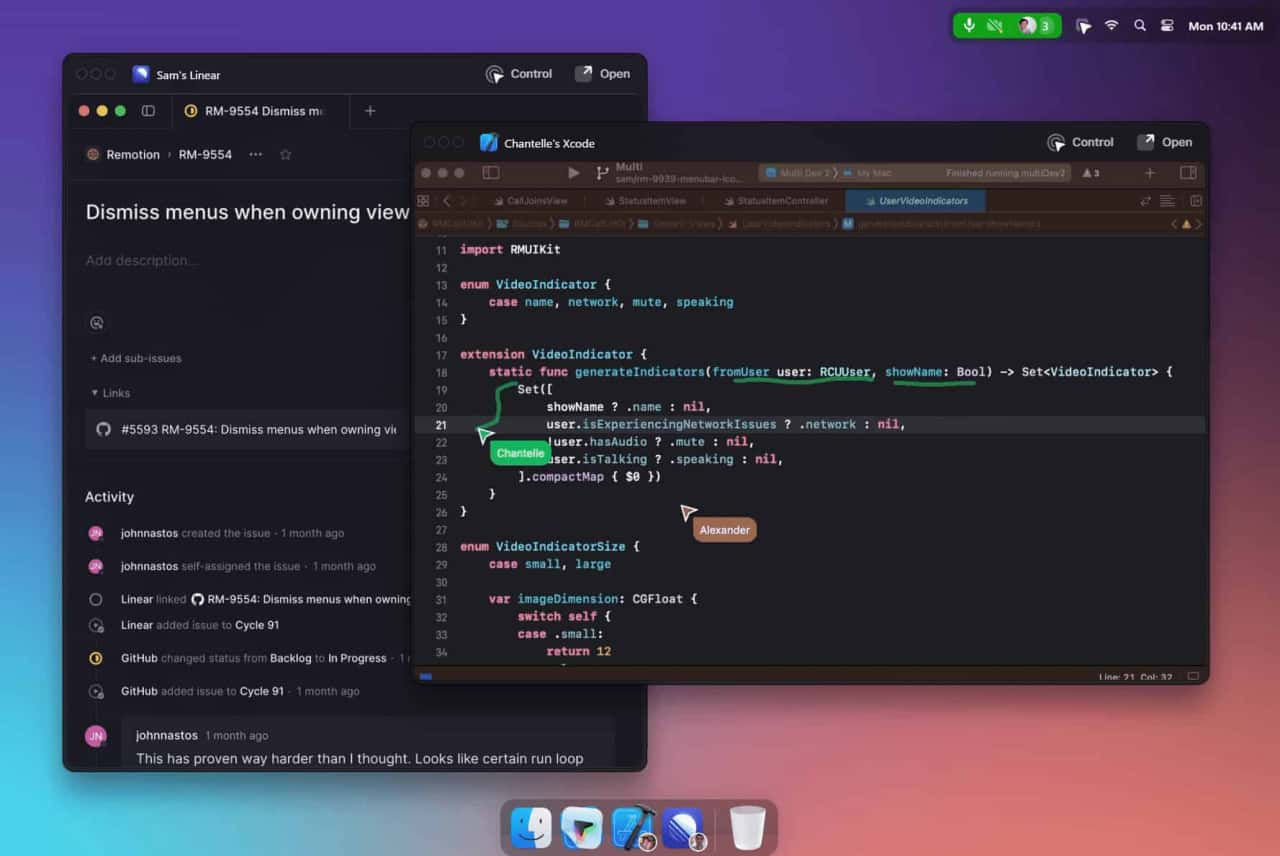
Unleash your team with multiplayer app sharing: Point, draw and edit in shared apps as if they’re on your computer. All in a beautifully crafted, native macOS app.
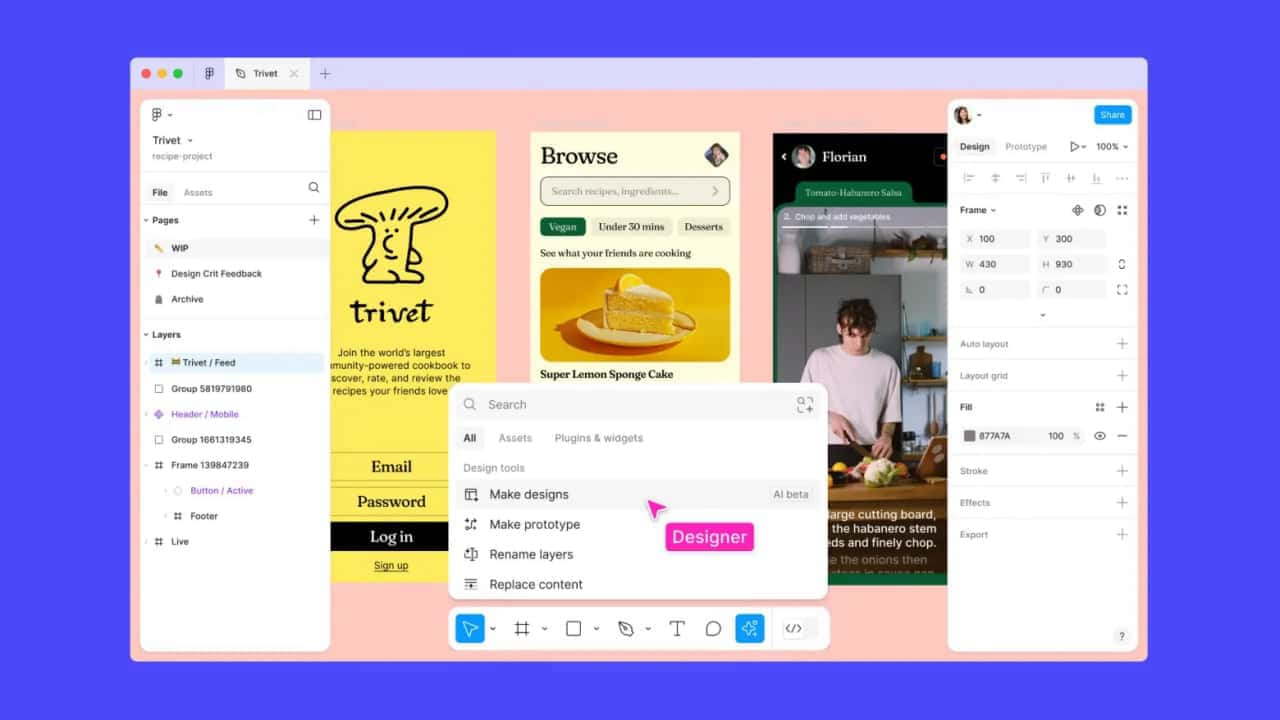
Get started faster, find what you’re looking for, and stay in the flow—with AI tools build for your workflows.
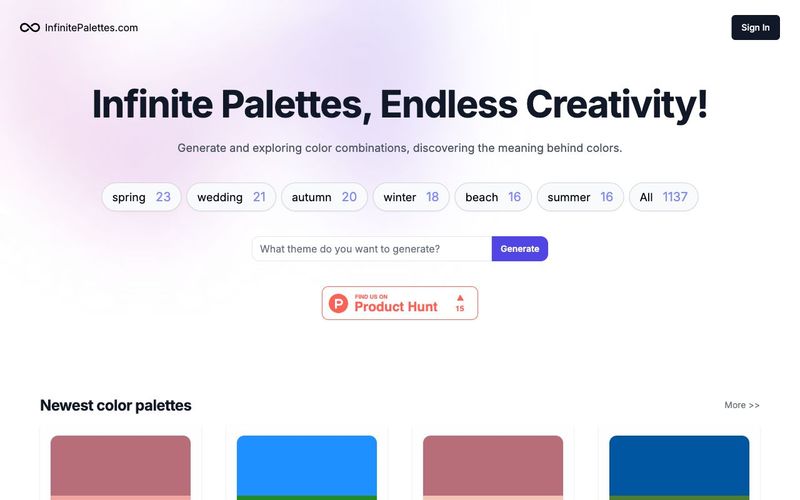
Generate and explore endless color palettes and meanings at InfinitePalettes.com. Discover perfect color combinations and their significance to inspire your creativity.



This comprehensive guide explores the best AI image generators available in 2026, highlighting their unique features, strengths, and ideal use cases. We'll dive deep into each tool's capabilities to help you identify which AI image generator best suits your creative needs.

Google has just launched a powerful AI IDE code editor — now you can really vibe while coding

The best AI Model And AI Tools in 2026,The Most Popular Free AI Model And AI Tools.