Subscribe to AI newsletter
Your data is completely secure with us. We don't share it with anyone.
Image to Image AI Generator is a free online photo editor that offers powerful features allowing you to edit, reshape, and restyle images using text prompts.
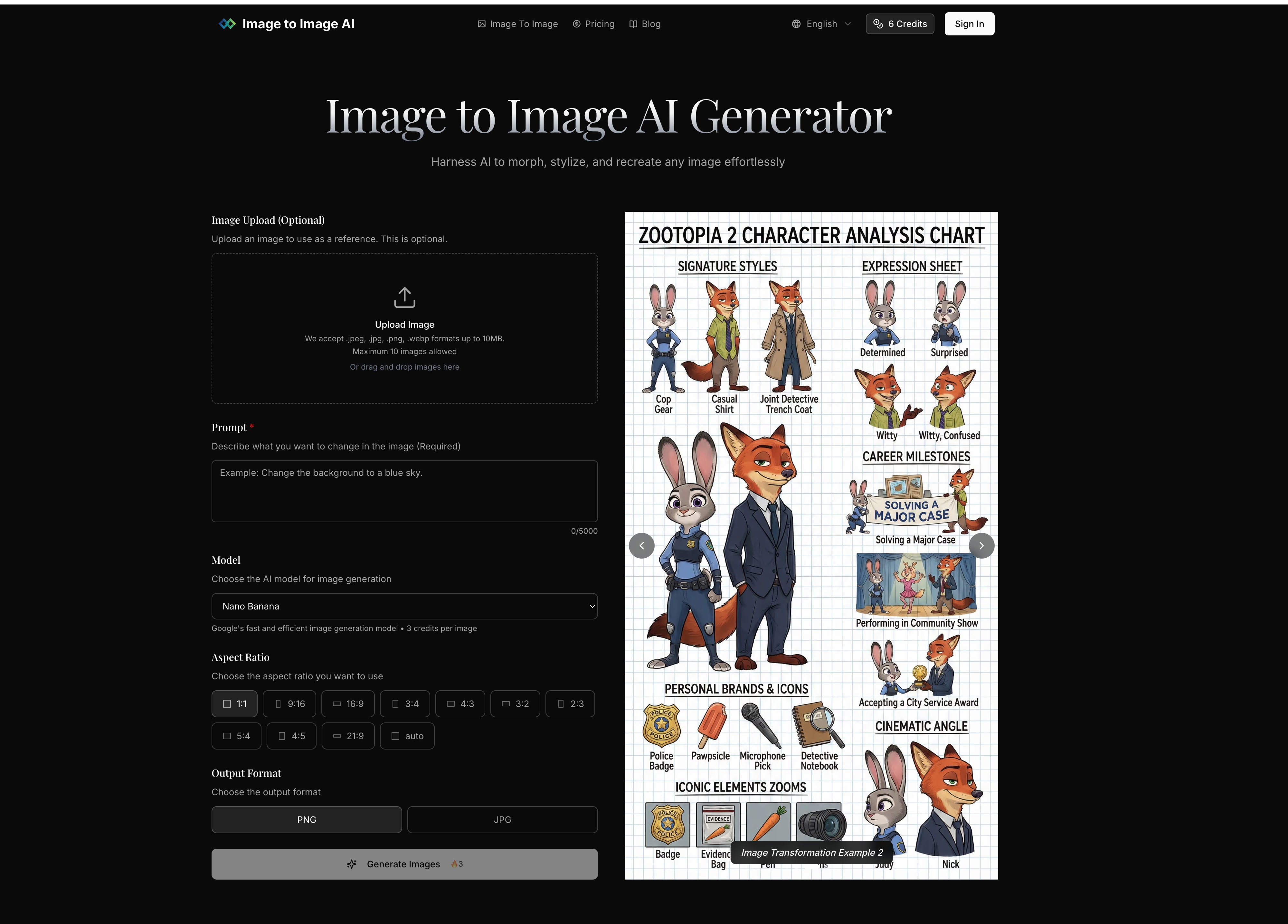
In today’s rapidly evolving creative ecosystem, the rise of advanced AI tool solutions has significantly transformed the way users approach Image Generation and digital editing. Among these innovations, Image to Image AI Generator stands out as a powerful and accessible platform that allows users to edit, reshape, and restyle existing images using simple text prompts, making professional-grade visual transformation available to everyone.
Unlike traditional design software that requires advanced technical skills, this AI tool simplifies the entire workflow into a four-step process. Users begin by uploading a source image, which serves as the foundation for transformation. This approach ensures that the core structure and composition of the original image are preserved while enabling creative modifications. By maintaining visual consistency, the platform bridges the gap between original photography and AI-driven Image Generation.
The second step involves describing desired changes through text prompts. This is where the intelligence of the AI tool becomes most apparent. Users can specify stylistic directions, color adjustments, environmental changes, or artistic effects. Whether the goal is to convert a photo into a cinematic scene, a digital painting, or a futuristic cyberpunk-style image, the system interprets natural language instructions and applies them to the visual output with impressive accuracy.
Next, users can fine-tune transformation settings such as aspect ratio, output quantity, and transformation strength. This level of control is crucial in Image Generation workflows, as it allows users to balance originality and transformation intensity. A lower strength retains more of the original image, while a higher value introduces more dramatic changes. This flexibility makes the tool suitable for both subtle enhancements and full creative redesigns.
The final step is generation and download, where the AI tool processes the input and produces multiple high-quality variations within seconds. Users can preview results, select preferred outputs, and download them in professional resolution, making them suitable for marketing, social media, product design, or creative projects.
One of the key advantages of this platform is its ability to maintain structural integrity while enabling creative freedom. Unlike many other Image Generation tools that completely rebuild visuals, this AI system preserves essential elements of the original image, ensuring recognizable and coherent results. Combined with fast processing speeds and versatile style applications, it significantly enhances productivity for designers, marketers, and content creators.
Overall, Image to Image AI represents a next-generation AI tool that redefines how users interact with visual content. By combining simplicity, speed, and powerful transformation capabilities, it makes advanced Image Generation more accessible, efficient, and creatively flexible than ever before.
Select an image from your device to use as the starting point. For best results, use clear images with good lighting and resolution that match your desired output aspect ratio.
Write a prompt describing how you want to transform the image. Be specific about style, colors, modifications, or artistic effects you want to apply.
Fine-tune transformation parameters like aspect ratio, output count, and transformation strength to control how closely the result resembles your original image.
Click generate and watch as AI transforms your image. Browse the results, select your favorites, and download high-quality versions ready for use.
Image to Image uses your existing image as a starting point, maintaining its core structure while applying transformations. Text to Image creates completely new images from text descriptions with no visual reference point.
The best results come from clear, well-lit images with defined subjects. The system works with portraits, landscapes, product photos, and more. For optimal results, use images that match your desired output aspect ratio.
You can control transformation strength to determine how closely the output resembles your original image, specify detailed prompts to guide the AI, and generate multiple variations to choose from.
Most transformations complete in seconds, with more complex changes taking up to a minute. You can generate multiple outputs simultaneously to explore different options efficiently.
We accept JPEG, PNG and WEBP formats up to 24MB and 4096 x 4096 pixels. Output images are provided in high-quality formats optimized for your intended use.
Yes, paid subscription plans include commercial licensing rights, allowing you to use transformed images for business purposes including marketing, advertising, and product displays.
Free users can transform a limited number of images per day. Paid plans offer higher limits and additional features. Check our pricing page for detailed information on usage limits and subscription benefits.
Share practical notes and help others evaluate this tool.
No comments yet. Start the conversation.


Explore curated Codex skins, save favorites, and customize Codex Desktop on macOS or Windows with native UI preserved.

NanoBananaAI is a free AI image generator powered by Nano Banana Pro, Google's advanced image model. Create, edit, and transform stunning visuals with natural language prompts. No design skills needed.

Create faceless reels from an idea or script. Review the hook, voiceover, visuals, captions, and scene plan before generation.

Discover Nano Banana, the next-generation multimodal model for context-aware image generation and editing. Combine text and image prompts to create, edit, and refine visuals with unmatched consistency and style.



This comprehensive guide explores the best AI image generators available in 2026, highlighting their unique features, strengths, and ideal use cases. We'll dive deep into each tool's capabilities to help you identify which AI image generator best suits your creative needs.

Google has just launched a powerful AI IDE code editor — now you can really vibe while coding

The best AI Model And AI Tools in 2026,The Most Popular Free AI Model And AI Tools.