Subscribe to AI newsletter
Your data is completely secure with us. We don't share it with anyone.
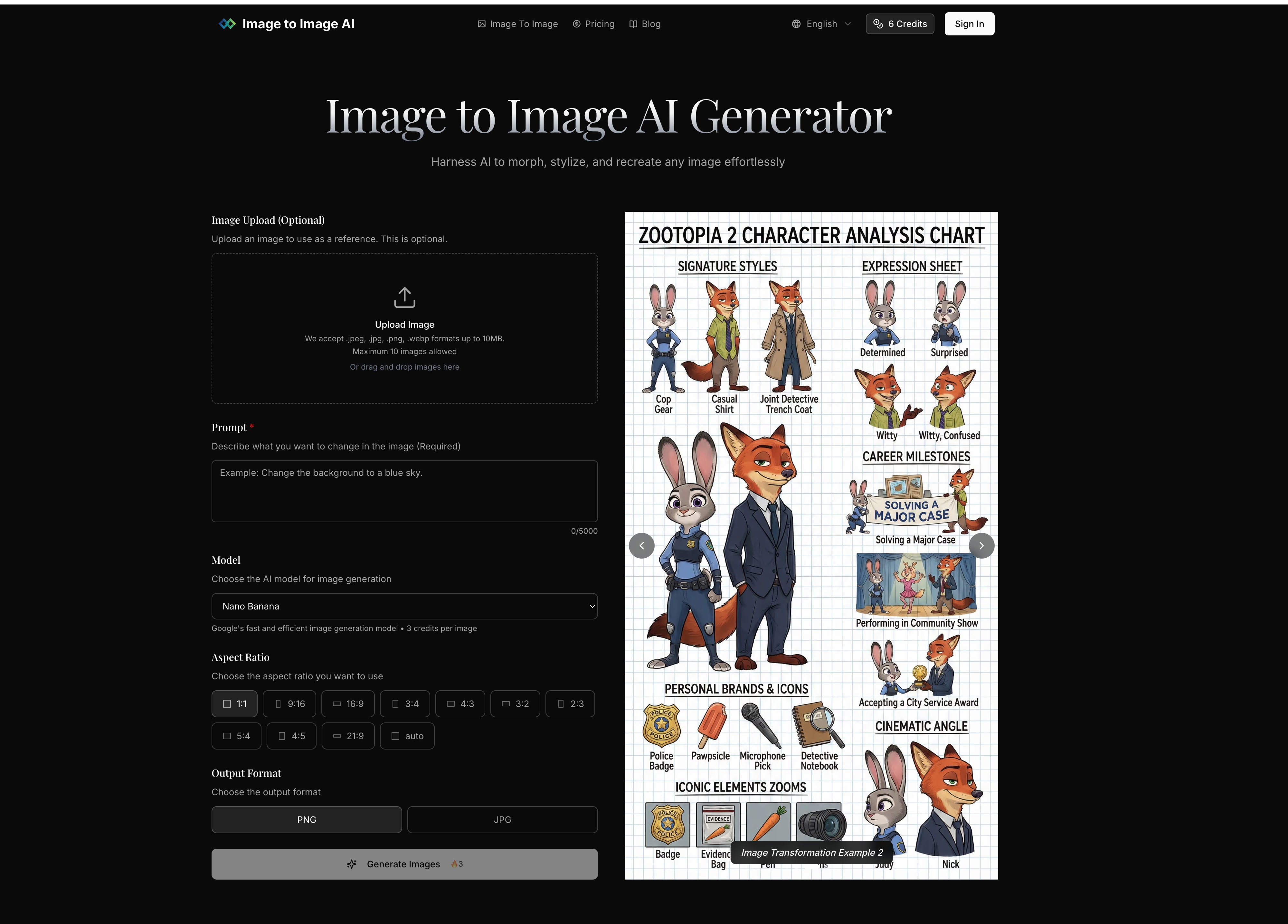
Image to Image uses your existing image as a starting point, maintaining its core structure while applying transformations. Text to Image creates completely new images from text descriptions with no visual reference point.
The best results come from clear, well-lit images with defined subjects. The system works with portraits, landscapes, product photos, and more. For optimal results, use images that match your desired output aspect ratio.
You can control transformation strength to determine how closely the output resembles your original image, specify detailed prompts to guide the AI, and generate multiple variations to choose from.
Most transformations complete in seconds, with more complex changes taking up to a minute. You can generate multiple outputs simultaneously to explore different options efficiently.
We accept JPEG, PNG and WEBP formats up to 24MB and 4096 x 4096 pixels. Output images are provided in high-quality formats optimized for your intended use.
Yes, paid subscription plans include commercial licensing rights, allowing you to use transformed images for business purposes including marketing, advertising, and product displays.
Free users can transform a limited number of images per day. Paid plans offer higher limits and additional features. Check our pricing page for detailed information on usage limits and subscription benefits.
From a functional and practical standpoint, Image to Image AI demonstrates how a modern AI tool can significantly enhance the capabilities of Image Generation workflows by offering a more controlled and reference-driven approach compared to traditional text-based generation systems.
One of the most important distinctions highlighted in the FAQ is the difference between Image to Image and Text to Image generation. While Text to Image relies entirely on textual descriptions to create new visuals from scratch, Image to Image uses an existing image as a structural foundation. This allows the AI tool to preserve composition, subject identity, and visual consistency while applying intelligent transformations. As a result, users gain a higher level of predictability and precision in Image Generation, especially when working with brand assets, product visuals, or portraits where maintaining structure is essential.
Another key insight is the importance of input quality. The FAQ emphasizes that clear, well-lit images with defined subjects produce the best results. This reflects a core principle in any AI tool focused on Image Generation: the quality of the input directly influences the quality of the output. By supporting multiple image types such as portraits, landscapes, and product photography, the system remains flexible across different creative and commercial use cases.
Control is another defining strength of Image to Image AI. Users can adjust transformation strength, define detailed prompts, and generate multiple variations simultaneously. This level of customization empowers creators to fine-tune results according to their specific needs—whether they want subtle enhancements or dramatic stylistic changes. In the context of Image Generation, this flexibility is crucial for iterative design workflows where experimentation plays a key role.
Performance and efficiency also stand out. Most transformations are completed within seconds, with more complex edits taking up to a minute. This rapid processing capability allows users to iterate quickly and explore multiple creative directions without delays, making the AI tool highly suitable for fast-paced professional environments.
Additionally, the platform supports widely used image formats such as JPEG, PNG, and WEBP, with high-resolution output suitable for commercial applications. Combined with licensing options for business use, it becomes a practical solution for marketing, advertising, and product visualization tasks.
Overall, Image to Image AI represents a powerful and efficient AI tool that enhances Image Generation by combining structural consistency, creative flexibility, and professional-grade output.



This comprehensive guide explores the best AI image generators available in 2026, highlighting their unique features, strengths, and ideal use cases. We'll dive deep into each tool's capabilities to help you identify which AI image generator best suits your creative needs.

Google has just launched a powerful AI IDE code editor — now you can really vibe while coding

The best AI Model And AI Tools in 2026,The Most Popular Free AI Model And AI Tools.