订阅AI通讯
您的数据完全安全。我们不会与任何人共享。
PDF Studio offers 40 free online PDF tools — compress, merge, split, convert, sign, edit and OCR PDFs directly in your browser. No uploads, no sign-up, completely free.
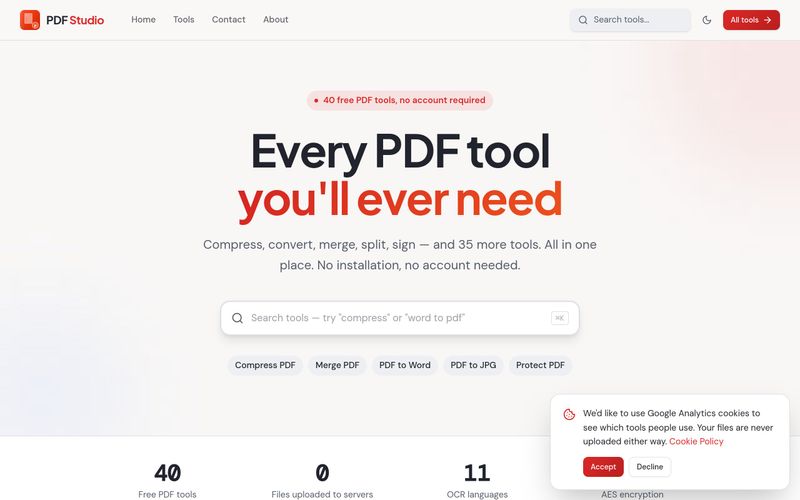
PDF Studio is a free collection of 40 online PDF tools that run entirely inside your browser. Instead of uploading your documents to a server, PDF Studio processes them locally on your own device — which means your files are never uploaded. The site positions itself around a simple promise: "Every PDF tool you'll ever need," covering compression, conversion, merging, splitting, signing and editing, with no sign-up required.
PDF Studio suits freelancers, students, office teams and anyone who regularly handles PDFs and wants a single, free hub for common tasks — especially people who are uncomfortable uploading private documents to third-party servers.
Tip: For scanned documents, run OCR PDF first to make the text searchable, then use PDF to Word or PDF to Excel when you need editable content or tables.
PDF Studio provides a Contact page (linked in the site navigation alongside Home, Tools and About) for reaching out with questions or issues. No live chat, email address or support SLA is stated on the pages reviewed.
分享实用笔记,帮助他人评估此工具。
暂无评论。开始对话吧。

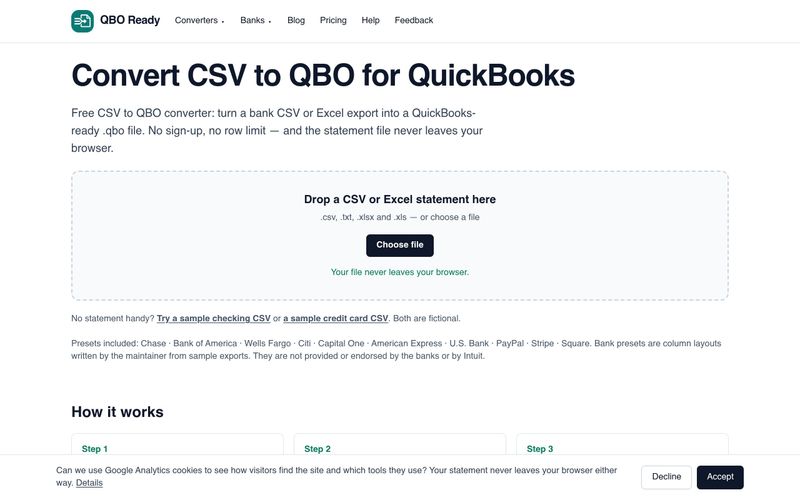
Convert bank CSV or Excel statements to QuickBooks-ready .qbo files for free, with no sign-up, no row limit and no file upload. Supports Chase, Bank of America, Wells Fargo and more.
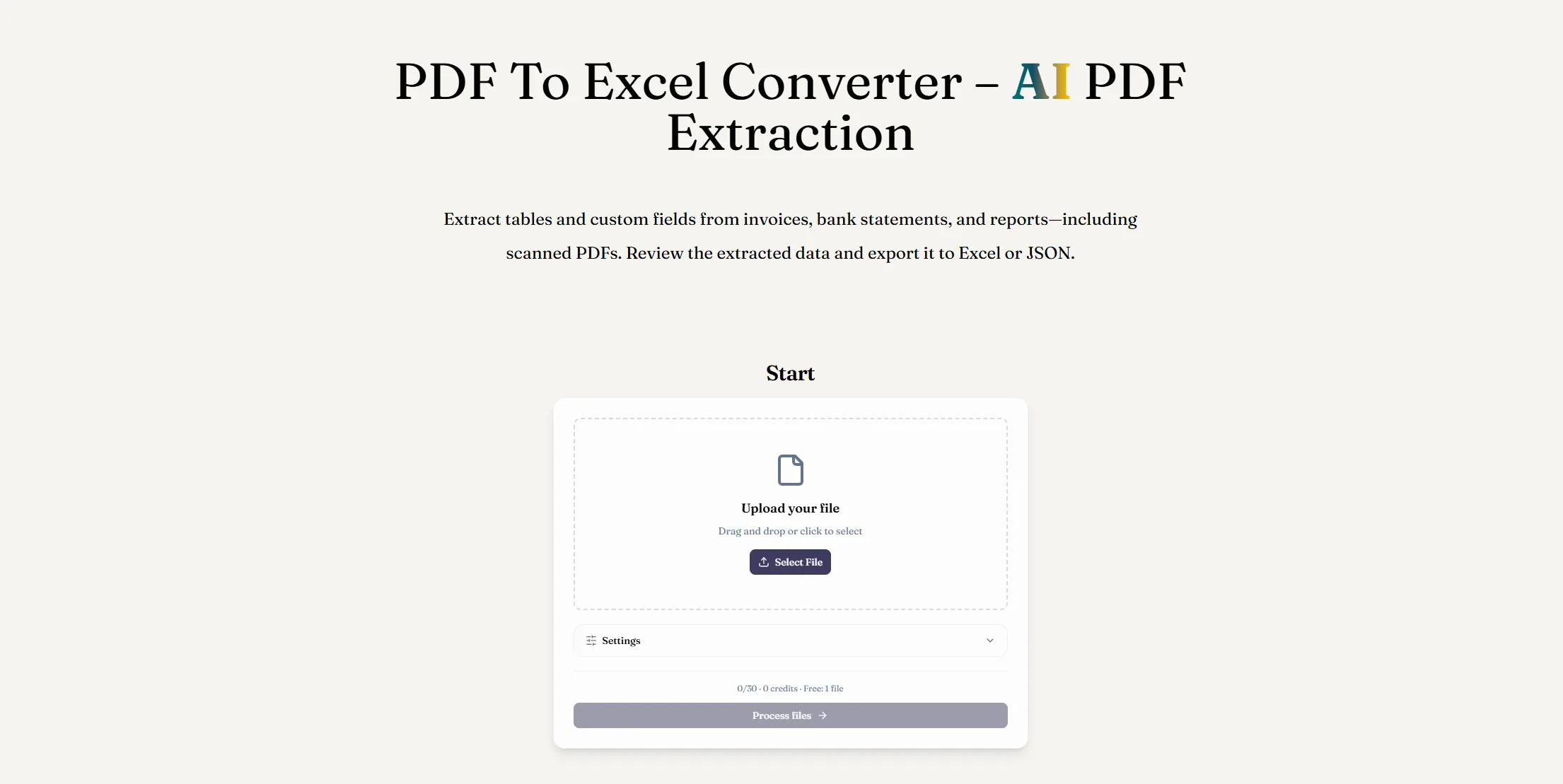
使用 AI PDF 提取将 PDF 转换为 Excel。从数字版或扫描版文档中提取表格和自定义字段,检查结果并下载 XLSX 文件。
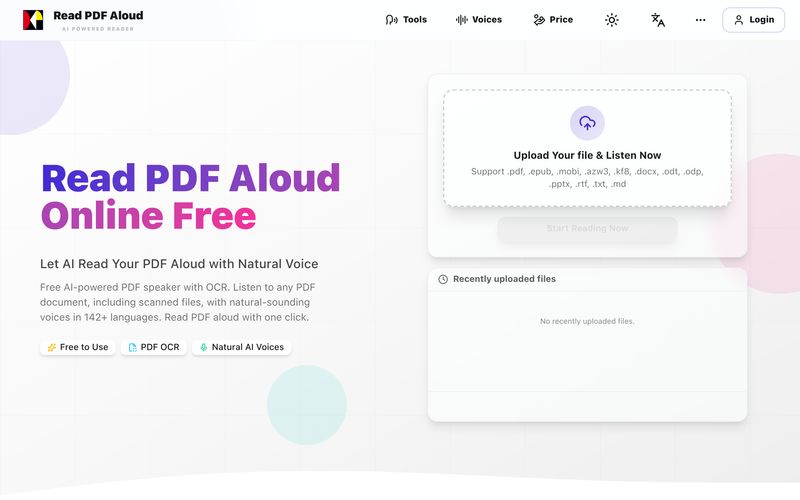
免费使用自然AI语音朗读PDF。支持142+种语言、600+种声音、扫描文件OCR和MP3导出。可在任何设备上使用。几秒钟内将任何PDF转换为语音。
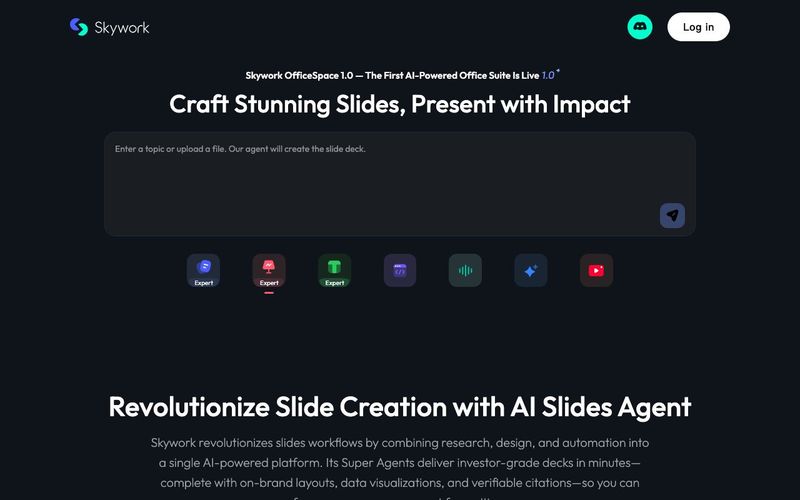
Transform your presentation workflow with the Skywork AI Slides Assistant — an intelligent solution that generates investor-grade slides in minutes, not hours. Our AI-powered platform combines deep research, professional design, and automated formatting to deliver stunning presentations that showcase your expertise.


Flux 2 Max 是 Flux 2 系列中最先进的版本,专为追求高精度、真实感和生产级视觉输出的创作者而设计。作为一款高端的 AI 图像生成器(AI Image Generator) 与强大的 AI 图像编辑器(AI Image Editor) 的结合体,Flux 2 Max 将图像质量与一致性提升到了全新高度,非常适合专业级创作流程。
随着人工智能的飞速发展,11月成为了全年最具突破性的月份之一。从新一代图像模型和令人惊叹的视频工具,到能够编写代码、构建应用程序、清理杂乱数据,甚至从零开始创建完整学习中心的 AI 助手,应有尽有。无论你是创作者、营销人员、学生、开发者,还是仅仅是一位人工智能爱好者,本月的种种新发现都会让你重新思考人工智能的无限可能。

2025年最佳AI大模型与AI工具,最受欢迎的免费AI大模型与AI工具。

With the launch of the iOS 18.1 Beta version, registered developers can now experience some of the features of Apple AI, a cutting-edge addition to AI tools.