Подпишитесь на новости ИИ
Ваши данные полностью защищены. Мы никому их не передаём.
PDF Studio offers 40 free online PDF tools — compress, merge, split, convert, sign, edit and OCR PDFs directly in your browser. No uploads, no sign-up, completely free.
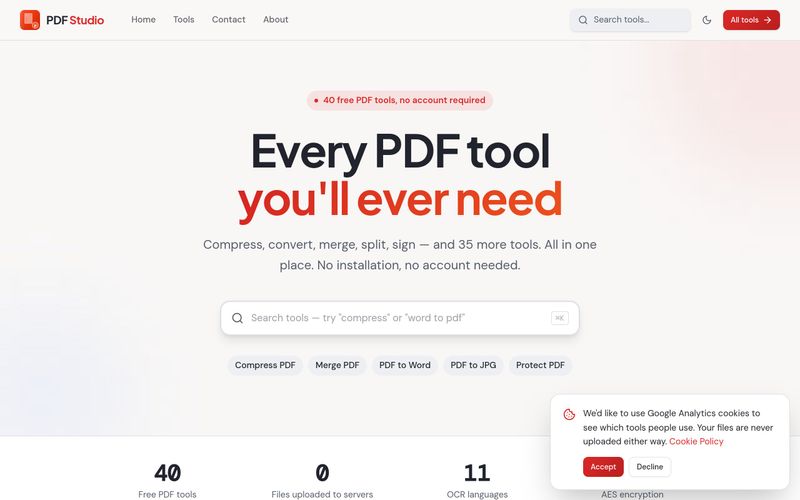
PDF Studio is a free collection of 40 online PDF tools that run entirely inside your browser. Instead of uploading your documents to a server, PDF Studio processes them locally on your own device — which means your files are never uploaded. The site positions itself around a simple promise: "Every PDF tool you'll ever need," covering compression, conversion, merging, splitting, signing and editing, with no sign-up required.
PDF Studio suits freelancers, students, office teams and anyone who regularly handles PDFs and wants a single, free hub for common tasks — especially people who are uncomfortable uploading private documents to third-party servers.
Tip: For scanned documents, run OCR PDF first to make the text searchable, then use PDF to Word or PDF to Excel when you need editable content or tables.
PDF Studio provides a Contact page (linked in the site navigation alongside Home, Tools and About) for reaching out with questions or issues. No live chat, email address or support SLA is stated on the pages reviewed.
Поделитесь практическими заметками и помогите другим оценить этот инструмент.
Пока нет комментариев. Начните обсуждение.

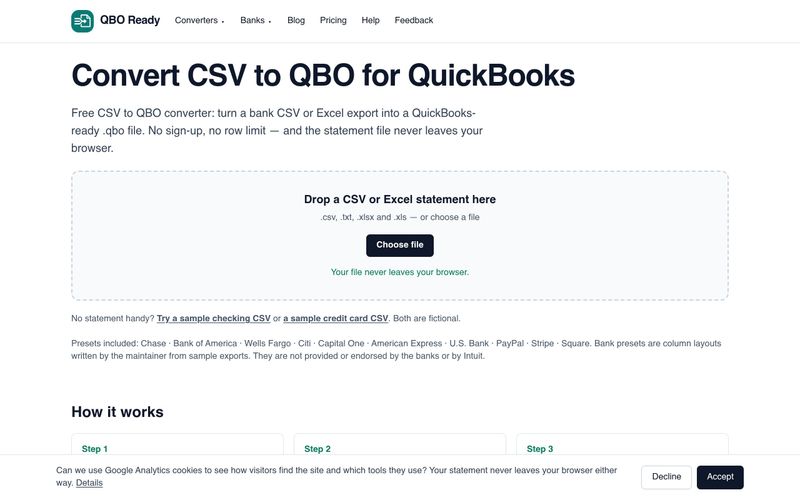
Convert bank CSV or Excel statements to QuickBooks-ready .qbo files for free, with no sign-up, no row limit and no file upload. Supports Chase, Bank of America, Wells Fargo and more.
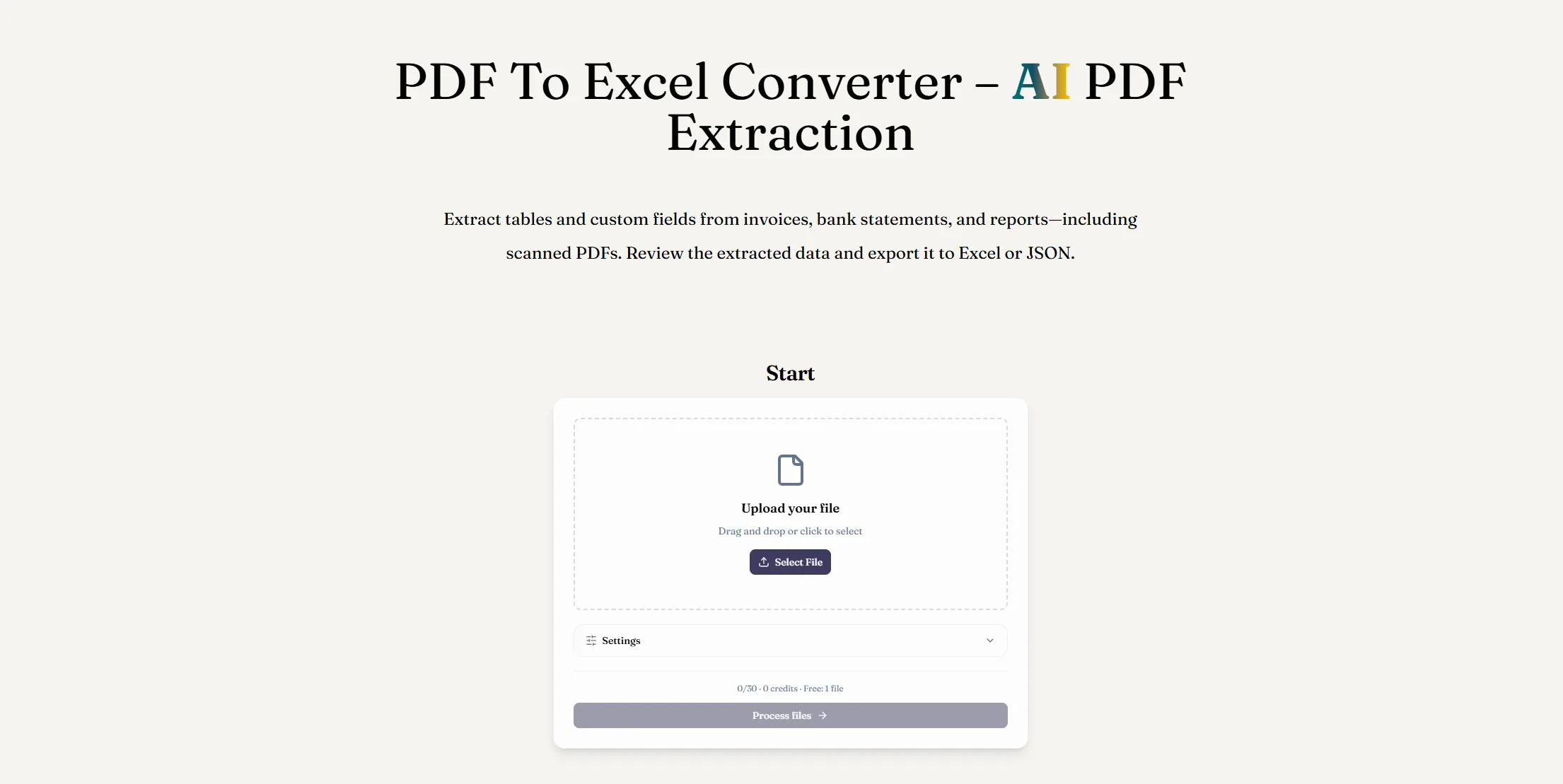
Конвертируйте PDF в Excel с помощью AI-извлечения данных из PDF. Извлекайте таблицы и пользовательские поля из цифровых или отсканированных документов, проверяйте результаты и скачивайте файл XLSX.
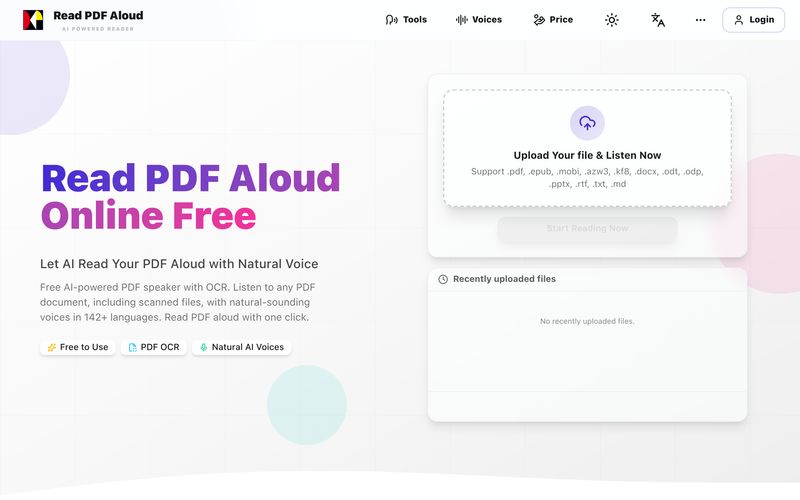
Читайте PDF вслух бесплатно с естественными AI голосами. Поддерживает 142+ языков, 600+ голосов, OCR для сканов и экспорт в MP3. Работает на любом устройстве. Преобразуйте любой PDF в речь за секунды.
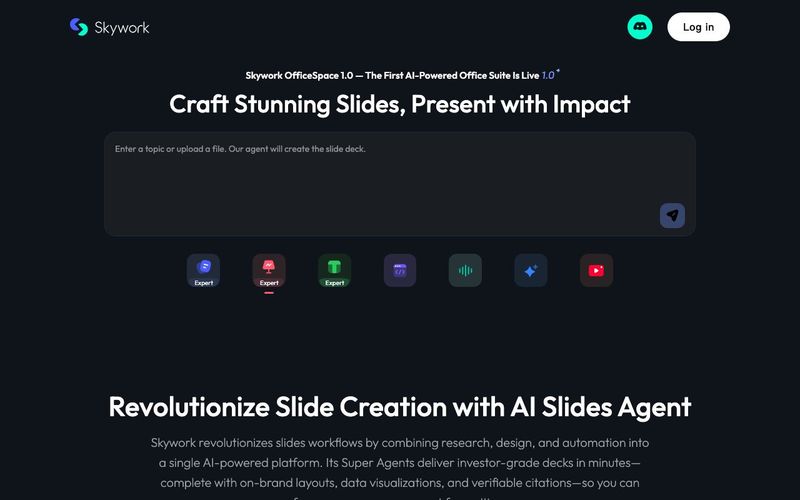
Transform your presentation workflow with the Skywork AI Slides Assistant — an intelligent solution that generates investor-grade slides in minutes, not hours. Our AI-powered platform combines deep research, professional design, and automated formatting to deliver stunning presentations that showcase your expertise.



This comprehensive guide explores the best AI image generators available in 2026, highlighting their unique features, strengths, and ideal use cases. We'll dive deep into each tool's capabilities to help you identify which AI image generator best suits your creative needs.

Google has just launched a powerful AI IDE code editor — now you can really vibe while coding

The best AI Model And AI Tools in 2026,The Most Popular Free AI Model And AI Tools.