PDF Studio
AI 사무 도구
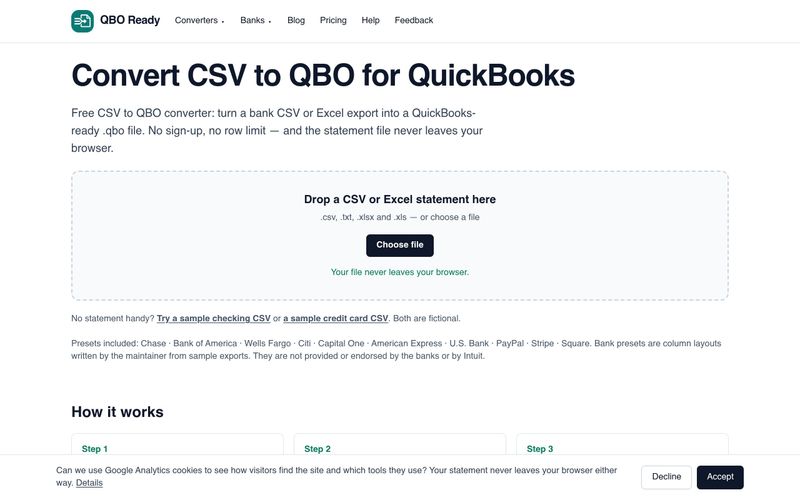
PDF Studio offers 40 free online PDF tools — compress, merge, split, convert, sign, edit and OCR PDFs directly in your browser. No uploads, no sign-up, completely free.
What is PDF Studio
What is PDF Studio?
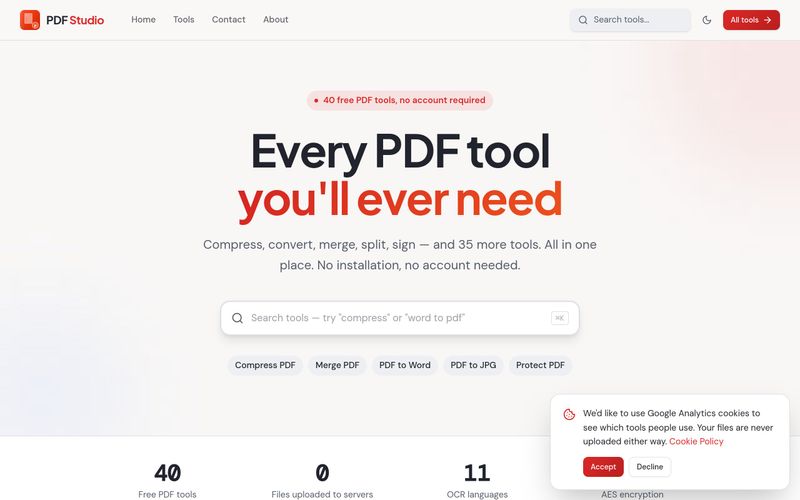
PDF Studio is a free collection of 40 online PDF tools that run entirely inside your browser. Instead of uploading your documents to a server, PDF Studio processes them locally on your own device — which means your files are never uploaded. The site positions itself around a simple promise: "Every PDF tool you'll ever need," covering compression, conversion, merging, splitting, signing and editing, with no sign-up required.
Core Strengths
- Privacy-first by design: PDF Studio states that your files are processed in your browser and never uploaded. That makes it a practical option for contracts, invoices, ID scans and other sensitive documents.
- Breadth of tools: 40 tools are grouped into four clear categories — PDF Management, Convert From PDF, Convert To PDF and Other Tools — so most everyday document tasks are covered in one place.
- PDF Management set: Compress, Merge, Split, Organize (reorder, rotate or remove pages visually), Rotate, Delete Pages, Extract Pages, Repair, Unlock, Protect (AES-256 password encryption), Watermark, Add Page Numbers, Crop, Scan to PDF and OCR PDF to make scanned files searchable and selectable.
- Convert From PDF: PDF to Word, Excel, PowerPoint, JPG, PNG, HTML, Text and EPUB — useful when you need editable content, images, a web page or an e-book version of a document.
- Convert To PDF: Word, Excel, PowerPoint, JPG, PNG, HTML and TXT can all be turned into PDFs, including combining multiple images into a single file.
- Other Tools: Compare PDF to find text differences between two files, Sign PDF (type or draw a signature), Edit PDF (add text anywhere), Redact PDF (permanently remove sensitive text), Fill PDF Forms, Add Metadata, Flatten PDF, Resize PDF, Optimize PDF and Preview PDF in the browser.
- Zero friction: No account, no sign-up and no stated cost — every tool is described as completely free.
Who It's For
PDF Studio suits freelancers, students, office teams and anyone who regularly handles PDFs and wants a single, free hub for common tasks — especially people who are uncomfortable uploading private documents to third-party servers.
PDF Studio 사용 방법
How to Use PDF Studio
- Go to the site: Open pdfsstudio.com in your browser. The homepage lists all tools by category (PDF Management, Convert From PDF, Convert To PDF, Other Tools).
- Pick a tool: Choose the task you need — for example Compress PDF, Merge PDF, PDF to Word or Sign PDF. You can also browse the full list on the "All PDF tools" page.
- Load your file: Select or drag in your PDF (or source file, depending on the tool). Because processing happens in the browser, the document is not uploaded to a server.
- Adjust settings: Depending on the tool, this may include choosing pages to rotate or extract, setting a password with AES-256 encryption, adding a watermark, or selecting output format and quality.
- Run and download: Apply the action and save the resulting file to your device. Use the Preview PDF tool if you just want to read a document in the browser.
Tip: For scanned documents, run OCR PDF first to make the text searchable, then use PDF to Word or PDF to Excel when you need editable content or tables.
Support for PDF Studio
PDF Studio provides a Contact page (linked in the site navigation alongside Home, Tools and About) for reaching out with questions or issues. No live chat, email address or support SLA is stated on the pages reviewed.
커뮤니티
실용적인 메모를 공유하고 다른 사람들이 이 도구를 평가하는 데 도움을 주세요.
아직 댓글이 없습니다. 대화를 시작하세요.
Recommend More AI 사무 도구 AI tools

QBO Ready
Convert bank CSV or Excel statements to QuickBooks-ready .qbo files for free, with no sign-up, no row limit and no file upload. Supports Chase, Bank of America, Wells Fargo and more.
PDF to Excel
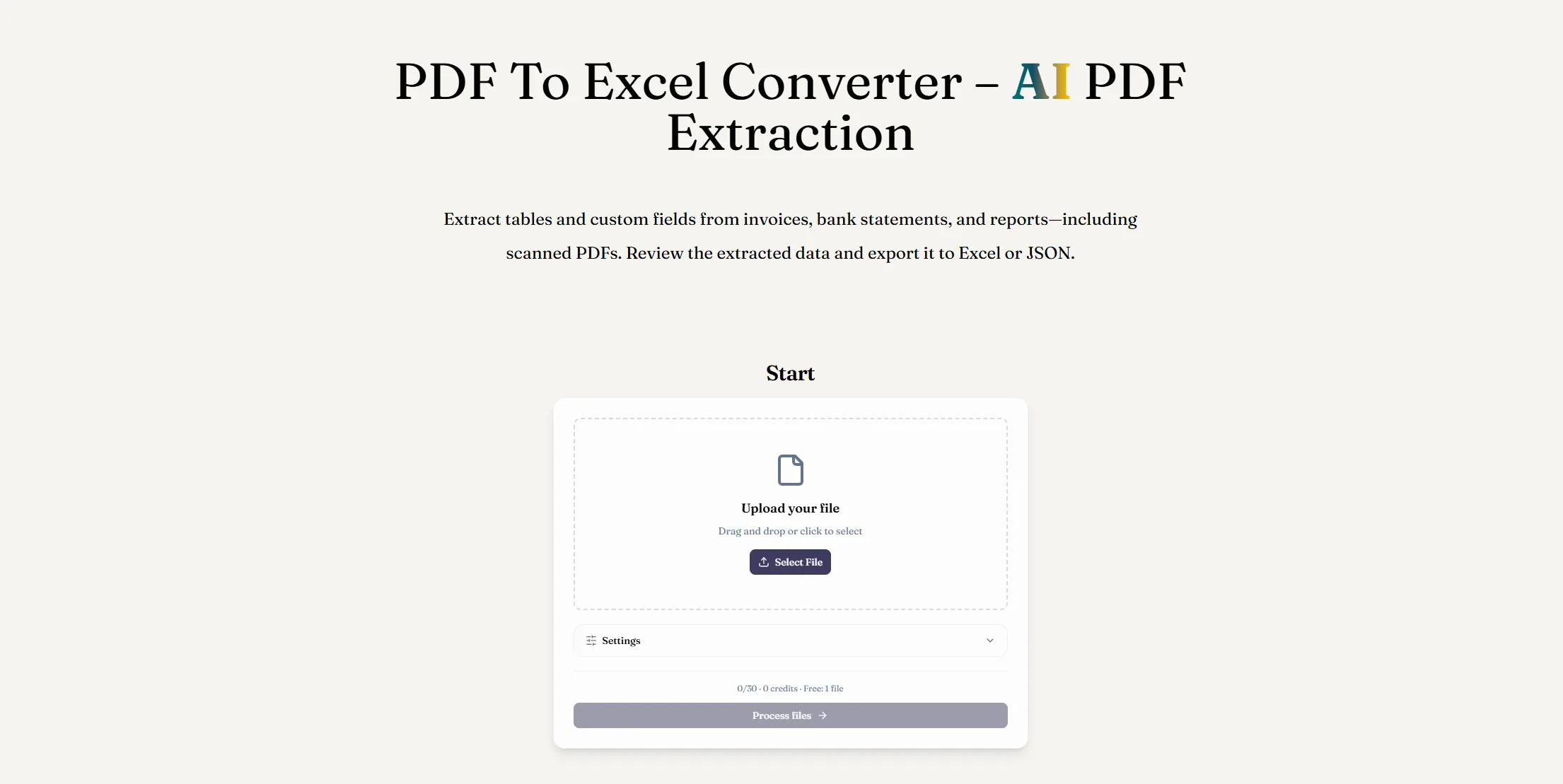
AI PDF 추출로 PDF를 Excel로 변환하세요. 디지털 또는 스캔 문서에서 테이블과 사용자 정의 필드를 추출하고, 결과를 검토한 후 XLSX 파일을 다운로드하세요.
Read PDF Aloud
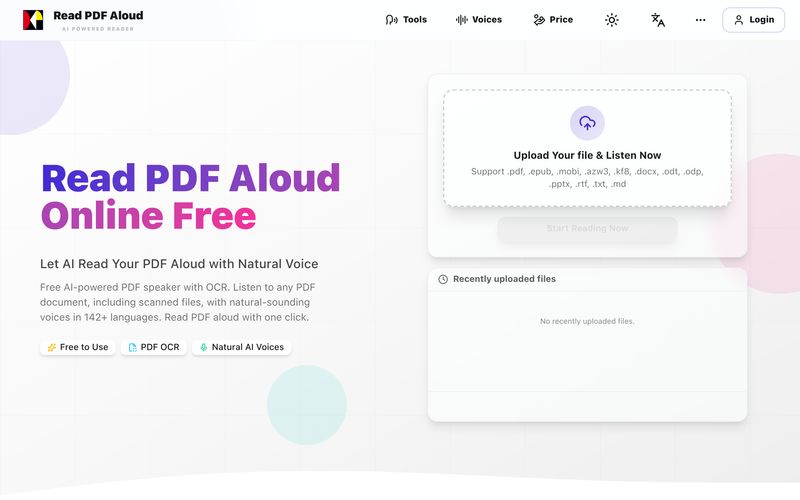
자연스러운 AI 음성으로 PDF를 무료로 읽어보세요. 142개 이상의 언어, 600개 이상의 음성, 스캔 파일용 OCR, MP3 내보내기를 지원합니다. 모든 기기에서 작동합니다. 몇 초 만에 PDF를 음성으로 변환하세요.
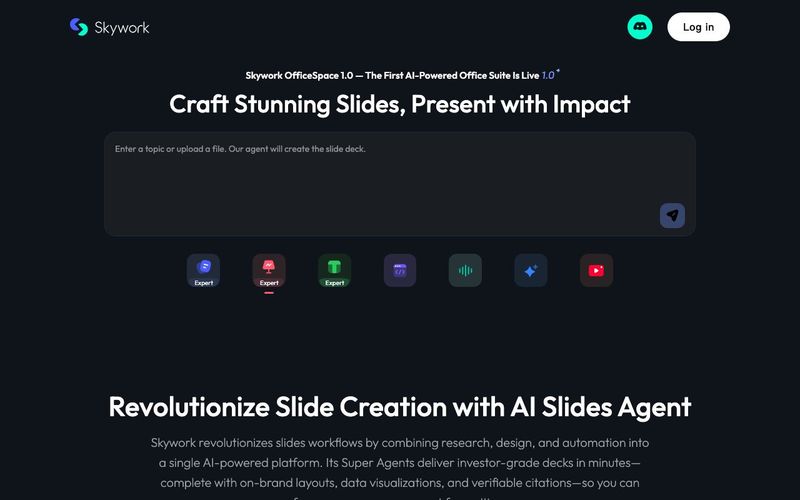
Skywork OfficeSpace 1.0
Transform your presentation workflow with the Skywork AI Slides Assistant — an intelligent solution that generates investor-grade slides in minutes, not hours. Our AI-powered platform combines deep research, professional design, and automated formatting to deliver stunning presentations that showcase your expertise.

AI 뉴스
모든 뉴스 보기 →

The Best AI Image Generator in 2026: A Complete Guide
This comprehensive guide explores the best AI image generators available in 2026, highlighting their unique features, strengths, and ideal use cases. We'll dive deep into each tool's capabilities to help you identify which AI image generator best suits your creative needs.

Firebase Studio,Google has just launched a powerful AI IDE code editor,Vibe Coding
Google has just launched a powerful AI IDE code editor — now you can really vibe while coding

The Best AI Model And AI Tools in 2026
The best AI Model And AI Tools in 2026,The Most Popular Free AI Model And AI Tools.