Подпишитесь на новости ИИ
Ваши данные полностью защищены. Мы никому их не передаём.
Tip: For scanned documents, run OCR PDF first to make the text searchable, then use PDF to Word or PDF to Excel when you need editable content or tables.
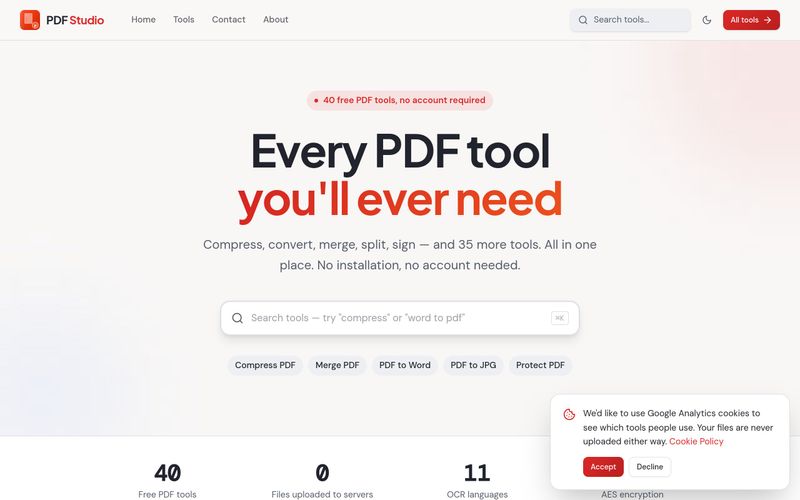
Open pdfsstudio.com, choose one of the 40 tools, load your file, adjust the options (pages, password, watermark, output format) and download the result — all processed in your browser.



This comprehensive guide explores the best AI image generators available in 2026, highlighting their unique features, strengths, and ideal use cases. We'll dive deep into each tool's capabilities to help you identify which AI image generator best suits your creative needs.

Google has just launched a powerful AI IDE code editor — now you can really vibe while coding

The best AI Model And AI Tools in 2026,The Most Popular Free AI Model And AI Tools.