订阅AI通讯
您的数据完全安全。我们不会与任何人共享。
Convert bank CSV or Excel statements to QuickBooks-ready .qbo files for free, with no sign-up, no row limit and no file upload. Supports Chase, Bank of America, Wells Fargo and more.
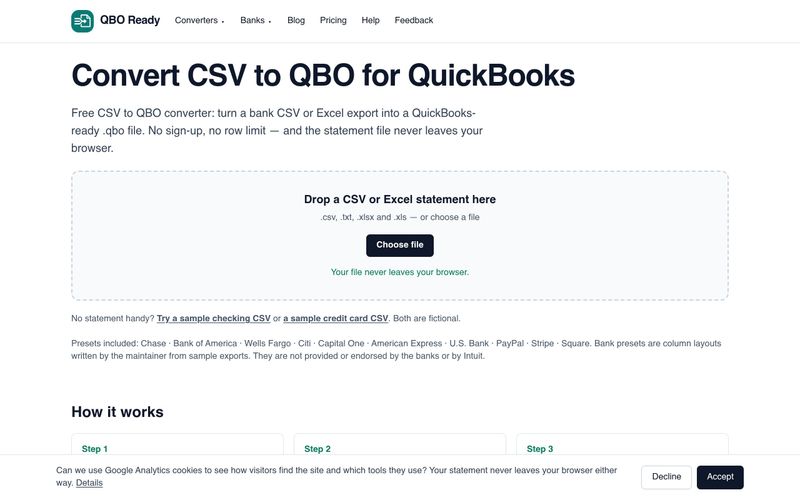
QBO Ready is a free, browser-based converter that turns bank CSV or Excel statements into QuickBooks-ready .qbo files. It is built for people who need to import older or manual statements into QuickBooks Online but cannot use the automatic bank feed, or who keep hitting import errors with hand-edited spreadsheets.
The core idea is privacy by design: the conversion engine is JavaScript that runs inside your browser tab. Your statement is read from your own disk and the .qbo file is generated in memory, so no statement, account number or payee name is transmitted anywhere. There is no sign-up and no row limit.
Most failed CSV to QBO imports come down to three problems: a date format QuickBooks cannot parse (errors OL-221 and OL-222), amounts signed the wrong way round, or overlapping date ranges that create duplicates. QBO Ready normalises the date format, lets you correct the sign convention, and warns about duplicate rows in the preview. It also includes step-by-step guides for each supported bank and a guide to fixing QuickBooks import errors.
The 90-day limit on QuickBooks automatic bank feeds does not apply to files you upload yourself, which makes converting an older statement to .qbo a practical workaround for catch-up bookkeeping.
Converting a statement is free, with no row limit and no account needed. Paid plans (a $9 7-day pass, $12/month or $79/year Pro, and $29/month Bookkeeper) are planned but not built or on sale; the site states this openly.
Yes. Any number of rows, any number of conversions, no account needed. Everything on the site is free today. Paid features (batch conversion, saved column mappings, PDF statements, client workspaces) are planned and not built yet; the pricing page lists them as such.
Chase, Bank of America, Wells Fargo, Citi, Capital One, American Express, U.S. Bank, PayPal, Stripe and Square are recognised automatically. Any other CSV or Excel export works too: map the date, description and amount columns. Nothing is stored between visits, so you map again next time.
No. The conversion engine is JavaScript that runs inside your browser tab. Your file is read from your own disk and the .qbo is generated in memory, so no statement, account number or payee name is transmitted.
That message almost always means the file is not a valid Web Connect file, or the account type is wrong. Check that you picked credit card for a credit card and checking for a bank account, then download again — the account type changes the whole structure of the file.
They are generic parsing errors: QuickBooks could not read the file it was given. Common causes are an unsupported date format, an empty description column, or a statement that was edited in a spreadsheet and saved with a stray column. Re-converting from the original download usually fixes it.
The 90-day window applies to automatic bank feeds. A file you upload yourself has no such limit, which is exactly why converting an older statement to .qbo is the standard workaround.
Some card issuers export charges as positive numbers. Open the column mapper and tick "flip the sign of every amount", or switch to the preset for your issuer, which already knows the convention.
Any CSV or Excel file with a date, a description and an amount works. When the header row is not recognised you map the columns in the mapper, and files without a header row at all — Wells Fargo's comma-delimited download, for instance — are handled too.
Questions can be emailed to zebinpan08@gmail.com. The site also links to a Help page, a feedback option and a "Report a problem" form, and publishes detailed bank-by-bank CSV import guides plus a guide to fixing QuickBooks CSV and QBO import errors.
QBO Ready is an independent tool and is not affiliated with, endorsed by or sponsored by Intuit Inc. QuickBooks, Quicken and Intuit are trademarks of Intuit Inc.
分享实用笔记,帮助他人评估此工具。
暂无评论。开始对话吧。

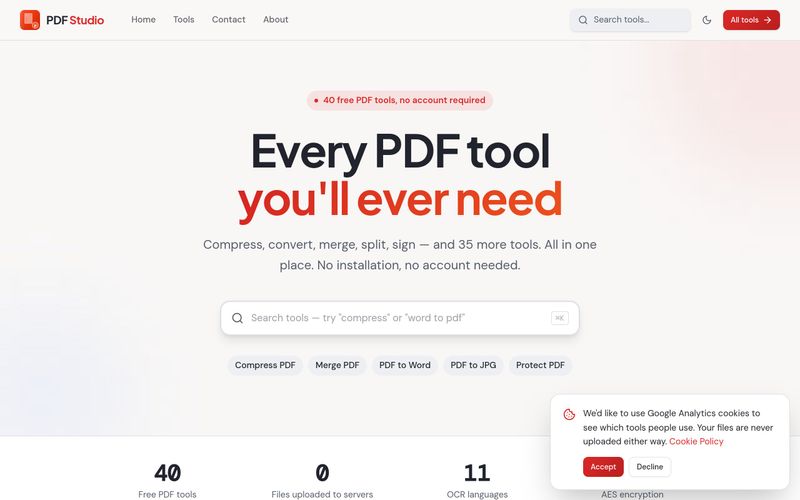
PDF Studio offers 40 free online PDF tools — compress, merge, split, convert, sign, edit and OCR PDFs directly in your browser. No uploads, no sign-up, completely free.
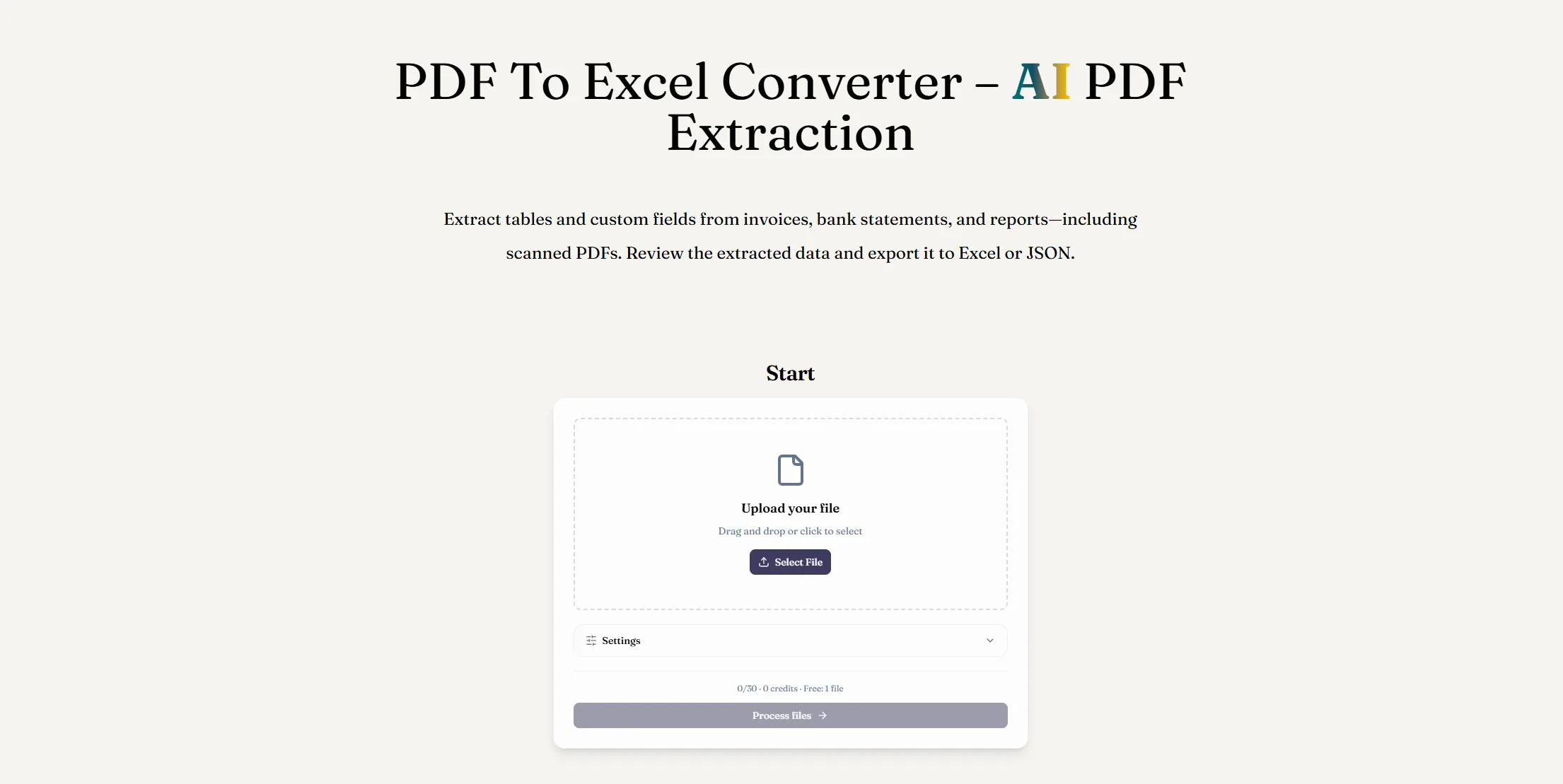
使用 AI PDF 提取将 PDF 转换为 Excel。从数字版或扫描版文档中提取表格和自定义字段,检查结果并下载 XLSX 文件。
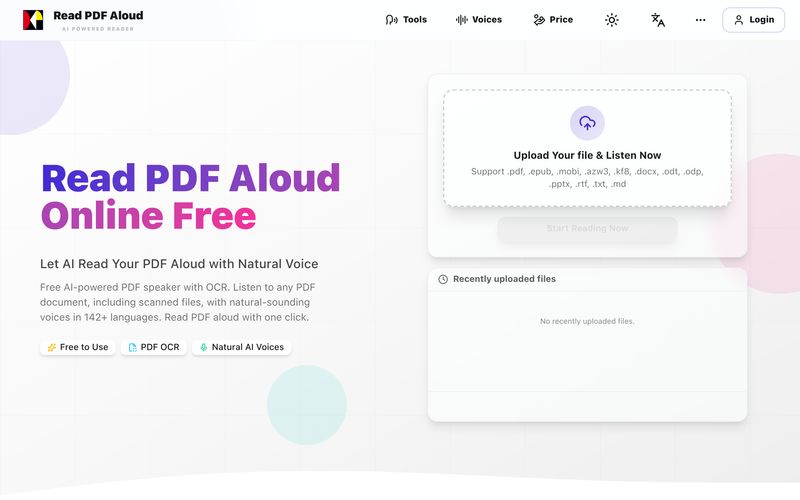
免费使用自然AI语音朗读PDF。支持142+种语言、600+种声音、扫描文件OCR和MP3导出。可在任何设备上使用。几秒钟内将任何PDF转换为语音。
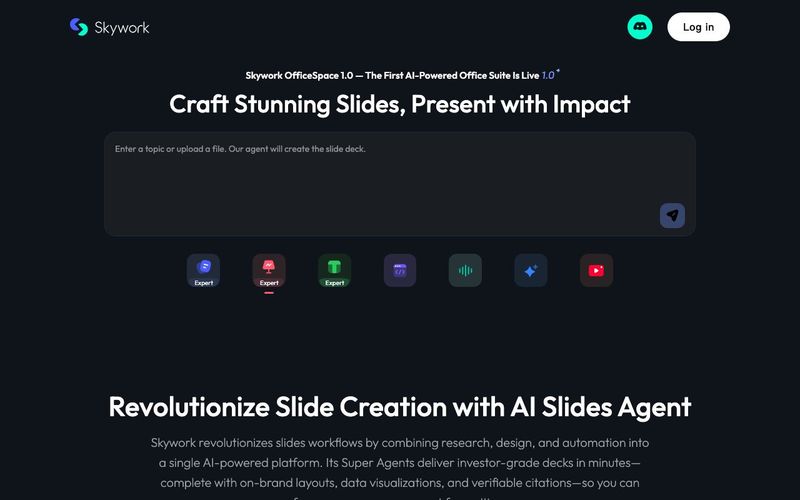
Transform your presentation workflow with the Skywork AI Slides Assistant — an intelligent solution that generates investor-grade slides in minutes, not hours. Our AI-powered platform combines deep research, professional design, and automated formatting to deliver stunning presentations that showcase your expertise.


Flux 2 Max 是 Flux 2 系列中最先进的版本,专为追求高精度、真实感和生产级视觉输出的创作者而设计。作为一款高端的 AI 图像生成器(AI Image Generator) 与强大的 AI 图像编辑器(AI Image Editor) 的结合体,Flux 2 Max 将图像质量与一致性提升到了全新高度,非常适合专业级创作流程。
随着人工智能的飞速发展,11月成为了全年最具突破性的月份之一。从新一代图像模型和令人惊叹的视频工具,到能够编写代码、构建应用程序、清理杂乱数据,甚至从零开始创建完整学习中心的 AI 助手,应有尽有。无论你是创作者、营销人员、学生、开发者,还是仅仅是一位人工智能爱好者,本月的种种新发现都会让你重新思考人工智能的无限可能。

2025年最佳AI大模型与AI工具,最受欢迎的免费AI大模型与AI工具。

With the launch of the iOS 18.1 Beta version, registered developers can now experience some of the features of Apple AI, a cutting-edge addition to AI tools.