訂閱 AI 電子報
您的資料完全安全。我們不會與任何人分享。
Unleash your team with multiplayer app sharing: Point, draw and edit in shared apps as if they’re on your computer. All in a beautifully crafted, native macOS app.
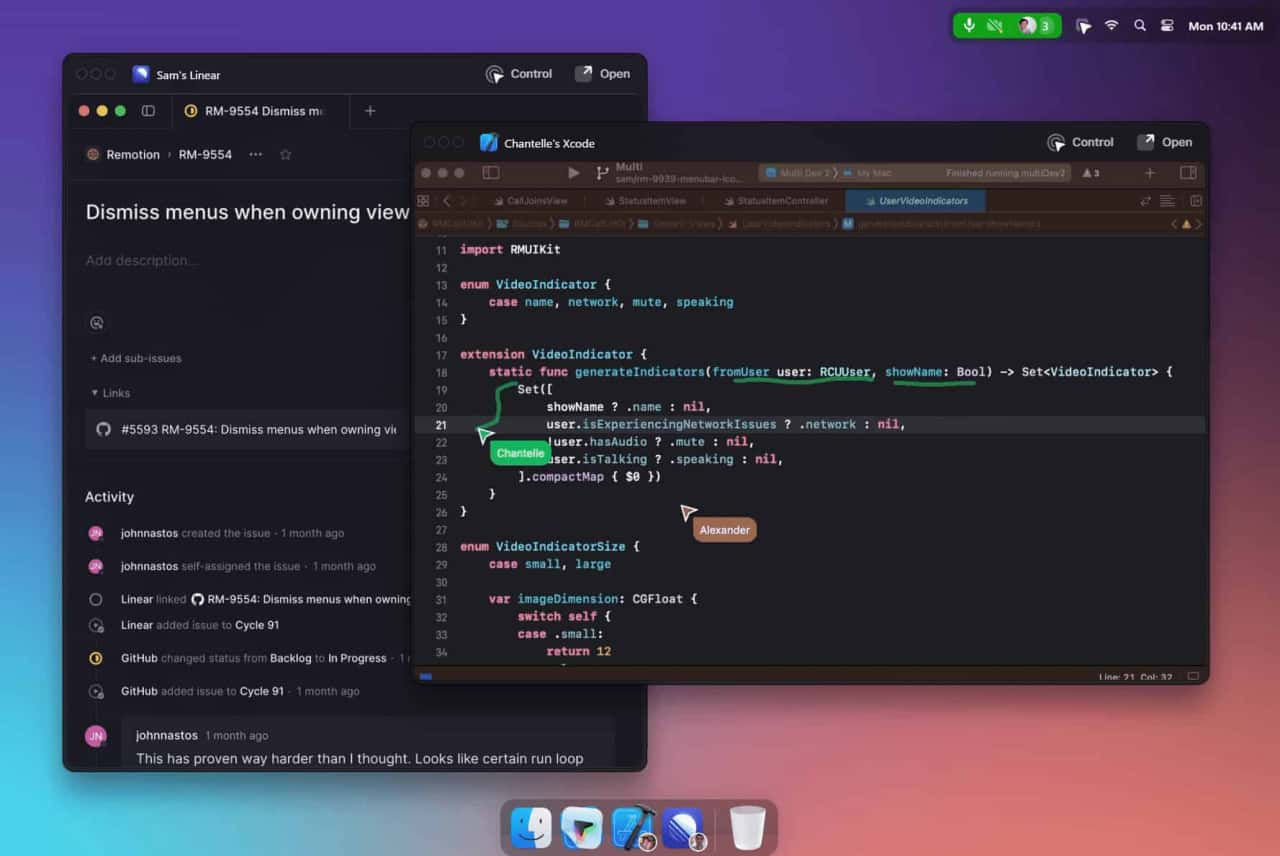
Multi is a collaboration tool designed for macOS that enhances team productivity by allowing simultaneous screen sharing, shared cursors, drawing, and collaborative control within applications.
Download and Install
Access the app from the Multi website.
Create or Join Sessions
Start collaborative sessions directly from your desktop.
Utilize Features
Use shared cursors, screen sharing, and collaborative control to work together seamlessly.
How does Multi ensure privacy?
Multi provides privacy settings to control when and how sessions are summarized and recorded.
What integrations are available?
Multi integrates with tools like Linear and Raycast, and automatically generates deep links for easy access to shared resources.
Is there a limit to the number of participants in a session?
Yes, up to 10 participants can share screens simultaneously.
Multi offers different pricing plans, including free and premium options, with additional features and enhanced collaboration tools available in the paid versions.
閱讀 Multi AI 在社交媒體上的經驗分享與評論。第一手回饋突顯此 AI 工具的優點和功能,讓您更容易評估。
分享實用筆記,並幫助其他人評估這個工具。
尚無評論。開始對話吧。

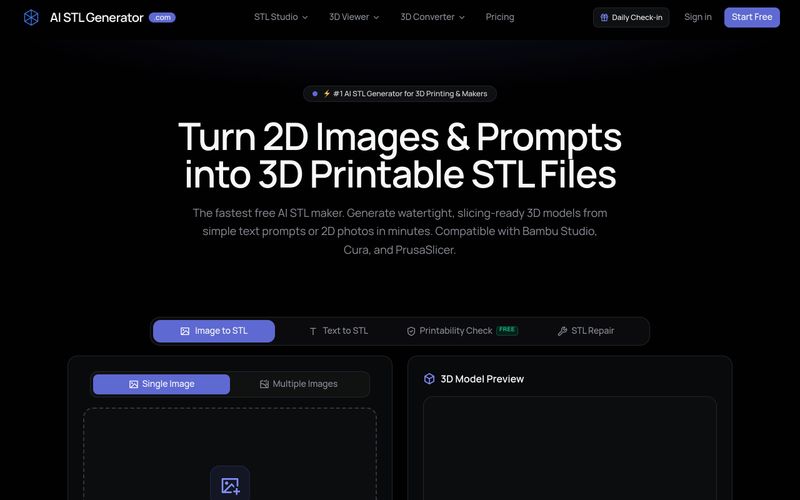
AI STL Generator 是一款免費的 AI 驅動工具,可將文字提示和 2D 圖像轉換為水密、可 3D 列印的 STL 檔案。它提供可列印性檢查、STL 修復,並與 Bambu Studio、Cura 和 PrusaSlicer 等流行切片軟體相容。
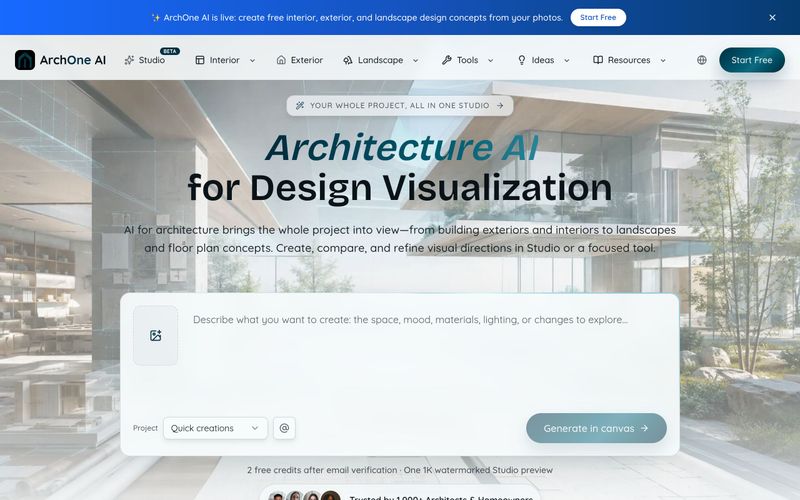
ArchOne AI 是一個全方位的建築 AI 平台,可視覺化整個專案,包括外觀、室內、景觀和平面圖。
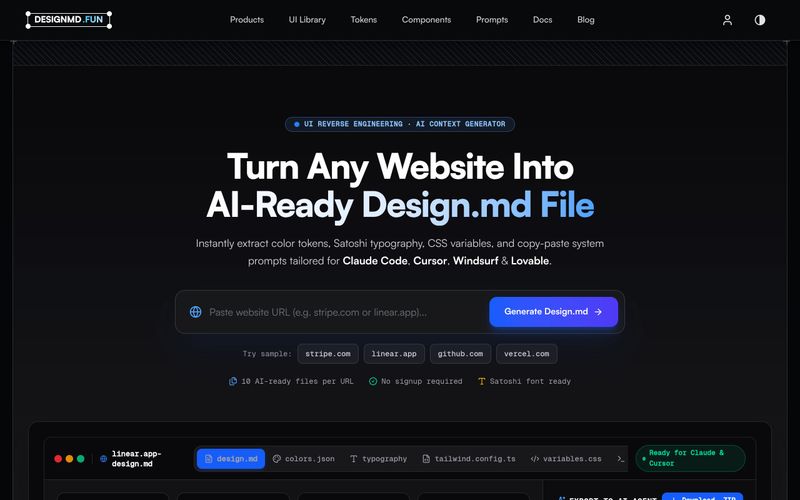
Designmd.fun 會將線上網站的設計系統擷取成十種機器可讀的檔案——design.md、tokens.json、tailwind.config.ts 等——可直接用於 Claude Code、Cursor、Windsurf 與 Lovable。
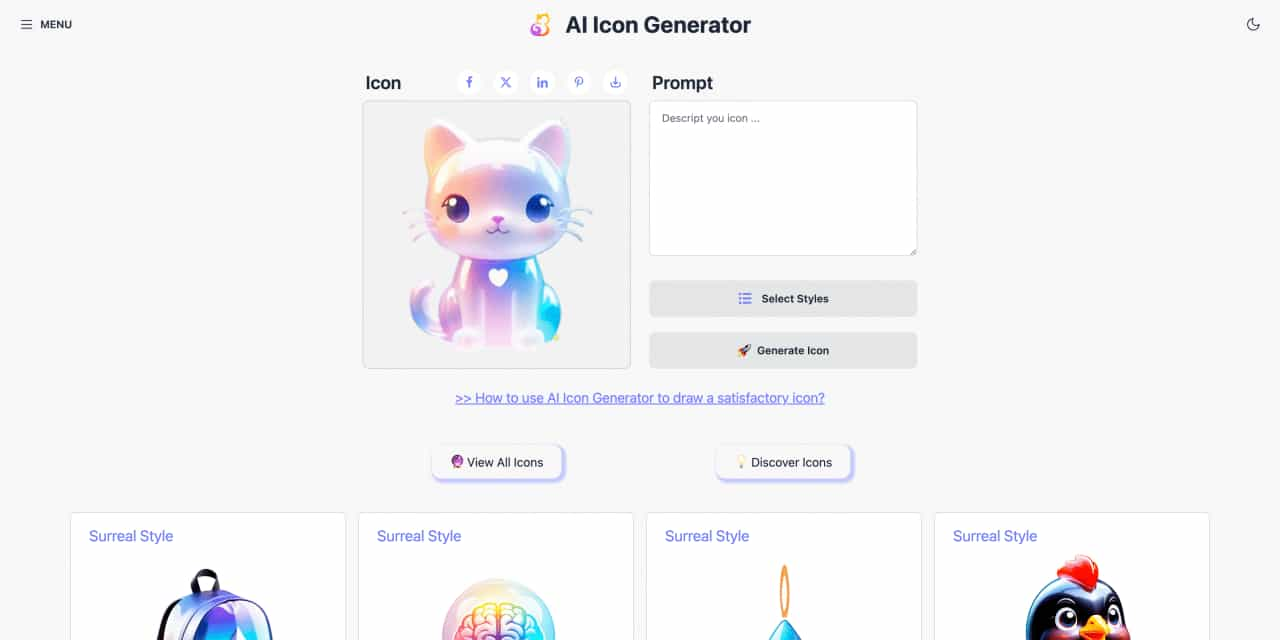
Easy to use AI icon generator. Free and effortlessly generate icon from text.



This comprehensive guide explores the best AI image generators available in 2026, highlighting their unique features, strengths, and ideal use cases. We'll dive deep into each tool's capabilities to help you identify which AI image generator best suits your creative needs.

Google has just launched a powerful AI IDE code editor — now you can really vibe while coding

The best AI Model And AI Tools in 2026,The Most Popular Free AI Model And AI Tools.