Подпишитесь на новости ИИ
Ваши данные полностью защищены. Мы никому их не передаём.
Unleash your team with multiplayer app sharing: Point, draw and edit in shared apps as if they’re on your computer. All in a beautifully crafted, native macOS app.
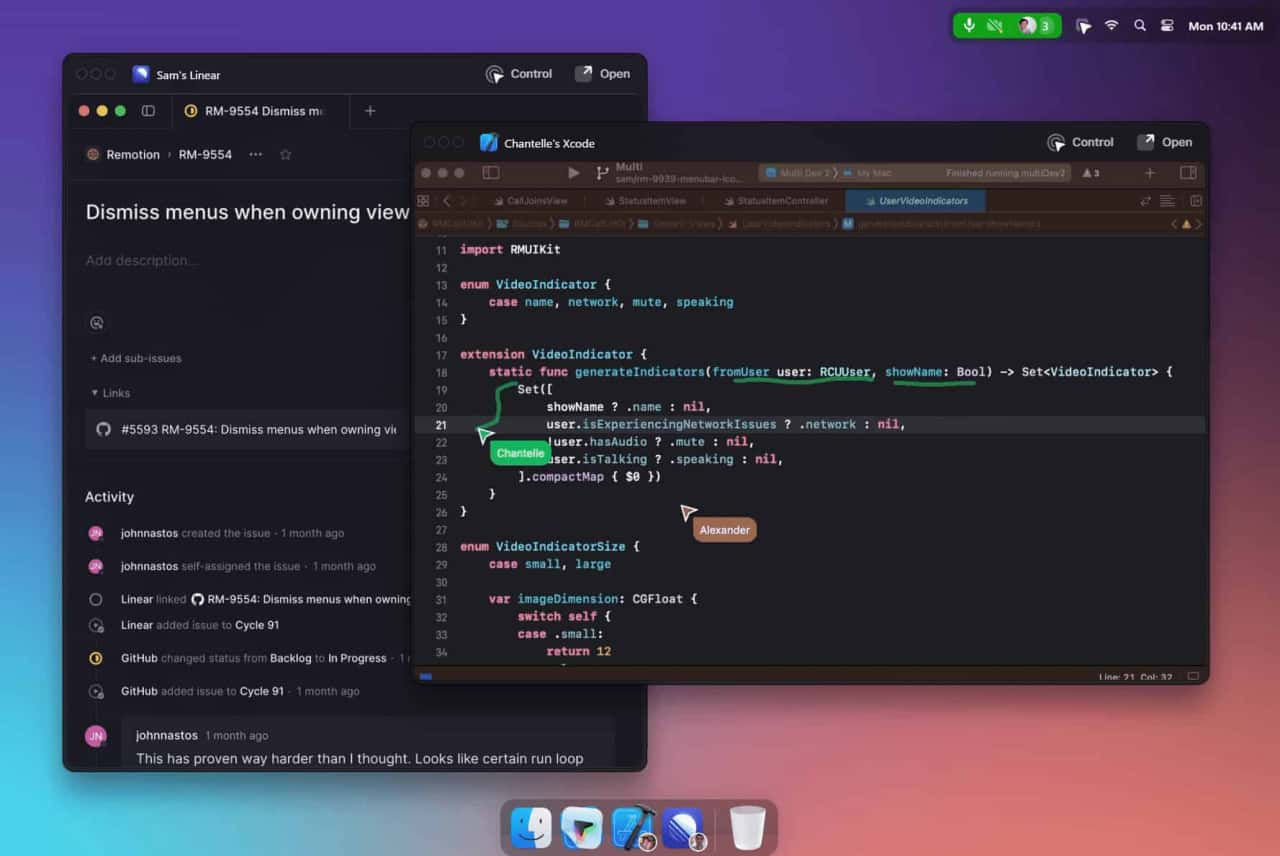
Multi is a collaboration tool designed for macOS that enhances team productivity by allowing simultaneous screen sharing, shared cursors, drawing, and collaborative control within applications.
Download and Install
Access the app from the Multi website.
Create or Join Sessions
Start collaborative sessions directly from your desktop.
Utilize Features
Use shared cursors, screen sharing, and collaborative control to work together seamlessly.
How does Multi ensure privacy?
Multi provides privacy settings to control when and how sessions are summarized and recorded.
What integrations are available?
Multi integrates with tools like Linear and Raycast, and automatically generates deep links for easy access to shared resources.
Is there a limit to the number of participants in a session?
Yes, up to 10 participants can share screens simultaneously.
Multi offers different pricing plans, including free and premium options, with additional features and enhanced collaboration tools available in the paid versions.
Читайте опыт и обзоры Multi AI в социальных сетях. Непосредственные отзывы подчёркивают преимущества и функции этого ИИ-инструмента, чтобы вам было легче его оценить.
Поделитесь практическими заметками и помогите другим оценить этот инструмент.
Пока нет комментариев. Начните обсуждение.

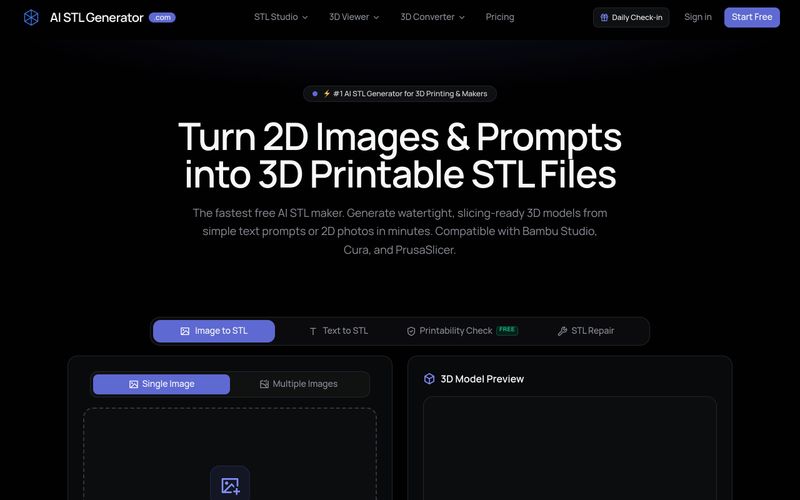
AI STL Generator — это бесплатный инструмент на базе ИИ, который преобразует текстовые запросы и 2D-изображения в герметичные STL-файлы, пригодные для 3D-печати. Он предлагает проверку пригодности к печати, ремонт STL и совместимость с популярными слайсерами, такими как Bambu Studio, Cura и PrusaSlicer.
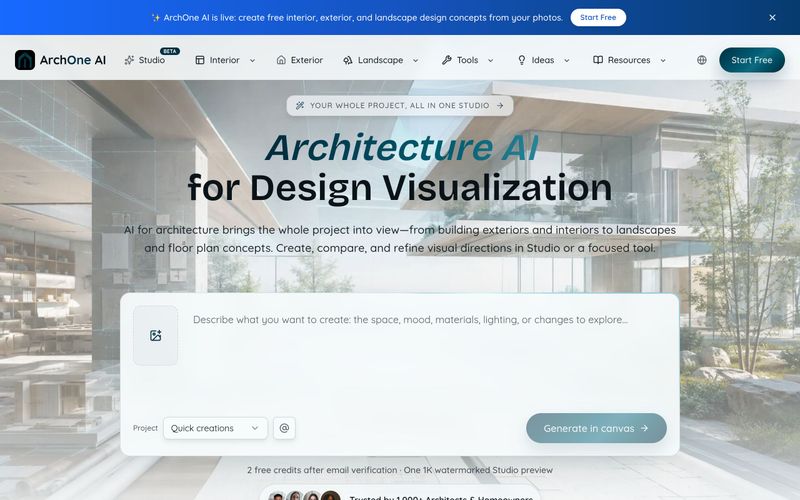
ArchOne AI — это универсальная платформа на базе ИИ для архитектурной визуализации целых проектов, включая экстерьеры, интерьеры, ландшафты и планы этажей.

Designmd.fun извлекает дизайн-систему работающего сайта в десять машиночитаемых файлов — design.md, tokens.json, tailwind.config.ts и другие — готовых для Claude Code, Cursor, Windsurf и Lovable.
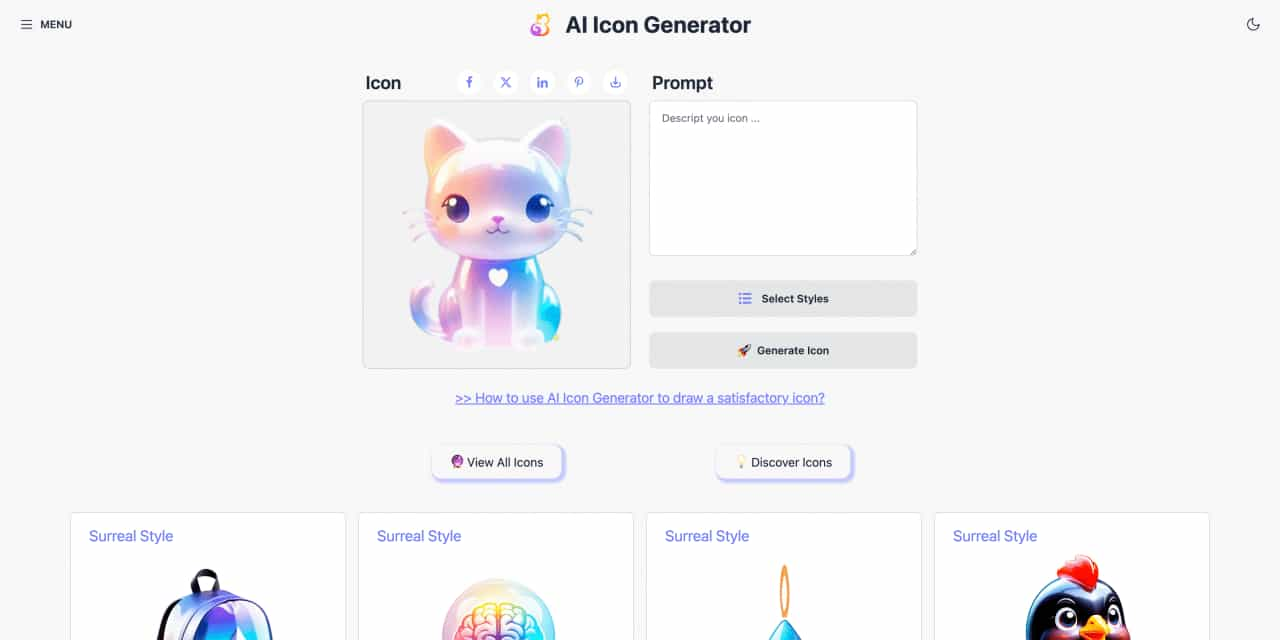
Easy to use AI icon generator. Free and effortlessly generate icon from text.



This comprehensive guide explores the best AI image generators available in 2026, highlighting their unique features, strengths, and ideal use cases. We'll dive deep into each tool's capabilities to help you identify which AI image generator best suits your creative needs.

Google has just launched a powerful AI IDE code editor — now you can really vibe while coding

The best AI Model And AI Tools in 2026,The Most Popular Free AI Model And AI Tools.