AI 뉴스레터 구독
귀하의 데이터는 완전히 안전하게 보호됩니다. 어떤 누구와도 공유하지 않습니다.
Unleash your team with multiplayer app sharing: Point, draw and edit in shared apps as if they’re on your computer. All in a beautifully crafted, native macOS app.
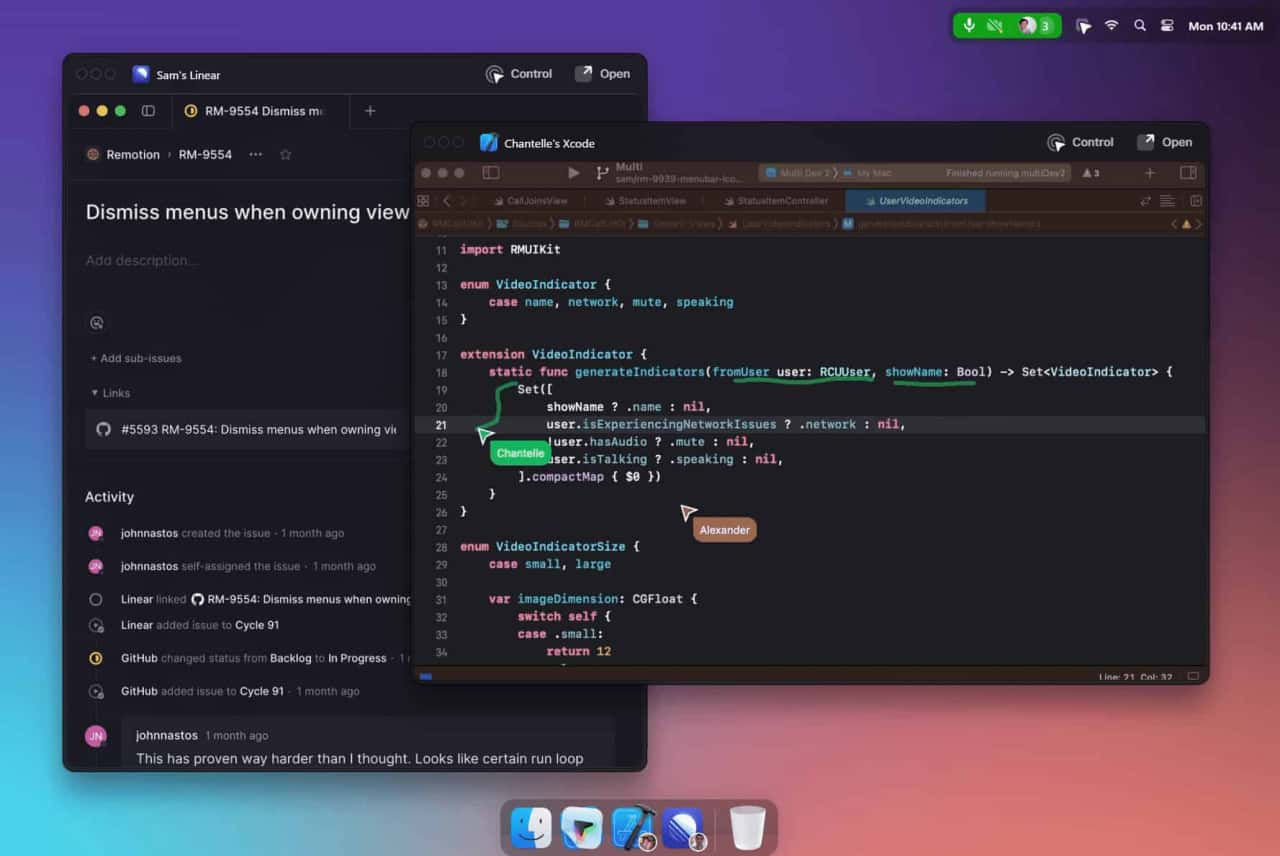
Multi is a collaboration tool designed for macOS that enhances team productivity by allowing simultaneous screen sharing, shared cursors, drawing, and collaborative control within applications.
Download and Install
Access the app from the Multi website.
Create or Join Sessions
Start collaborative sessions directly from your desktop.
Utilize Features
Use shared cursors, screen sharing, and collaborative control to work together seamlessly.
How does Multi ensure privacy?
Multi provides privacy settings to control when and how sessions are summarized and recorded.
What integrations are available?
Multi integrates with tools like Linear and Raycast, and automatically generates deep links for easy access to shared resources.
Is there a limit to the number of participants in a session?
Yes, up to 10 participants can share screens simultaneously.
Multi offers different pricing plans, including free and premium options, with additional features and enhanced collaboration tools available in the paid versions.
Multi AI에 대한 소셜 미디어 경험과 리뷰를 읽어보세요. 직접적인 피드백은 이 AI 도구의 장점과 기능을 강조하여 더 쉽게 평가할 수 있게 해줍니다.
실용적인 메모를 공유하고 다른 사람들이 이 도구를 평가하는 데 도움을 주세요.
아직 댓글이 없습니다. 대화를 시작하세요.

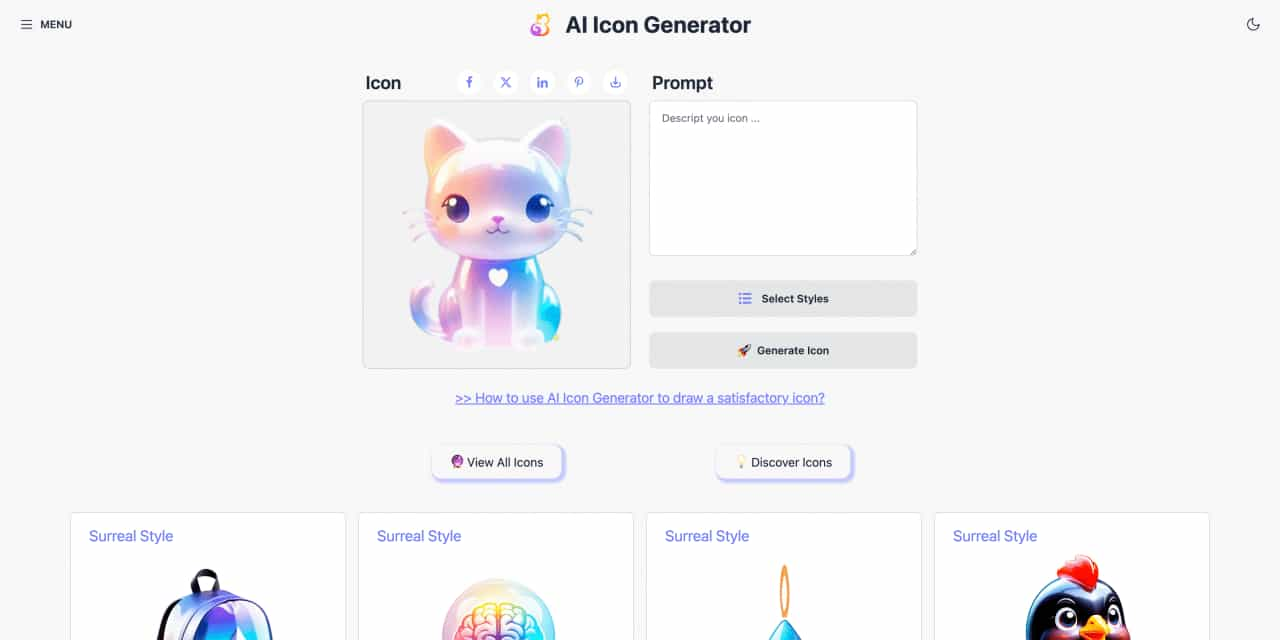
Easy to use AI icon generator. Free and effortlessly generate icon from text.
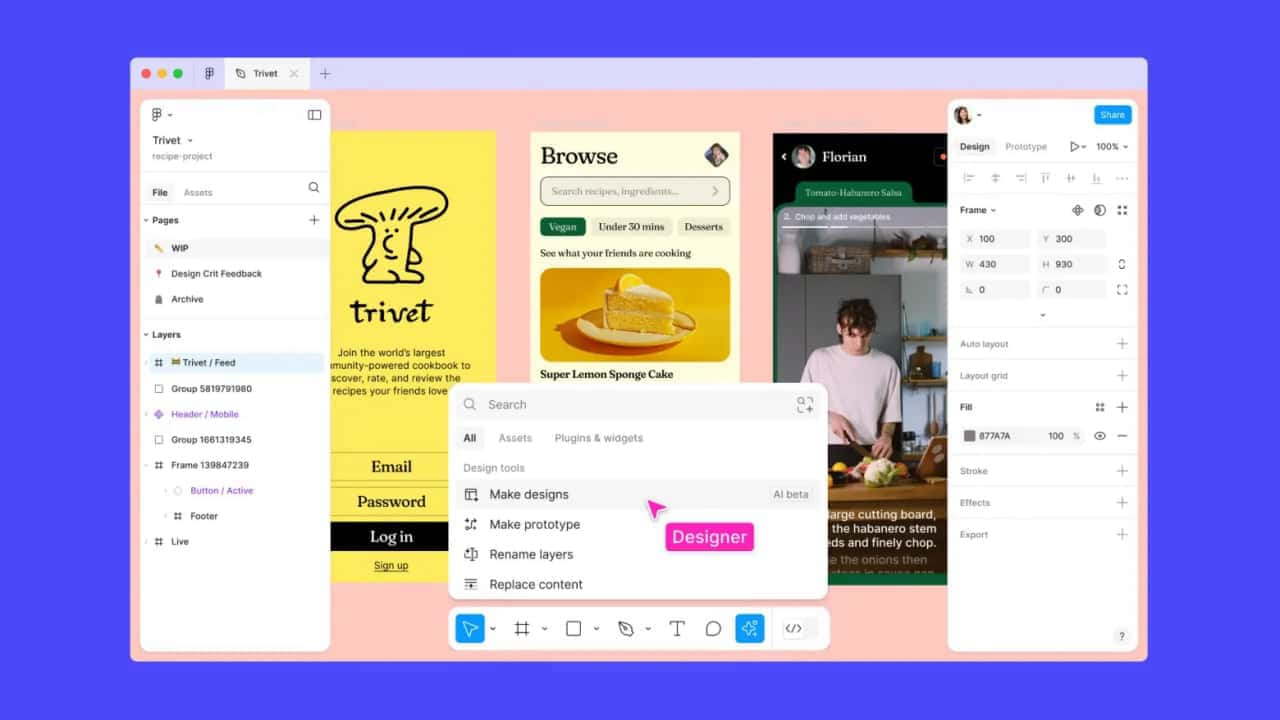
Get started faster, find what you’re looking for, and stay in the flow—with AI tools build for your workflows.
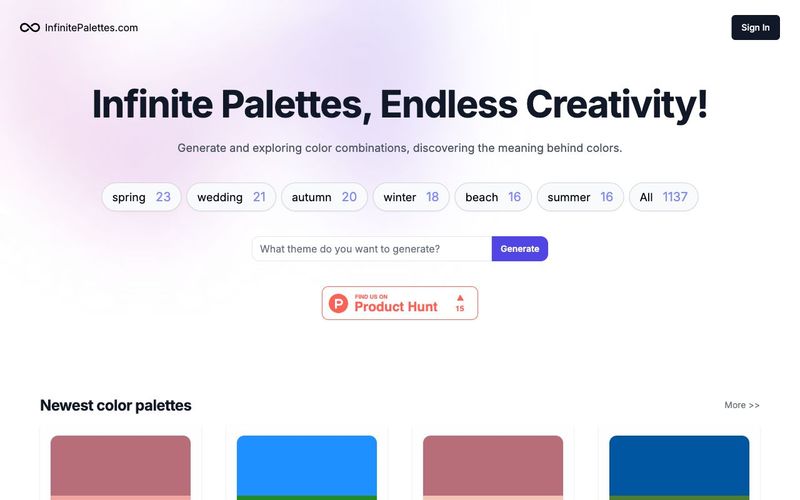
Generate and explore endless color palettes and meanings at InfinitePalettes.com. Discover perfect color combinations and their significance to inspire your creativity.
The first Figma plugin to generate multi-language UI drafts from your component library.Customized AI Generation,Unlimited Styles,Ultimate Efficiency Boost,Multilingual Generation



This comprehensive guide explores the best AI image generators available in 2026, highlighting their unique features, strengths, and ideal use cases. We'll dive deep into each tool's capabilities to help you identify which AI image generator best suits your creative needs.

Google has just launched a powerful AI IDE code editor — now you can really vibe while coding

The best AI Model And AI Tools in 2026,The Most Popular Free AI Model And AI Tools.