Suscríbete al boletín de IA
Tus datos están completamente seguros con nosotros. No los compartimos con nadie.
Unleash your team with multiplayer app sharing: Point, draw and edit in shared apps as if they’re on your computer. All in a beautifully crafted, native macOS app.
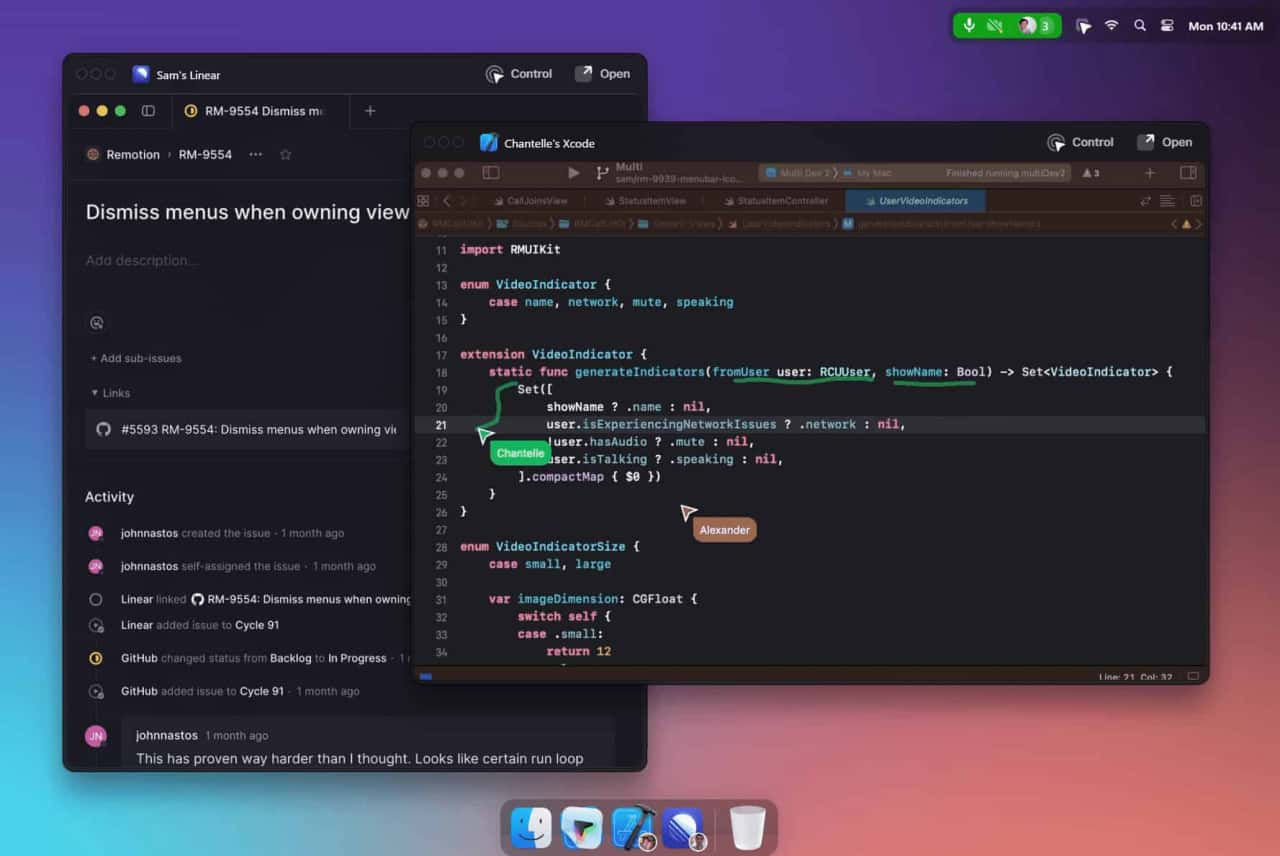
Multi is a collaboration tool designed for macOS that enhances team productivity by allowing simultaneous screen sharing, shared cursors, drawing, and collaborative control within applications.
Download and Install
Access the app from the Multi website.
Create or Join Sessions
Start collaborative sessions directly from your desktop.
Utilize Features
Use shared cursors, screen sharing, and collaborative control to work together seamlessly.
How does Multi ensure privacy?
Multi provides privacy settings to control when and how sessions are summarized and recorded.
What integrations are available?
Multi integrates with tools like Linear and Raycast, and automatically generates deep links for easy access to shared resources.
Is there a limit to the number of participants in a session?
Yes, up to 10 participants can share screens simultaneously.
Multi offers different pricing plans, including free and premium options, with additional features and enhanced collaboration tools available in the paid versions.
Lee experiencias y reseñas de Multi AI en redes sociales. Los comentarios de primera mano destacan las ventajas y características de esta herramienta de IA para que puedas evaluarla más fácilmente.
Comparte notas prácticas y ayuda a otros a evaluar esta herramienta.
Aún no hay comentarios. Inicia la conversación.

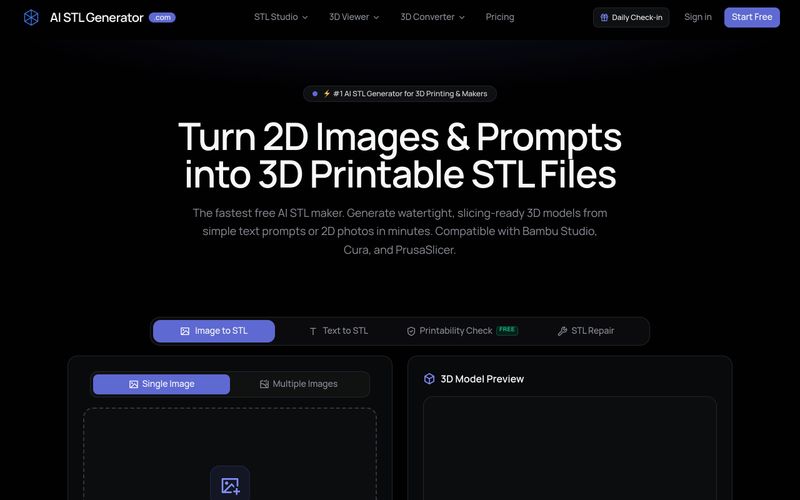
AI STL Generator es una herramienta gratuita impulsada por IA que convierte indicaciones de texto e imágenes 2D en archivos STL estancos e imprimibles en 3D. Ofrece comprobaciones de imprimibilidad, reparación de STL y compatibilidad con laminadores populares como Bambu Studio, Cura y PrusaSlicer.
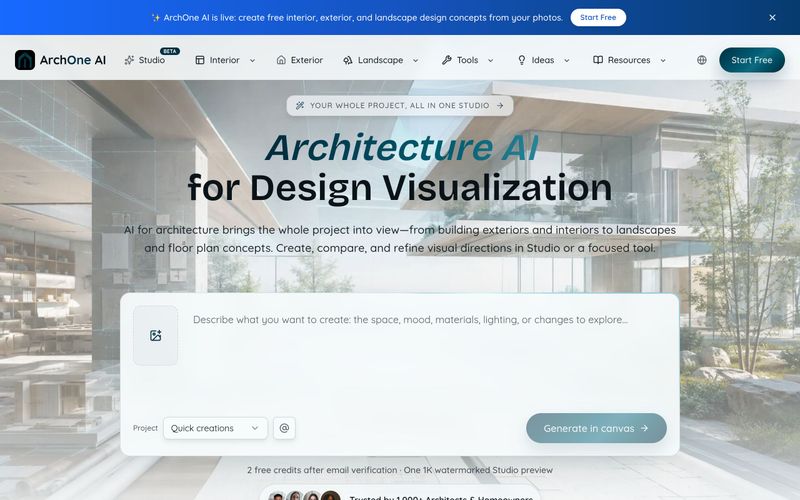
ArchOne AI es una plataforma integral de IA para arquitectura que permite visualizar proyectos completos, incluidos exteriores, interiores, paisajes y planos de planta.
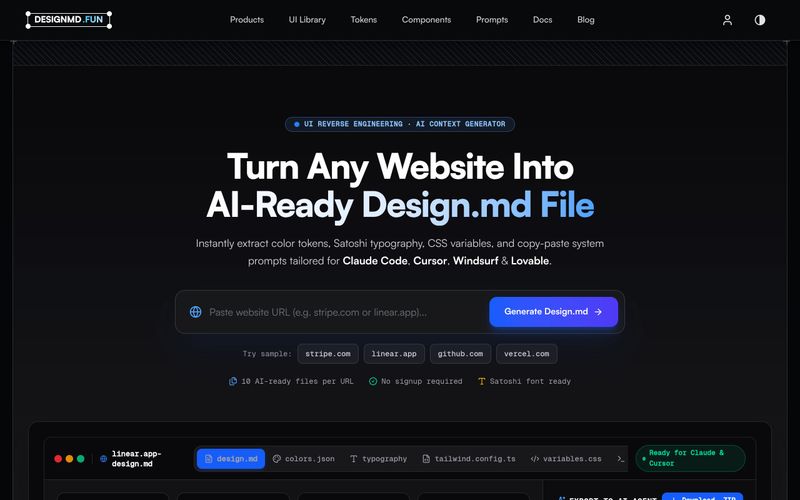
Designmd.fun extrae el sistema de diseño de un sitio web en vivo en diez archivos legibles por máquina —design.md, tokens.json, tailwind.config.ts y más— listos para Claude Code, Cursor, Windsurf y Lovable.
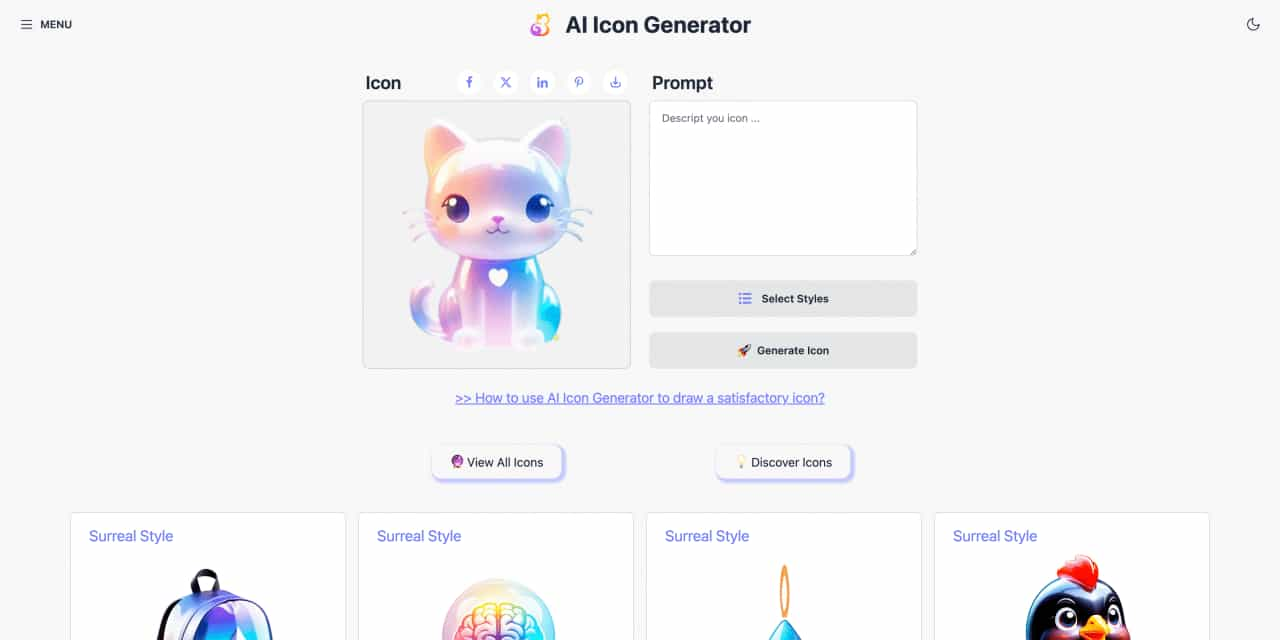
Easy to use AI icon generator. Free and effortlessly generate icon from text.



This comprehensive guide explores the best AI image generators available in 2026, highlighting their unique features, strengths, and ideal use cases. We'll dive deep into each tool's capabilities to help you identify which AI image generator best suits your creative needs.

Google has just launched a powerful AI IDE code editor — now you can really vibe while coding

The best AI Model And AI Tools in 2026,The Most Popular Free AI Model And AI Tools.