Subscribe to AI newsletter
Your data is completely secure with us. We don't share it with anyone.
Find the perfect Midjourney Style. Explore thousands of Midjourney styles. Added daily.Discover and organize your Midjourney styles
Find the perfect Midjourney Style. Explore thousands of Midjourney styles. Added daily.Discover and organize your Midjourney styles
Express the style you are looking for in your own words or upload an image. We'll take it from there.
Save styles, import your own and add them to collections.
Full analysis for each style to help you decide.
Film, anime, illustrations, dreamy. You name it. More than 100 categories to be surprised.
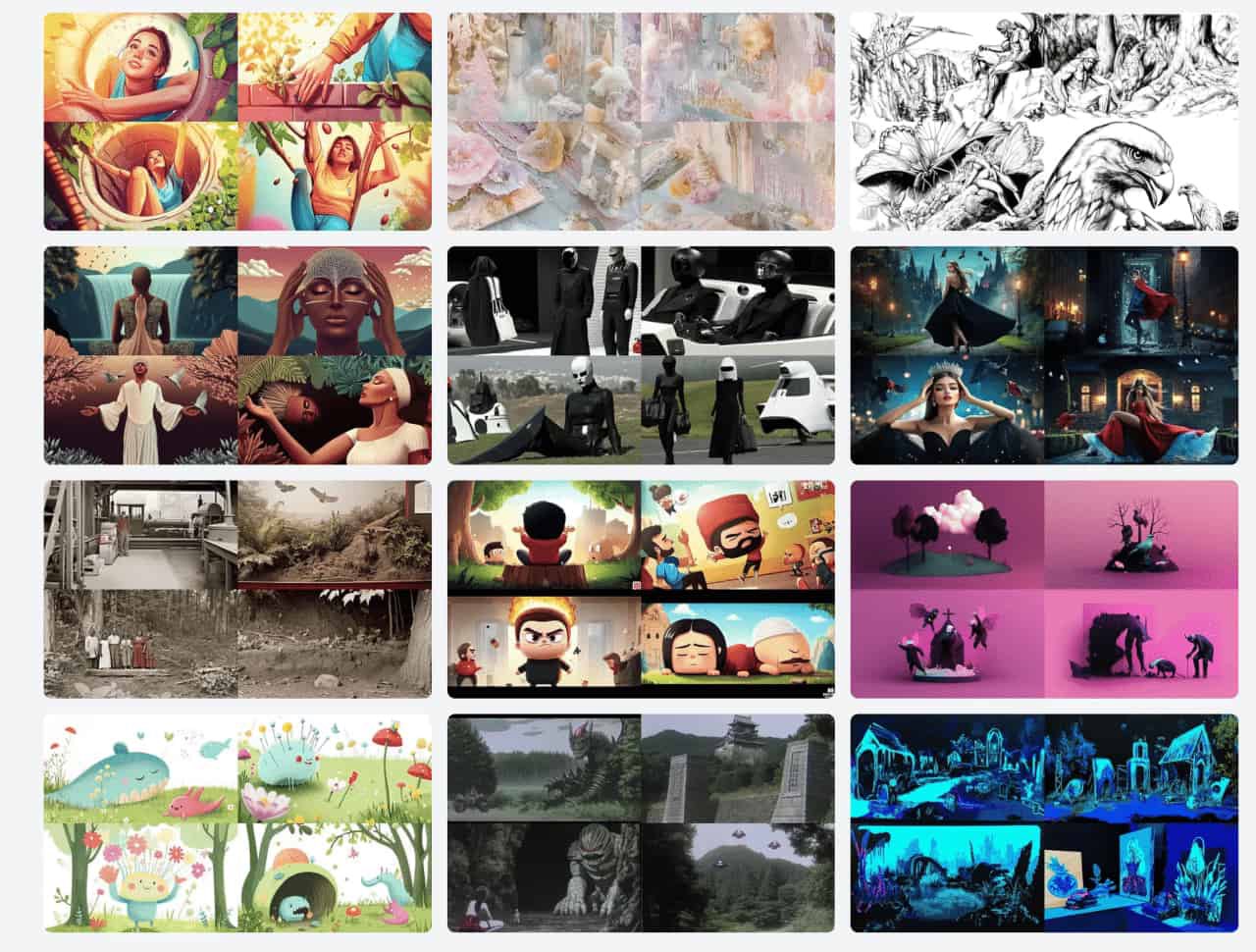
In Midjourney, a sref code (Style Reference code or Midjourney style) allows you to apply specific visual styles to your image generations. It's essentially a seed number that replaces complex style descriptions, making it easier to consistently create images with particular aesthetics.
To use a sref code, add the --sref parameter followed by the code number in your prompt.
a serene landscape --sref 2213253170
Almost all images representing each style in srefs.co are generated with the same prompt. An empty prompt. That is, only empty quotes: "".
This is done to ensure that the style is applied in its rawest form, making the image the most accurate representation of the style.
"" --v 6.0 --ar 16:9 --sw 1000 --sref 2389190716
Yes, you can save and organize styles. There's a bookmark icon at the top-right corner of each style card. Clicking it will add the style to your Saved Styles , which you can access from your profile. You can also organize your saved styles into collections for easier management.
There are many people collecting and curating Midjourney styles. Some of them group them together in a pdf, some in a website. The result is the same. A small list of styles wihtout real search or filtering capabilities.
Midjourney has more than 4 billion srefs. Which means discovering all of them is practically impossible. We aim to provide a sample that represents most of those 4 billion styles. We are (by far) the largest sref library. But that is not what makes us unique. What makes us unique is the tools we provide to help you discover, learn about, and use these styles.
We'll implement this feature soon.
Yes. If marked as private, only you can see your collections.
We will add it soon. Stay tuned.
Yes. Visit Affiliate Program to learn more.
Share practical notes and help others evaluate this tool.
No comments yet. Start the conversation.


Explore curated Codex skins, save favorites, and customize Codex Desktop on macOS or Windows with native UI preserved.

NanoBananaAI is a free AI image generator powered by Nano Banana Pro, Google's advanced image model. Create, edit, and transform stunning visuals with natural language prompts. No design skills needed.

Create faceless reels from an idea or script. Review the hook, voiceover, visuals, captions, and scene plan before generation.

Discover Nano Banana, the next-generation multimodal model for context-aware image generation and editing. Combine text and image prompts to create, edit, and refine visuals with unmatched consistency and style.



This comprehensive guide explores the best AI image generators available in 2026, highlighting their unique features, strengths, and ideal use cases. We'll dive deep into each tool's capabilities to help you identify which AI image generator best suits your creative needs.

Google has just launched a powerful AI IDE code editor — now you can really vibe while coding

The best AI Model And AI Tools in 2026,The Most Popular Free AI Model And AI Tools.