AI 뉴스레터 구독
귀하의 데이터는 완전히 안전하게 보호됩니다. 어떤 누구와도 공유하지 않습니다.
Find the perfect Midjourney Style. Explore thousands of Midjourney styles. Added daily.Discover and organize your Midjourney styles
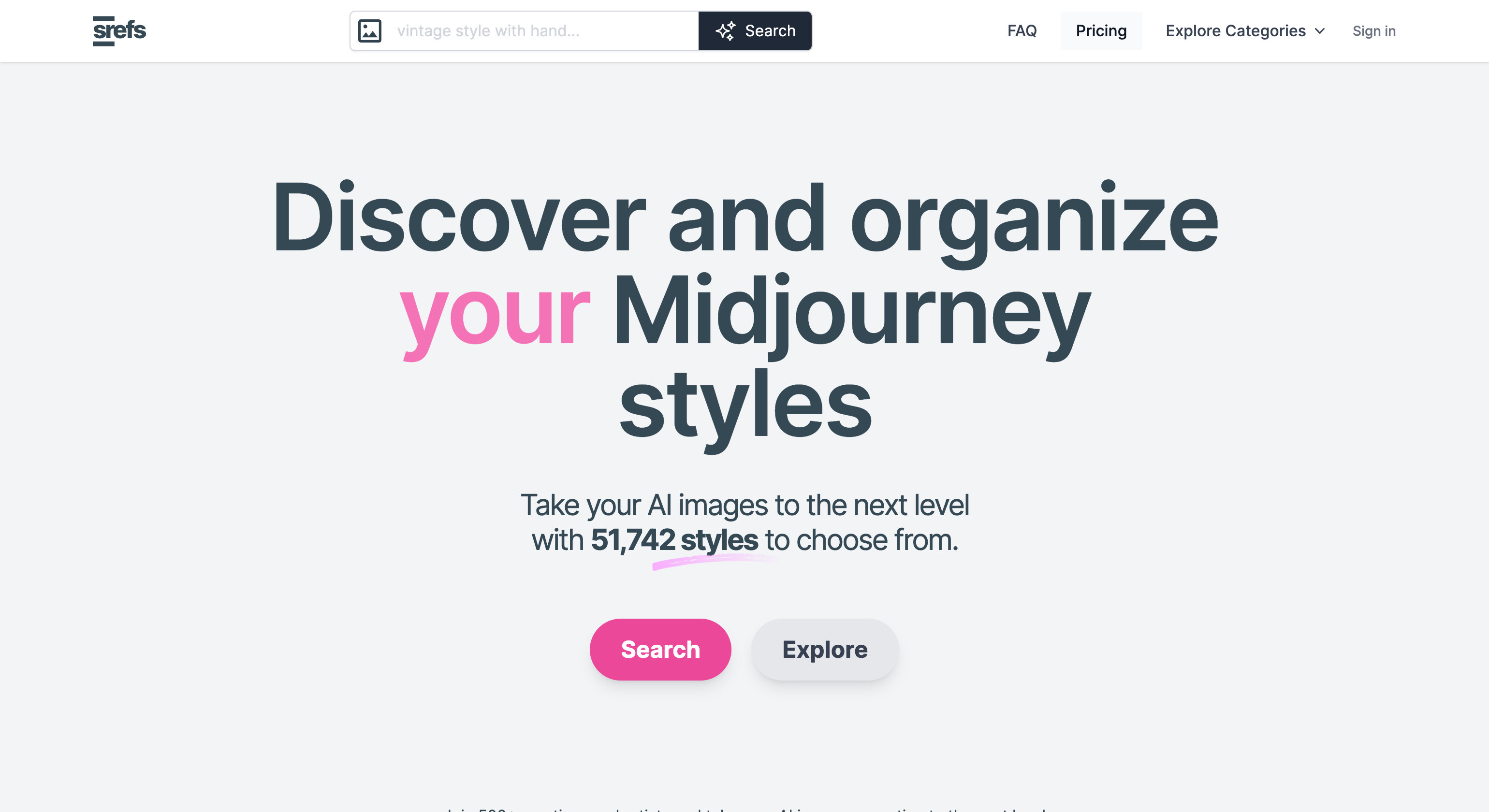
Find the perfect Midjourney Style. Explore thousands of Midjourney styles. Added daily.Discover and organize your Midjourney styles
Express the style you are looking for in your own words or upload an image. We'll take it from there.
Save styles, import your own and add them to collections.
Full analysis for each style to help you decide.
Film, anime, illustrations, dreamy. You name it. More than 100 categories to be surprised.
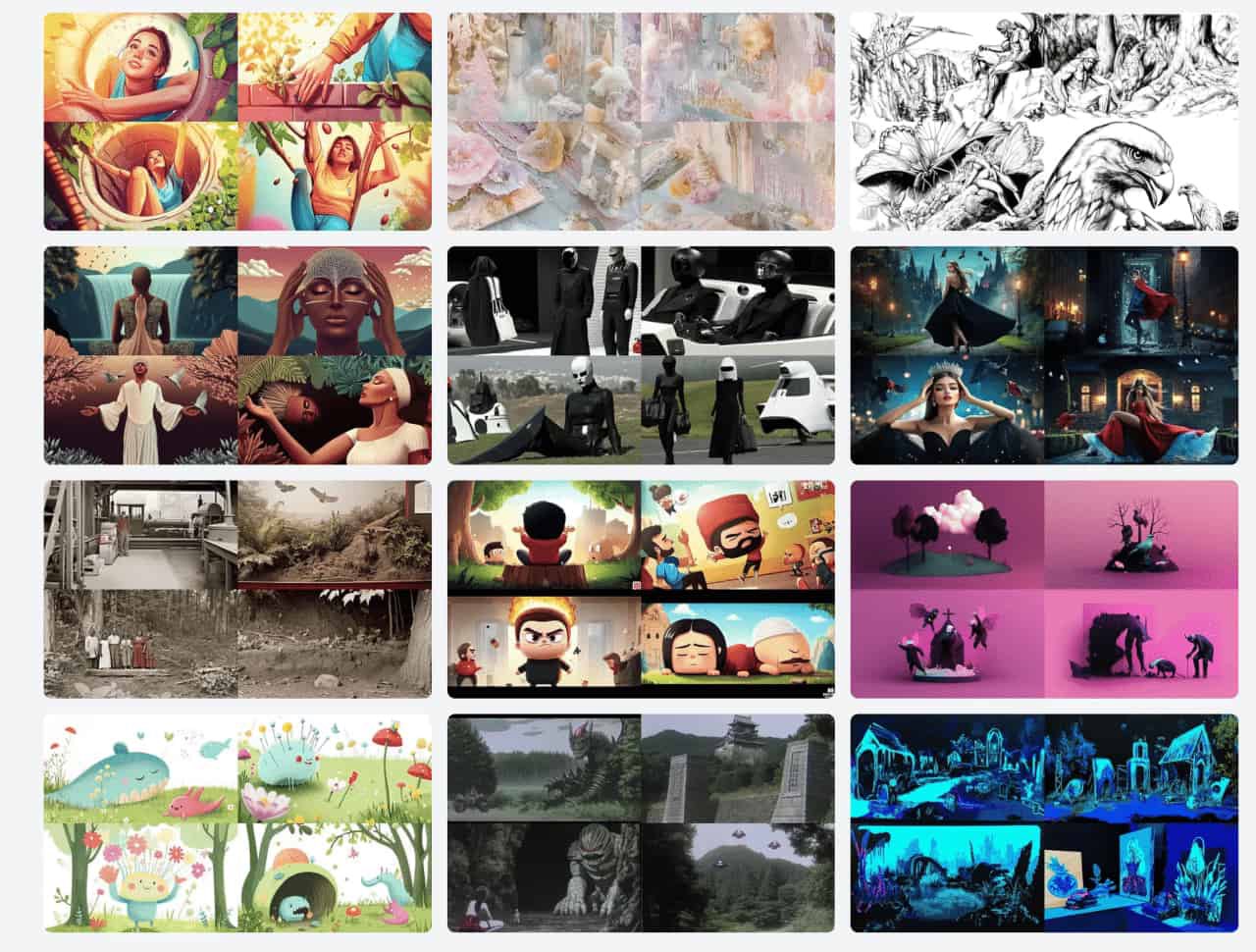
In Midjourney, a sref code (Style Reference code or Midjourney style) allows you to apply specific visual styles to your image generations. It's essentially a seed number that replaces complex style descriptions, making it easier to consistently create images with particular aesthetics.
To use a sref code, add the --sref parameter followed by the code number in your prompt.
a serene landscape --sref 2213253170
Almost all images representing each style in srefs.co are generated with the same prompt. An empty prompt. That is, only empty quotes: "".
This is done to ensure that the style is applied in its rawest form, making the image the most accurate representation of the style.
"" --v 6.0 --ar 16:9 --sw 1000 --sref 2389190716
Yes, you can save and organize styles. There's a bookmark icon at the top-right corner of each style card. Clicking it will add the style to your Saved Styles , which you can access from your profile. You can also organize your saved styles into collections for easier management.
There are many people collecting and curating Midjourney styles. Some of them group them together in a pdf, some in a website. The result is the same. A small list of styles wihtout real search or filtering capabilities.
Midjourney has more than 4 billion srefs. Which means discovering all of them is practically impossible. We aim to provide a sample that represents most of those 4 billion styles. We are (by far) the largest sref library. But that is not what makes us unique. What makes us unique is the tools we provide to help you discover, learn about, and use these styles.
We'll implement this feature soon.
Yes. If marked as private, only you can see your collections.
We will add it soon. Stay tuned.
Yes. Visit Affiliate Program to learn more.
실용적인 메모를 공유하고 다른 사람들이 이 도구를 평가하는 데 도움을 주세요.
아직 댓글이 없습니다. 대화를 시작하세요.


엄선된 Codex 스킨을 탐색하고, 즐겨찾기에 저장하며, 네이티브 UI를 유지한 채 macOS 또는 Windows에서 Codex Desktop을 커스터마이징하세요.

NanoBananaAI는 Google의 고급 이미지 모델인 Nano Banana Pro로 구동되는 무료 AI 이미지 생성기입니다. 자연어 프롬프트로 놀라운 시각적 콘텐츠를 생성, 편집, 변환하세요. 디자인 기술이 필요 없습니다.

아이디어나 대본에서 페이스리스 릴을 만드세요. 생성 전에 훅, 음성 해설, 시각 자료, 캡션, 장면 계획을 검토하세요.
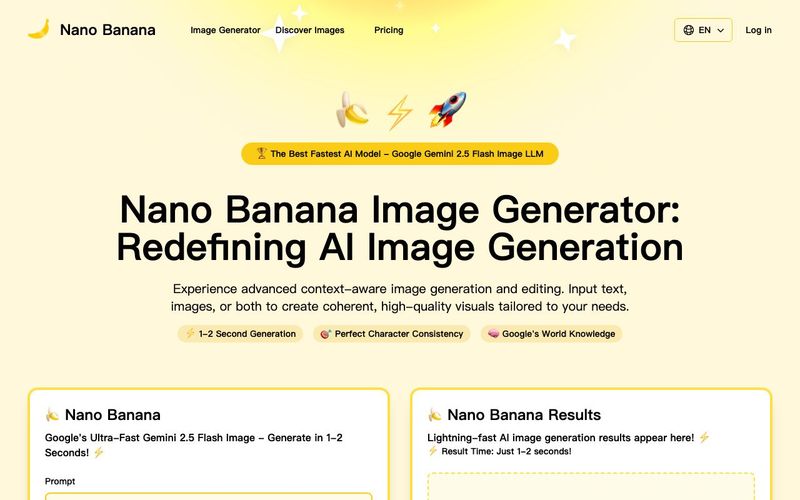
Discover Nano Banana, the next-generation multimodal model for context-aware image generation and editing. Combine text and image prompts to create, edit, and refine visuals with unmatched consistency and style.



This comprehensive guide explores the best AI image generators available in 2026, highlighting their unique features, strengths, and ideal use cases. We'll dive deep into each tool's capabilities to help you identify which AI image generator best suits your creative needs.

Google has just launched a powerful AI IDE code editor — now you can really vibe while coding

The best AI Model And AI Tools in 2026,The Most Popular Free AI Model And AI Tools.