Subscribe to AI newsletter
Your data is completely secure with us. We don't share it with anyone.
Free to transcribe, translate, and summarize audio/video with ScreenApp AI. Get instant highlighted notes and save time with accurate AI tools.
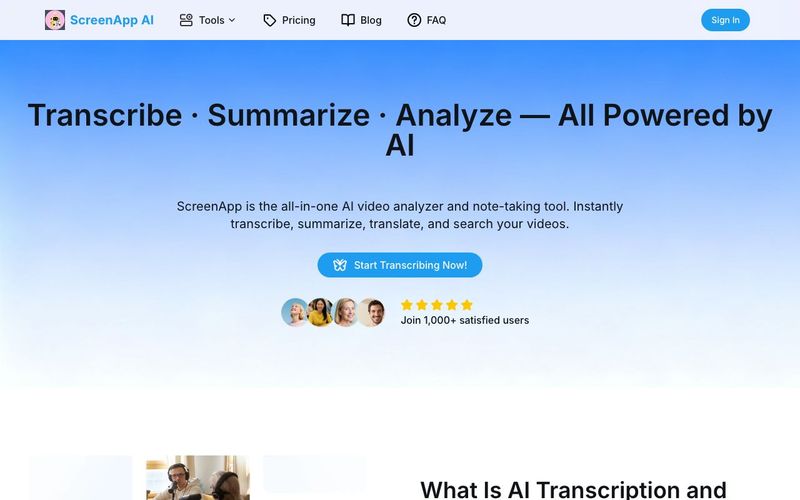
In an era where video has become the dominant format for communication, learning, and content creation, managing audio and video efficiently is no longer optional. ScreenApp AI is a powerful all-in-one AI tool designed to redefine how users analyze, transcribe, summarize, and translate video content—turning raw recordings into structured knowledge in minutes.
More than a simple transcription service, ScreenApp AI bridges the gap between Video Generation and intelligent content understanding. With AI-powered transcription, summarization, translation, and searchable video insights, ScreenApp helps individuals and teams save time while extracting maximum value from every recording.
AI transcription uses advanced speech recognition and natural language processing to convert audio or video into accurate, editable text. Unlike manual transcription, AI transcription recognizes multiple speakers, supports multiple languages, and delivers results almost instantly. ScreenApp AI takes this a step further by organizing transcripts into meaningful summaries and highlights, transforming speech into actionable knowledge.
As video generation and recorded communication continue to scale, manual note-taking and translation simply cannot keep up. ScreenApp AI represents the future of AI transcription—moving beyond text conversion toward intelligent understanding and structured insights.
ScreenApp AI excels at speed and precision. Upload or record a video, and the AI agent processes it with lightning-fast accuracy. Within moments, users receive full transcripts, distilled summaries, and highlighted key points—without any manual effort.
One standout feature is the ability to chat with your video. Instead of re-watching long recordings, users can ask questions and instantly jump to the exact moment they need. This dramatically improves productivity for meetings, lectures, interviews, and creative workflows tied to video generation.
For global teams and educators, ScreenApp AI makes multilingual communication seamless. The AI audio and video translator supports over 30 languages in real time, ensuring consistency, scalability, and cost efficiency. Compared to manual translation—which is slow, expensive, and inconsistent—ScreenApp AI integrates translation directly into transcripts, subtitles, and summaries, making localization effortless.
ScreenApp AI is designed for real-world use cases:
Privacy and security are built into ScreenApp AI. All files are protected, encrypted, and never used for training or external purposes. This makes ScreenApp a trustworthy AI tool for professionals handling sensitive business or educational content.
In summary, ScreenApp AI is more than a transcription platform—it is an intelligent video analysis and Video Generation companion. By combining speed, accuracy, multilingual support, and AI-driven insights, ScreenApp AI empowers users to turn every recording into knowledge, every video into value, and every moment into meaningful results.
Drag and drop a file or just paste the url here. We support all major formats.
Our AI automatically transcribes your content, takes notes and creates summaries.
Your transcription is ready in seconds. You can edit the transcript, download & share. Whatever you need.
ScreenApp AI lets you record, upload, and analyze videos instantly. You can generate AI-powered summaries, transcripts, and insights to save time and improve productivity — all in your browser, with no installation required.
Yes, we offer a Free plan with basic features. Our Pro and Premium plan unlock advanced features like more transcription, AI notes and summaries, etc.
We support all major formats. You can also export transcripts including TXT, PDF, DOCX, JSON, SRT, or VTT.
No downloads are required. ScreenApp AI works entirely online, directly in your web browser — on desktop, tablet, or mobile.
Yes, you can paste a YouTube or video URL to summarize or transcribe it. The AI will process the content securely and return results in seconds.
We take security seriously. All your uploaded files are encrypted, and we never share your data with third parties. You can delete your content anytime.
We support video uploads up to 2 hours in length, and there is no limit on file size. However, longer content requires a longer processing time.
Please ensure your file is in a supported format and under the length limit. If the issue persists, try refreshing your browser or contacting our support team:support@screenapp.net.
You can reach us at support@screenapp.net. We’re happy to assist with technical issues, billing, or feature requests.
Share practical notes and help others evaluate this tool.
No comments yet. Start the conversation.

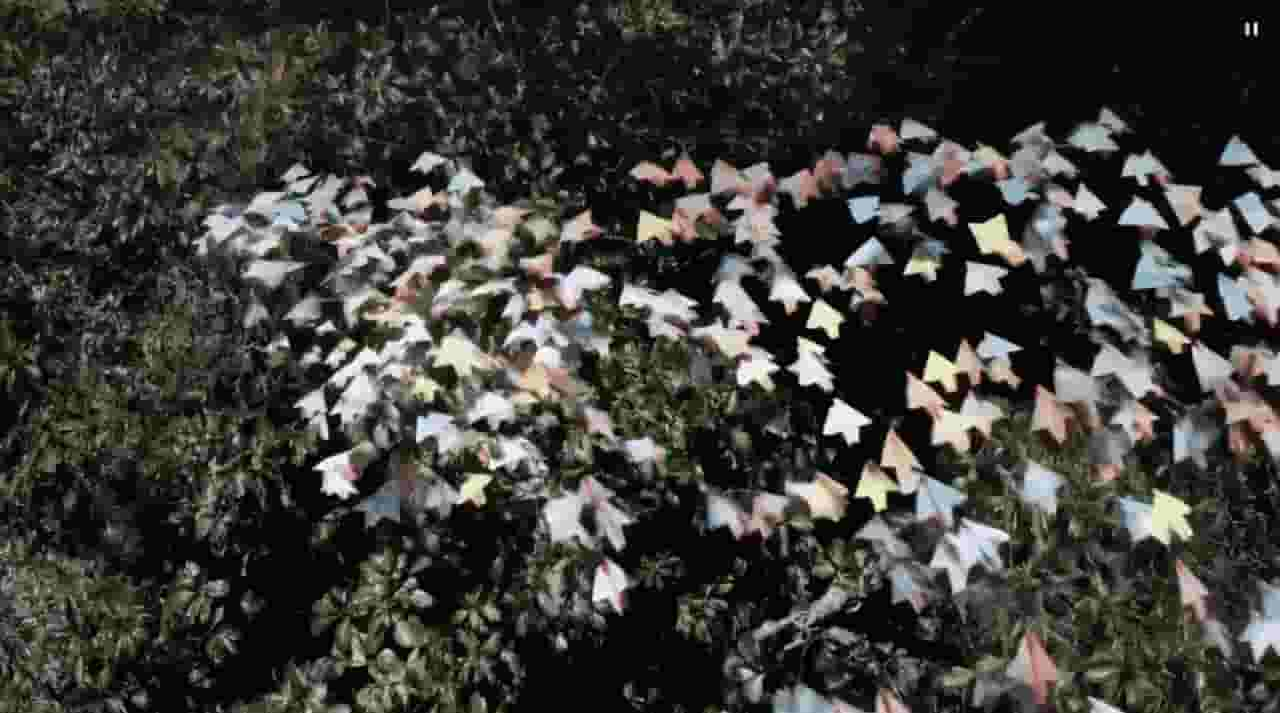
Sora is a large AI image-to-video model launched by OpenAI in 2026. It can create realistic and imaginative scenes based on text instructions.
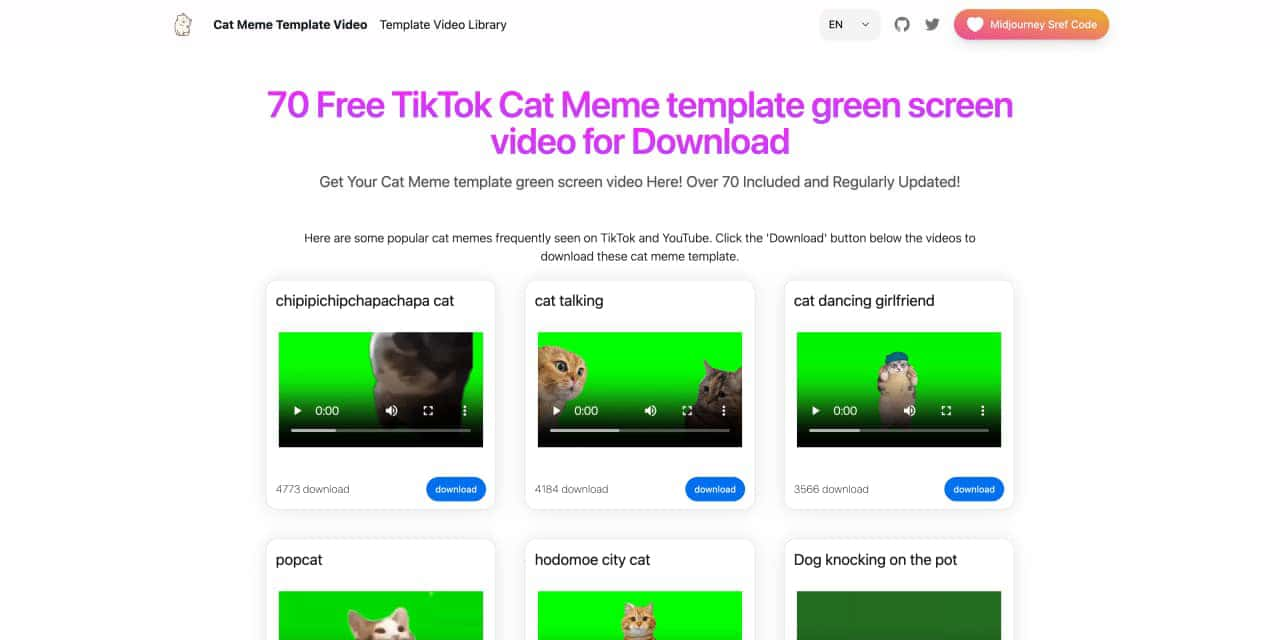
You can download the latest and most popular green screen cat meme template video featured on TikTok and YouTube. These materials are offered for free
Runway is an applied AI research company shaping the next era of art, entertainment and human creativity.
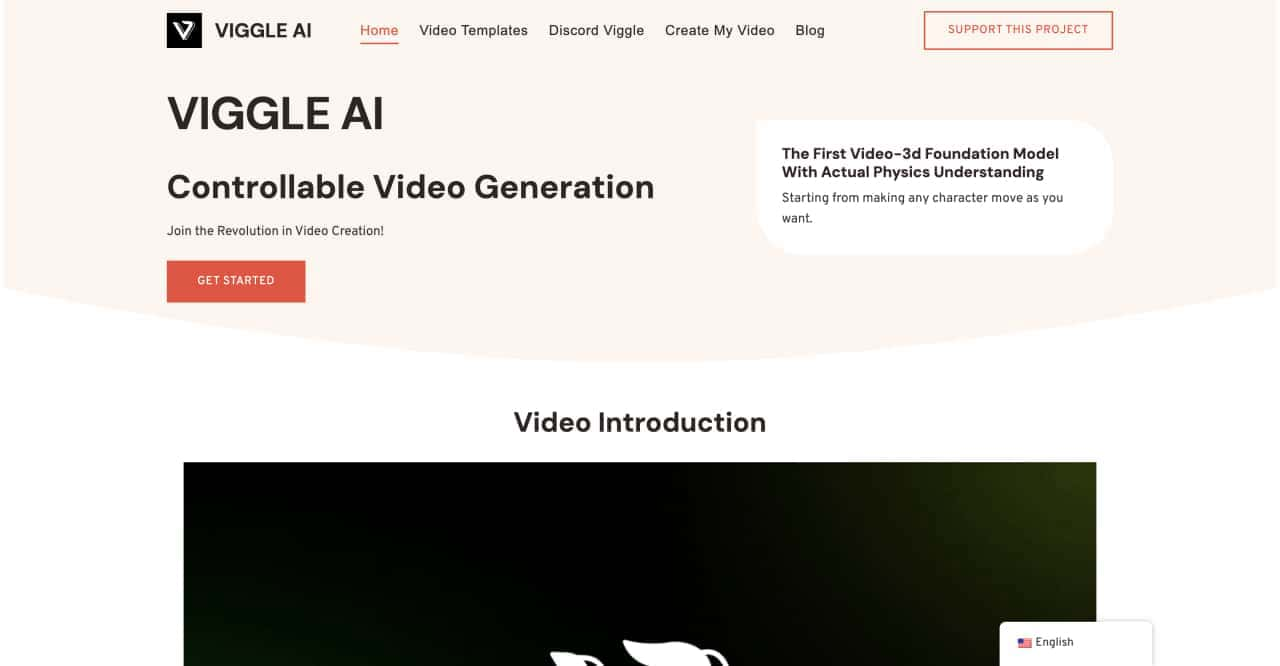
Use Viggle AI to create dynamic animations from images and text prompts. This guide covers its benefits, usage steps, and frequently asked questions.



This comprehensive guide explores the best AI image generators available in 2026, highlighting their unique features, strengths, and ideal use cases. We'll dive deep into each tool's capabilities to help you identify which AI image generator best suits your creative needs.

Google has just launched a powerful AI IDE code editor — now you can really vibe while coding

The best AI Model And AI Tools in 2026,The Most Popular Free AI Model And AI Tools.