Subscribe to AI newsletter
Your data is completely secure with us. We don't share it with anyone.
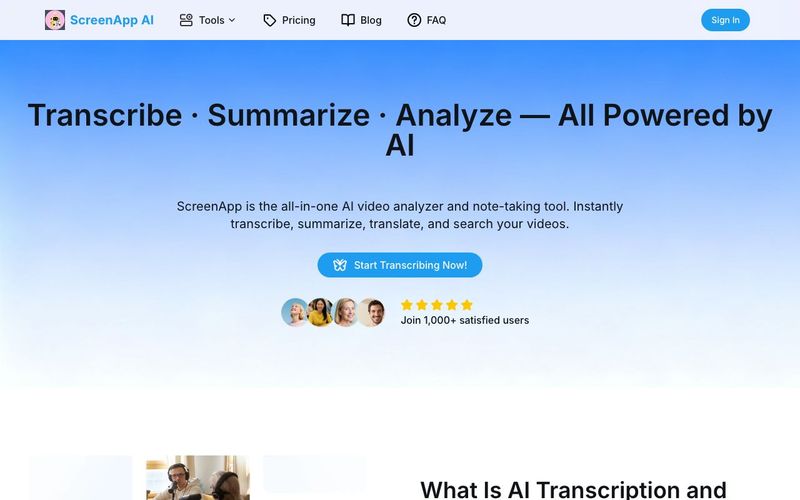
ScreenApp AI lets you record, upload, and analyze videos instantly. You can generate AI-powered summaries, transcripts, and insights to save time and improve productivity — all in your browser, with no installation required.
Yes, we offer a Free plan with basic features. Our Pro and Premium plan unlock advanced features like more transcription, AI notes and summaries, etc.
We support all major formats. You can also export transcripts including TXT, PDF, DOCX, JSON, SRT, or VTT.
No downloads are required. ScreenApp AI works entirely online, directly in your web browser — on desktop, tablet, or mobile.
Yes, you can paste a YouTube or video URL to summarize or transcribe it. The AI will process the content securely and return results in seconds.
We take security seriously. All your uploaded files are encrypted, and we never share your data with third parties. You can delete your content anytime.
We support video uploads up to 2 hours in length, and there is no limit on file size. However, longer content requires a longer processing time.
Please ensure your file is in a supported format and under the length limit. If the issue persists, try refreshing your browser or contacting our support team:support@screenapp.net.
You can reach us at support@screenapp.net. We’re happy to assist with technical issues, billing, or feature requests.
When evaluating a modern AI tool designed for video workflows, usability, flexibility, and security are just as important as raw performance. Based on the FAQ details, ScreenApp AI clearly positions itself as a practical and accessible solution for anyone working with Video Generation, recorded meetings, online content, or educational media.
One of ScreenApp AI’s strongest advantages is its all-in-browser experience. Users can record, upload, and analyze videos instantly without installing any software, making it an ideal AI tool for fast-paced environments. Whether you are working on desktop, tablet, or mobile, ScreenApp AI allows you to generate AI-powered summaries, transcripts, and insights with minimal setup. This simplicity significantly lowers the barrier to entry for creators and teams who want to enhance their video generation workflows without technical overhead.
Another key highlight is format and export flexibility. ScreenApp AI supports all major video formats and allows users to export transcripts in TXT, PDF, DOCX, JSON, SRT, and VTT. This makes it easy to integrate AI-generated content into subtitles, documents, presentations, or content management systems—an essential capability for professional video generation and distribution.
The platform’s compatibility with YouTube and online videos further expands its use cases. By simply pasting a video URL, users can summarize or transcribe content securely in seconds. This feature is particularly valuable for content creators, marketers, and educators who work with existing video libraries and want to repurpose or analyze them efficiently.
From a security standpoint, ScreenApp AI demonstrates strong commitment to data protection. All uploaded files are encrypted, never shared with third parties, and can be deleted at any time. This level of control is critical when using an AI tool for business meetings, confidential interviews, or proprietary video content.
Finally, ScreenApp AI offers a flexible pricing model with a free plan for basic usage and paid plans for advanced transcription, AI notes, and summaries. Combined with generous video length support of up to two hours, responsive customer support, and clear troubleshooting guidance, ScreenApp AI stands out as a reliable and scalable AI tool for modern Video Generation and analysis workflows.
Overall, ScreenApp AI delivers a well-balanced blend of accessibility, functionality, and security, making it a strong choice for users looking to maximize the value of their video content using AI.



This comprehensive guide explores the best AI image generators available in 2026, highlighting their unique features, strengths, and ideal use cases. We'll dive deep into each tool's capabilities to help you identify which AI image generator best suits your creative needs.

Google has just launched a powerful AI IDE code editor — now you can really vibe while coding

The best AI Model And AI Tools in 2026,The Most Popular Free AI Model And AI Tools.