AI 뉴스레터 구독
귀하의 데이터는 완전히 안전하게 보호됩니다. 어떤 누구와도 공유하지 않습니다.
Free to transcribe, translate, and summarize audio/video with ScreenApp AI. Get instant highlighted notes and save time with accurate AI tools.
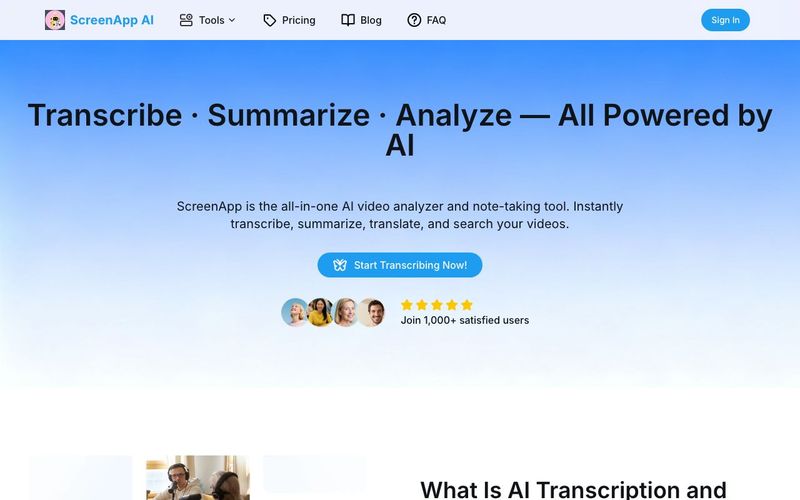
In an era where video has become the dominant format for communication, learning, and content creation, managing audio and video efficiently is no longer optional. ScreenApp AI is a powerful all-in-one AI tool designed to redefine how users analyze, transcribe, summarize, and translate video content—turning raw recordings into structured knowledge in minutes.
More than a simple transcription service, ScreenApp AI bridges the gap between Video Generation and intelligent content understanding. With AI-powered transcription, summarization, translation, and searchable video insights, ScreenApp helps individuals and teams save time while extracting maximum value from every recording.
AI transcription uses advanced speech recognition and natural language processing to convert audio or video into accurate, editable text. Unlike manual transcription, AI transcription recognizes multiple speakers, supports multiple languages, and delivers results almost instantly. ScreenApp AI takes this a step further by organizing transcripts into meaningful summaries and highlights, transforming speech into actionable knowledge.
As video generation and recorded communication continue to scale, manual note-taking and translation simply cannot keep up. ScreenApp AI represents the future of AI transcription—moving beyond text conversion toward intelligent understanding and structured insights.
ScreenApp AI excels at speed and precision. Upload or record a video, and the AI agent processes it with lightning-fast accuracy. Within moments, users receive full transcripts, distilled summaries, and highlighted key points—without any manual effort.
One standout feature is the ability to chat with your video. Instead of re-watching long recordings, users can ask questions and instantly jump to the exact moment they need. This dramatically improves productivity for meetings, lectures, interviews, and creative workflows tied to video generation.
For global teams and educators, ScreenApp AI makes multilingual communication seamless. The AI audio and video translator supports over 30 languages in real time, ensuring consistency, scalability, and cost efficiency. Compared to manual translation—which is slow, expensive, and inconsistent—ScreenApp AI integrates translation directly into transcripts, subtitles, and summaries, making localization effortless.
ScreenApp AI is designed for real-world use cases:
Privacy and security are built into ScreenApp AI. All files are protected, encrypted, and never used for training or external purposes. This makes ScreenApp a trustworthy AI tool for professionals handling sensitive business or educational content.
In summary, ScreenApp AI is more than a transcription platform—it is an intelligent video analysis and Video Generation companion. By combining speed, accuracy, multilingual support, and AI-driven insights, ScreenApp AI empowers users to turn every recording into knowledge, every video into value, and every moment into meaningful results.
Drag and drop a file or just paste the url here. We support all major formats.
Our AI automatically transcribes your content, takes notes and creates summaries.
Your transcription is ready in seconds. You can edit the transcript, download & share. Whatever you need.
ScreenApp AI lets you record, upload, and analyze videos instantly. You can generate AI-powered summaries, transcripts, and insights to save time and improve productivity — all in your browser, with no installation required.
Yes, we offer a Free plan with basic features. Our Pro and Premium plan unlock advanced features like more transcription, AI notes and summaries, etc.
We support all major formats. You can also export transcripts including TXT, PDF, DOCX, JSON, SRT, or VTT.
No downloads are required. ScreenApp AI works entirely online, directly in your web browser — on desktop, tablet, or mobile.
Yes, you can paste a YouTube or video URL to summarize or transcribe it. The AI will process the content securely and return results in seconds.
We take security seriously. All your uploaded files are encrypted, and we never share your data with third parties. You can delete your content anytime.
We support video uploads up to 2 hours in length, and there is no limit on file size. However, longer content requires a longer processing time.
Please ensure your file is in a supported format and under the length limit. If the issue persists, try refreshing your browser or contacting our support team:support@screenapp.net.
You can reach us at support@screenapp.net. We’re happy to assist with technical issues, billing, or feature requests.
실용적인 메모를 공유하고 다른 사람들이 이 도구를 평가하는 데 도움을 주세요.
아직 댓글이 없습니다. 대화를 시작하세요.

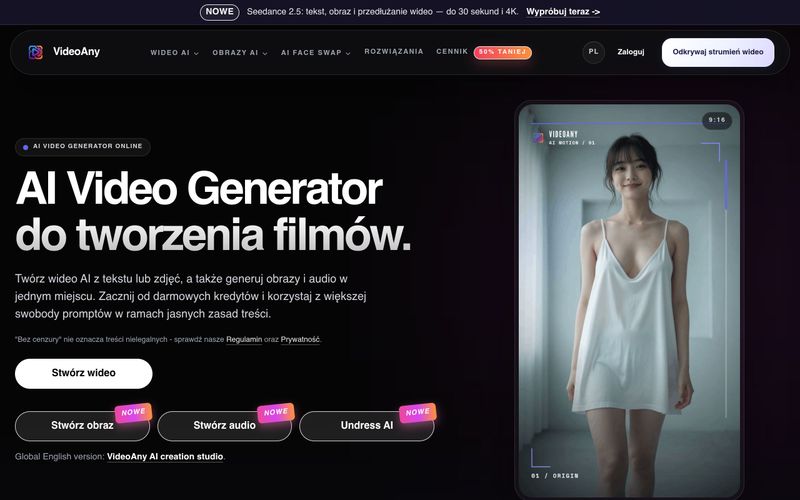
VideoAny는 텍스트와 사진으로 비디오를 만들고, 이미지와 오디오를 생성하는 폴란드어 AI 스튜디오입니다. 무료 크레딧으로 시작하고 유연한 콘텐츠 정책을 이용하세요.
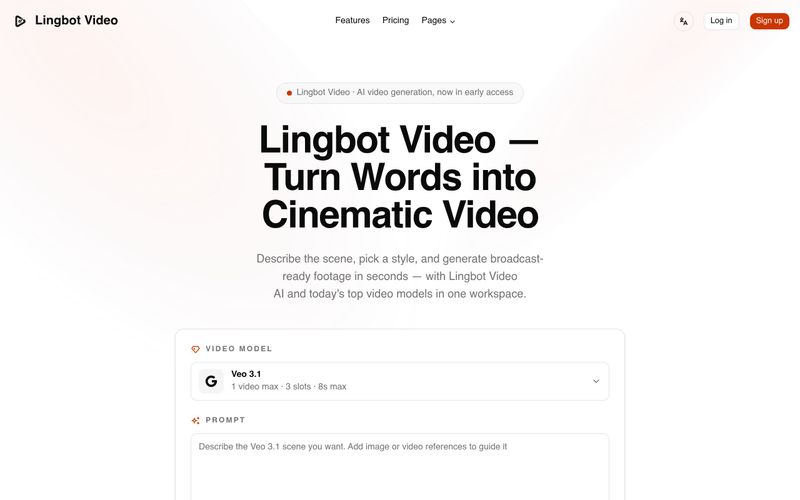
Lingbot Video는 텍스트와 이미지를 생생한 움직임, 정확한 프롬프트 반영, 워터마크 없는 내보내기, 완전한 상업적 라이선스를 갖춘 시네마틱 4K AI 영상으로 변환합니다.
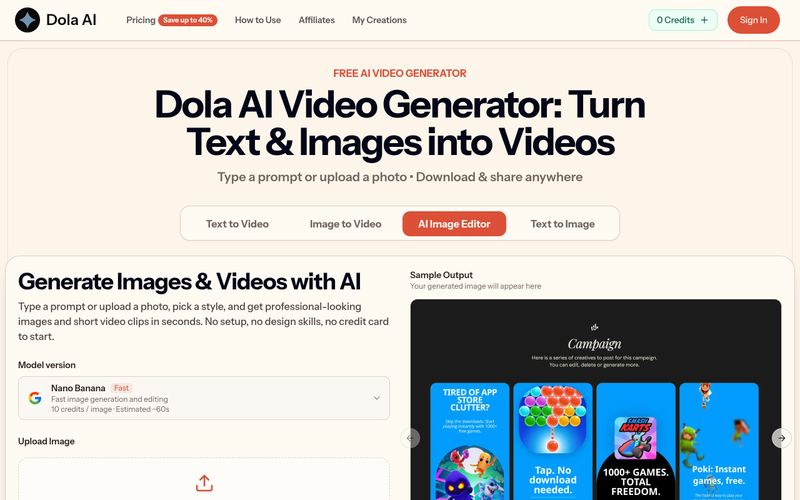
Dola AI는 텍스트와 이미지를 무료로 짧은 동영상으로 변환합니다. 프롬프트나 사진으로 AI 동영상을 생성하고, 워터마크 없는 클립을 다운로드하여 어디든 공유하세요.
VidRush AI는 Google Veo 3.1, Seedance 2.5, Kling, Nano Banana, Seedream, Suno 같은 최상위 모델을 결합하여 하나의 워크스페이스에서 시네마틱 비디오, 사실적인 이미지, 스튜디오 품질의 음악을 제작하는 통합 생성형 AI 스튜디오입니다.



This comprehensive guide explores the best AI image generators available in 2026, highlighting their unique features, strengths, and ideal use cases. We'll dive deep into each tool's capabilities to help you identify which AI image generator best suits your creative needs.

Google has just launched a powerful AI IDE code editor — now you can really vibe while coding

The best AI Model And AI Tools in 2026,The Most Popular Free AI Model And AI Tools.