AI 뉴스레터 구독
귀하의 데이터는 완전히 안전하게 보호됩니다. 어떤 누구와도 공유하지 않습니다.
Lingbot Video turns text and images into cinematic 4K AI video with lifelike motion, precise prompt following, watermark-free exports and a full commercial license.
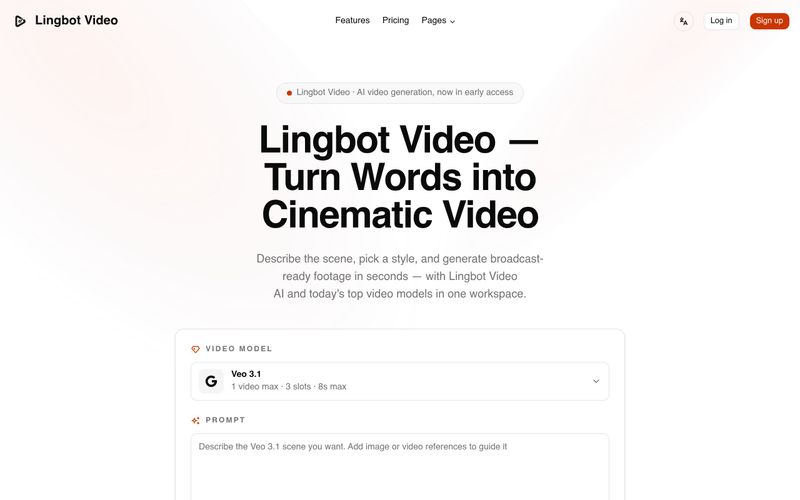
Lingbot Video is an AI video generation platform that turns plain text prompts and still images into cinematic, publish-ready footage. It combines an open video foundation model — LingBot-Video, with around 30B MoE model parameters and 70K+ hours of training footage — with several leading third-party video models inside a single workspace.
Key capabilities supported by the site:
Lingbot Video is aimed at indie creators, marketing teams, DTC brands, educators, agencies and filmmakers who want to produce ad variations, product b-roll, explainer clips, mood films and pre-visualization without a studio or crew. The site reports LingBot-Video as roughly 3× faster than comparable dense models and capable of 4K 60fps output.
Pricing is credit-based with monthly or yearly billing (yearly saves 50%): Basic at $14.90/month (800 credits/month, 9,600 credits/year), Standard at $24.90/month (1,600 credits/month, 19,200 credits/year) and Pro at $49.90/month (4,000 credits/month, 48,000 credits/year). All plans include Lingbot Video AI, multiple AI video models, no watermark, private generation, API access and a commercial use license.
Why it stands out: one credit balance across every model, strong prompt adherence, fast generation, platform-ready aspect ratios and a commercial license — making it a practical end-to-end workspace for AI video production.
For image to video, upload a still and direct how it moves. Paid plans also support API access for programmatic generation.
The site's prompt gallery includes cinematic, stylized and UGC & social styles, covering scenes such as vintage trains in rain, product reviews, fantasy trailers, surreal cityscapes, fashion portraits, luxury lifestyle reels and retro DV vlogs.
The interface shows duration options of 4s, 6s and 8s, with 8s noted as the maximum in the Veo 3.1 panel.
Yes. The commercial use license is listed on all paid plans — Basic, Standard and Pro.
The site presents this as an FAQ question but does not publish a specific answer on the pages reviewed.
Credit-based plans with monthly or yearly billing (yearly saves 50%): Basic $14.90/month (800 credits/month, 9,600 credits/year), Standard $24.90/month (1,600 credits/month, 19,200 credits/year) and Pro $49.90/month (4,000 credits/month, 48,000 credits/year).
Support options mentioned on the site:
The site does not publish a dedicated help center or documentation link on the reviewed pages.
실용적인 메모를 공유하고 다른 사람들이 이 도구를 평가하는 데 도움을 주세요.
아직 댓글이 없습니다. 대화를 시작하세요.

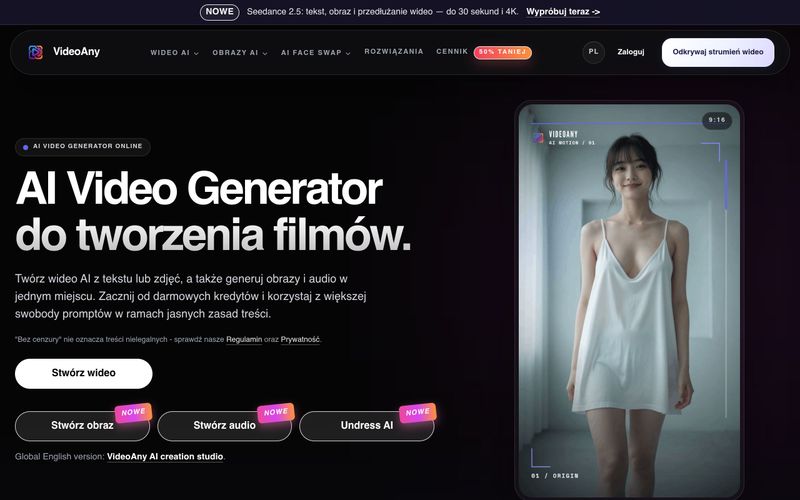
VideoAny to polskie studio AI do tworzenia wideo z tekstu i zdjęć, generowania obrazów oraz audio. Zacznij z darmowymi kredytami i korzystaj z elastycznych zasad treści.
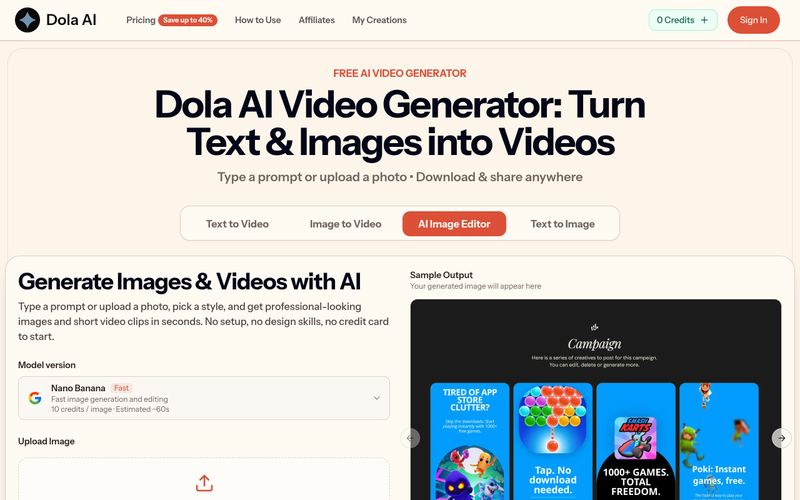
Dola AI turns text and images into short videos for free. Generate AI videos from prompts or photos, download watermark-free clips, and share them anywhere.
VidRush AI is a unified generative AI studio that combines top models like Google Veo 3.1, Seedance 2.5, Kling, Nano Banana, Seedream, and Suno to create cinematic videos, photorealistic images, and studio-quality music in one workspace.
EstateReel AI is an AI property video creation platform that turns listing photos into polished property videos, natural-motion clips, and AI walkthroughs for agents, teams, and real estate marketers.



This comprehensive guide explores the best AI image generators available in 2026, highlighting their unique features, strengths, and ideal use cases. We'll dive deep into each tool's capabilities to help you identify which AI image generator best suits your creative needs.

Google has just launched a powerful AI IDE code editor — now you can really vibe while coding

The best AI Model And AI Tools in 2026,The Most Popular Free AI Model And AI Tools.