Subscribe to AI newsletter
Your data is completely secure with us. We don't share it with anyone.
Create stunning realistic fashion models, virtual try-ons for e-commerce, and unique digital art. No studio needed. Try it for free!
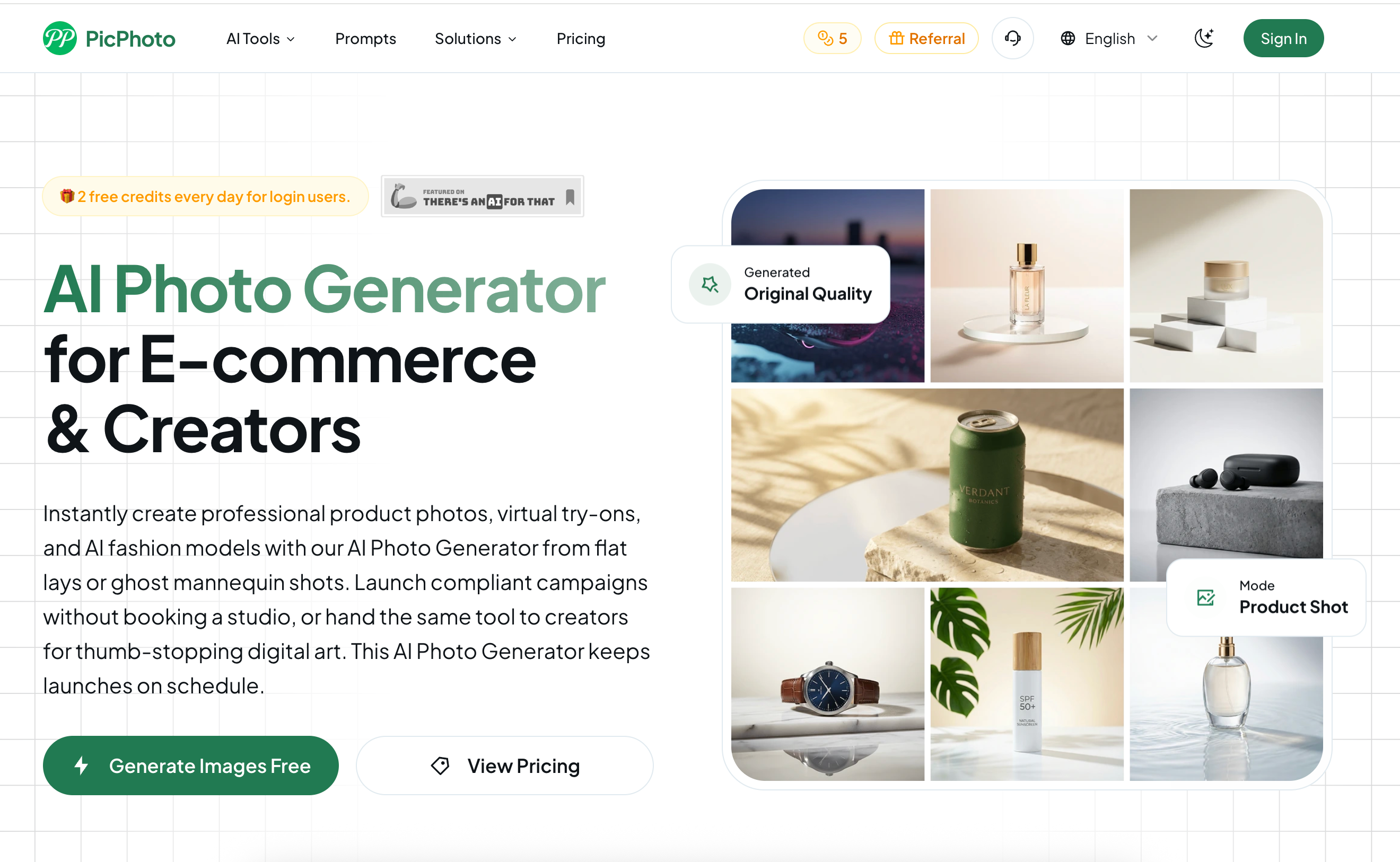
In the high-stakes world of digital commerce, PicPhoto has emerged as a premier AI tool specifically engineered to solve the "content bottleneck" for e-commerce brands and creative directors. By centralizing professional Image Generation into a browser-based studio, PicPhoto allows teams to bypass traditional photography logistics—eliminating the need for physical sets, lighting crews, or sample shipping.
PicPhoto distinguishes itself by speaking the specific language of platforms like Amazon, Shopify, and Instagram. Unlike generic generators, this AI tool is built to respect strict e-commerce KPIs, maintaining consistent focal lengths, crop ratios, and compliant margins across entire SKU catalogs.
Beyond the storefront, PicPhoto functions as a robust Image Generation hub for marketing and design teams. It offers a comprehensive suite of utility features:
The PicPhoto AI tool follows a guided three-step process: Upload/Prompt, Customize, and Generate. Most 1080p studio-quality renders are ready in seconds, keeping product launches strictly on schedule. With a credit-based system that allows for daily free validation and paid plans that grant full commercial rights, PicPhoto is designed to scale alongside a brand's growth—from first-time shop owners to enterprise-level operations delivering entire catalogs overnight.
Step 1:
Drag in a flat lay, ghost mannequin image, or reference moodboard—or simply describe the product.
Step 2:
Choose the number of images to generate and aspect ratio before rendering.
Step 3:
Output 1080p studio-quality product photos, virtual try-on images, and digital art.
PicPhoto uses only the most powerful AI models on the market, always providing users with the best image generation experience. We don't pursue all-in-one solutions—we only select and offer the best models.
Yes. Paid plans provide full commercial rights, allowing you to publish ads, packaging, storefront assets, and marketing campaign visuals.
Upload flat-lay images of clothing or jewelry, or model photos, input appropriate prompts, and the system generates images with accurate fabric, lighting, and sizing.
Absolutely. The models PicPhoto uses are specifically trained for this type of content and can rebuild realistic model demonstrations in seconds.
Logged-in users receive 2 credits daily, enough to validate virtual try-on and e-commerce image generation before upgrading.
Does it support Amazon, Shopify, and Instagram standards?
Canvas presets center products and maintain white backgrounds. Mention the platform name in your prompt to ensure renders pass each platform's validation.
Yes. Switch to creative mode to output digital art, social media covers, and animated storyboards.
Currently, you can download 1080p images. In the future, we will support up to 4K (4096x4096) JPG or PNG.
Share practical notes and help others evaluate this tool.
No comments yet. Start the conversation.


Explore curated Codex skins, save favorites, and customize Codex Desktop on macOS or Windows with native UI preserved.

NanoBananaAI is a free AI image generator powered by Nano Banana Pro, Google's advanced image model. Create, edit, and transform stunning visuals with natural language prompts. No design skills needed.

Create faceless reels from an idea or script. Review the hook, voiceover, visuals, captions, and scene plan before generation.

Discover Nano Banana, the next-generation multimodal model for context-aware image generation and editing. Combine text and image prompts to create, edit, and refine visuals with unmatched consistency and style.



This comprehensive guide explores the best AI image generators available in 2026, highlighting their unique features, strengths, and ideal use cases. We'll dive deep into each tool's capabilities to help you identify which AI image generator best suits your creative needs.

Google has just launched a powerful AI IDE code editor — now you can really vibe while coding

The best AI Model And AI Tools in 2026,The Most Popular Free AI Model And AI Tools.