Subscribe to AI newsletter
Your data is completely secure with us. We don't share it with anyone.
Step 1:
Drag in a flat lay, ghost mannequin image, or reference moodboard—or simply describe the product.
Step 2:
Choose the number of images to generate and aspect ratio before rendering.
Step 3:
Output 1080p studio-quality product photos, virtual try-on images, and digital art.
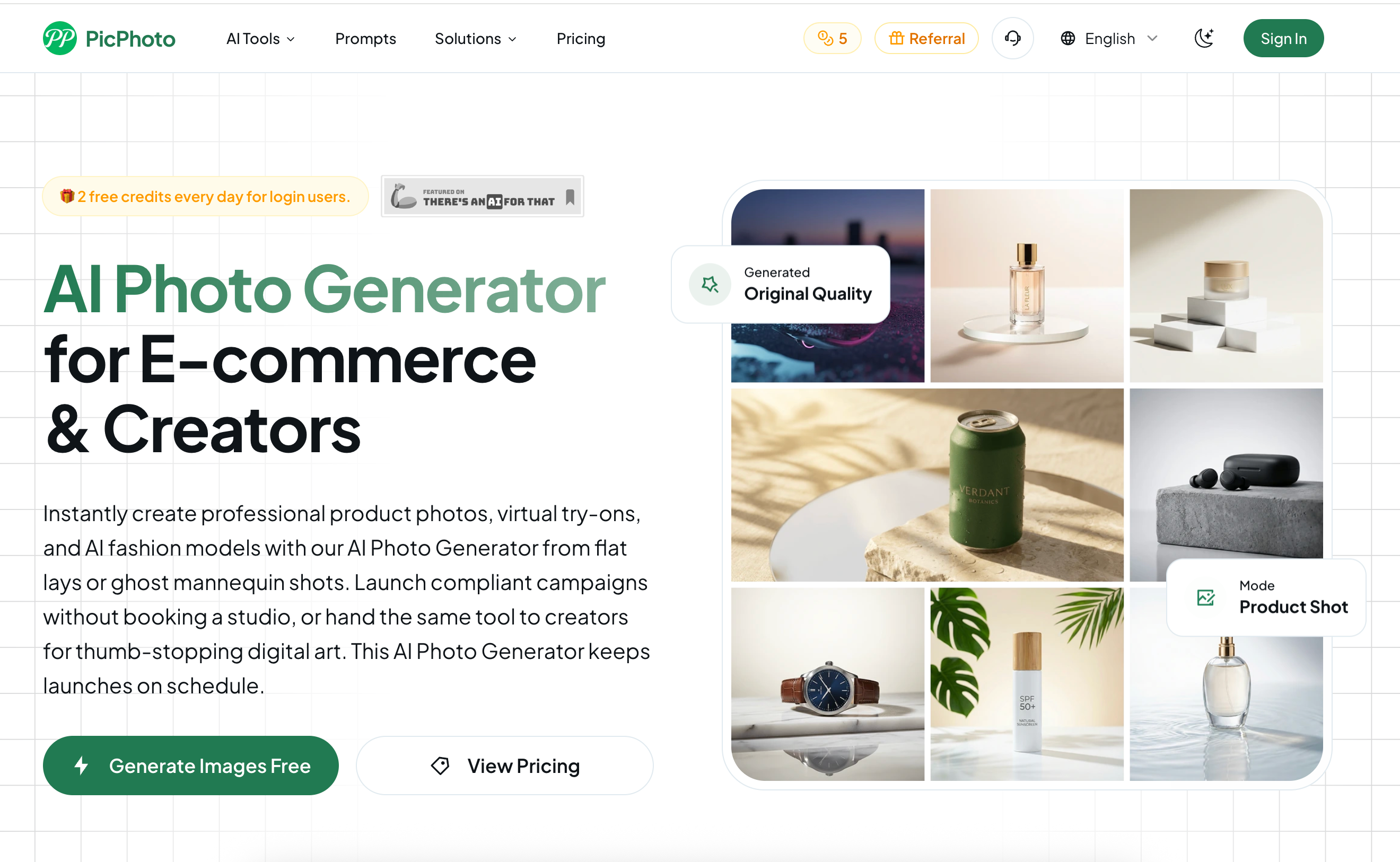
In the fast-paced world of digital commerce and social media, PicPhoto has positioned itself as an indispensable AI tool for brands that need to move from concept to consumer in record time. By refining the complex process of Image Generation into a logical, three-step framework, the platform removes the traditional barriers of high-end photography, allowing even small teams to produce 1080p studio-quality assets without a physical set.
The first step in the PicPhoto workflow highlights its flexibility as a modern AI tool. Users aren't restricted to a single input method; you can drag in a simple flat-lay, a professional "ghost mannequin" shot, or even a reference moodboard to set the aesthetic direction. For those starting from scratch, the Image Generation engine accepts detailed text prompts, effectively turning a simple description into a tangible product scene. This "Upload or Prompt" flexibility ensures that the tool adapts to the user's available resources rather than forcing a rigid workflow.
Once the base asset or idea is loaded, PicPhoto provides essential customization settings that are critical for multi-platform marketing. Step two allows users to dictate the specific aspect ratio—ensuring that the Image Generation is optimized for anything from a vertical TikTok ad to a square Amazon listing. By allowing users to choose the number of variations before rendering, this AI tool facilitates rapid A/B testing, giving creative directors multiple "takes" of a product scene in a single click.
The final stage of the PicPhoto experience is where the technical heavy lifting occurs. In seconds, the platform outputs 1080p studio-quality images that are ready for immediate publishing. Whether you are generating virtual try-on shots for a Shopify store or complex digital art for a campaign header, the fidelity remains consistent. This streamlined "Generate & Publish" phase is the reason PicPhoto is becoming a staple in the e-commerce toolkit, as it bridges the gap between raw product data and thumb-stopping marketing visuals with unparalleled speed.



This comprehensive guide explores the best AI image generators available in 2026, highlighting their unique features, strengths, and ideal use cases. We'll dive deep into each tool's capabilities to help you identify which AI image generator best suits your creative needs.

Google has just launched a powerful AI IDE code editor — now you can really vibe while coding

The best AI Model And AI Tools in 2026,The Most Popular Free AI Model And AI Tools.