Subscribe to AI newsletter
Your data is completely secure with us. We don't share it with anyone.
Chats, calls, tasks, docs, and AI agents natively built in to keep your work context clear and your teams perfectly aligned.

Orchestra: The Ultimate AI Tool for Modern Workspaces
Orchestra is a powerful AI tool and chat-centric, AI-native workspace designed to unify communication, tasks, projects, calls, and documents into a single intelligent platform. Unlike traditional workflows that scatter work across multiple applications, Orchestra integrates everything into conversational threads, keeping messages, tasks, files, and meetings fully contextualized within the flow of work. This approach reduces friction, prevents lost information, and ensures teams stay aligned at every stage of a project.
As one of the most advanced AI office tools, Orchestra comes equipped with built-in AI bots, customizable projects, voice and video calls, and a smart calendar. Teams of all sizes—from startups and product builders to engineers, designers, marketers, and HR professionals—can streamline collaboration and minimize tool-switching. With task tracking embedded directly in chats, project hierarchies, custom fields, and flexible list and Kanban views, Orchestra empowers teams to manage their work efficiently. AI-powered summaries and automatic transcriptions of meetings further enhance productivity, providing instant context and actionable insights.
Orchestra is accessible wherever your team works. It supports browser access, desktop apps for macOS and Windows, mobile apps for iOS and Android, and even as a Progressive Web App (PWA). This cross-platform availability ensures seamless collaboration for remote, hybrid, or in-office teams.
Pricing begins at $10 per user per month, providing full access to unlimited chat history, project management, calls, file storage, and all the advanced AI-driven productivity features. As an intelligent AI office tool, Orchestra transforms the way teams communicate, plan, and execute work—making collaboration smarter, faster, and more effective.
Sign Up & Create a Workspace
Sign up using your email, Google account, or Apple ID.
After sign-up, either create a new workspace or join an existing one via invite.
Start Chatting & Collaborating
Use the messenger-style interface to send messages in channels or direct chats.
In any chat message, convert a message into a task with a single click — deadlines, assignees, and attachments can all be added directly from the chat.
Manage Tasks & Projects
Navigate to the Projects panel to create new projects and tasks. Tasks can have custom fields, statuses, deadlines, and assignees.
Use different task views such as Lists, Kanban boards, or custom filters to organize work.
Make Calls
Within a chat, click the call icon to start a voice or video call.
Record meetings or share async video updates. AI bots can transcribe, translate, and summarize your discussions instantly for future reference.
Handle Documents & Media
Create and store docs, notes, and pages directly inside relevant chats or tasks.
Upload files, images, links, and have them automatically attached to the right conversation.
Use the AI Assistant
Leverage built‑in AI agents to analyze your work data, summarize threads, suggest next steps, and help manage your calendar.
Connect External Tools
Sync with tools like Notion, GitHub, and more to unify your work ecosystem.
What is Orchestra?
Orchestra is a chat-first, AI-native workspace that centralizes messaging, tasks, calls, docs, and media into one unified platform.
Is there a mobile app?
Yes — Orchestra supports iOS, Android, and also runs as a Progressive Web App (PWA) through your browser.
Can I convert a chat message into a task?
Yes — any message in a chat can be turned into a task, with assignee, deadline, custom fields, and more, without leaving the chat.
Does Orchestra have AI features?
Absolutely — built-in AI bots can summarize messages, transcribe calls, help organize tasks, and act as an operational assistant.
What is the pricing?
The early pricing is $10 per user per month for a full workspace tier — unlimited chats, file storage, calls, projects, and customer support.
Can I integrate with other tools?
Yes — Orchestra supports integrations with external tools like Notion and GitHub to bring all your work into one space.
How secure is my data?
Use of Orchestra is governed by Terms of Use, which include privacy safeguards, user permissions, and rules for data management.
Share practical notes and help others evaluate this tool.
No comments yet. Start the conversation.

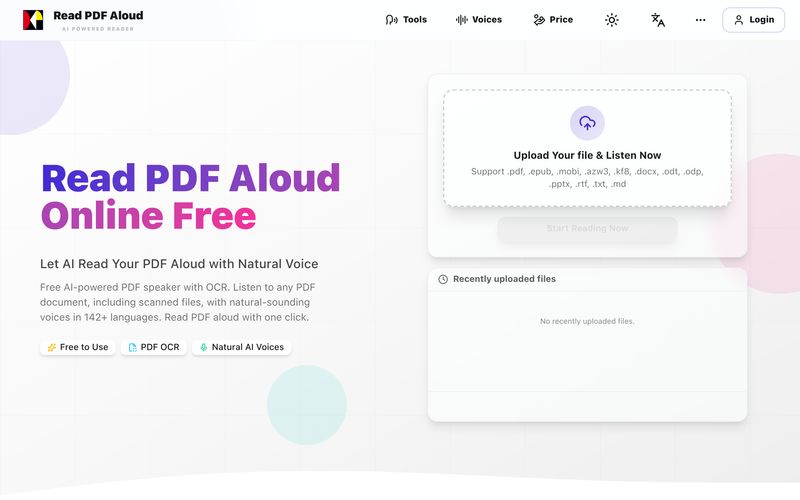
Read PDF aloud for free with natural AI voices. Supports 142+ languages, 600+ voices, OCR for scanned files, and MP3 export. Works on any device. Convert any PDF to speech in seconds.
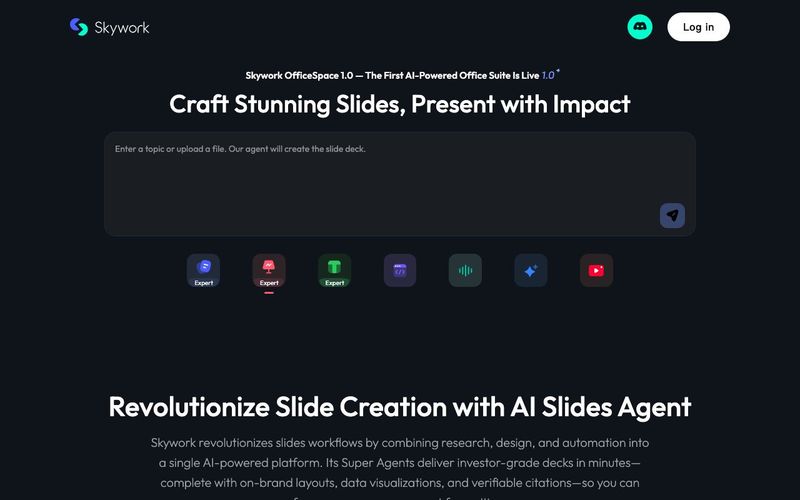
Transform your presentation workflow with the Skywork AI Slides Assistant — an intelligent solution that generates investor-grade slides in minutes, not hours. Our AI-powered platform combines deep research, professional design, and automated formatting to deliver stunning presentations that showcase your expertise.
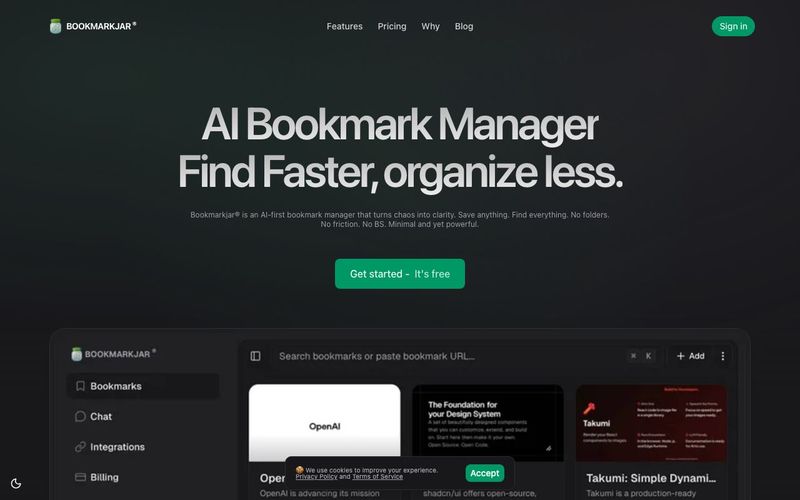
AI bookmark manager with semantic search, automatic tagging, and cross‑platform sync. Save anything and find it faster—organized by AI.
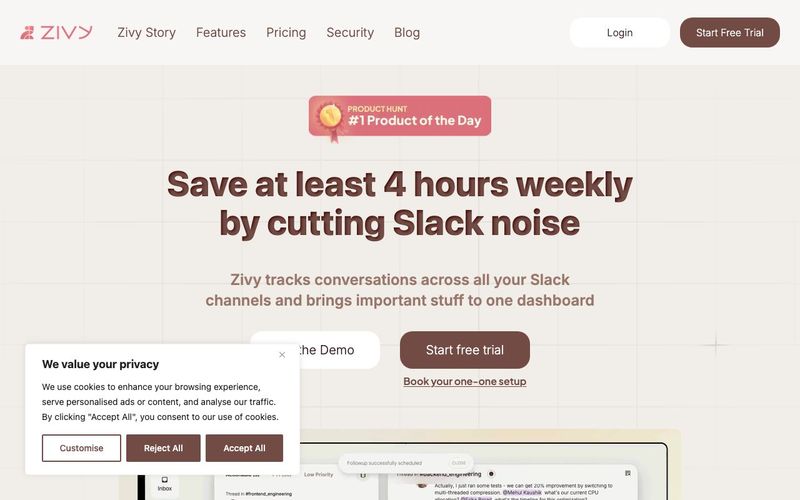
Turn your chaotic and noisy workplace communication into calm collaboration, with Zivy! Skim. Schedule. Tag. Todo. Take action on your messages in zen.



This comprehensive guide explores the best AI image generators available in 2026, highlighting their unique features, strengths, and ideal use cases. We'll dive deep into each tool's capabilities to help you identify which AI image generator best suits your creative needs.

Google has just launched a powerful AI IDE code editor — now you can really vibe while coding

The best AI Model And AI Tools in 2026,The Most Popular Free AI Model And AI Tools.