AI 뉴스레터 구독
귀하의 데이터는 완전히 안전하게 보호됩니다. 어떤 누구와도 공유하지 않습니다.
Chats, calls, tasks, docs, and AI agents natively built in to keep your work context clear and your teams perfectly aligned.

Orchestra: The Ultimate AI Tool for Modern Workspaces
Orchestra is a powerful AI tool and chat-centric, AI-native workspace designed to unify communication, tasks, projects, calls, and documents into a single intelligent platform. Unlike traditional workflows that scatter work across multiple applications, Orchestra integrates everything into conversational threads, keeping messages, tasks, files, and meetings fully contextualized within the flow of work. This approach reduces friction, prevents lost information, and ensures teams stay aligned at every stage of a project.
As one of the most advanced AI office tools, Orchestra comes equipped with built-in AI bots, customizable projects, voice and video calls, and a smart calendar. Teams of all sizes—from startups and product builders to engineers, designers, marketers, and HR professionals—can streamline collaboration and minimize tool-switching. With task tracking embedded directly in chats, project hierarchies, custom fields, and flexible list and Kanban views, Orchestra empowers teams to manage their work efficiently. AI-powered summaries and automatic transcriptions of meetings further enhance productivity, providing instant context and actionable insights.
Orchestra is accessible wherever your team works. It supports browser access, desktop apps for macOS and Windows, mobile apps for iOS and Android, and even as a Progressive Web App (PWA). This cross-platform availability ensures seamless collaboration for remote, hybrid, or in-office teams.
Pricing begins at $10 per user per month, providing full access to unlimited chat history, project management, calls, file storage, and all the advanced AI-driven productivity features. As an intelligent AI office tool, Orchestra transforms the way teams communicate, plan, and execute work—making collaboration smarter, faster, and more effective.
Sign Up & Create a Workspace
Sign up using your email, Google account, or Apple ID.
After sign-up, either create a new workspace or join an existing one via invite.
Start Chatting & Collaborating
Use the messenger-style interface to send messages in channels or direct chats.
In any chat message, convert a message into a task with a single click — deadlines, assignees, and attachments can all be added directly from the chat.
Manage Tasks & Projects
Navigate to the Projects panel to create new projects and tasks. Tasks can have custom fields, statuses, deadlines, and assignees.
Use different task views such as Lists, Kanban boards, or custom filters to organize work.
Make Calls
Within a chat, click the call icon to start a voice or video call.
Record meetings or share async video updates. AI bots can transcribe, translate, and summarize your discussions instantly for future reference.
Handle Documents & Media
Create and store docs, notes, and pages directly inside relevant chats or tasks.
Upload files, images, links, and have them automatically attached to the right conversation.
Use the AI Assistant
Leverage built‑in AI agents to analyze your work data, summarize threads, suggest next steps, and help manage your calendar.
Connect External Tools
Sync with tools like Notion, GitHub, and more to unify your work ecosystem.
What is Orchestra?
Orchestra is a chat-first, AI-native workspace that centralizes messaging, tasks, calls, docs, and media into one unified platform.
Is there a mobile app?
Yes — Orchestra supports iOS, Android, and also runs as a Progressive Web App (PWA) through your browser.
Can I convert a chat message into a task?
Yes — any message in a chat can be turned into a task, with assignee, deadline, custom fields, and more, without leaving the chat.
Does Orchestra have AI features?
Absolutely — built-in AI bots can summarize messages, transcribe calls, help organize tasks, and act as an operational assistant.
What is the pricing?
The early pricing is $10 per user per month for a full workspace tier — unlimited chats, file storage, calls, projects, and customer support.
Can I integrate with other tools?
Yes — Orchestra supports integrations with external tools like Notion and GitHub to bring all your work into one space.
How secure is my data?
Use of Orchestra is governed by Terms of Use, which include privacy safeguards, user permissions, and rules for data management.
실용적인 메모를 공유하고 다른 사람들이 이 도구를 평가하는 데 도움을 주세요.
아직 댓글이 없습니다. 대화를 시작하세요.

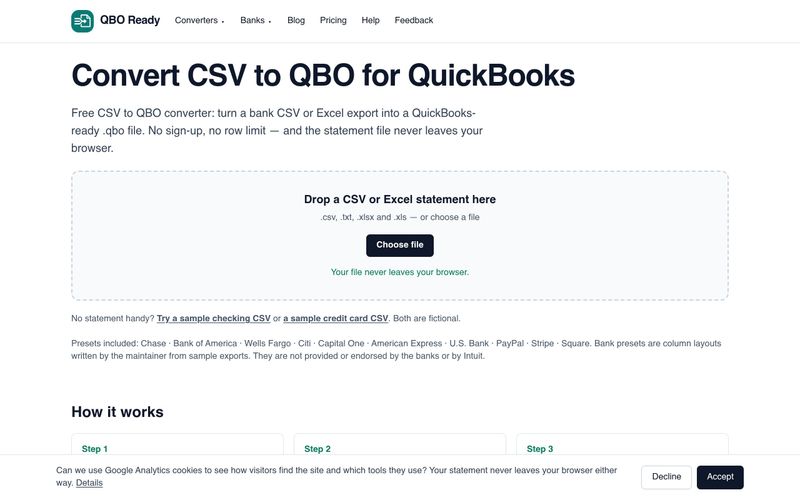
은행 CSV 또는 Excel 명세서를 무료로 QuickBooks용 .qbo 파일로 변환하세요. 가입 없이, 행 수 제한 없이, 파일 업로드 없이 사용할 수 있습니다. Chase, Bank of America, Wells Fargo 등을 지원합니다.
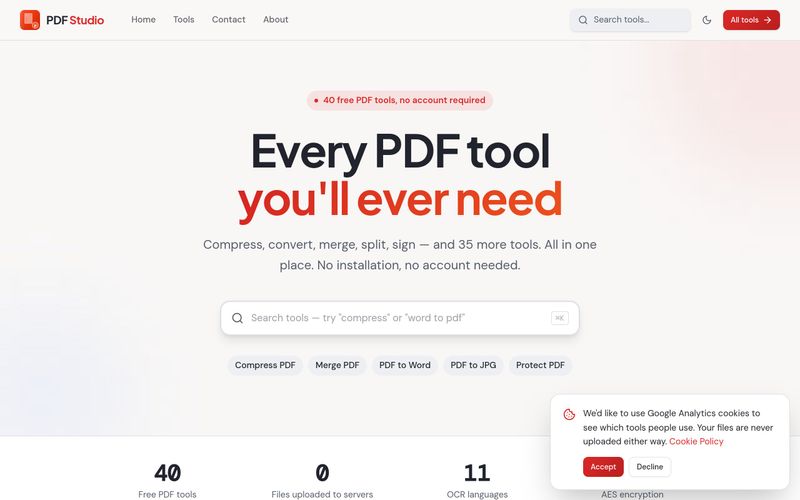
PDF Studio는 40가지 무료 온라인 PDF 도구를 제공합니다. 브라우저에서 직접 PDF를 압축, 병합, 분할, 변환, 서명, 편집 및 OCR할 수 있습니다. 업로드 없음, 회원가입 없음, 완전 무료입니다.
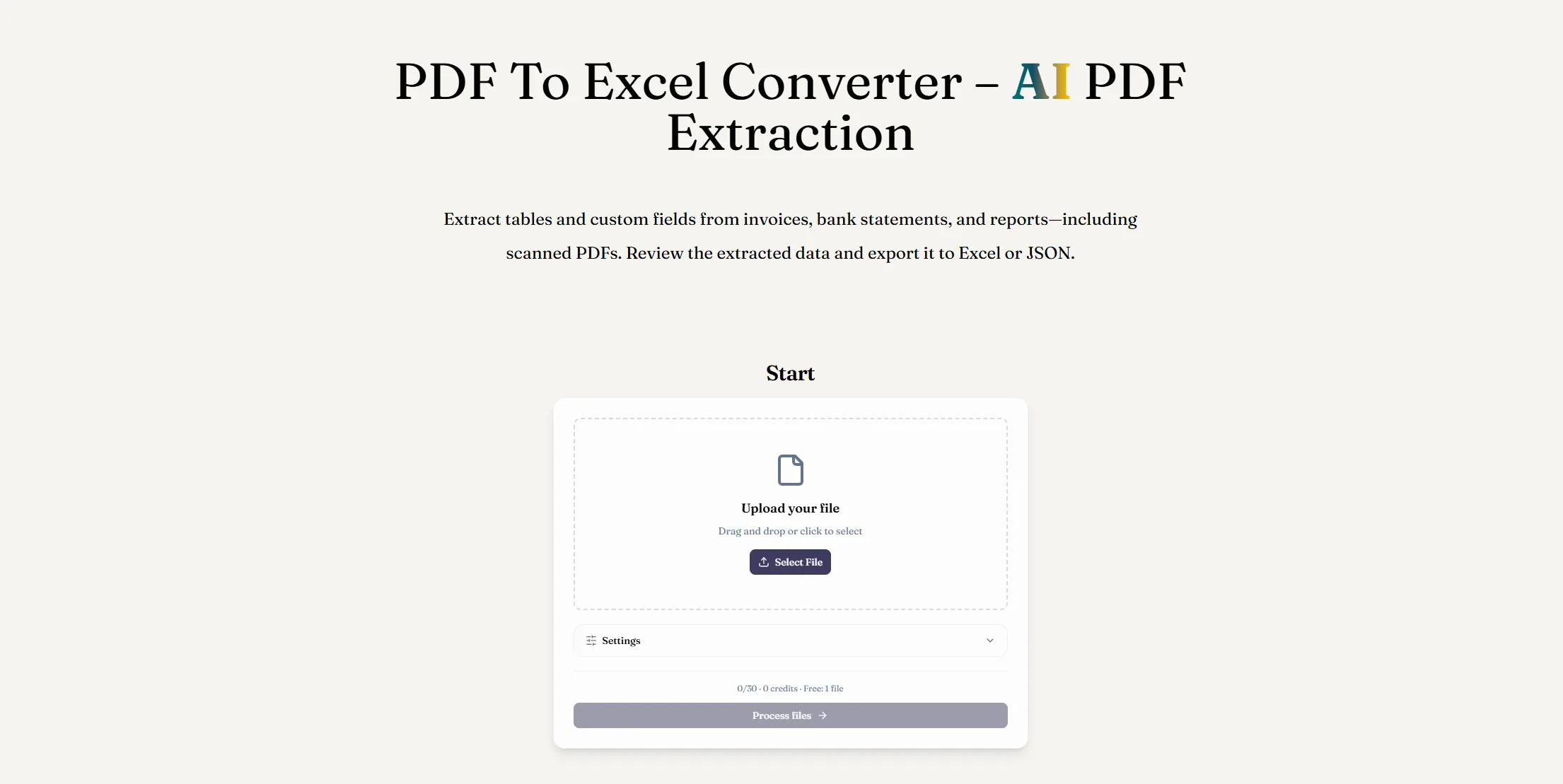
AI PDF 추출로 PDF를 Excel로 변환하세요. 디지털 또는 스캔 문서에서 테이블과 사용자 정의 필드를 추출하고, 결과를 검토한 후 XLSX 파일을 다운로드하세요.
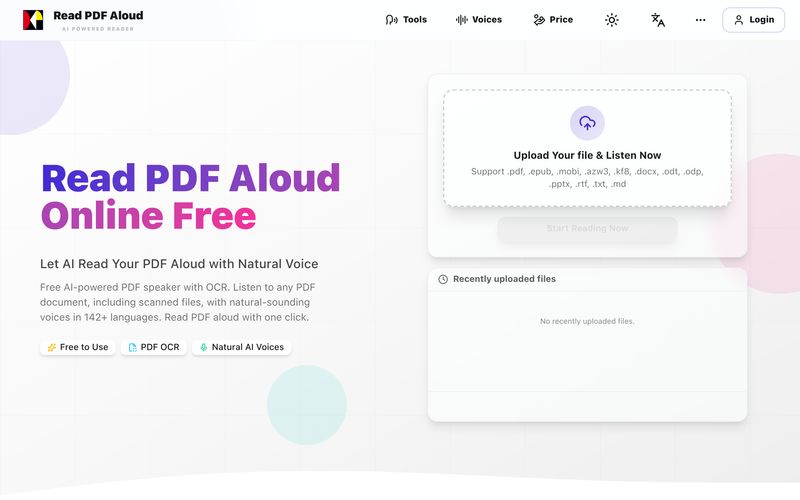
자연스러운 AI 음성으로 PDF를 무료로 읽어보세요. 142개 이상의 언어, 600개 이상의 음성, 스캔 파일용 OCR, MP3 내보내기를 지원합니다. 모든 기기에서 작동합니다. 몇 초 만에 PDF를 음성으로 변환하세요.



This comprehensive guide explores the best AI image generators available in 2026, highlighting their unique features, strengths, and ideal use cases. We'll dive deep into each tool's capabilities to help you identify which AI image generator best suits your creative needs.

Google has just launched a powerful AI IDE code editor — now you can really vibe while coding

The best AI Model And AI Tools in 2026,The Most Popular Free AI Model And AI Tools.