Subscribe to AI newsletter
Your data is completely secure with us. We don't share it with anyone.
Read PDF aloud for free with natural AI voices. Supports 142+ languages, 600+ voices, OCR for scanned files, and MP3 export. Works on any device. Convert any PDF to speech in seconds.
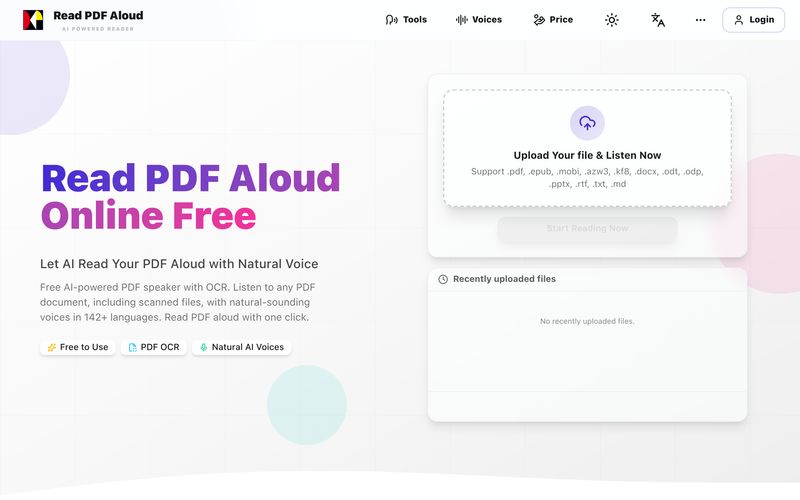
Read PDF Aloud is a free, AI-powered tool that transforms any PDF document into natural-sounding speech. It supports over 142 languages and offers more than 600 voice options, making it incredibly versatile for students, professionals, and language learners. What sets it apart is its built-in OCR (Optical Character Recognition), which allows even scanned PDFs and handwritten notes to be read aloud flawlessly. The tool works directly in your browser across all devices—Windows, Mac, iPhone, iPad, Android, and Linux—with no need to download any app. All processing is done locally for a fast, private experience, and you can export the audio as MP3 files for offline listening. Whether you want to create audiobooks from your favorite novels, convert reports into podcast-style audio, or improve language pronunciation, Read PDF Aloud does it all. It offers free daily credits upon login, with optional pay-as-you-go pricing for premium voices and extended usage. Users rave about its natural voices and the convenience of listening on the go. Plus, its ADHD-friendly benefits make it a great tool for anyone who prefers auditory learning.
For more detailed information, visit the official website: https://readpdfaloud.com. The site includes a guide, blog, and pricing details.
Share practical notes and help others evaluate this tool.
No comments yet. Start the conversation.

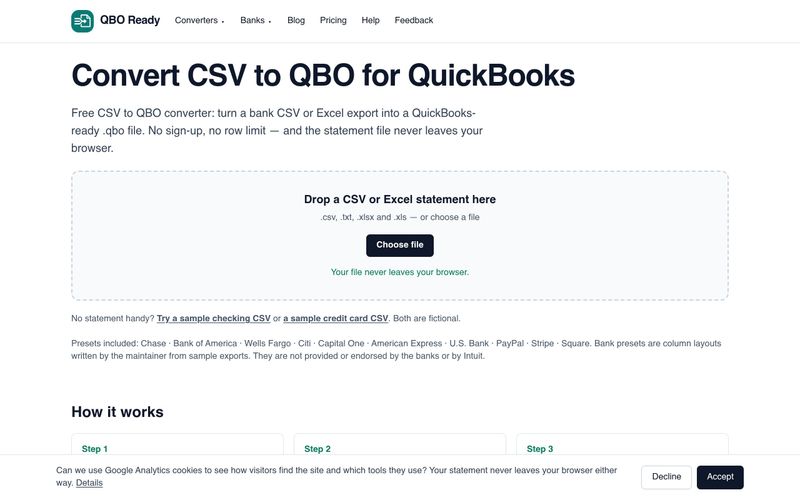
Convert bank CSV or Excel statements to QuickBooks-ready .qbo files for free, with no sign-up, no row limit and no file upload. Supports Chase, Bank of America, Wells Fargo and more.
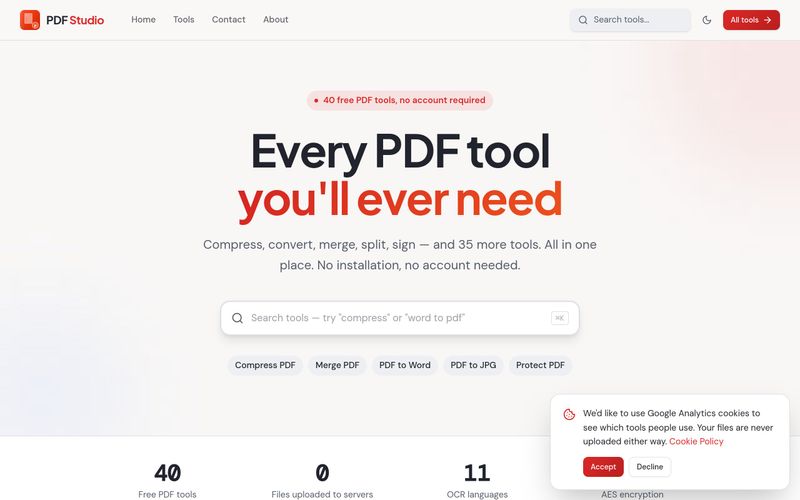
PDF Studio offers 40 free online PDF tools — compress, merge, split, convert, sign, edit and OCR PDFs directly in your browser. No uploads, no sign-up, completely free.
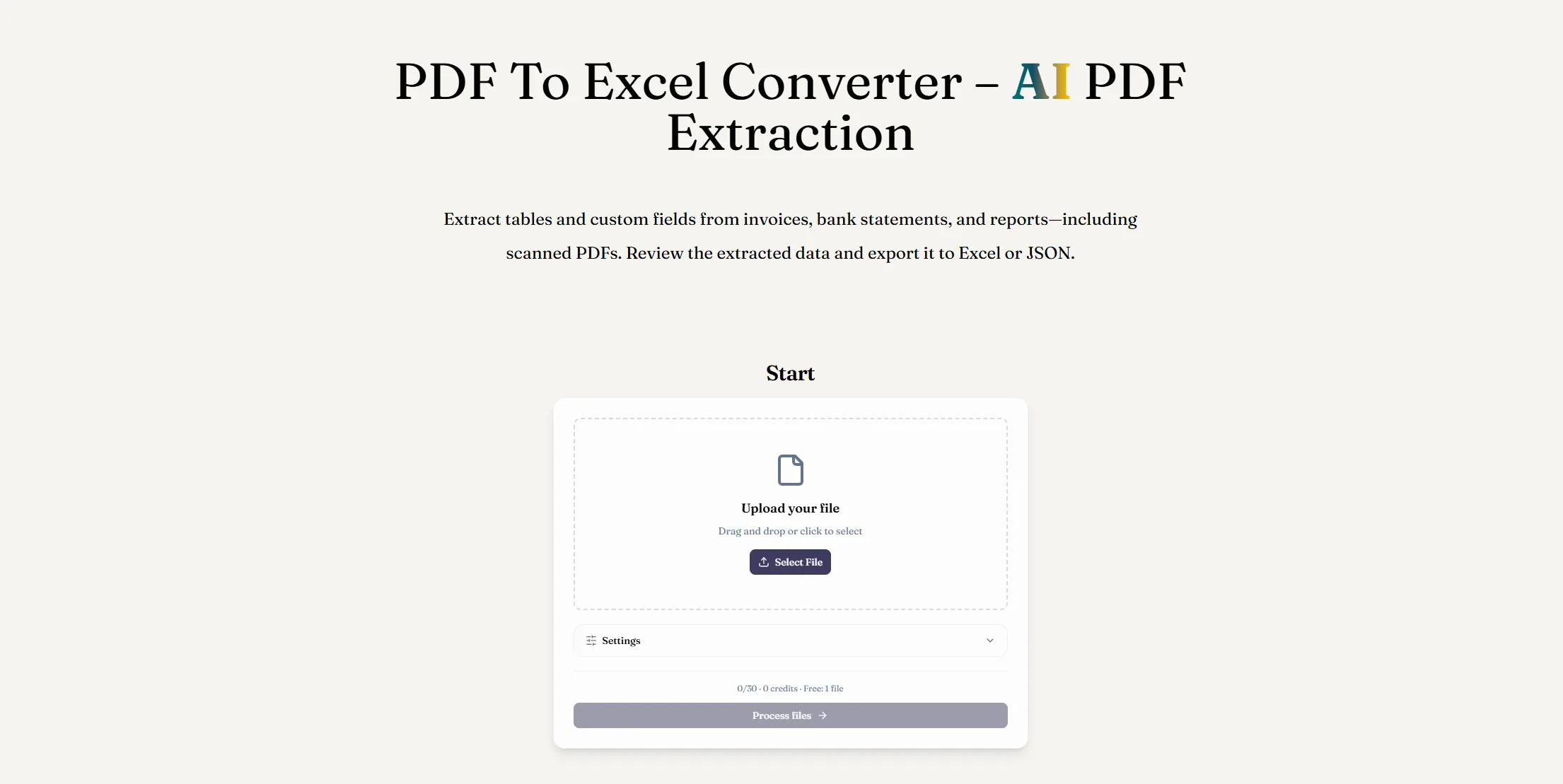
Convert PDF to Excel with AI PDF extraction. Extract tables and custom fields from digital or scanned documents, review the results, and download an XLSX file.
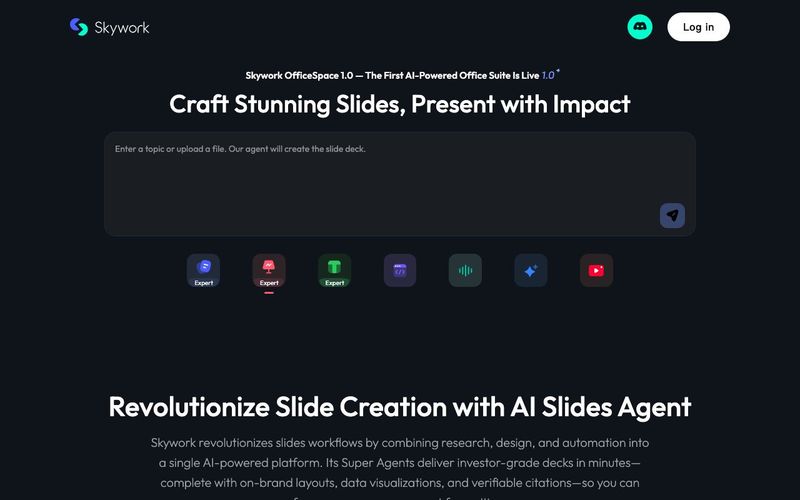
Transform your presentation workflow with the Skywork AI Slides Assistant — an intelligent solution that generates investor-grade slides in minutes, not hours. Our AI-powered platform combines deep research, professional design, and automated formatting to deliver stunning presentations that showcase your expertise.



This comprehensive guide explores the best AI image generators available in 2026, highlighting their unique features, strengths, and ideal use cases. We'll dive deep into each tool's capabilities to help you identify which AI image generator best suits your creative needs.

Google has just launched a powerful AI IDE code editor — now you can really vibe while coding

The best AI Model And AI Tools in 2026,The Most Popular Free AI Model And AI Tools.