Subscribe to AI newsletter
Your data is completely secure with us. We don't share it with anyone.
A premium writing experience that follows you across all your devices.From quickly capturing and organizing tasks, to building collections, or picking a style for a document. Craft adopts to your personal needs and what you want to achieve using it.
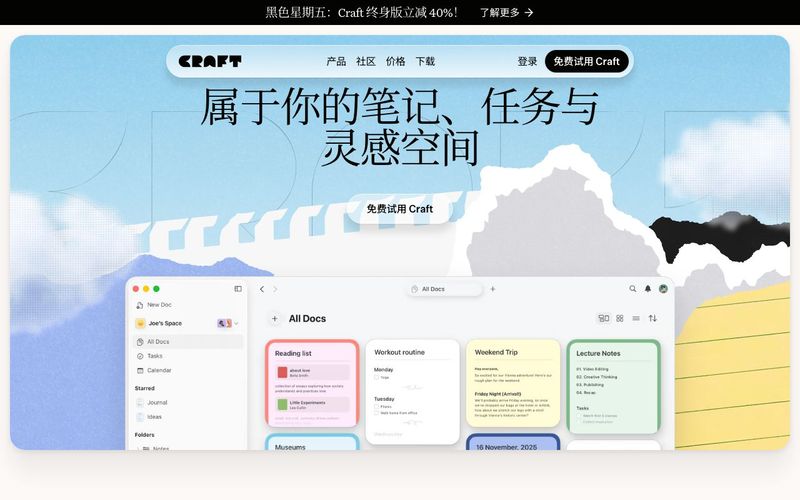
Craft stands out as an exceptionally refined AI tool in the modern productivity and AI Office Tools ecosystem, offering a deeply personal writing and organization experience that adapts to the way you think and work. With Craft 3, the platform becomes more intuitive and more customized than ever before—perfect for users who want a workspace that effortlessly captures ideas, structures information, and transforms thoughts into beautifully presented documents across all their devices.
At its core, Craft is a unified space for notes, tasks, planning, and creative exploration. Unlike many productivity apps that feel rigid or overly technical, Craft focuses on fluidity: you can start with spontaneous thoughts, quick mobile notes, or fragmented ideas, and gradually shape them into polished documents. Features like Templates, Whiteboards, and AI-powered writing accelerate the process, helping users generate content, visualize connections, and elevate their work with minimal effort. The ability to publish and share directly from the app adds a professional layer that makes Craft ideal for teams, creators, students, and independent thinkers.
One of Craft’s most unique strengths is its adaptive structure. Whether you prefer using Spaces, Folders, and Tags, or want to build more advanced databases through Collections, Craft allows you to organize information in a way that mirrors your mind. Spaces help separate different life areas—work, personal, clients, creative projects—while Collections turn your notes into powerful knowledge systems, perfect for managing books, movies, travel plans, research, or long-term projects.
Craft also excels in planning. Tasks are embedded directly into your documents, ensuring your best ideas stay connected to your workflow. This makes daily planning feel natural instead of forced, letting you keep momentum and stay in flow.
From instant writing to AI-enhanced content generation, from creative whiteboarding to multi-device synchronization, Craft proves itself to be a forward-thinking AI Office Tool that enhances clarity, creativity, and productivity. It is truly a workspace that evolves with you—letting you write anywhere, think freely, and make every document unmistakably your own.
Visit the Craft official website or download the app from the app store (available for macOS, iOS, Windows, and Web).
Create an account or sign in (email and Apple ID login are supported).
Once logged in, you will see your default workspace (Space). From here, you can immediately start creating Pages or Documents.
In Craft, every page is made up of multiple Blocks — text, headings, lists, tasks, images, embedded content (PDFs, links, media), and more. Each of these can be added as a Block, allowing your ideas and notes to be reorganized and moved freely.
Want to capture an idea quickly? Simply click anywhere and start typing. Craft’s editor supports drag-and-drop rearranging, making it ideal for drafting, capturing inspiration, and organizing notes.
If you have web links, files, images, or even media content, you can embed them directly into your page — Craft supports rich embeds with automatic previews.
Use Spaces to separate different areas of your life or work (e.g., Work / Study / Personal / Projects). Each Space can contain its own pages and documents.
If you need structured data (such as reading lists, study archives, task databases), you can use Collections to turn pages into database-style records, making them searchable and filterable.
With Folders + Tags, you can further classify and label documents, giving your knowledge base or project management system a clear and multidimensional structure.
Craft’s editor is fast and responsive, perfect for frequent note-taking and capturing ideas. You can edit and save content even offline — everything syncs automatically when you're back online.
Want to turn ideas into actions? Craft allows you to embed To-Do tasks directly inside documents, keeping your notes and actionable items connected in one place.
For long-term projects, research, or study organization, Craft’s Whiteboards, visual layouts, and flexible formatting tools help make your content clearer, more readable, and easier to manage.
Craft supports exporting documents in multiple formats (PDF / Markdown / Text / etc.), making it easy to share your work with others or continue editing in other tools.
If you need collaboration or shared knowledge management, you can create a Space and invite others—enabling real-time editing and smooth teamwork.
Yes. Craft supports macOS, iOS, Windows, and Web, with automatic cloud syncing. You can switch seamlessly between your phone, tablet, and computer and continue editing anytime.
Yes. Craft includes built-in offline capabilities — you can create and edit pages and documents even without an internet connection. Everything will sync automatically once you’re back online.
Yes. Craft allows you to embed images, PDFs, web links, media, and more into your pages, with automatic previews. This makes it ideal for organizing resources, research materials, or structured notes.
Yes. You can insert To-Do lists and tasks directly inside documents, and use Collections or Spaces to organize projects and workflows. It’s great for simple task management, study planning, and everyday note-taking.
Yes. Craft supports exporting to multiple formats, including PDF and Markdown. It also supports collaboration, shared spaces, and real-time multi-user editing.
Share practical notes and help others evaluate this tool.
No comments yet. Start the conversation.

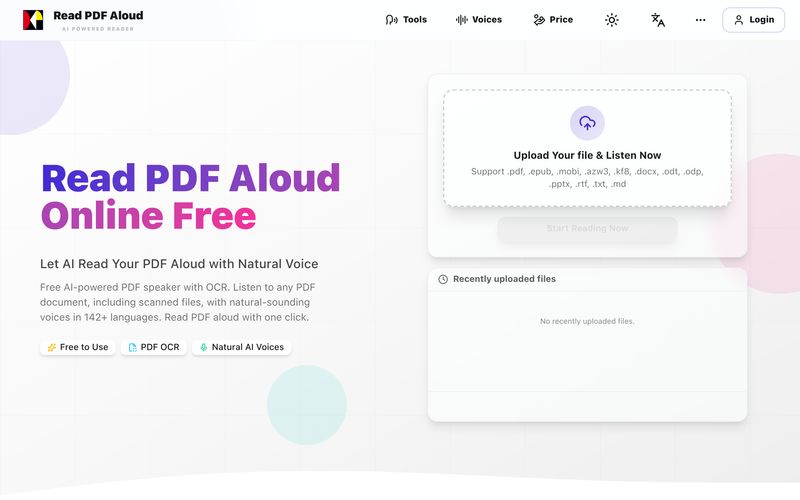
Read PDF aloud for free with natural AI voices. Supports 142+ languages, 600+ voices, OCR for scanned files, and MP3 export. Works on any device. Convert any PDF to speech in seconds.
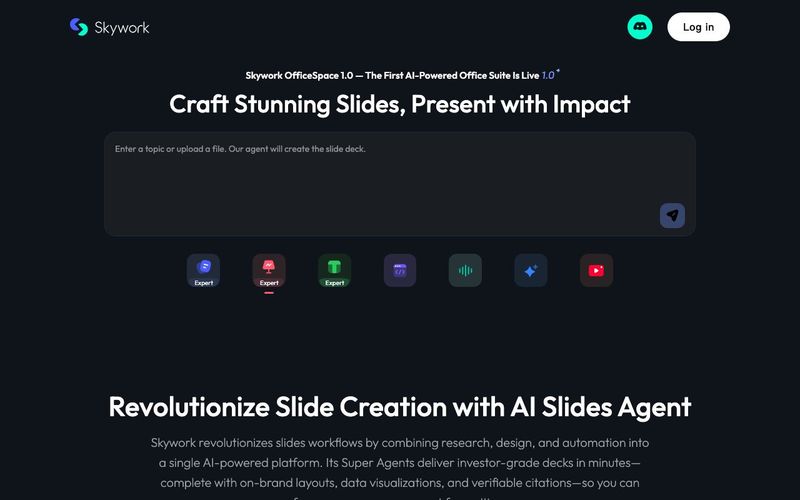
Transform your presentation workflow with the Skywork AI Slides Assistant — an intelligent solution that generates investor-grade slides in minutes, not hours. Our AI-powered platform combines deep research, professional design, and automated formatting to deliver stunning presentations that showcase your expertise.
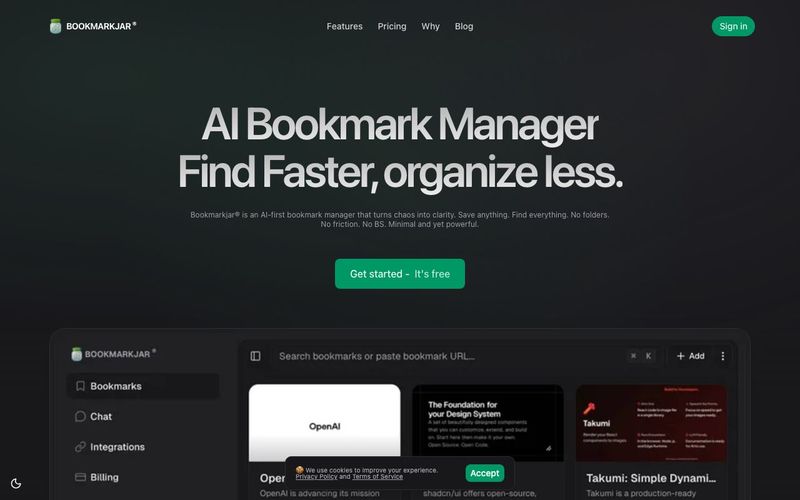
AI bookmark manager with semantic search, automatic tagging, and cross‑platform sync. Save anything and find it faster—organized by AI.
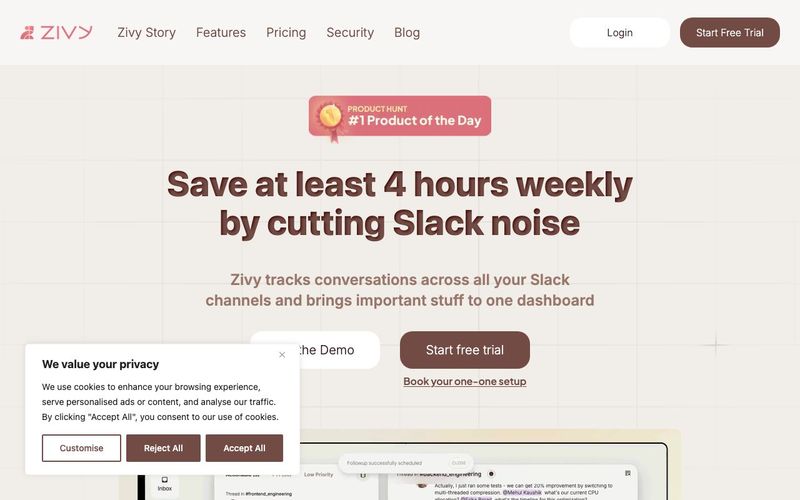
Turn your chaotic and noisy workplace communication into calm collaboration, with Zivy! Skim. Schedule. Tag. Todo. Take action on your messages in zen.



This comprehensive guide explores the best AI image generators available in 2026, highlighting their unique features, strengths, and ideal use cases. We'll dive deep into each tool's capabilities to help you identify which AI image generator best suits your creative needs.

Google has just launched a powerful AI IDE code editor — now you can really vibe while coding

The best AI Model And AI Tools in 2026,The Most Popular Free AI Model And AI Tools.