订阅AI通讯
您的数据完全安全。我们不会与任何人共享。
TapAI is an iOS shortcut activated by double-tapping the back of your phone. It uses ChatGPT to process text from your screen and handle it accordingly: adding schedule info to Apple Calendar, tasks to Apple Reminders, and billing data to Google Sheets. For other types of data, it asks how you'd like to manage it. It also supports replying, commenting, or adding notes with context-aware responses and evaluations.
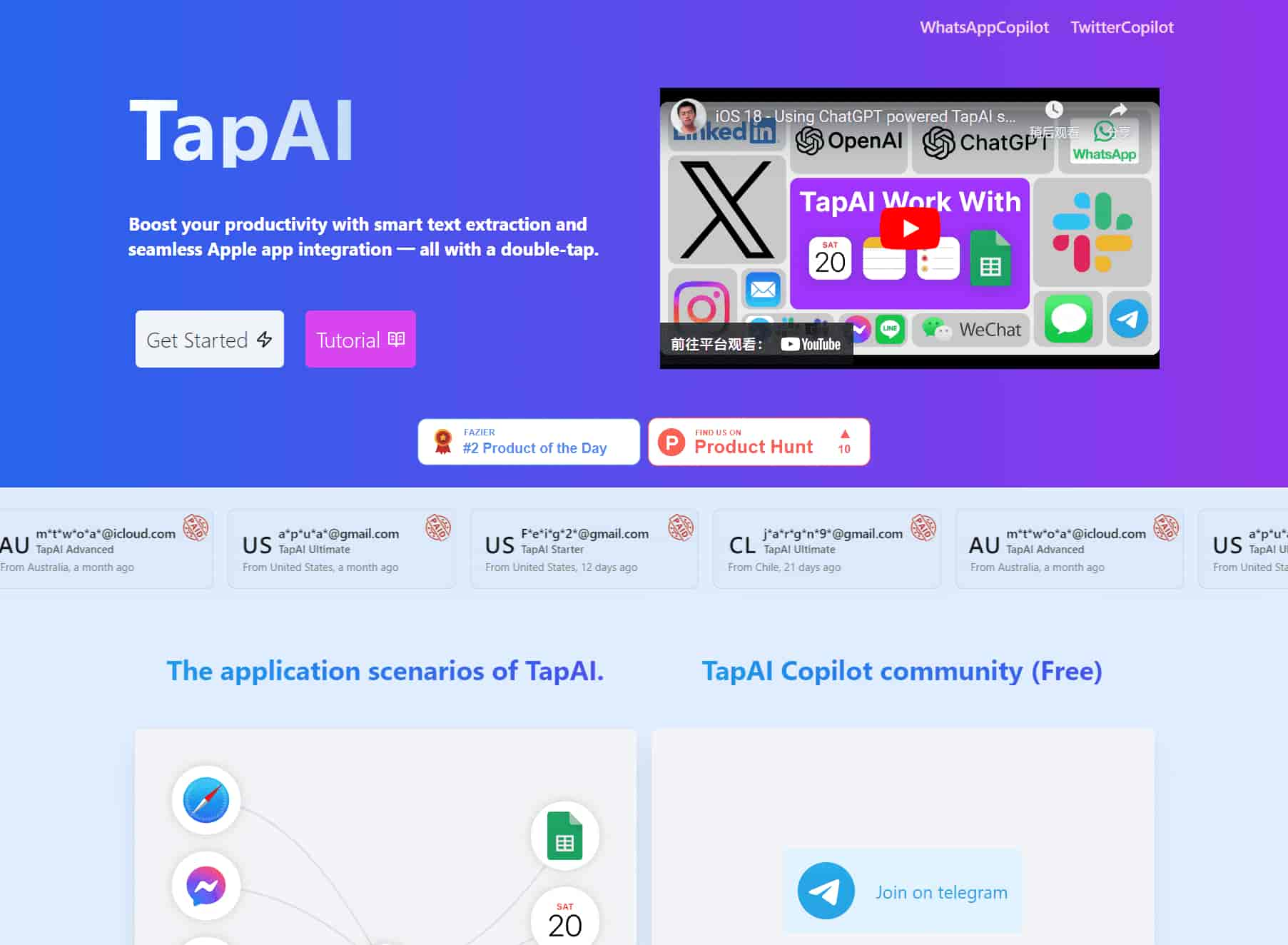
TapAI is an iOS shortcut activated by double-tapping the back of your phone.
It uses ChatGPT to process text from your screen and handle it accordingly: adding schedule info to Apple Calendar, tasks to Apple Reminders, and billing data to Google Sheets. For other types of data, it asks how you'd like to manage it. It also supports replying, commenting, or adding notes with context-aware responses and evaluations.
Boost your productivity with smart text extraction and seamless Apple app integration — all with a double-tap.
Double-tap activation on iPhone back
Watch video to learn how to use Back Tap?
https://www.youtube.com/watch?v=Z4ZeFJ65iXc
Automatically extracting text from the screen, the Ultimate account also supports ChatGPT for multimodal comprehension.
Normal users use the GPT-4o-mini model and ultimate users use the GPT-4o model, which supports visual recognition capabilities.
Use ChatGPT's AI capabilities to intelligently recognize tasks such as calendar events, to-do lists, and notes.
Analyze your billing information, automatically extract financial information, and automatically push the data into a Google sheet.
Helps you analyze chats and provide appropriate replies or give ratings for all chat apps.
TapAI guarantees that user-uploaded data is directly sent to ChatGPT without being stored or shared. This provides a secure environment for interaction, allowing users to engage confidently, knowing their information remains safe and private.
See: https://support.apple.com/en-hk/guide/shortcuts/apd897693606/ios
On your iPhone, go to Settings > Accessibility > Touch.
Scroll down, then select Back Tap.
Select either Double Tap or Triple Tap.
Scroll down to the Shortcuts area, then choose the TapAI shortcut.
Tap Back Tap to apply the setting.
Double-tap or triple-tap the back of your phone to run the shortcut.
TapAI is activated by simply double-tapping the back of your iPhone. Make sure you have the TapAI app installed and the back tap feature enabled in your iPhone's settings.
TapAI can process various types of data including schedule information, tasks, consumer billing data, and general text content. It can add events to your Calendar, tasks to Reminders, parse bills to Google Sheets, and even generate smart replies or comments.
TapAI seamlessly integrates with Apple Calendar, Apple Reminders, Apple Notes, and Google Sheets. It can automatically add events, tasks, and notes to these apps based on the content it processes from your screen.
1. Create a Google Sheet using the template, template address: Google Sheet Template, Do not change the CashFlow sheet name
2. Share your Google Sheet to email: tapai001@ssml-cc8ea.iam.gserviceaccount.com with editor role.
3. Get your Google Sheet ID from the URL: https://docs.google.com/spreadsheets/d/1uJw0kE8okxTUsnHKuWIibasaivLkcW0rr26quY94XkBOo/edit, the blue part is Google Sheet ID.
4. Open the TapAI shortcut, then add the Google Sheet ID to the configuration settings. You can find the detailed steps in the documentation: tutorial .
The Ultimate plan offers ChatGPT with visual capabilities, allowing for more accurate understanding and processing of screen content. This leads to improved accuracy in replies, comments, and overall functionality of TapAI.
Yes, TapAI offers flexibility in handling different data types. For content that doesn't fit into predefined categories, TapAI will ask how you want to handle it, offering options like Reply, Comment, or Add Note.
分享实用笔记,帮助他人评估此工具。
暂无评论。开始对话吧。

发现精选的AI快捷键集合,旨在提高生产力并简化复杂任务。探索我们一系列尖端的AI工具,这些工具可自动化工作流程、增强创造力并节省各种应用的时间。从内容创作到数据分析,找到完美的AI快捷键,彻底改变您的工作流程。


Flux 2 Max 是 Flux 2 系列中最先进的版本,专为追求高精度、真实感和生产级视觉输出的创作者而设计。作为一款高端的 AI 图像生成器(AI Image Generator) 与强大的 AI 图像编辑器(AI Image Editor) 的结合体,Flux 2 Max 将图像质量与一致性提升到了全新高度,非常适合专业级创作流程。
随着人工智能的飞速发展,11月成为了全年最具突破性的月份之一。从新一代图像模型和令人惊叹的视频工具,到能够编写代码、构建应用程序、清理杂乱数据,甚至从零开始创建完整学习中心的 AI 助手,应有尽有。无论你是创作者、营销人员、学生、开发者,还是仅仅是一位人工智能爱好者,本月的种种新发现都会让你重新思考人工智能的无限可能。

2025年最佳AI大模型与AI工具,最受欢迎的免费AI大模型与AI工具。

With the launch of the iOS 18.1 Beta version, registered developers can now experience some of the features of Apple AI, a cutting-edge addition to AI tools.