订阅AI通讯
您的数据完全安全。我们不会与任何人共享。
See: https://support.apple.com/en-hk/guide/shortcuts/apd897693606/ios
On your iPhone, go to Settings > Accessibility > Touch.
Scroll down, then select Back Tap.
Select either Double Tap or Triple Tap.
Scroll down to the Shortcuts area, then choose the TapAI shortcut.
Tap Back Tap to apply the setting.
Double-tap or triple-tap the back of your phone to run the shortcut.
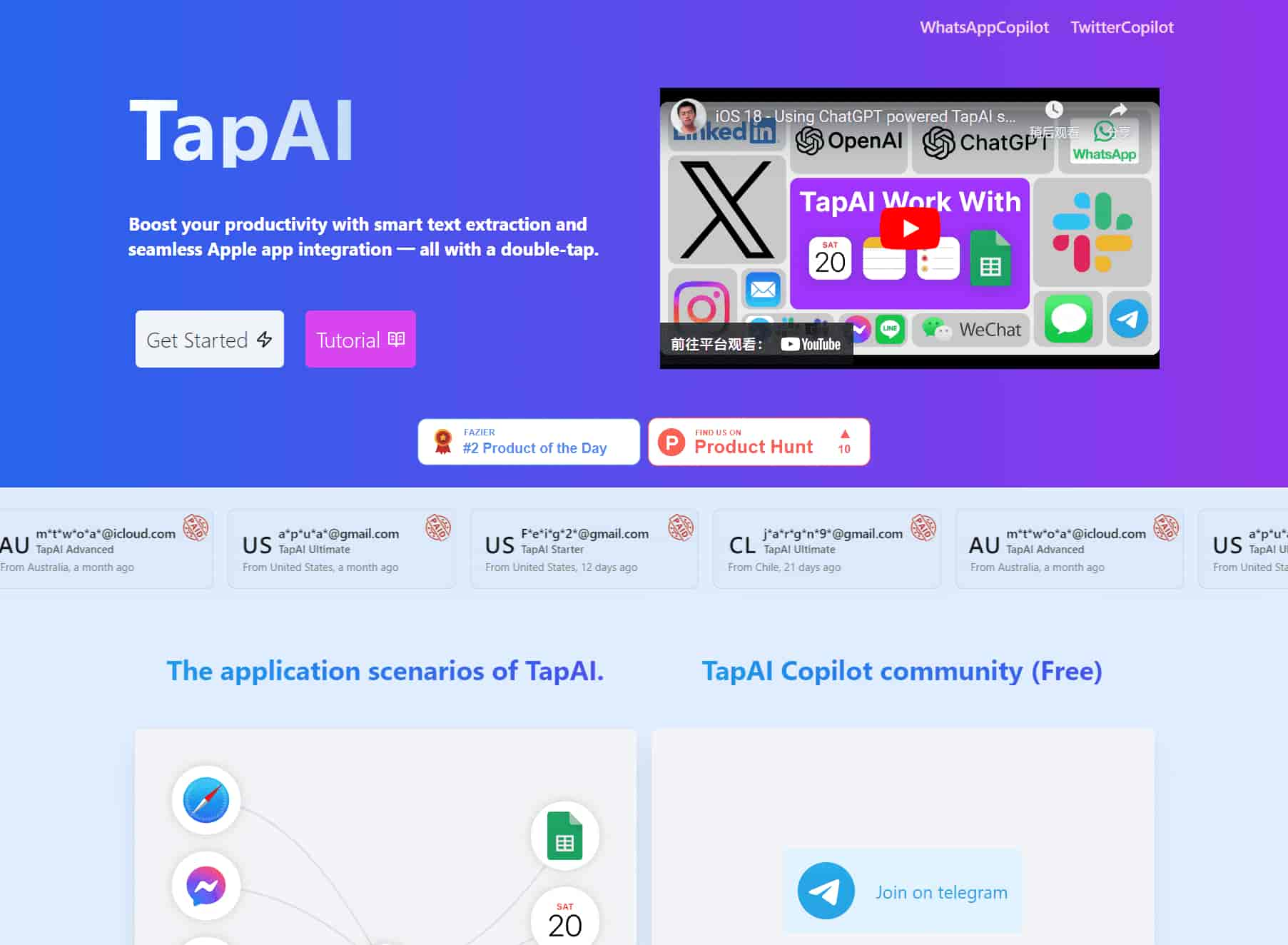
TapAI is activated by simply double-tapping the back of your iPhone. Make sure you have the TapAI app installed and the back tap feature enabled in your iPhone's settings.
TapAI can process various types of data including schedule information, tasks, consumer billing data, and general text content. It can add events to your Calendar, tasks to Reminders, parse bills to Google Sheets, and even generate smart replies or comments.
TapAI seamlessly integrates with Apple Calendar, Apple Reminders, Apple Notes, and Google Sheets. It can automatically add events, tasks, and notes to these apps based on the content it processes from your screen.
1. Create a Google Sheet using the template, template address: Google Sheet Template, Do not change the CashFlow sheet name
2. Share your Google Sheet to email: tapai001@ssml-cc8ea.iam.gserviceaccount.com with editor role.
3. Get your Google Sheet ID from the URL: https://docs.google.com/spreadsheets/d/1uJw0kE8okxTUsnHKuWIibasaivLkcW0rr26quY94XkBOo/edit, the blue part is Google Sheet ID.
4. Open the TapAI shortcut, then add the Google Sheet ID to the configuration settings. You can find the detailed steps in the documentation: tutorial .
The Ultimate plan offers ChatGPT with visual capabilities, allowing for more accurate understanding and processing of screen content. This leads to improved accuracy in replies, comments, and overall functionality of TapAI.
Yes, TapAI offers flexibility in handling different data types. For content that doesn't fit into predefined categories, TapAI will ask how you want to handle it, offering options like Reply, Comment, or Add Note.


Flux 2 Max 是 Flux 2 系列中最先进的版本,专为追求高精度、真实感和生产级视觉输出的创作者而设计。作为一款高端的 AI 图像生成器(AI Image Generator) 与强大的 AI 图像编辑器(AI Image Editor) 的结合体,Flux 2 Max 将图像质量与一致性提升到了全新高度,非常适合专业级创作流程。
随着人工智能的飞速发展,11月成为了全年最具突破性的月份之一。从新一代图像模型和令人惊叹的视频工具,到能够编写代码、构建应用程序、清理杂乱数据,甚至从零开始创建完整学习中心的 AI 助手,应有尽有。无论你是创作者、营销人员、学生、开发者,还是仅仅是一位人工智能爱好者,本月的种种新发现都会让你重新思考人工智能的无限可能。

2025年最佳AI大模型与AI工具,最受欢迎的免费AI大模型与AI工具。

With the launch of the iOS 18.1 Beta version, registered developers can now experience some of the features of Apple AI, a cutting-edge addition to AI tools.