AI 뉴스레터 구독
귀하의 데이터는 완전히 안전하게 보호됩니다. 어떤 누구와도 공유하지 않습니다.
TapAI is an iOS shortcut activated by double-tapping the back of your phone. It uses ChatGPT to process text from your screen and handle it accordingly: adding schedule info to Apple Calendar, tasks to Apple Reminders, and billing data to Google Sheets. For other types of data, it asks how you'd like to manage it. It also supports replying, commenting, or adding notes with context-aware responses and evaluations.
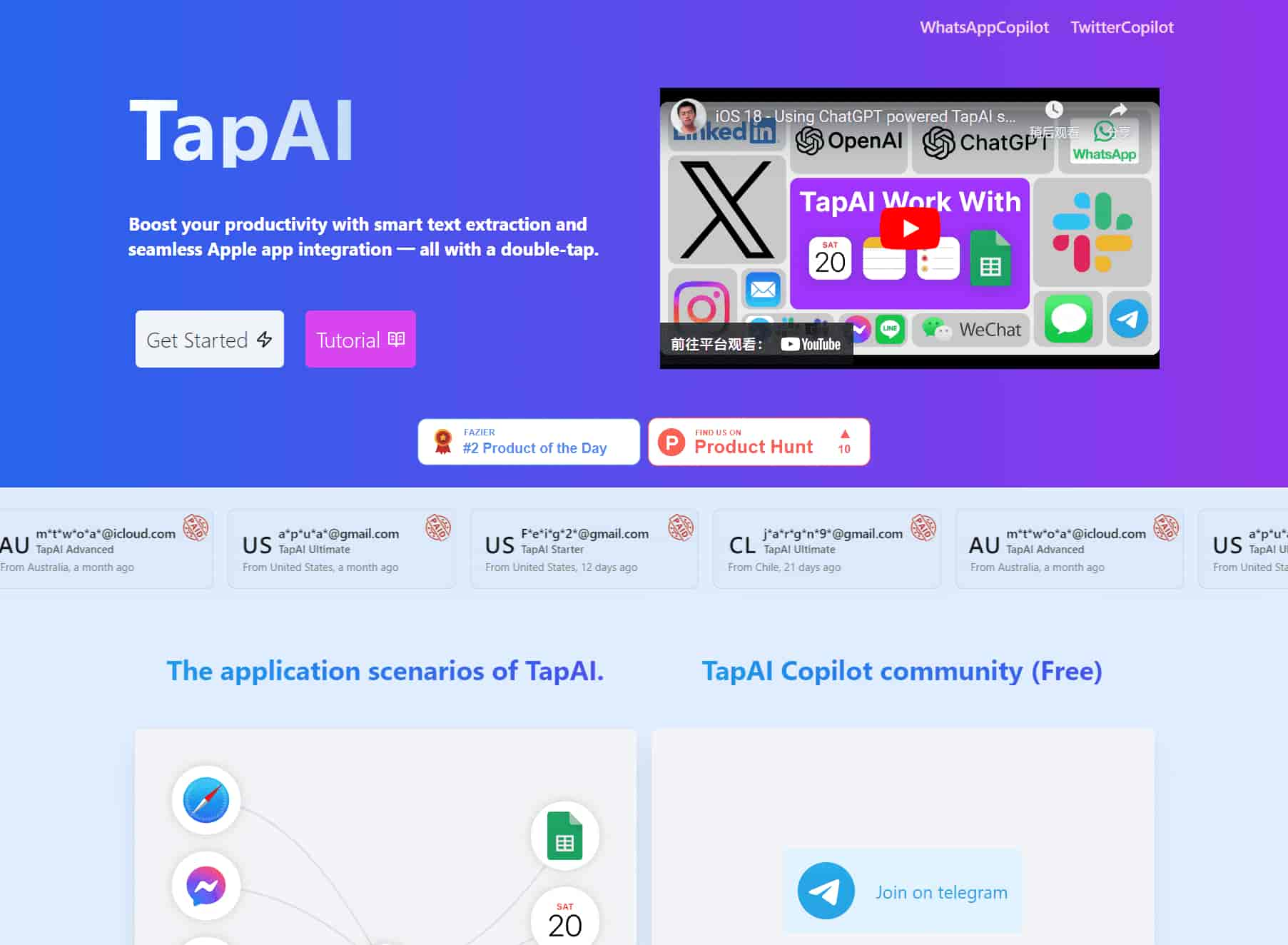
TapAI is an iOS shortcut activated by double-tapping the back of your phone.
It uses ChatGPT to process text from your screen and handle it accordingly: adding schedule info to Apple Calendar, tasks to Apple Reminders, and billing data to Google Sheets. For other types of data, it asks how you'd like to manage it. It also supports replying, commenting, or adding notes with context-aware responses and evaluations.
Boost your productivity with smart text extraction and seamless Apple app integration — all with a double-tap.
Double-tap activation on iPhone back
Watch video to learn how to use Back Tap?
https://www.youtube.com/watch?v=Z4ZeFJ65iXc
Automatically extracting text from the screen, the Ultimate account also supports ChatGPT for multimodal comprehension.
Normal users use the GPT-4o-mini model and ultimate users use the GPT-4o model, which supports visual recognition capabilities.
Use ChatGPT's AI capabilities to intelligently recognize tasks such as calendar events, to-do lists, and notes.
Analyze your billing information, automatically extract financial information, and automatically push the data into a Google sheet.
Helps you analyze chats and provide appropriate replies or give ratings for all chat apps.
TapAI guarantees that user-uploaded data is directly sent to ChatGPT without being stored or shared. This provides a secure environment for interaction, allowing users to engage confidently, knowing their information remains safe and private.
See: https://support.apple.com/en-hk/guide/shortcuts/apd897693606/ios
On your iPhone, go to Settings > Accessibility > Touch.
Scroll down, then select Back Tap.
Select either Double Tap or Triple Tap.
Scroll down to the Shortcuts area, then choose the TapAI shortcut.
Tap Back Tap to apply the setting.
Double-tap or triple-tap the back of your phone to run the shortcut.
TapAI is activated by simply double-tapping the back of your iPhone. Make sure you have the TapAI app installed and the back tap feature enabled in your iPhone's settings.
TapAI can process various types of data including schedule information, tasks, consumer billing data, and general text content. It can add events to your Calendar, tasks to Reminders, parse bills to Google Sheets, and even generate smart replies or comments.
TapAI seamlessly integrates with Apple Calendar, Apple Reminders, Apple Notes, and Google Sheets. It can automatically add events, tasks, and notes to these apps based on the content it processes from your screen.
1. Create a Google Sheet using the template, template address: Google Sheet Template, Do not change the CashFlow sheet name
2. Share your Google Sheet to email: tapai001@ssml-cc8ea.iam.gserviceaccount.com with editor role.
3. Get your Google Sheet ID from the URL: https://docs.google.com/spreadsheets/d/1uJw0kE8okxTUsnHKuWIibasaivLkcW0rr26quY94XkBOo/edit, the blue part is Google Sheet ID.
4. Open the TapAI shortcut, then add the Google Sheet ID to the configuration settings. You can find the detailed steps in the documentation: tutorial .
The Ultimate plan offers ChatGPT with visual capabilities, allowing for more accurate understanding and processing of screen content. This leads to improved accuracy in replies, comments, and overall functionality of TapAI.
Yes, TapAI offers flexibility in handling different data types. For content that doesn't fit into predefined categories, TapAI will ask how you want to handle it, offering options like Reply, Comment, or Add Note.
실용적인 메모를 공유하고 다른 사람들이 이 도구를 평가하는 데 도움을 주세요.
아직 댓글이 없습니다. 대화를 시작하세요.

생산성을 높이고 복잡한 작업을 간소화하도록 설계된 AI 바로가기의 선별된 컬렉션을 발견하십시오. 워크플로를 자동화하고, 창의성을 향상시키며, 다양한 애플리케이션에서 시간을 절약하는 최첨단 AI 도구 모음을 살펴보십시오. 콘텐츠 제작부터 데이터 분석까지 작업 프로세스를 혁신할 완벽한 AI 바로가기를 찾으십시오.



This comprehensive guide explores the best AI image generators available in 2026, highlighting their unique features, strengths, and ideal use cases. We'll dive deep into each tool's capabilities to help you identify which AI image generator best suits your creative needs.

Google has just launched a powerful AI IDE code editor — now you can really vibe while coding

The best AI Model And AI Tools in 2026,The Most Popular Free AI Model And AI Tools.