订阅AI通讯
您的数据完全安全。我们不会与任何人共享。
Free online Markdown to Word converter with full GFM support. Preserves tables, LaTeX math, Mermaid diagrams, images, and code blocks perfectly in .docx format.
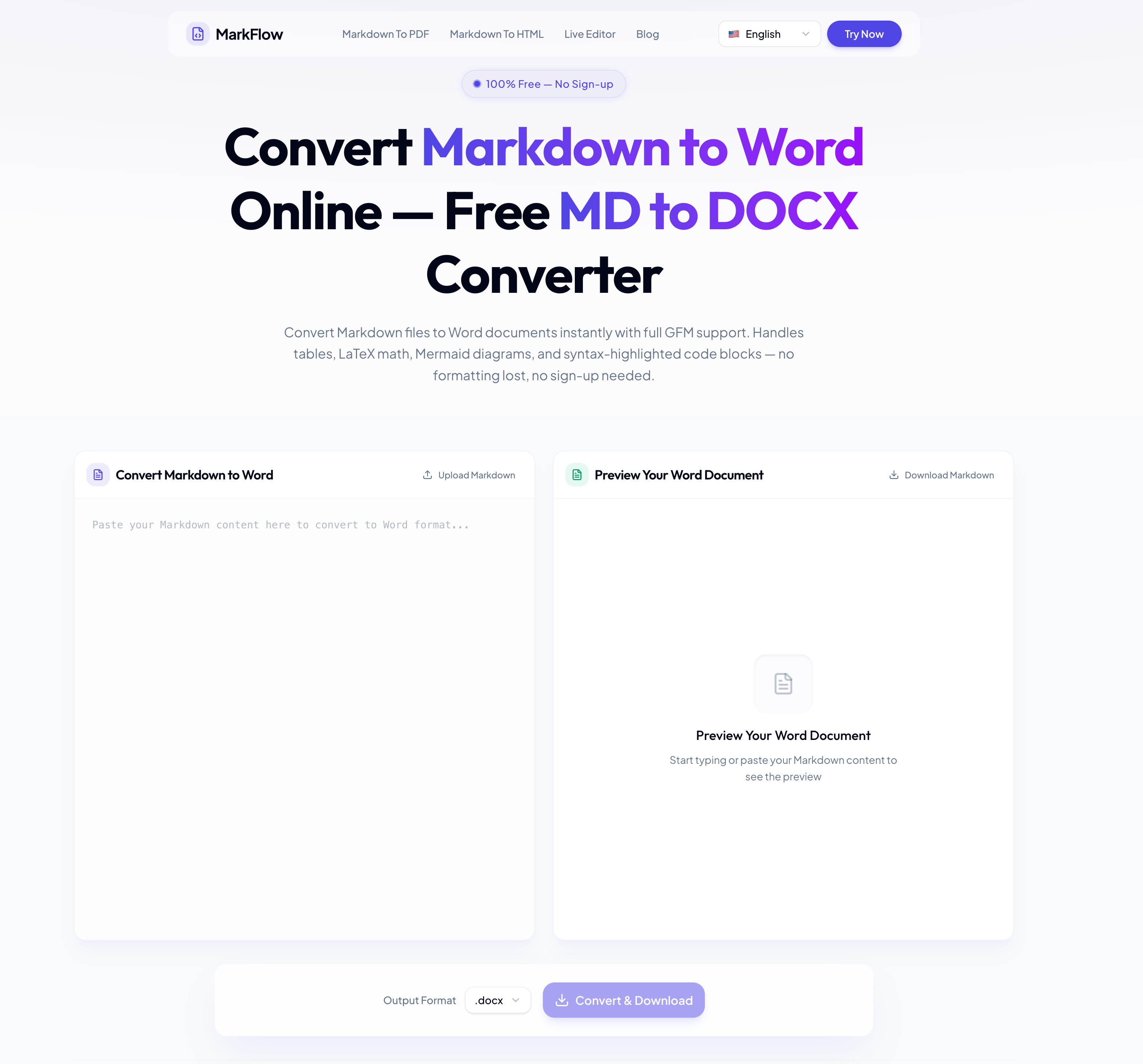
In today’s content-driven digital world, an efficient AI tool for document conversion can dramatically improve productivity for developers, technical writers, researchers, and business teams. MarkFlow stands out as an advanced solution in the growing category of AI Office Tools, offering fast, accurate, and privacy-focused Markdown to Word conversion directly in the browser. Unlike many traditional converters that break formatting or require complicated setup processes, MarkFlow focuses on preserving document integrity while delivering a smooth and modern user experience.
One of the biggest highlights of MarkFlow is its complete support for GitHub Flavored Markdown (GFM). This means users can seamlessly convert Markdown files containing tables, syntax-highlighted code blocks, emojis, footnotes, nested lists, and even advanced technical elements like LaTeX math equations and Mermaid diagrams into fully formatted Word documents. For developers writing API documentation, engineers preparing technical reports, or students creating academic papers, this level of compatibility makes MarkFlow a highly practical AI Office Tools platform.
Another major advantage of this AI tool is its browser-based privacy-first architecture. All conversions happen locally on the user’s device, meaning files are never uploaded to external servers. This feature is especially valuable for companies handling confidential reports, internal documentation, or commercial publishing materials. In an era where data privacy is becoming increasingly important, MarkFlow provides both convenience and peace of mind.
MarkFlow also simplifies the entire conversion workflow into three intuitive steps: upload or paste Markdown content, preview the rendered Word output in real time, and instantly download the generated .docx file. The live preview system is particularly useful because it allows users to verify formatting before exporting, reducing editing time afterward. Whether working with large technical manuals, business proposals, research papers, or developer documentation, users can confidently maintain professional formatting throughout the conversion process.
Compared to command-line tools like Pandoc or limited VS Code extensions, MarkFlow offers a more accessible and visually friendly experience while still supporting advanced formatting features. It combines speed, usability, and technical depth in a way that appeals to both beginners and experienced developers. The support for Microsoft Word, Google Docs, and LibreOffice compatibility further enhances its flexibility across different office environments.
As the demand for smarter AI Office Tools continues to grow, MarkFlow positions itself as a highly efficient AI tool for document productivity. Its combination of Markdown accuracy, LaTeX rendering, Mermaid diagram support, syntax-highlighted code conversion, and privacy-focused processing makes it an excellent choice for modern documentation workflows. For anyone seeking a reliable Markdown to DOCX solution without losing formatting quality, MarkFlow delivers a professional-grade experience that saves time and improves collaboration.
Drag and drop your Markdown file or paste your content directly into the editor. Supports .md and .markdown files up to 10 MB.
See a real-time preview showing exactly how your tables, math, diagrams, and code blocks will look in the final Word file.
Click Convert & Download to save the Word document. The .docx works in Microsoft Word, Google Docs, and LibreOffice.
Paste your Markdown content or upload a .md file into an online converter like MarkFlow, then click Convert & Download. The entire process takes seconds and requires no sign-up, no installation, and no payment. All features — including LaTeX math, Mermaid diagrams, and table conversion — are available at no cost.
It depends on the tool. With browser-based converters, conversion happens entirely on your device — your files are never uploaded to a remote server. This means your Markdown content stays private throughout the process. Always check whether a converter processes files locally or server-side before uploading sensitive documents.
A good Markdown to Word converter maps each Markdown element to its native Word equivalent: headings become Word heading styles, tables become editable Word tables, and code blocks retain syntax highlighting. Advanced elements like LaTeX math and Mermaid diagrams are rendered as high-fidelity images embedded in the .docx. The key is choosing a converter that supports the full GFM specification.
To include Mermaid diagrams in a Word document, use a converter that renders mermaid code blocks into images. Flowcharts, sequence diagrams, Gantt charts, and class diagrams are converted to high-quality PNG images and embedded directly in the .docx file. This eliminates the need to manually export diagrams from tools like draw.io or Lucidchart.
For Markdown files containing LaTeX equations, use a converter that supports math rendering. Both inline formulas (e.g., $E=mc^2$) and display equations ($$...$$) are rendered with accurate mathematical layout and embedded in the Word document — useful for academic papers, research reports, and engineering documentation.
Yes. A real-time preview panel shows exactly how your tables, math, diagrams, and code blocks will appear in the final Word document. This lets you catch formatting issues and make adjustments before downloading.
.docx is the modern Word format — smaller file sizes, better compression, enhanced security, and full compatibility with Microsoft 365, Google Docs, and LibreOffice. .doc is a legacy format for Word 2003 and earlier. Choose .docx unless you specifically need backward compatibility with very old software.
Images referenced in Markdown (both external URLs and local paths) are downloaded and embedded directly into the Word document. This makes the .docx self-contained — it displays correctly when shared, emailed, or opened on a different device without needing access to the original image sources.
Most online converters support Markdown files up to 10 MB, which covers comprehensive technical documentation, full-length books, and academic theses. Conversion typically completes in a few seconds for standard-length documents.
Converted Word documents use standard Word styles (Normal, Heading 1–6, Code Block, etc.). To change fonts, sizes, colors, or spacing across the entire document, edit the styles in Microsoft Word — one change propagates everywhere automatically. This is more efficient than manual formatting.
Yes. Browser-based Markdown to Word converters work on iOS and Android devices. You can paste Markdown, preview the formatting, and download the .docx file directly from your mobile browser — no app installation required.
Yes. Documents you convert from Markdown to Word are yours to use for any purpose — personal, educational, or commercial. This includes client deliverables, business reports, and commercial publications. No attribution is required.
分享实用笔记,帮助他人评估此工具。
暂无评论。开始对话吧。

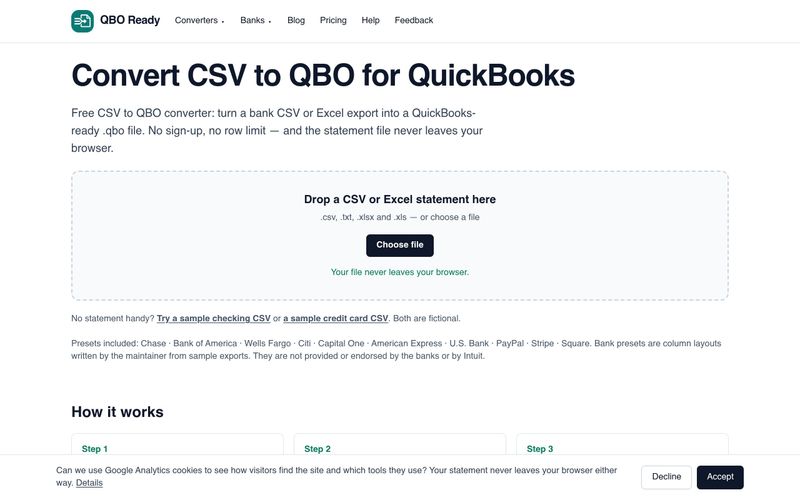
免费将银行 CSV 或 Excel 账单转换为 QuickBooks 可直接使用的 .qbo 文件,无需注册、无行数限制、无需上传文件。支持 Chase、Bank of America、Wells Fargo 等。
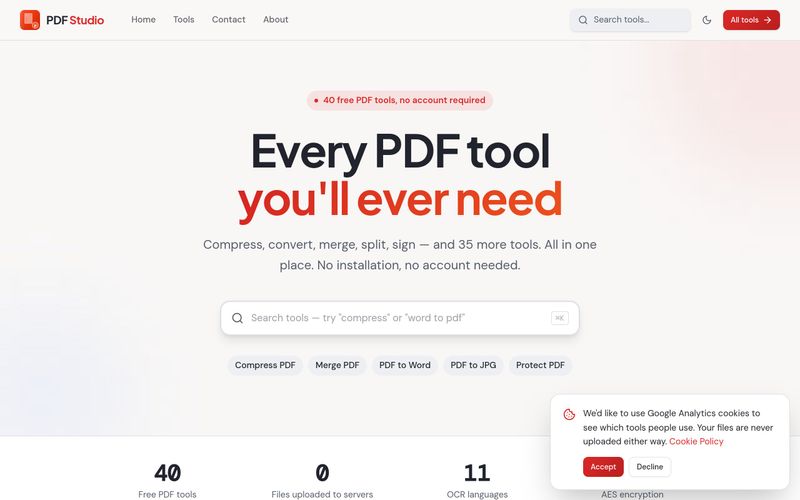
PDF Studio 提供 40 款免费在线 PDF 工具——可直接在浏览器中压缩、合并、拆分、转换、签名、编辑和 OCR 处理 PDF。无需上传,无需注册,完全免费。
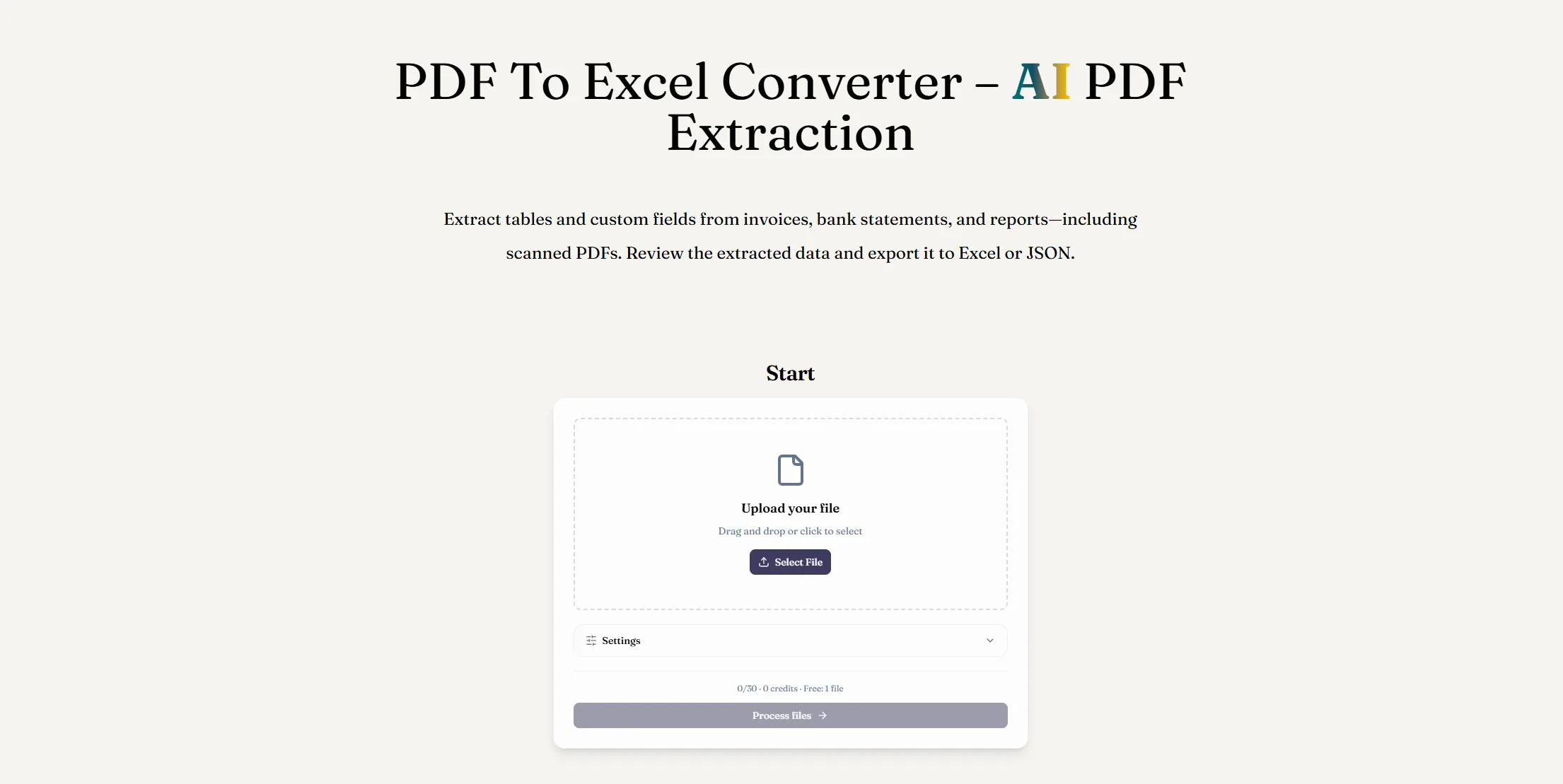
使用 AI PDF 提取将 PDF 转换为 Excel。从数字版或扫描版文档中提取表格和自定义字段,检查结果并下载 XLSX 文件。
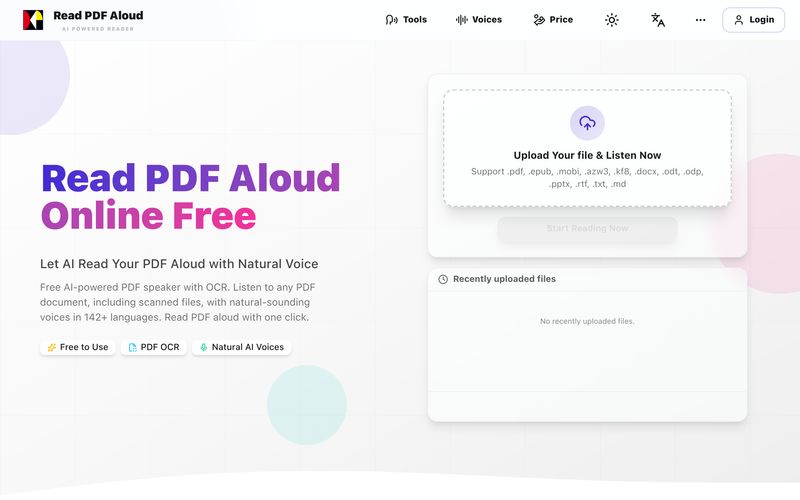
免费使用自然AI语音朗读PDF。支持142+种语言、600+种声音、扫描文件OCR和MP3导出。可在任何设备上使用。几秒钟内将任何PDF转换为语音。


Flux 2 Max 是 Flux 2 系列中最先进的版本,专为追求高精度、真实感和生产级视觉输出的创作者而设计。作为一款高端的 AI 图像生成器(AI Image Generator) 与强大的 AI 图像编辑器(AI Image Editor) 的结合体,Flux 2 Max 将图像质量与一致性提升到了全新高度,非常适合专业级创作流程。
随着人工智能的飞速发展,11月成为了全年最具突破性的月份之一。从新一代图像模型和令人惊叹的视频工具,到能够编写代码、构建应用程序、清理杂乱数据,甚至从零开始创建完整学习中心的 AI 助手,应有尽有。无论你是创作者、营销人员、学生、开发者,还是仅仅是一位人工智能爱好者,本月的种种新发现都会让你重新思考人工智能的无限可能。

2025年最佳AI大模型与AI工具,最受欢迎的免费AI大模型与AI工具。

With the launch of the iOS 18.1 Beta version, registered developers can now experience some of the features of Apple AI, a cutting-edge addition to AI tools.