 Image Splitter Online
订阅AI通讯
您的数据完全安全。我们不会与任何人共享。

Create stunning Instagram grids with our free online image splitter. Easily divide your images into multiple squares to enhance your feed. Perfect for creating eye-catching layouts and boosting your social media presence!
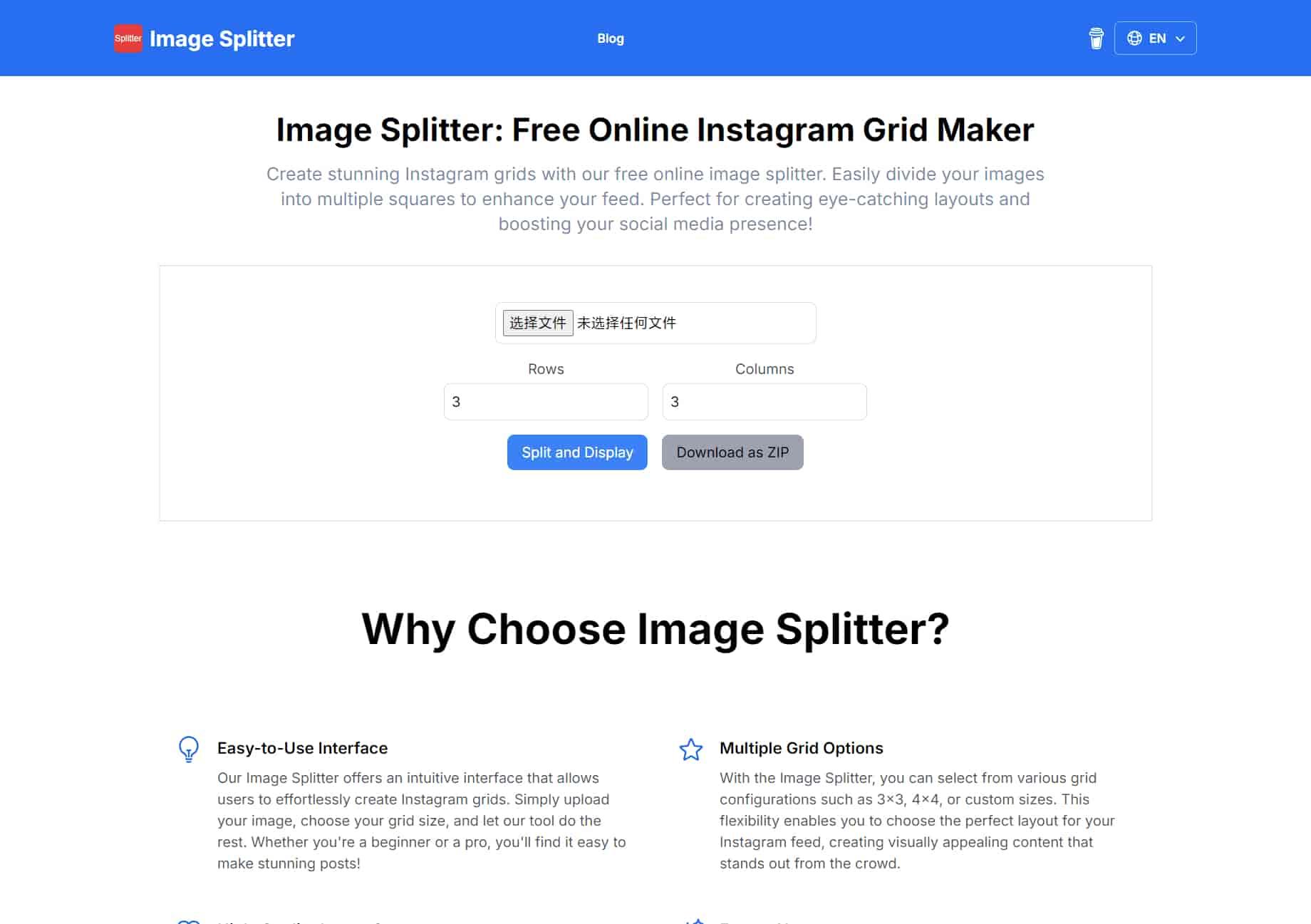
Our Image Splitter offers an intuitive interface that allows users to effortlessly create Instagram grids. Simply upload your image, choose your grid size, and let our tool do the rest. Whether you're a beginner or a pro, you'll find it easy to make stunning posts!
With the Image Splitter, you can select from various grid configurations such as 3x3, 4x4, or custom sizes. This flexibility enables you to choose the perfect layout for your Instagram feed, creating visually appealing content that stands out from the crowd.
We ensure that the images you split maintain their original quality. The Image Splitter processes your photos with precision, allowing you to share high-resolution images on Instagram that captivate your audience and enhance your professional image.
Enjoy our Image Splitter completely free! There are no hidden fees or subscriptions required. Make beautiful Instagram grids without any financial commitment, making it accessible for everyone, from hobbyists to professional influencers.
You can start creating your Instagram grid without any hassle! Our Image Splitter does not require you to register or create an account, ensuring a seamless user experience. Just upload your image and start splitting right away!
Our Image Splitter is designed to work flawlessly on all devices, including smartphones and tablets. Whether you're on the go or at home, you can easily create the perfect Instagram grid anytime and anywhere!
An image splitter is a tool that allows users to divide or split a single image into multiple sections, grids, or parts. These sections can be of equal or varying sizes, depending on the user’s preference. Typically, image splitters are used for creating visual effects, preparing images for printing, or organizing content for social media platforms like Instagram, where grid layouts are popular.
Yes, the online image splitters offer basic functionalities like splitting an image into equal parts for free. However, some advanced features (such as custom grid layouts, larger file sizes, or ad-free usage) might require a paid subscription or premium version.
Yes.It provide flexible options for splitting images into custom configurations suitable for Instagram and TikTok.
Yes,you can split images into into half, two, three, four, five, or nine parts and also automatically cut photo for Instagram by setting only the desired cutting format, for example, 3x2 for horizontal picture, 3x3 for square or 3x4 for vertical orientation and so on.
Yes, the image splitter can be a good alternative to PineTools. Both tools allow you to split images into multiple parts, making them useful for tasks like creating social media grids or custom layouts. While PineTools is known for offering a variety of image manipulation features, many free online splitters provide similar functionality with user-friendly interfaces and support for common formats like JPG and PNG. These alternatives don’t require any downloads and are accessible from any browser, making them convenient options for users looking for quick and simple image splitting.
The Image Splitter automatically divide the image into equal parts based on the number of rows and columns you specify. There's no need to manually adjust the size of each piece.
You can use the Image Splitter to create engaging posts by splitting a large image into smaller parts and posting them sequentially to create a mosaic effect on your social media profile.
分享实用笔记,帮助他人评估此工具。
暂无评论。开始对话吧。


AI Image Extender 是一款免费在线工具,利用生成式 AI 将图像扩展到原始边界之外。轻松取消照片裁剪、调整宽高比并扩展背景,同时保持质量。

CreateForge AI 是一个创意工作区,可让您使用多种 AI 模型生成图像和视频,包括 Nano Banana、Seedream、Grok Imagine、Veo、Flux、GPT Image 和 Seedance。它提供提示词撰写、模型选择、受保护的报价以及用于存储结果的私有资源库。

免费的浏览器端文本转图像工具,支持多模型切换(FLUX、Stable Diffusion、Z Image Turbo、Qwen)。无需账户、无需积分,即时下载。限制取决于托管方。

SearchSpot 是一款 AI 旅行规划工具,可比较航班、酒店、餐厅和交通,并生成包含实时价格、AI 推理和团队协作的共享行程。永久免费。


Flux 2 Max 是 Flux 2 系列中最先进的版本,专为追求高精度、真实感和生产级视觉输出的创作者而设计。作为一款高端的 AI 图像生成器(AI Image Generator) 与强大的 AI 图像编辑器(AI Image Editor) 的结合体,Flux 2 Max 将图像质量与一致性提升到了全新高度,非常适合专业级创作流程。
随着人工智能的飞速发展,11月成为了全年最具突破性的月份之一。从新一代图像模型和令人惊叹的视频工具,到能够编写代码、构建应用程序、清理杂乱数据,甚至从零开始创建完整学习中心的 AI 助手,应有尽有。无论你是创作者、营销人员、学生、开发者,还是仅仅是一位人工智能爱好者,本月的种种新发现都会让你重新思考人工智能的无限可能。

2025年最佳AI大模型与AI工具,最受欢迎的免费AI大模型与AI工具。

With the launch of the iOS 18.1 Beta version, registered developers can now experience some of the features of Apple AI, a cutting-edge addition to AI tools.