 Image Splitter Online
AIニュースレターを購読
あなたのデータは私たちと完全に安全です。誰とも共有しません。

Create stunning Instagram grids with our free online image splitter. Easily divide your images into multiple squares to enhance your feed. Perfect for creating eye-catching layouts and boosting your social media presence!
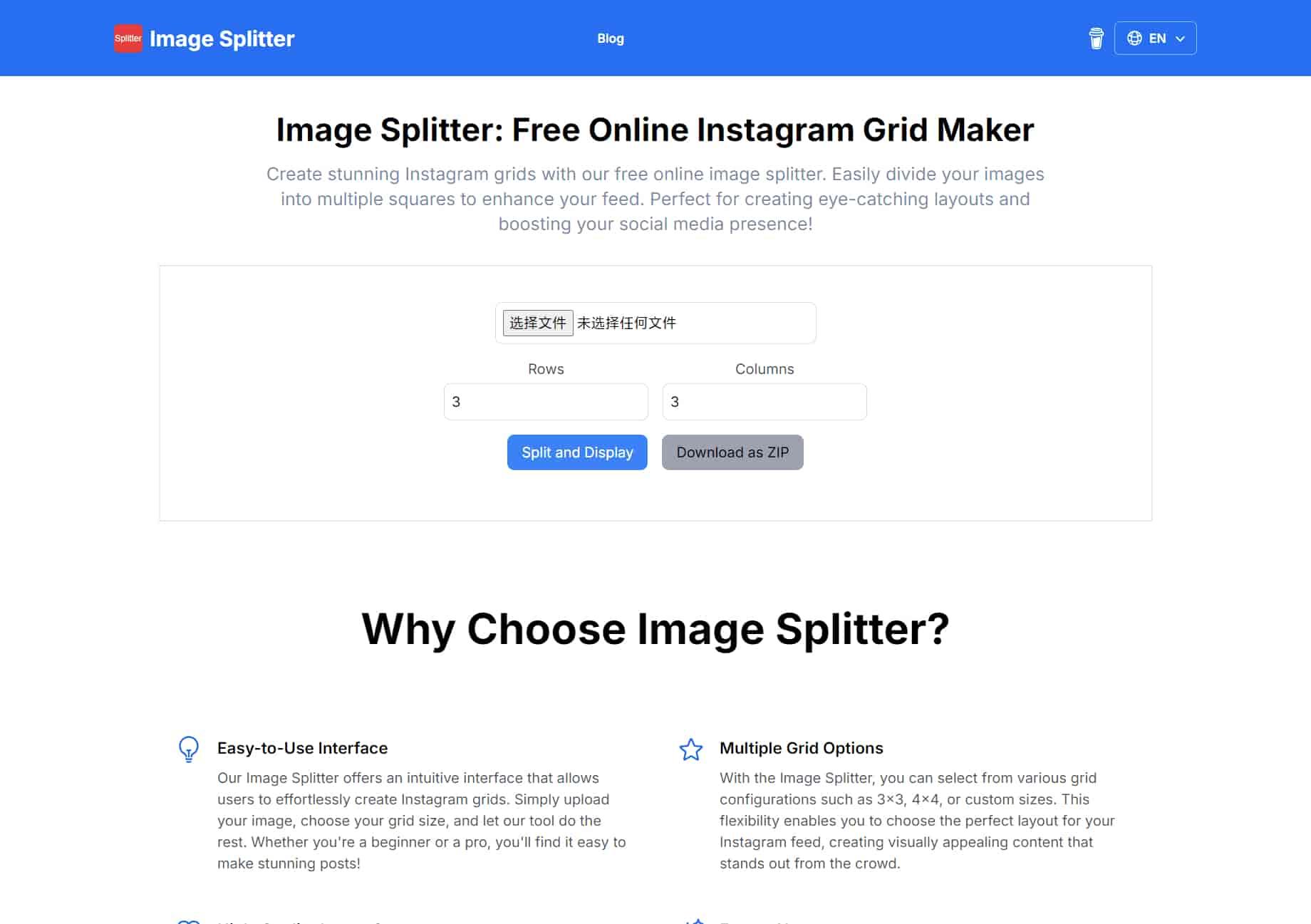
Our Image Splitter offers an intuitive interface that allows users to effortlessly create Instagram grids. Simply upload your image, choose your grid size, and let our tool do the rest. Whether you're a beginner or a pro, you'll find it easy to make stunning posts!
With the Image Splitter, you can select from various grid configurations such as 3x3, 4x4, or custom sizes. This flexibility enables you to choose the perfect layout for your Instagram feed, creating visually appealing content that stands out from the crowd.
We ensure that the images you split maintain their original quality. The Image Splitter processes your photos with precision, allowing you to share high-resolution images on Instagram that captivate your audience and enhance your professional image.
Enjoy our Image Splitter completely free! There are no hidden fees or subscriptions required. Make beautiful Instagram grids without any financial commitment, making it accessible for everyone, from hobbyists to professional influencers.
You can start creating your Instagram grid without any hassle! Our Image Splitter does not require you to register or create an account, ensuring a seamless user experience. Just upload your image and start splitting right away!
Our Image Splitter is designed to work flawlessly on all devices, including smartphones and tablets. Whether you're on the go or at home, you can easily create the perfect Instagram grid anytime and anywhere!
An image splitter is a tool that allows users to divide or split a single image into multiple sections, grids, or parts. These sections can be of equal or varying sizes, depending on the user’s preference. Typically, image splitters are used for creating visual effects, preparing images for printing, or organizing content for social media platforms like Instagram, where grid layouts are popular.
Yes, the online image splitters offer basic functionalities like splitting an image into equal parts for free. However, some advanced features (such as custom grid layouts, larger file sizes, or ad-free usage) might require a paid subscription or premium version.
Yes.It provide flexible options for splitting images into custom configurations suitable for Instagram and TikTok.
Yes,you can split images into into half, two, three, four, five, or nine parts and also automatically cut photo for Instagram by setting only the desired cutting format, for example, 3x2 for horizontal picture, 3x3 for square or 3x4 for vertical orientation and so on.
Yes, the image splitter can be a good alternative to PineTools. Both tools allow you to split images into multiple parts, making them useful for tasks like creating social media grids or custom layouts. While PineTools is known for offering a variety of image manipulation features, many free online splitters provide similar functionality with user-friendly interfaces and support for common formats like JPG and PNG. These alternatives don’t require any downloads and are accessible from any browser, making them convenient options for users looking for quick and simple image splitting.
The Image Splitter automatically divide the image into equal parts based on the number of rows and columns you specify. There's no need to manually adjust the size of each piece.
You can use the Image Splitter to create engaging posts by splitting a large image into smaller parts and posting them sequentially to create a mosaic effect on your social media profile.
実用的なメモを共有し、他の人がこのツールを評価するのを助けましょう。
まだコメントはありません。会話を始めましょう。


AI Image Extenderは、生成AIを使用して画像を元の境界を超えて拡張する無料のオンラインツールです。写真のアンクロップ、アスペクト比の調整、背景の拡張を品質を保ちながら簡単に行えます。

CreateForge AIは、Nano Banana、Seedream、Grok Imagine、Veo、Flux、GPT Image、Seedanceなど、さまざまなAIモデルを使用して画像や動画を生成できるクリエイティブワークスペースです。プロンプト作成、モデル選択、保護された見積もり、結果を保存するプライベートライブラリを提供します。

FLUX、Stable Diffusion、Z Image Turbo、Qwen のマルチモデル切り替えを備えた無料のブラウザベースのテキストから画像生成ツール。アカウント不要、クレジット不要、即時ダウンロード。制限はホストに依存します。

SearchSpotは、航空券、ホテル、レストラン、交通を比較し、ライブ価格、AIの推論、グループコラボレーションを備えた共有旅程を作成するAI旅行プランナーです。永久無料。



This comprehensive guide explores the best AI image generators available in 2026, highlighting their unique features, strengths, and ideal use cases. We'll dive deep into each tool's capabilities to help you identify which AI image generator best suits your creative needs.

Google has just launched a powerful AI IDE code editor — now you can really vibe while coding

The best AI Model And AI Tools in 2026,The Most Popular Free AI Model And AI Tools.