訂閱 AI 電子報
您的資料完全安全。我們不會與任何人分享。
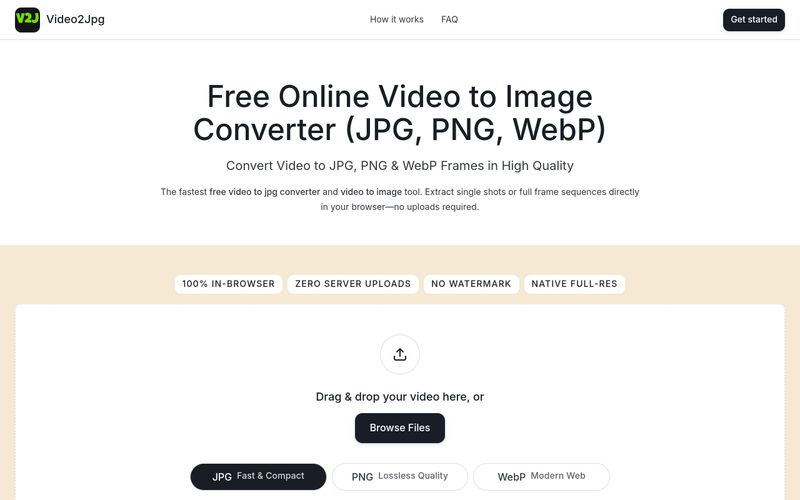
只需將影片拖曳到上方的轉換器方塊中,選擇 JPG 作為輸出格式,移至所需的時間點,然後點擊下載。您也可以設定間隔擷取,自動提取每一幀。
在行動裝置的 Safari 或 Chrome 中開啟此網頁,點擊「瀏覽檔案」從照片圖庫中選擇一段影片,選擇 JPG,然後將擷取的高解析度幀直接儲存到相機膠卷中。
可以。選擇 PNG 模式,設定擷取頻率(例如每一幀或每秒),然後點擊「擷取」。影片轉 PNG 轉換器會將所有完整解析度的影片轉 PNG 幀彙整成單一可下載的 ZIP 壓縮檔。
是的。這是 100% 免費的影片轉 JPG 轉換器與多格式圖片擷取工具。所有處理完全在使用者瀏覽器本機資源上執行,影片資料絕不會上傳至外部伺服器。
Video2Jpg 免費且保有隱私:所有處理都在您的瀏覽器中進行,不會上傳檔案。它適用於行動裝置與桌面裝置,並支援批次匯出 PNG 序列。

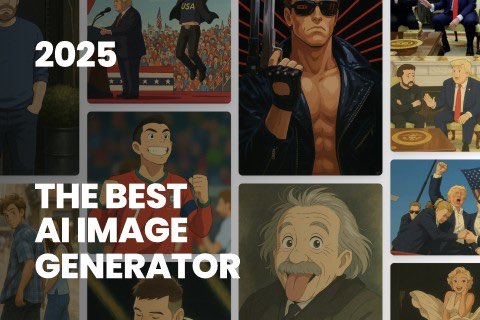
This comprehensive guide explores the best AI image generators available in 2026, highlighting their unique features, strengths, and ideal use cases. We'll dive deep into each tool's capabilities to help you identify which AI image generator best suits your creative needs.
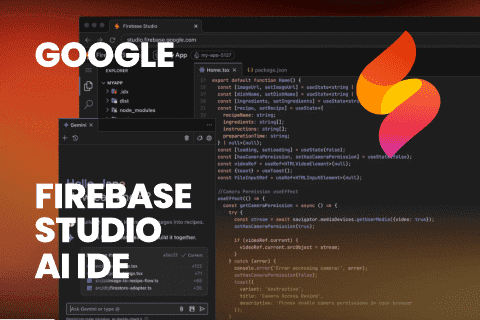
Google has just launched a powerful AI IDE code editor — now you can really vibe while coding
The best AI Model And AI Tools in 2026,The Most Popular Free AI Model And AI Tools.