Подпишитесь на новости ИИ
Ваши данные полностью защищены. Мы никому их не передаём.
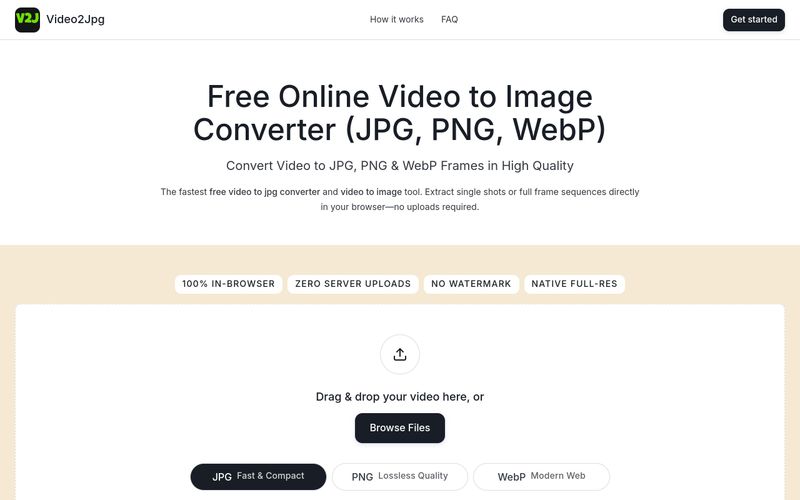
Simply drag your video into the converter box above, select JPG as your output format, seek to the desired timestamp, and click download. You can also set interval capture to automatically extract every frame.
Open this webpage in Safari or Chrome on your mobile device, tap Browse Files to select a clip from your Photo Library, choose JPG, and save the extracted high-resolution frames directly to your camera roll.
Yes. Select PNG mode, set your extraction frequency (e.g., every frame or every second), and click Extract. The video to png converter compiles all full-resolution video to png frames into a single downloadable ZIP archive.
Yes. This is a 100% free video to jpg converter and multi-format image extractor. All processing runs entirely client-side using your browser's local resources—no video data is ever uploaded to external servers.
Video2Jpg is free and private: all processing happens in your browser, no uploads. It works on mobile and desktop, and supports batch PNG sequence export.



This comprehensive guide explores the best AI image generators available in 2026, highlighting their unique features, strengths, and ideal use cases. We'll dive deep into each tool's capabilities to help you identify which AI image generator best suits your creative needs.

Google has just launched a powerful AI IDE code editor — now you can really vibe while coding

The best AI Model And AI Tools in 2026,The Most Popular Free AI Model And AI Tools.