Subscribe to AI newsletter
Your data is completely secure with us. We don't share it with anyone.
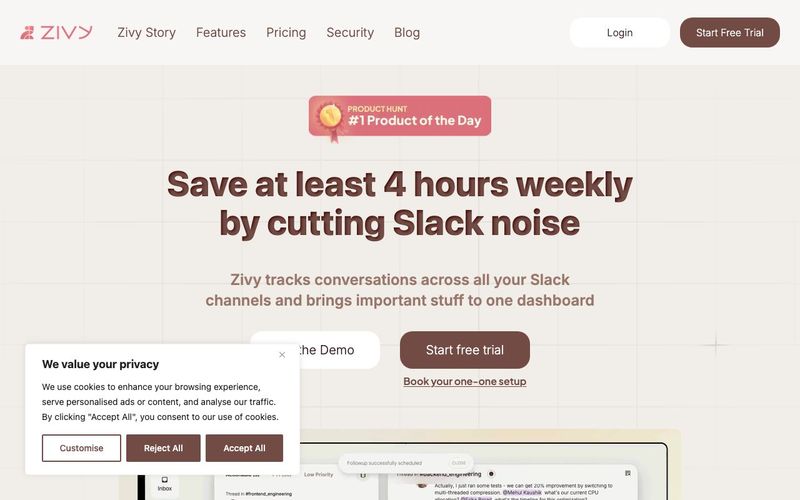
Zivy was specifically built to address a real problem that managers face daily - information overload in Slack. Unlike generic AI tools, Zivy focuses on one critical workflow (message triage) and does it exceptionally well. Our customers report saving 40% of their Slack time, which translates to about 4 hours per week for the average manager. We offer a free trial so you can verify these results for yourself.
Slack's native features require manual tagging and organization, adding more work to your plate. Zivy automatically categorizes messages using AI that understands the content and context of communications. Additionally, Zivy's auto follow-up system tracks messages that need responses, a capability not available in Slack. This automation is what creates the significant time savings for our users.
Zivy's smart categorization system starts with over 80% accuracy in identifying action items, FYIs, and low-priority messages and we're constantly improving it. If something's off, just leave quick feedback right on the message in Slack or on the web. Zivy learns from it and adapts to your style.
Absolutely, your Slack data is completely secure with Zivy. We use OAuth2 integration with official APIs, so your passwords never reach us, and all your information is encrypted both at-rest and in-transit with full GDPR compliance. Zivy is ISO 27001 & SOC-2 certified, and our systems undergo yearly security and privacy audits.
Getting Zivy approved is pretty straightforward! You'll need to chat with your Slack workspace admin since they're the ones who can approve new apps. Your admin can either turn off the "Require App Approval" setting or allow team members to request app approvals. Once you start connecting to Zivy, your admin will get a friendly DM from Slackbot asking for approval - just one click and you're good to go! For complete step-by-step instructions, visit: How to approve the Zivy Slack app for your workspace?
No, Zivy does not share your data with any third parties for marketing or other commercial purposes. We use your data solely to provide and improve your experience.
Zivy is not just another AI tool making empty promises; it is a purpose-built AI Office Tool that addresses one of the most pressing productivity challenges managers face today: Slack information overload. Unlike generic AI solutions that try to do everything but deliver little tangible value, Zivy focuses exclusively on message triage and workflow optimization within Slack. By intelligently categorizing messages into Action Items, FYIs, and low-priority threads, Zivy allows managers to concentrate on what truly matters. Users report saving up to 40% of their Slack time—roughly four hours per week—demonstrating measurable, real-world benefits. A free trial enables new users to verify these productivity gains for themselves.
One of the key differentiators of Zivy compared to Slack’s built-in features like reminders and later is automation. Slack requires manual tagging and organization, which adds cognitive load to already busy schedules. Zivy leverages advanced AI algorithms to understand the content and context of every message, automatically prioritizing communications and tracking messages that require follow-up. This intelligent automation reduces manual effort while ensuring that critical tasks never fall through the cracks. Zivy’s categorization accuracy starts at over 80% and continuously improves through user feedback, adapting to individual workflow styles.
Security and data privacy are central to Zivy’s design. Slack data is protected through OAuth2 integrations, with encryption in transit and at rest, full GDPR compliance, and ISO 27001 and SOC-2 certifications. Regular audits ensure that user data remains secure and private, and Zivy does not share any information with third parties. Installation and workspace approval are straightforward, requiring only minimal interaction with Slack admins, ensuring seamless setup and adoption.
In summary, Zivy stands out as a high-impact AI tool in the AI Office Tools space. By focusing on what matters—reducing Slack noise, automating follow-ups, and prioritizing actionable messages—Zivy helps managers and teams work smarter, not harder. It transforms chaotic messaging into clarity and efficiency, making it an indispensable solution for modern workplaces seeking to maximize productivity without compromise.



This comprehensive guide explores the best AI image generators available in 2026, highlighting their unique features, strengths, and ideal use cases. We'll dive deep into each tool's capabilities to help you identify which AI image generator best suits your creative needs.

Google has just launched a powerful AI IDE code editor — now you can really vibe while coding

The best AI Model And AI Tools in 2026,The Most Popular Free AI Model And AI Tools.