Subscribe to AI newsletter
Your data is completely secure with us. We don't share it with anyone.
Create stunning AI images in seconds. Z Image Turbo makes art fast, easy, and delightful—perfect for artists, creators, and anyone with imagination.
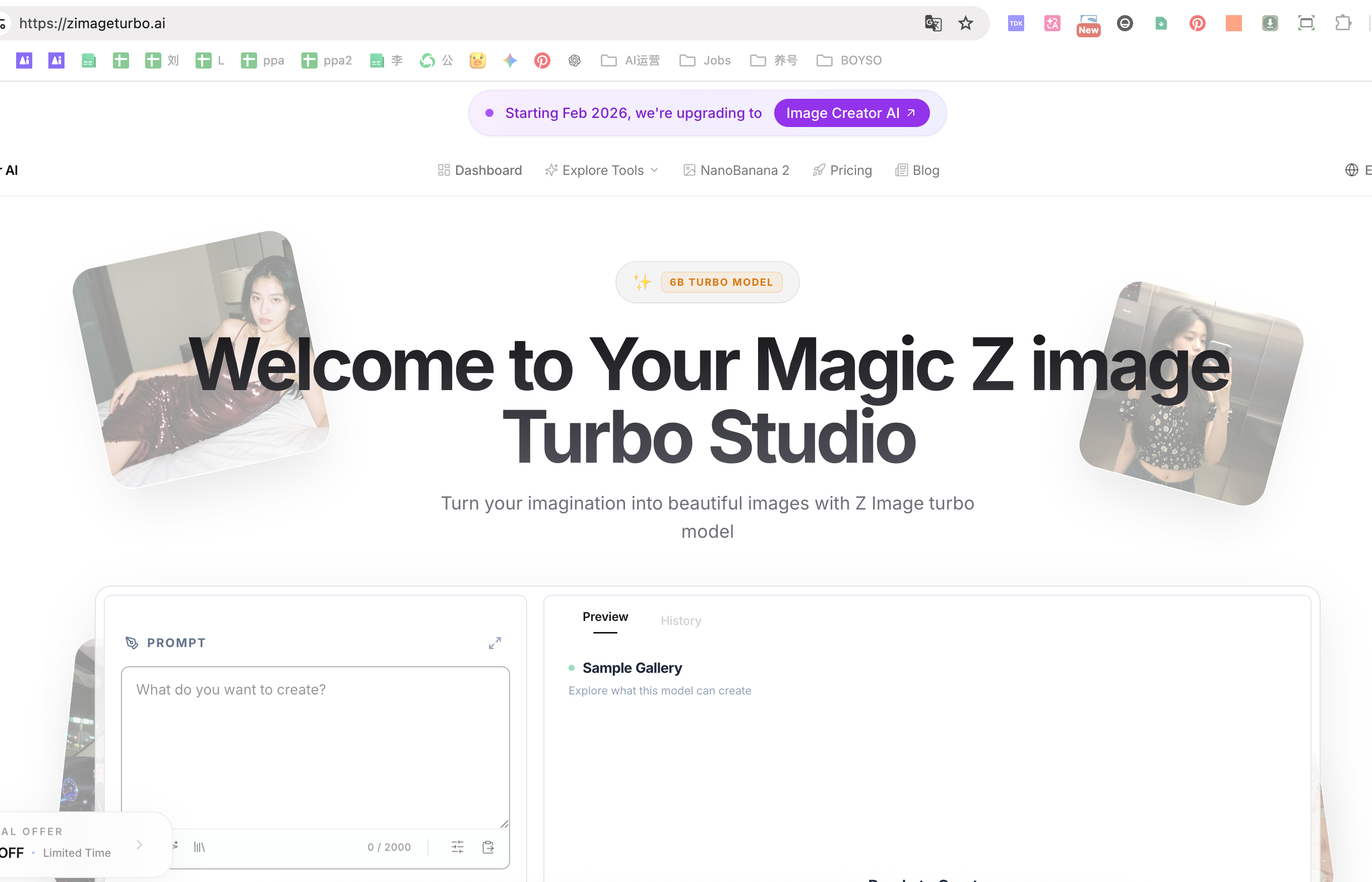
In the fast-growing world of creative technology, Z Image Turbo stands out as a powerful and accessible AI tool designed to redefine modern Image Generation. Built with both speed and usability in mind, it enables creators, designers, and businesses to transform ideas into high-quality visuals within seconds—eliminating many of the traditional barriers associated with digital art production.
One of the most impressive aspects of Z Image Turbo is its exceptional performance. Powered by an optimized diffusion pipeline, the platform can generate stunning images in as little as 2–4 seconds on cloud infrastructure, and under 10 seconds when self-hosted on a mid-range GPU. This level of speed is a game-changer for creative workflows, allowing users to experiment with multiple concepts in real time without interrupting their creative flow. Unlike many other Image Generation tools that require long rendering times, Z Image Turbo keeps prompts active in memory, making iteration seamless and efficient.
Beyond speed, the tool delivers remarkable visual quality. Whether creating photorealistic portraits, product mockups, or imaginative landscapes, Z Image Turbo produces highly detailed, 4K-resolution outputs that meet both personal and commercial standards. Its bilingual capabilities further enhance usability, supporting English, Chinese, and mixed-language prompts with impressive accuracy—even rendering Chinese typography clearly, which is often a challenge for many AI systems.
Another key advantage is its flexibility. Users can either access Z Image Turbo directly through a browser, leveraging managed GPUs, or deploy it locally using open-source weights compatible with platforms like ComfyUI or Invoke. This dual approach makes it suitable for both beginners seeking convenience and advanced users who require full control over their workflows.
Importantly, Z Image Turbo is open-source and free for both personal and commercial use, making it an attractive choice for agencies, marketers, and independent creators. Its permissive licensing ensures that all generated content belongs to the user, with no hidden fees or royalties.
In conclusion, Z Image Turbo is a next-generation AI tool that combines speed, quality, and flexibility to elevate Image Generation. By making high-end visual creation faster, easier, and more accessible, it empowers users to bring their ideas to life with unprecedented efficiency and creative freedom.
Type your creative ideas in the magic box. Z Image Turbo supports both English and Chinese prompts natively.
Witness the lightning-fast 6B Turbo model generate high-quality images in seconds as you type.
Perfect your masterpiece with our pro tools and download it in 4K resolution instantly.
How fast is Z Image Turbo in real projects?
Z Image Turbo runs an optimized 8-step diffusion pipeline, so most scenes finish in 2–4 seconds on the hosted cluster and under 10 seconds when you self-host with a mid-range GPU. Because Z Image Turbo keeps prompts warm in memory, you can audition multiple compositions without breaking your flow.
Do I need special hardware or can I just run Z Image Turbo online?
You can open Z Image Turbo in the browser and let our managed GPUs do the heavy lifting, or download the Apache-licensed weights to ComfyUI, RunPod, or bare metal. The same Z Image Turbo model files power both flows, so you can switch anytime.
Can I use Z Image Turbo images for clients and commercial work?
Yes. Z Image Turbo ships under permissive terms, so every render you produce belongs to you. Agencies run Z Image Turbo for marketing decks, merch, and product shots without hidden royalties.
Does Z Image Turbo support bilingual prompts and Chinese typography?
Z Image Turbo was distilled with bilingual text encoders, so English, Chinese, and mixed prompts stay coherent. Even when you spell out Chinese slogans, Z Image Turbo keeps the strokes clean instead of producing garbled glyphs.
Is Z Image Turbo really free, and how do credits work?
Self-hosted Z Image Turbo is 100% free—download the checkpoints, deploy once, and generate forever. Our hosted Z Image Turbo tiers simply add convenience: subscribe for bundled credits or top up pay-as-you-go when you only need a few bursts.
How do I deploy or integrate Z Image Turbo into a pipeline?
Export the Z Image Turbo GGUF or safetensors weights, drop them into ComfyUI or Invoke, or call our REST endpoint that mirrors the same parameters. Teams even wrap Z Image Turbo inside serverless workers to automate daily prompt batches.
Share practical notes and help others evaluate this tool.
No comments yet. Start the conversation.


Explore curated Codex skins, save favorites, and customize Codex Desktop on macOS or Windows with native UI preserved.

NanoBananaAI is a free AI image generator powered by Nano Banana Pro, Google's advanced image model. Create, edit, and transform stunning visuals with natural language prompts. No design skills needed.

Create faceless reels from an idea or script. Review the hook, voiceover, visuals, captions, and scene plan before generation.

Discover Nano Banana, the next-generation multimodal model for context-aware image generation and editing. Combine text and image prompts to create, edit, and refine visuals with unmatched consistency and style.



This comprehensive guide explores the best AI image generators available in 2026, highlighting their unique features, strengths, and ideal use cases. We'll dive deep into each tool's capabilities to help you identify which AI image generator best suits your creative needs.

Google has just launched a powerful AI IDE code editor — now you can really vibe while coding

The best AI Model And AI Tools in 2026,The Most Popular Free AI Model And AI Tools.